Flexi PDF

Flexi PDF

Download on App Store
Logo of Flexi PDF

Flexi PDF: The Essential Mobile Toolkit for Seamless Document Management

Split, merge, and crop PDFs in seconds. Empowering professionals and students to handle their document workflow with precision and speed, right from their iPhone.

Download on App Store

Publisher

JOIN SHIP TECH LIMITED

Category

Business

Downloads

1K+

User Rating

1.0/5

Total Ratings

0

Locales

1

A Glimpse of Efficiency

Discover the interface used by 1K+ users.
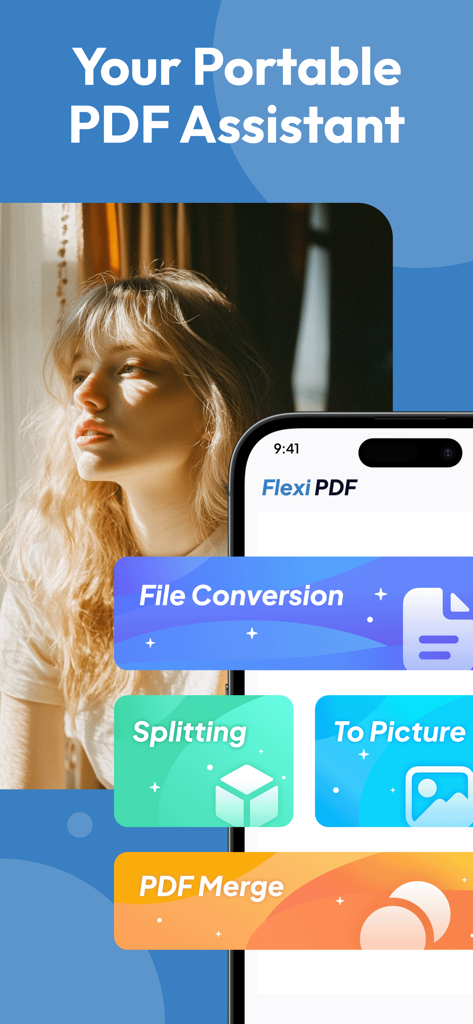
Flexi PDF app main menu on an iPhone showing file conversion splitting and merging features

Flexi PDF app main menu on an iPhone showing file conversion splitting and merging features

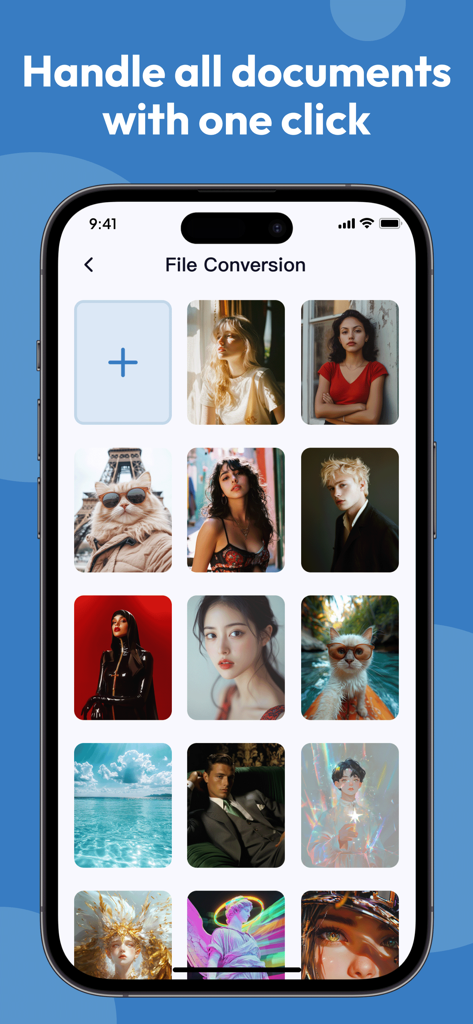
Flexi PDF app interface showing the file conversion screen with a grid of images

Flexi PDF app interface showing the file conversion screen with a grid of images

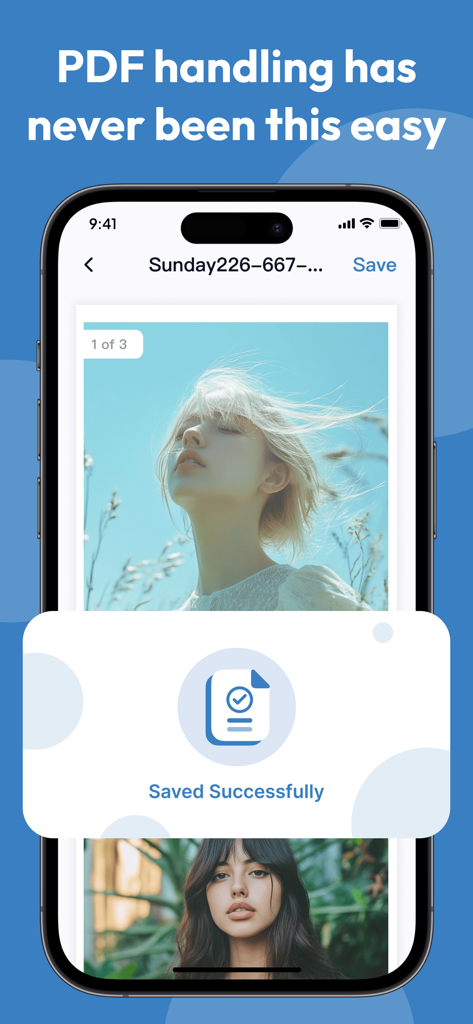
Flexi PDF app interface showing a saved successfully notification on an iPhone.

Flexi PDF app interface showing a saved successfully notification on an iPhone.

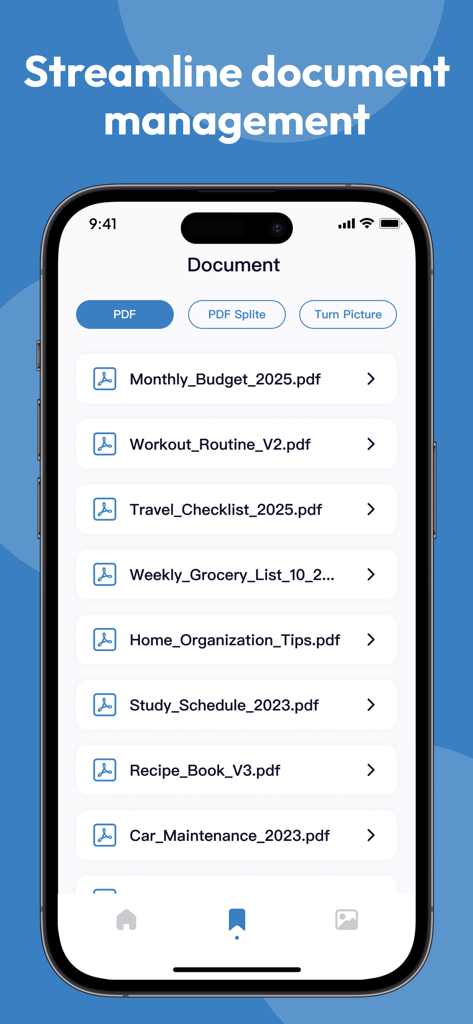
Flexi PDF mobile app interface showing a list of PDF documents and file management options on an iPhone.

Flexi PDF mobile app interface showing a list of PDF documents and file management options on an iPhone.

Professional PDF Tools for the Modern Pro

The tools that make this app stand out, trusted by 1K+ users.

πŸ“‚

Seamless File Synthesis

Effortlessly merge multiple PDFs and images into a single, polished document ready for immediate sharing.

βœ‚οΈ

Precision Page Splitting

Isolate the exact pages you need from lengthy reports to save time and reduce digital clutter on the go.

πŸ“

Smart Margin Cropping

Clean up scans by removing messy headers and blank spaces, ensuring your files look perfect on every screen.

About the app

Everything you need to know about Flexi PDF.

Description

Do you often find it difficult to handle PDF files? Flexi PDF can provide you with efficient solutions. This tool has comprehensive functions, easy operation, and can easily meet various PDF processing needs. 1. PDF Splitting: Accurately Extracting Content When faced with lengthy PDF files and the need to locate specific chapters or content, the splitting function of Flexi PDF can divide the file into independent parts according to requirements, making it easy to quickly obtain the required content and effectively improving file management efficiency. 2. PDF synthesis: Integrating multiple files In work and study, it is often necessary to summarize multiple PDF files. With the help of this tool, scattered files can be easily merged into a complete document in the specified order, achieving efficient integration of information. 3. Local PDF cropping: Remove excess parts When there are excess blank margins, headers, footers, or unnecessary content in a PDF file, use the cropping function to customize the cropping area through simple box selection operations, making the file page concise and highlighting key points. 4. Quick save and export: convenient for sharing and use After completing the above operations, Flexi PDF supports quick saving and exporting of processed files, and is compatible with multiple common formats, making it easy to transfer and use between different devices and platforms, seamlessly connecting work and learning processes. Choose Flexi PDF to experience efficient and convenient PDF processing services, easily handling various PDF processing tasks.

Latest Version

1.0.6

Size

65.4 MB

First Released

Feb 14, 2025

Master Your PDFs on the Move

Stop waiting for your desktop. Merge, split, and crop documents in seconds with the ultimate tool for busy professionals and students. Download Flexi PDF today and experience seamless document management.

Download on App Store

App information, icons, screenshots, and descriptions displayed on this page are sourced from the Apple App Store and are the property of their respective developers. Download estimates and rankings are based on MWM's proprietary models and may not reflect actual figures. This page is provided for informational and analytical purposes only.

Believe this page infringes your intellectual property? File a dispute