
Flexi PDF

The fast and lightweight tool to split, merge, and crop PDFs on the go. Streamline your workflow and handle contracts, notes, and reports in seconds.
Publisher
Category
BusinessDownloads
1M+User Rating
Total Ratings
400Locales
1Discover the interface used by 1M+ users.
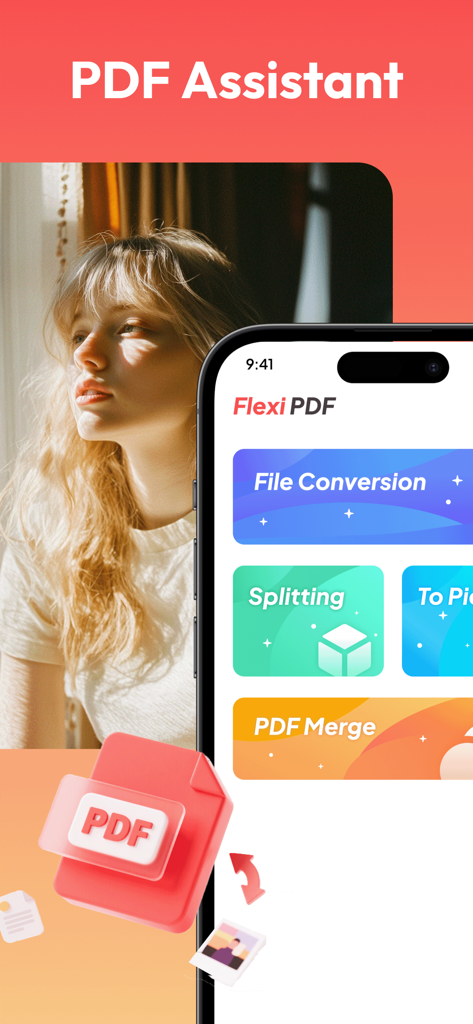
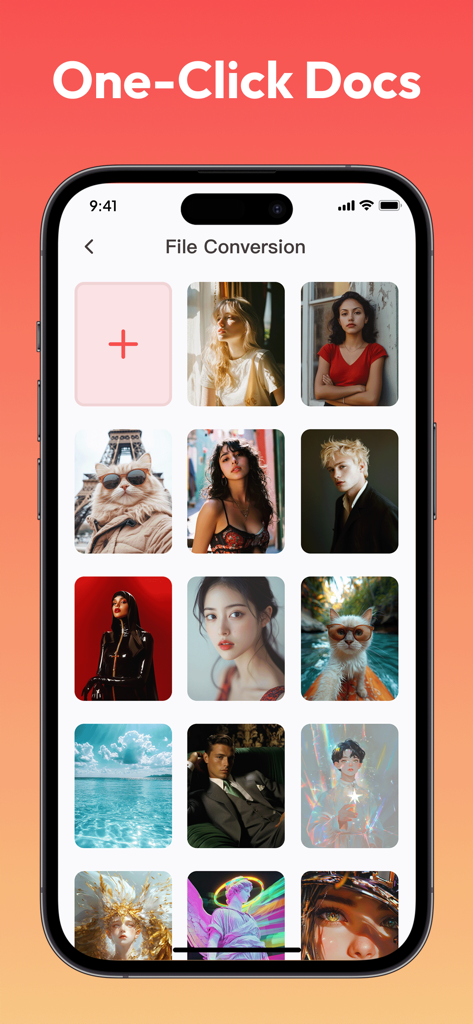
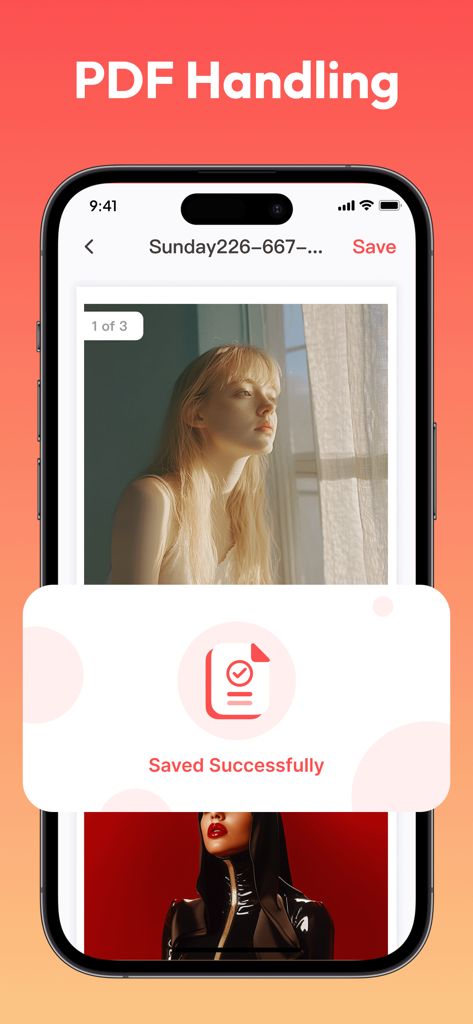
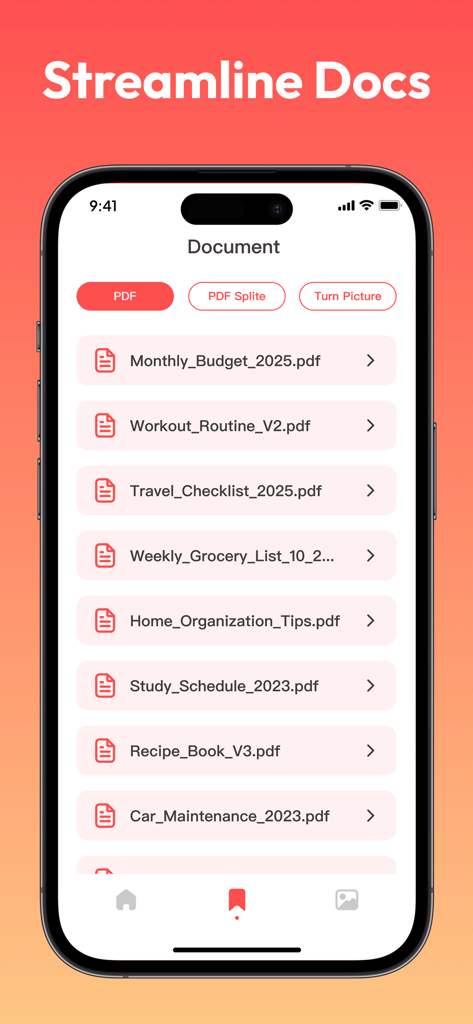
The tools that make this app stand out, trusted by 1M+ users.
Combine scattered files or mobile scans into one cohesive PDF in seconds—perfect for compiling reports, contracts, or study notes.
Clean up messy scans by removing blank margins and unnecessary headers. Highlight what matters most with a simple box-selection tool.
Instantly extract specific chapters or pages from bulky files. Manage large documents with ease and share only the sections you need.
Insights from user reviews.
Sentiment Score
Summary
This app receives overwhelmingly negative feedback, with users consistently reporting it as a scam due to misleading advertisements and a complete failure to deliver on its promise of free video content. Users are frustrated by constant, excessive ads and the inability to find or watch any movies or series, often being redirected to other app installations or irrelevant PDF files instead. The general consensus is that the app is fake, useless, and should not be downloaded, leading to a very low overall sentiment.
Common Themes
Everything you need to know about Flexi PDF.
Description
Latest Version
1.0.6
Size
51.6 MB
First Released
Apr 23, 2025
Join over 1 million professionals and students using Flexi PDF to split, merge, and crop documents with ease. Download the lightweight, desktop-grade tool for your mobile office today.
Everything you need to know about Flexi PDF
Flexi PDF offers comprehensive PDF processing functions. It supports PDF splitting, merging (synthesis), local cropping, and quick saving and exporting in multiple common formats for efficient file management.
Yes, Flexi PDF includes a splitting function. It accurately divides lengthy PDF files into independent parts, enabling users to extract specific content or chapters for improved management efficiency.
Flexi PDF provides a PDF synthesis (merging) function. It allows users to easily combine scattered PDF files into a single, complete document, integrating information efficiently in a specified order.
Yes, Flexi PDF supports local PDF cropping. Users can remove excess blank margins, headers, footers, or other unnecessary content by customizing the cropping area through simple box selection operations.
Flexi PDF supports quick saving and exporting of processed files. It is compatible with multiple common formats, ensuring easy transfer and use across various devices and platforms.
Yes, Flexi PDF offers a "To Pic" feature for file conversion. This functionality allows users to convert PDF content to images, facilitating diverse use cases and compatibility needs.
Apps with similar features and user experience

Balzo srl

NEXT K.U.M. LTD

INTSIG Information Co., Ltd

Adobe Inc.

KINGSOFT OFFICE SOFTWARE CORPORATION LIMITED

ILOVEPDF S.L.

The Grizzly Labs

Microsoft Corporation

INDY MOBILE APP COMPANY LIMITED
App information, icons, screenshots, and descriptions displayed on this page are sourced from the Apple App Store and are the property of their respective developers. Download estimates and rankings are based on MWM's proprietary models and may not reflect actual figures. This page is provided for informational and analytical purposes only.
Believe this page infringes your intellectual property? File a dispute
