
This page is not an official page of the app or its developer, but an independent editorial publication created for informational and commentary purposes. Unless expressly stated otherwise, neither the app nor its developer is affiliated with, endorsed by, sponsored by, authorized by, or otherwise officially connected with MWM, Apple, Google Play, the app publisher, or the app's developer, and nothing on this page implies that the app was developed using MWM's services. Any trademarks, logos, screenshots, and other content remain the property of their respective owners.

iLovePDF - PDF Editor & Scan
Scan, convert, edit, and e-sign documents in seconds. Join millions of professionals and students who use our top-rated tools to boost productivity anywhere, anytime.
Downloads
11M+User Rating
Total Ratings
652K+Publisher
Category
ProductivityLocales
25Latest Version
3.13.0Size
277.1 MBFirst Released
Sep 20, 2017Everything you need for your PDF workflow
Stop switching between apps. iLovePDF brings professional-grade document tools to your pocket, helping you stay productive whether you are at home, in a coffee shop, or on the move.
Portable High-Res Scanner
Ditch the bulky hardware. Turn your phone into a powerful scanner with OCR to instantly digitize and extract text from receipts, notes, and contracts.
Easy E-Sign & Form Filling
Close deals faster by signing documents and filling out forms with your finger. No printing, scanning, or mailing required for your high-stakes tasks.
Frequently Asked Questions
Everything you need to know about iLovePDF - PDF Editor & Scan
What is iLovePDF - PDF Editor & Scan?
iLovePDF - PDF Editor & Scan is an application for reading, converting, annotating, and signing PDFs on iPhone and iPad. It includes a document scanner, PDF converter, editor, and tools for optimizing and organizing documents.
Does iLovePDF - PDF Editor & Scan include a document scanner?
Yes, iLovePDF - PDF Editor & Scan includes a phone scanner for iPhone and iPad. Users can snap photos of documents and save them as single or multipage PDFs, featuring Text Recognition (OCR).
Can iLovePDF - PDF Editor & Scan convert files to PDF?
Yes, iLovePDF - PDF Editor & Scan converts various file types to PDF. It supports JPG to PDF, MS Office documents to PDF, and can turn PDFs into editable Office formats like Word, Excel, and PowerPoint.
What editing features does iLovePDF - PDF Editor & Scan offer?
iLovePDF - PDF Editor & Scan provides comprehensive editing features. Users can annotate, highlight text, add notes, draw, insert images, fill and sign forms, and view/modify PDF files.
How can I organize documents using iLovePDF - PDF Editor & Scan?
iLovePDF - PDF Editor & Scan offers tools to organize and optimize documents. These include compressing, merging, splitting, rotating PDFs, adding page numbers, watermarking, and password protection.
Does iLovePDF - PDF Editor & Scan support cloud storage?
Yes, iLovePDF - PDF Editor & Scan connects to Google Drive and Dropbox accounts. Users can select and share documents directly from these cloud services.
How do I access premium features in iLovePDF - PDF Editor & Scan?
Users access iLovePDF Premium features through an auto-renewable subscription. Both annual and monthly subscription options are available for purchase via an iTunes account.
Can I manage my iLovePDF - PDF Editor & Scan subscription?
Yes, users can manage and discontinue their iLovePDF Premium subscriptions. This is done through Account Settings after purchase, as specified in the app's billing policy.
Does iLovePDF - PDF Editor & Scan have OCR?
Yes, iLovePDF - PDF Editor & Scan features Text Recognition (OCR). This allows users to turn any scanned text or image into a PDF with high accuracy.
Which devices does iLovePDF - PDF Editor & Scan support?
iLovePDF - PDF Editor & Scan supports iPhone and iPad devices. It provides document management, editing, and scanning functionalities optimized for these iOS platforms.
The following screenshots and description are sourced directly from the app's official store listing and are the property of the app developer.
App Store
Screenshots
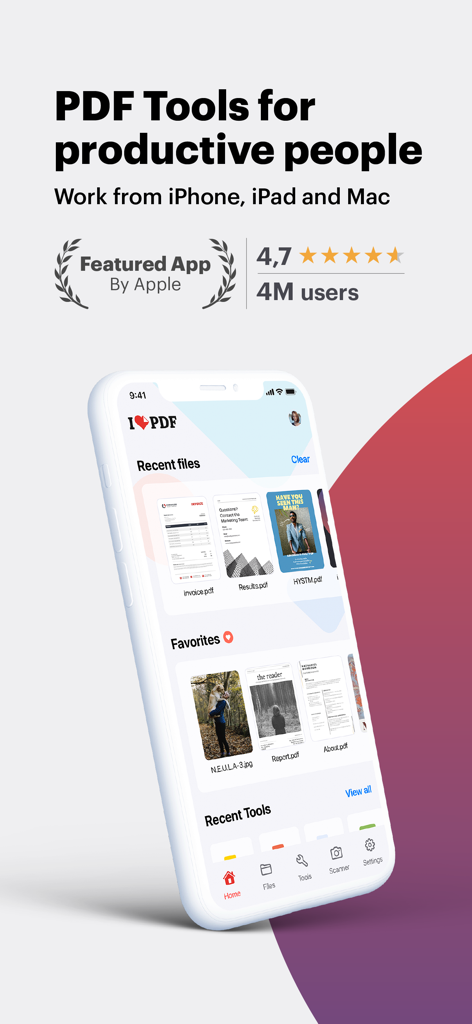
iLovePDF app interface on iPhone showing PDF tools for productive people
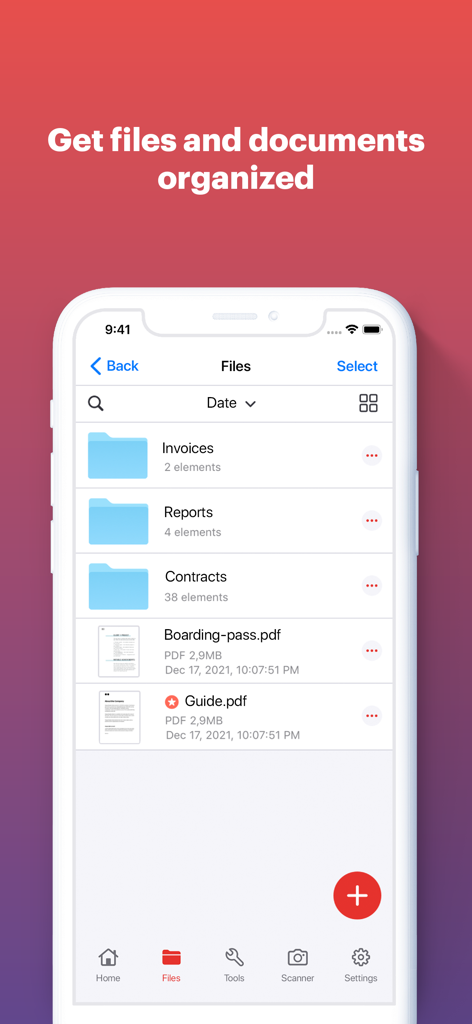
iLovePDF app screen showing organized document folders and PDF files on a mobile phone interface
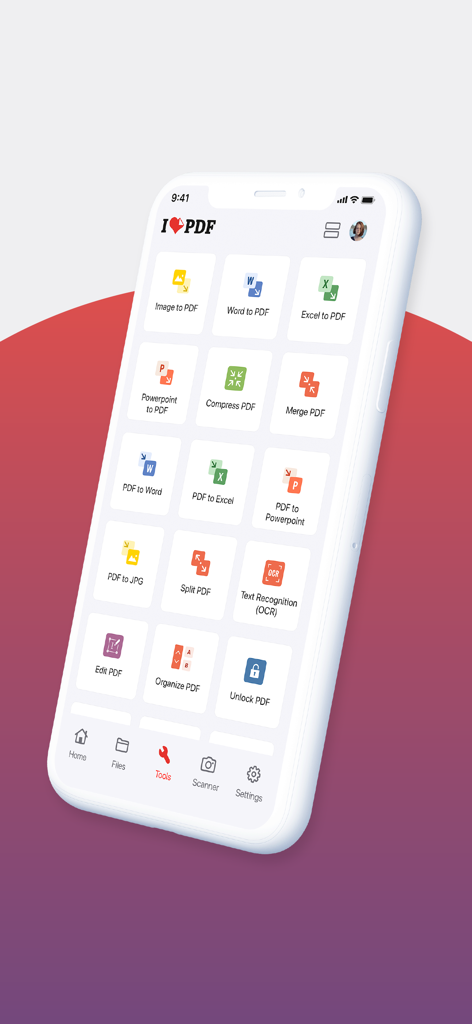
Smartphone screen displaying the iLovePDF app dashboard with various document processing tools like PDF converter and editor.
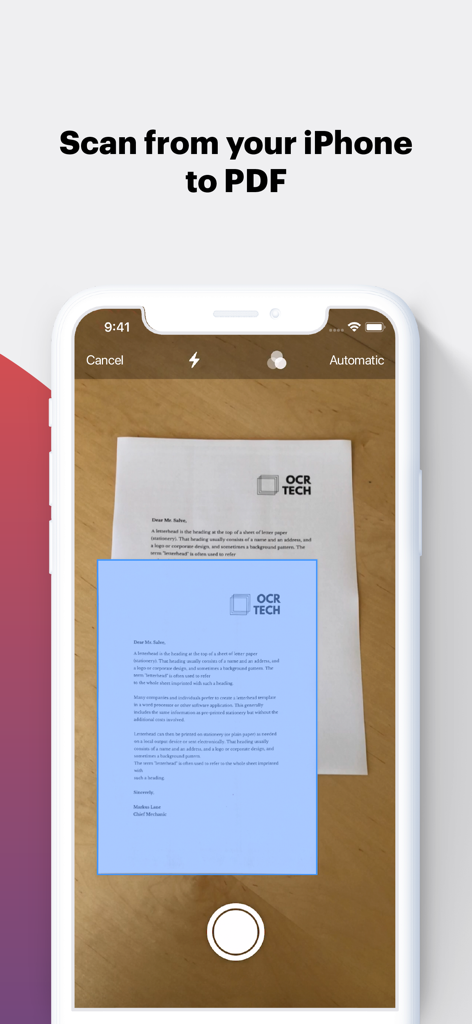
Scanning a document to PDF using an iPhone.
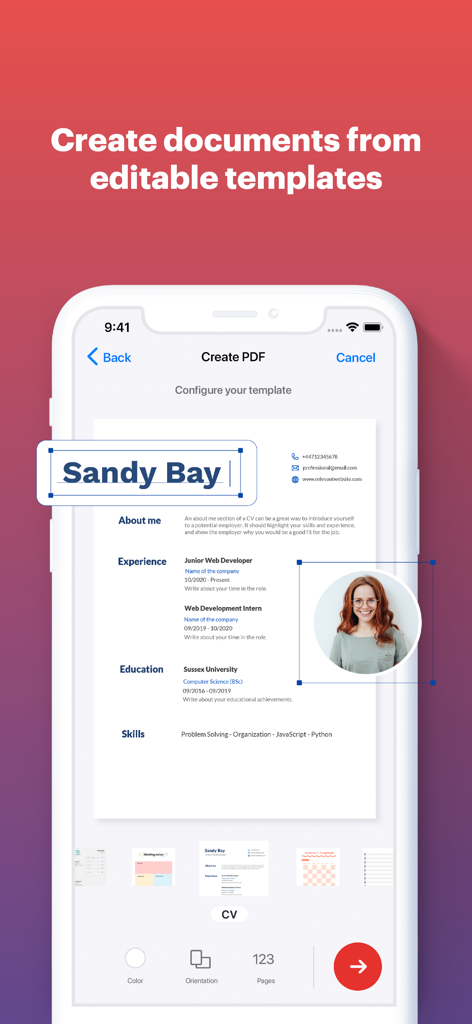
Creating a resume from an editable template using the iLovePDF mobile app
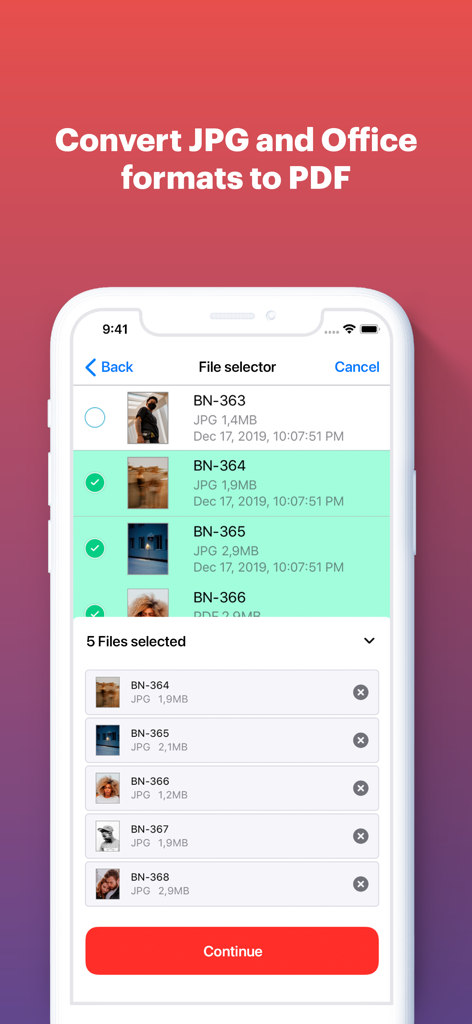
An iPhone screen displaying the iLovePDF file selector with multiple JPG images selected for conversion to PDF
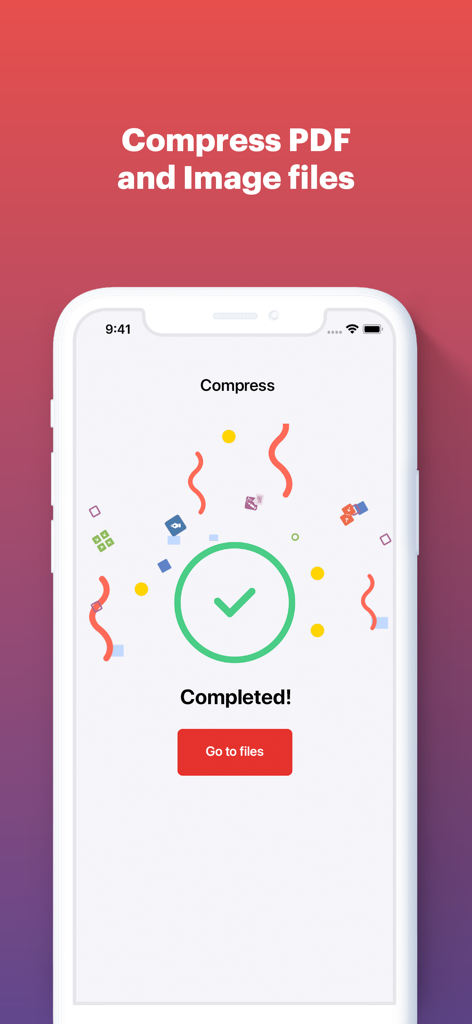
Screen showing completed PDF compression in the iLovePDF app
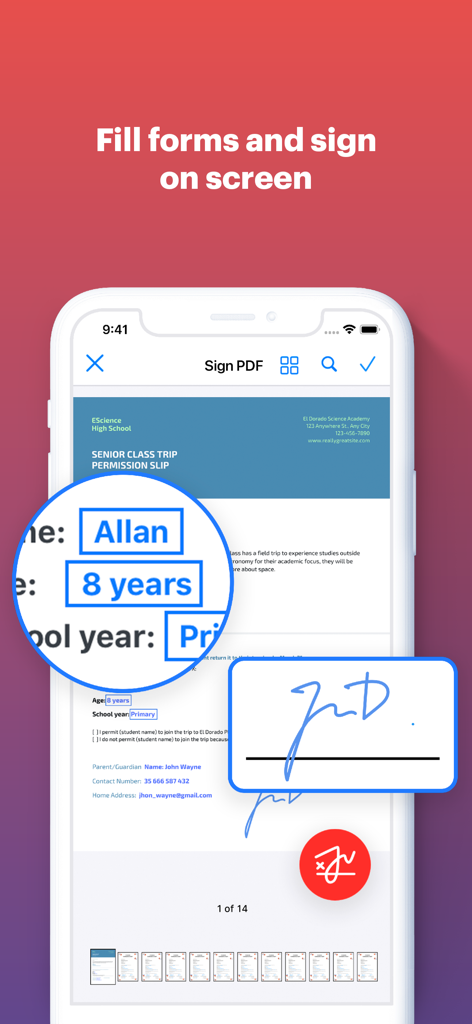
A smartphone displaying the iLovePDF app interface for filling out document forms and adding a digital signature on screen.
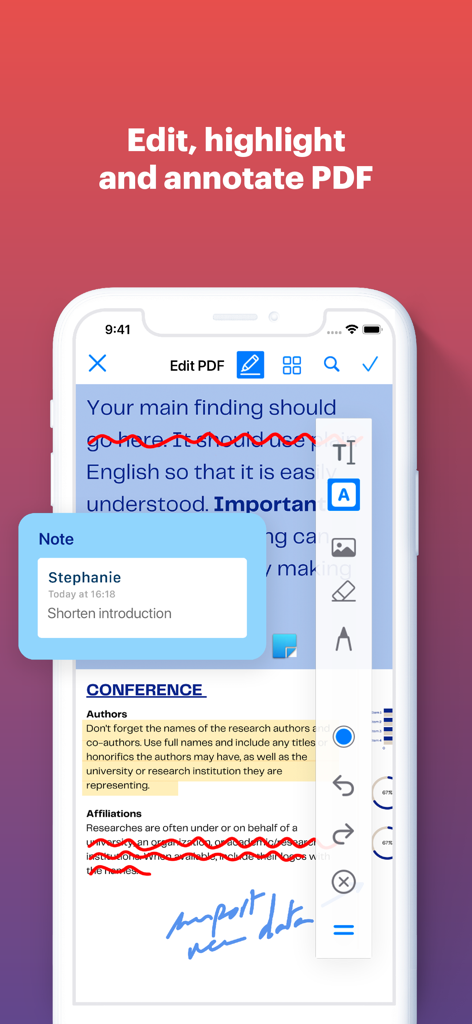
Smartphone screen showing iLovePDF app features for editing and annotating a PDF document
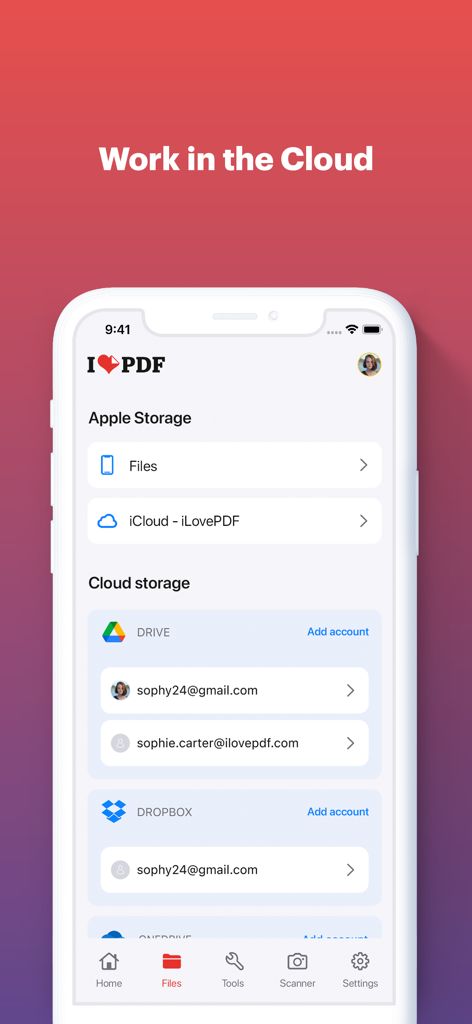
Screenshot of the iLovePDF mobile app interface showing options to connect and manage documents from iCloud, Google Drive, and Dropbox.
Description
Download
More Like This
Apps with similar features and user experience

PDF PRO Scan Image & Documents
Balzo srl

The PDF Scanner, PDF editor HQ
NEXT K.U.M. LTD

CamScanner - PDF Scanner App
INTSIG Information Co., Ltd

Adobe Scan: PDF & OCR Scanner
Adobe Inc.

WPS Office: PDF, Docs, Sheets
KINGSOFT OFFICE SOFTWARE CORPORATION LIMITED

Scanner App: Genius Scan
The Grizzly Labs

Microsoft Lens: PDF Scanner
Microsoft Corporation

Clear Scan: Doc Scanner App
INDY MOBILE APP COMPANY LIMITED

Document Scanner by Lufick
Lufick
This page is not an official page of the app or its developer, but an independent editorial publication created for informational and commentary purposes. Unless expressly stated otherwise, neither the app nor its developer is affiliated with, endorsed by, sponsored by, authorized by, or otherwise officially connected with MWM, Apple, Google Play, the app publisher, or the app's developer, and nothing on this page implies that the app was developed using MWM's services. Any trademarks, logos, screenshots, and other content remain the property of their respective owners.