
This page is not an official page of the app or its developer, but an independent editorial publication created for informational and commentary purposes. Unless expressly stated otherwise, neither the app nor its developer is affiliated with, endorsed by, sponsored by, authorized by, or otherwise officially connected with MWM, Apple, Google Play, the app publisher, or the app's developer, and nothing on this page implies that the app was developed using MWM's services. Any trademarks, logos, screenshots, and other content remain the property of their respective owners.


Flip Html5 Reader
Access your catalogs, brochures, and digital publications anywhere. Transform your iPad or iPhone into a premium reading experience, no internet connection required.
Downloads
3K+User Rating
Total Ratings
0Publisher
Category
BusinessLocales
3Latest Version
1.1.0Size
1.4 MBFirst Released
Jul 13, 2014Empower Your Mobile Workflow
FlipHtml5 Reader brings your digital publications to life, offering a seamless and professional reading experience designed for the modern executive.
Reliable Offline Access
Never worry about spotty Wi-Fi again. Download your books to your iPad or iPhone and read them perfectly while traveling or in meetings.
Interactive Client Presentations
Stand out from the competition. Replace static documents with dynamic, flippable catalogs that provide a premium interactive experience.
Frequently Asked Questions
Everything you need to know about Flip Html5 Reader
What is Flip Html5 Reader?
Flip Html5 Reader is a free application designed for users to read publications created by FlipHtml5. It allows viewing flipbooks on both iPad and iPhone devices.
Is the Flip Html5 Reader app free to download and use?
Yes, Flip Html5 Reader is a free application. It provides users with no-cost access to read FlipHtml5 publications on their mobile devices.
Can I read FlipHtml5 flipbooks offline with Flip Html5 Reader?
Yes, Flip Html5 Reader allows users to save and read their FlipHtml5 flipbooks offline. Users transfer books to their iPad or iPhone for this purpose.
How do I transfer books to Flip Html5 Reader on my iPhone or iPad?
Users transfer books to Flip Html5 Reader via iTunes File Sharing. Connect the device to a computer, open iTunes, select FlipHTML5 Reader, then add files.
How do I delete a flipbook in Flip Html5 Reader?
Users delete flipbooks in Flip Html5 Reader by entering the 'Edit' mode. This mode displays a trash can icon for removing selected books from the app.
Does Flip Html5 Reader allow downloading of flipbooks?
Yes, Flip Html5 Reader provides a 'Download' option when managing publications. This allows users to acquire FlipHtml5 flipbooks directly within the app.
The following screenshots and description are sourced directly from the app's official store listing and are the property of the app developer.
App Store
Screenshots
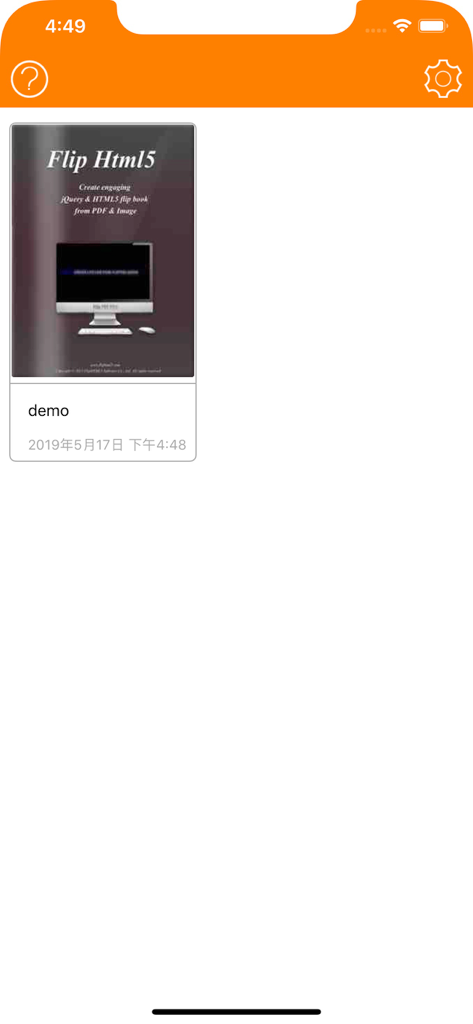
Library interface of Flip HTML5 Reader app showing a demo digital publication
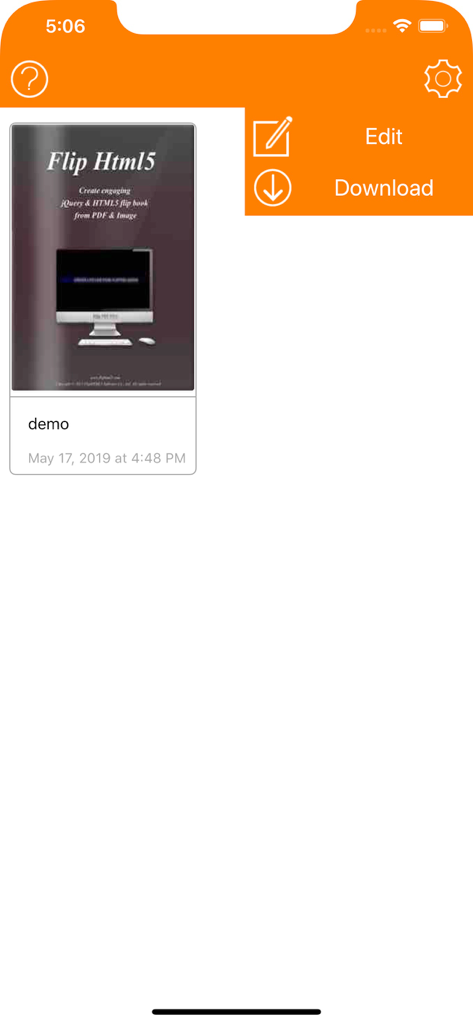
Flip HTML5 Reader app interface showing a digital publication with edit and download options
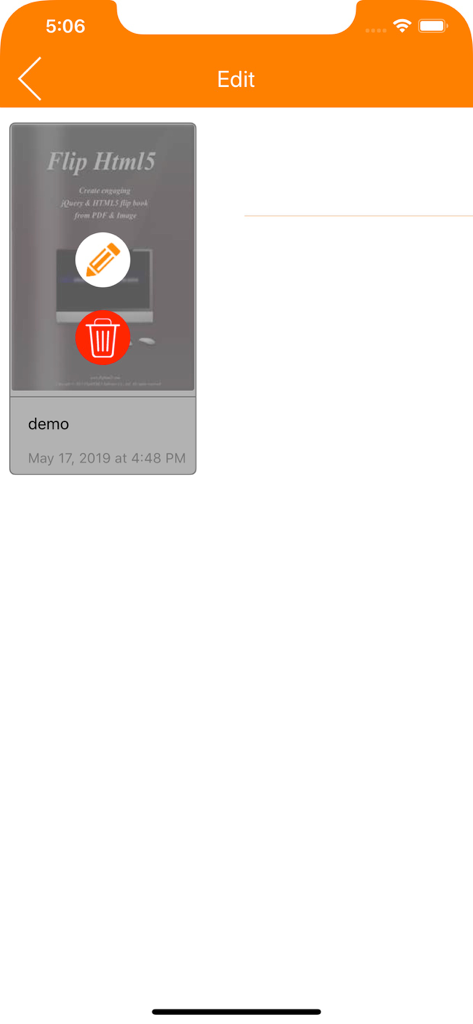
Interface for editing a digital flipbook within the Flip HTML5 Reader app showing delete and edit options.
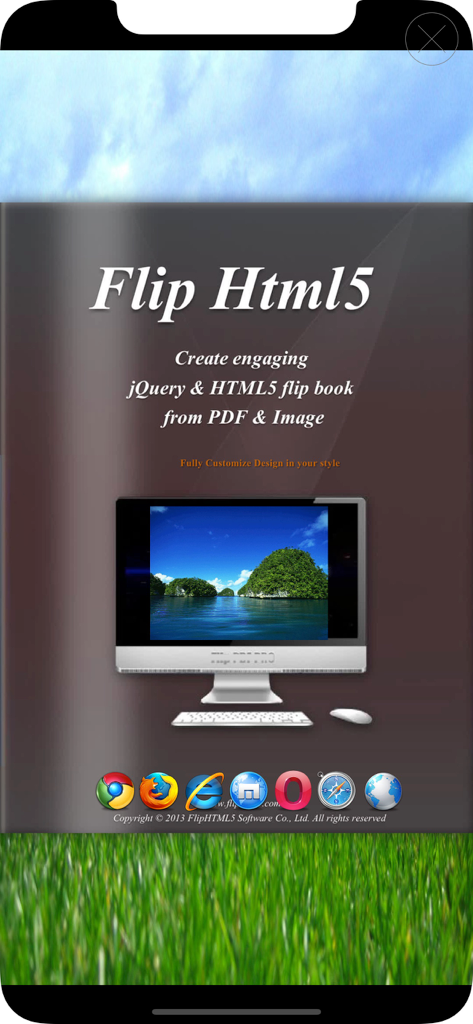
Introductory screen for Flip HTML5 Reader detailing the creation of interactive flipbooks from PDF and images
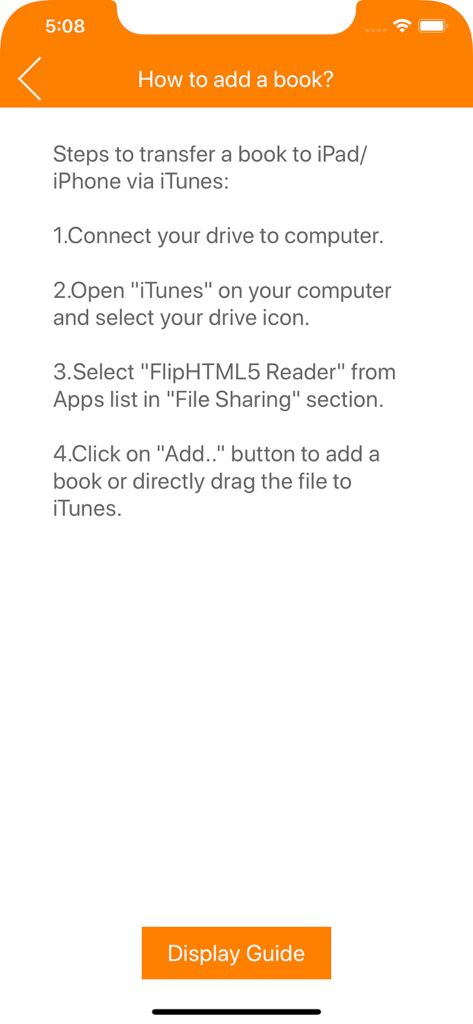
Step by step instructions for transferring books to Flip HTML5 Reader using iTunes
Description
Download
More Like This
Top-ranked apps in the same category

Microsoft Teams
Microsoft Corporation

Zoom Workplace
Zoom Communications, Inc.

WhatsApp Business
WhatsApp Inc.

Indeed Job Search
Indeed Inc.

LinkedIn: Network & Job Finder
LinkedIn Corporation

Adobe Acrobat Reader: Sign PDF
Adobe Inc.

WeCom-Work Communication&Tools
Tencent Technology (Shenzhen) Company Limited

BOSS直聘-招聘求职找工作神器
Beijing China Product Bo Farce Network Technology Co., Ltd.

DingDing - Redefine Work in AI
DingTalk Technology Co., Ltd.
This page is not an official page of the app or its developer, but an independent editorial publication created for informational and commentary purposes. Unless expressly stated otherwise, neither the app nor its developer is affiliated with, endorsed by, sponsored by, authorized by, or otherwise officially connected with MWM, Apple, Google Play, the app publisher, or the app's developer, and nothing on this page implies that the app was developed using MWM's services. Any trademarks, logos, screenshots, and other content remain the property of their respective owners.