
This page is not an official page of the app or its developer, but an independent editorial publication created for informational and commentary purposes. Unless expressly stated otherwise, neither the app nor its developer is affiliated with, endorsed by, sponsored by, authorized by, or otherwise officially connected with MWM, Apple, Google Play, the app publisher, or the app's developer, and nothing on this page implies that the app was developed using MWM's services. Any trademarks, logos, screenshots, and other content remain the property of their respective owners.


FMZ Quant
Take full control of your trading infrastructure. Code, backtest, and deploy sophisticated strategies in Python, JavaScript, or C++ with remote server management and real-time execution directly from your mobile device.
Downloads
500User Rating
Total Ratings
0Publisher
Category
FinanceLocales
2Latest Version
2.2.23Size
71.1 MBFirst Released
Jun 24, 2021Master the Markets with Professional-Grade Algorithmic Tools
Deploy, monitor, and backtest your custom trading strategies anywhere. Built for quants who demand flexibility, reliability, and advanced technical control.
Multi-Language Strategy Development
Write and deploy your strategies in Python, JavaScript, or C++. Use your professional-grade libraries and custom logic without proprietary limitations.
Full Remote Infrastructure Control
Securely manage your own servers and deployment architecture. Monitor performance and toggle bots 24/7 from any location with total peace of mind.
Frequently Asked Questions
Everything you need to know about FMZ Quant
What is the FMZ Quant app?
The FMZ Quant app is for managing quantitative trading strategies on mobile phones. It integrates with platforms like domestic commodity futures, XTP, and Futu Securities for deploying strategies and managing servers.
What programming languages does FMZ Quant support for trading strategies?
FMZ Quant supports multiple programming languages for writing strategies. These include Javascript, Python, MyLanguage, and C++. Publicly shared strategies in "Square" also support PINE and Blockly.
Does FMZ Quant provide strategy backtesting?
Yes, the FMZ Quant app offers strategy backtesting as an additional feature. A full-featured quantitative platform is also available on the Financial Magic Zone website for expanded capabilities.
Can I manage trading bots with the FMZ Quant app?
Yes, the FMZ Quant app includes a "Bot" section. This displays all live trading information for the current account, including profits, charts, and the running status of your trading bots.
Where can I find publicly shared trading strategies in FMZ Quant?
The "Square" section within the FMZ Quant app displays publicly shared strategies. These strategies support various programming languages like Javascript, Python, C++, PINE, MyLanguage, and Blockly for user access.
How does FMZ Quant handle server management?
FMZ Quant provides flexible deployment and control architecture, enabling remote server management. The "Docker" feature specifically facilitates one-click deployment of programs, simplifying complex configurations for users.
Does the FMZ Quant app offer tutorials for new users?
Yes, the FMZ Quant app provides tutorials for new users. The "Forum" section offers rich tutorial resources, materials, and development examples, including beginner guides and strategy writing instructions.
Can I view live trading results in the FMZ Quant app?
Yes, the FMZ Quant app displays live trading results. The "Live" section shows real-time performance, and "The live details" provides comprehensive charts, logs, and profit calculations for analysis.
What trading platforms does FMZ Quant integrate with?
The FMZ Quant app integrates with qualified platforms for users to deploy trading strategies. These platforms include domestic commodity futures, XTP, and Futu Securities.
The following screenshots and description are sourced directly from the app's official store listing and are the property of the app developer.
App Store
Screenshots
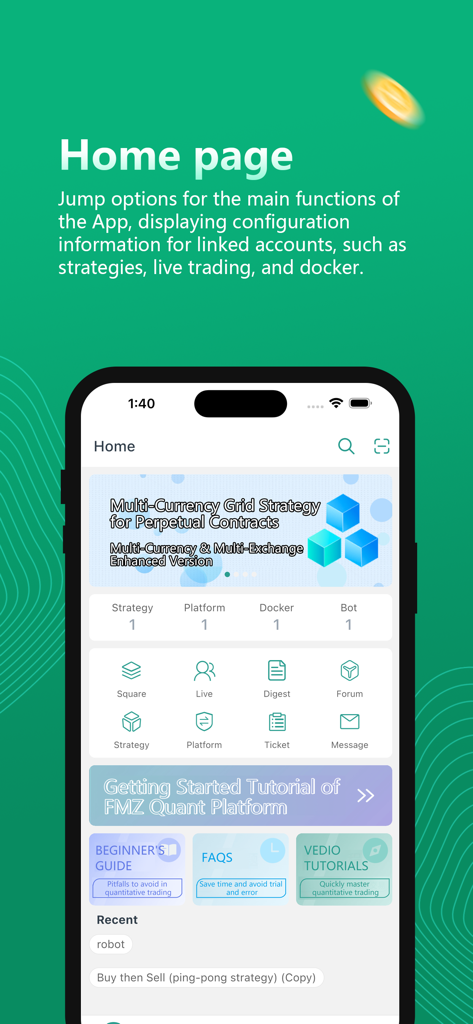
Dashboard of the FMZ Quant mobile app showing quantitative trading strategies and account configuration
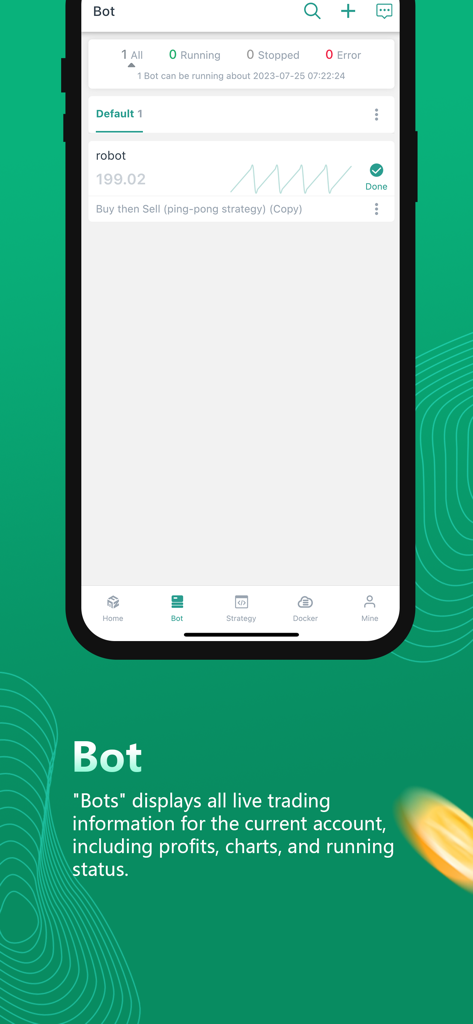
FMZ Quant mobile app interface displaying the Bot management section with live trading strategy status and performance charts
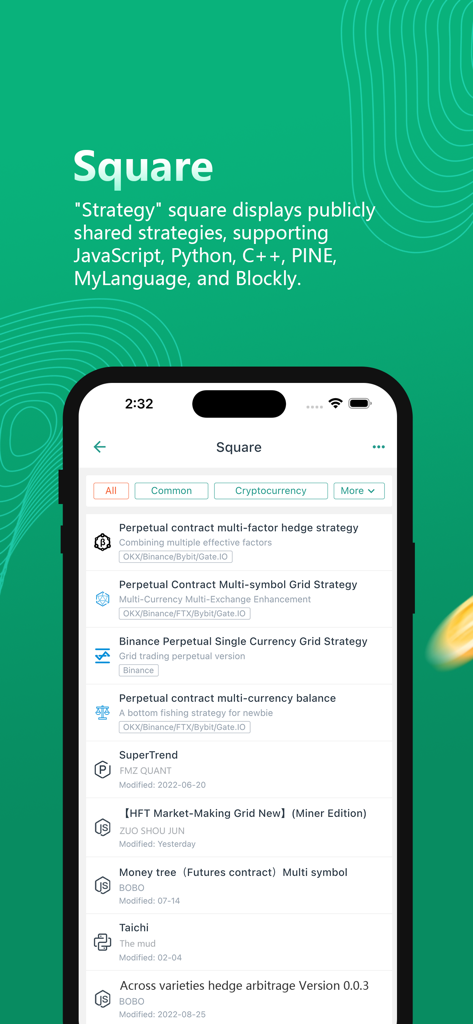
Publicly shared quantitative trading strategies list in the FMZ Quant mobile app.
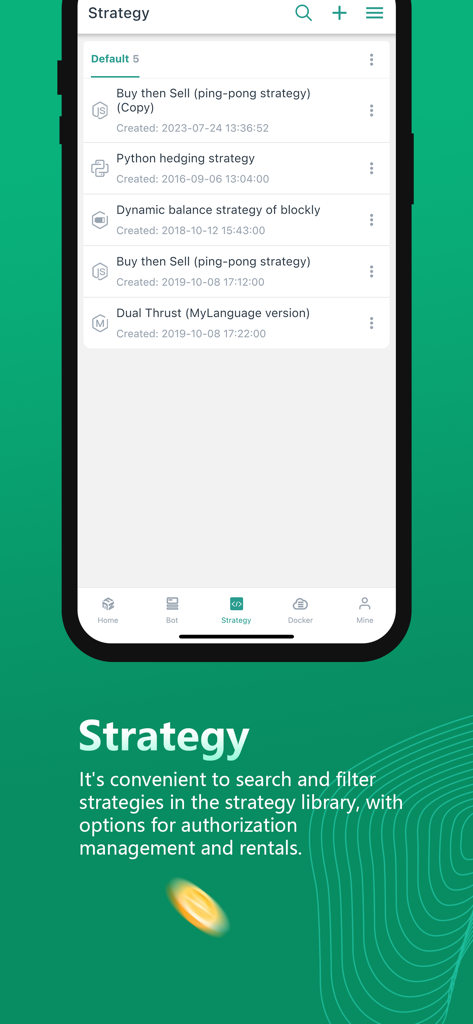
FMZ Quant mobile app screen displaying a list of quantitative trading strategies like Python hedging and Dual Thrust.
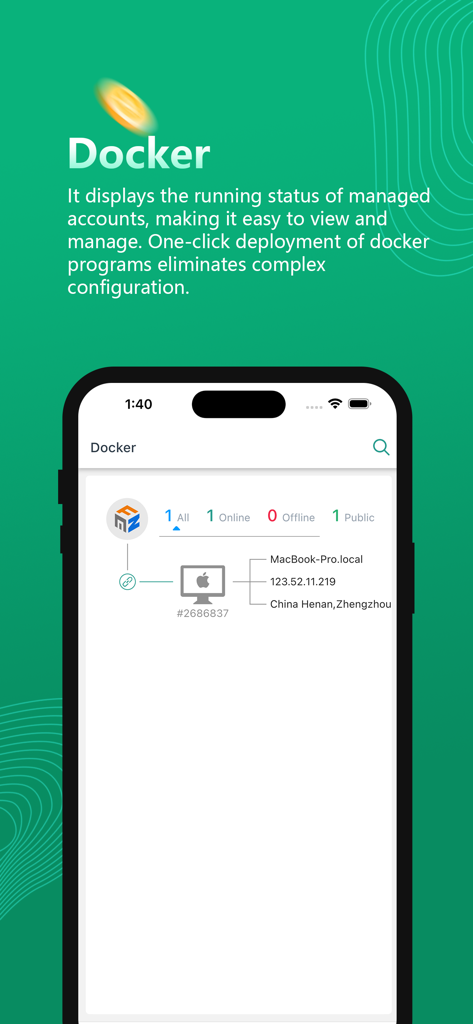
FMZ Quant app Docker management screen showing remote server status and strategy deployment details.
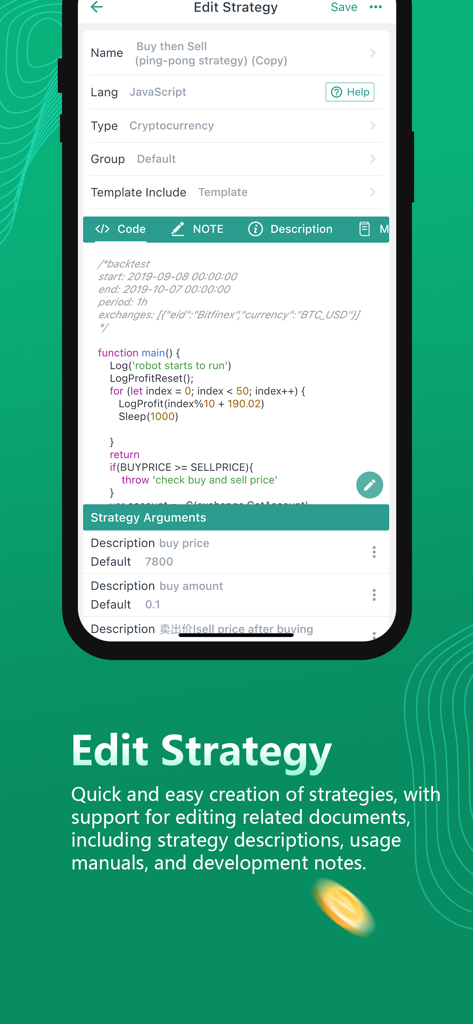
A mobile interface of the FMZ Quant app showing a JavaScript code editor for quantitative trading strategies.
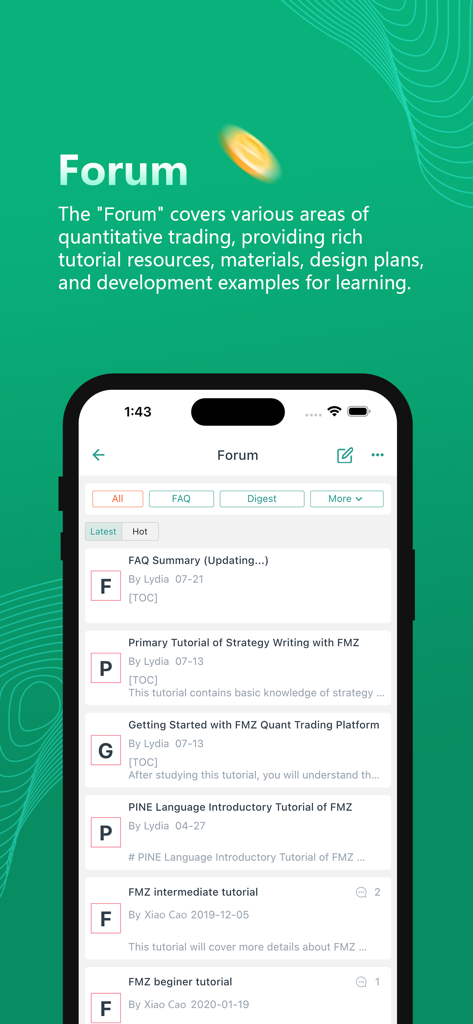
Community forum screen in the FMZ Quant app showing quantitative trading tutorials and strategy development resources.
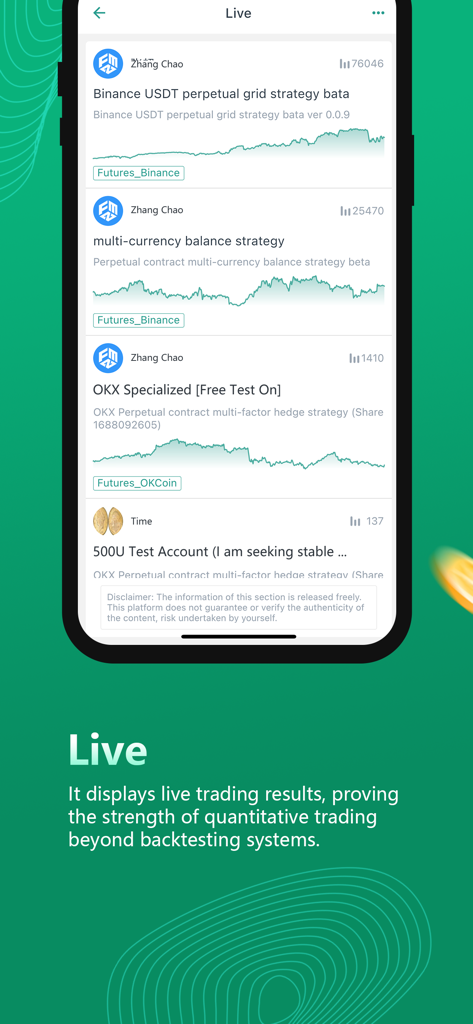
The FMZ Quant app live trading interface displaying performance graphs for various automated quantitative strategies.
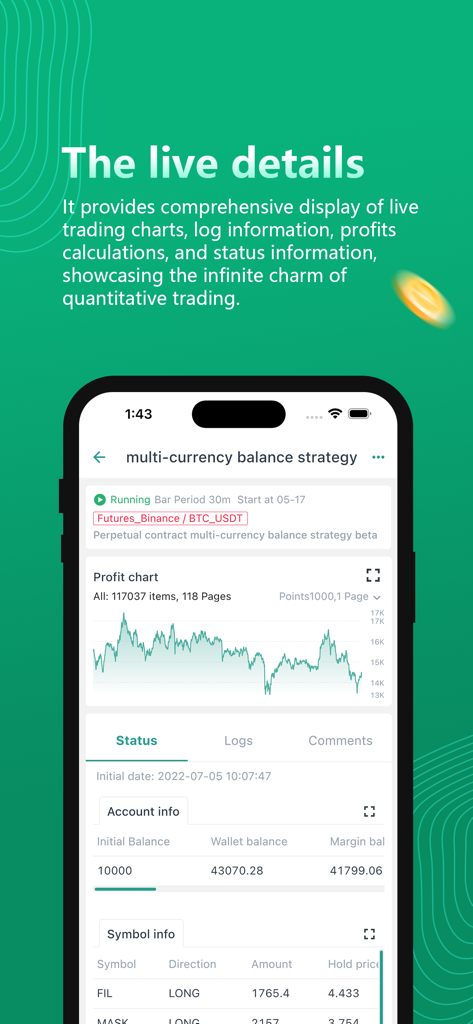
FMZ Quant app dashboard showing live trading strategy details with a profit chart and account information
Description
Download
More Like This
Top-ranked apps in the same category

电子税务局
State Administration of Taxation

UnionPay APP
China Unionpay Co.,Ltd.

养基宝 - 年轻人的养基神器
Shenzhen Xiaoduotou Information Technology Co.,Ltd.

PayPal - Pay, Send, Save
PayPal, Inc.

中国农业银行
AGRICULTURAL BANK OF CHINA LIMITED

Mercado Pago: cuenta digital
MercadoLibre S.A.

Kalshi: Trade on the Big Game
KALSHI INC.

中国工商银行
Industrial and Commercial Bank of China

个人所得税
State Administration of Taxation
This page is not an official page of the app or its developer, but an independent editorial publication created for informational and commentary purposes. Unless expressly stated otherwise, neither the app nor its developer is affiliated with, endorsed by, sponsored by, authorized by, or otherwise officially connected with MWM, Apple, Google Play, the app publisher, or the app's developer, and nothing on this page implies that the app was developed using MWM's services. Any trademarks, logos, screenshots, and other content remain the property of their respective owners.