
This page is not an official page of the app or its developer, but an independent editorial publication created for informational and commentary purposes. Unless expressly stated otherwise, neither the app nor its developer is affiliated with, endorsed by, sponsored by, authorized by, or otherwise officially connected with MWM, Apple, Google Play, the app publisher, or the app's developer, and nothing on this page implies that the app was developed using MWM's services. Any trademarks, logos, screenshots, and other content remain the property of their respective owners.

Focusrite Control 2
Step away from the desk and stay in the creative flow. Adjust preamps, trigger Auto Gain, and dial in perfect headphone mixes directly from your iPhone or iPad, anywhere in your studio.
Downloads
31K+User Rating
Total Ratings
0Publisher
Category
MusicLocales
1Latest Version
1.10.5Size
37.5 MBFirst Released
Oct 7, 2024Elevate Your Recording Workflow
Break free from your desk. Focusrite Control 2 gives you wireless command over your Scarlett 4th Gen interface, allowing you to stay in the creative zone while managing every detail of your sound.
Remote Preamp Control
Dial in the perfect gain or trigger Auto Gain from your vocal booth or drum kit, ensuring a professional signal without the back-and-forth.
Custom Artist Mixes
Empower yourself and your collaborators to adjust individual headphone levels, pan, and solo settings directly from your mobile devices.
The following screenshots and description are sourced directly from the app's official store listing and are the property of the app developer.
App Store
Screenshots
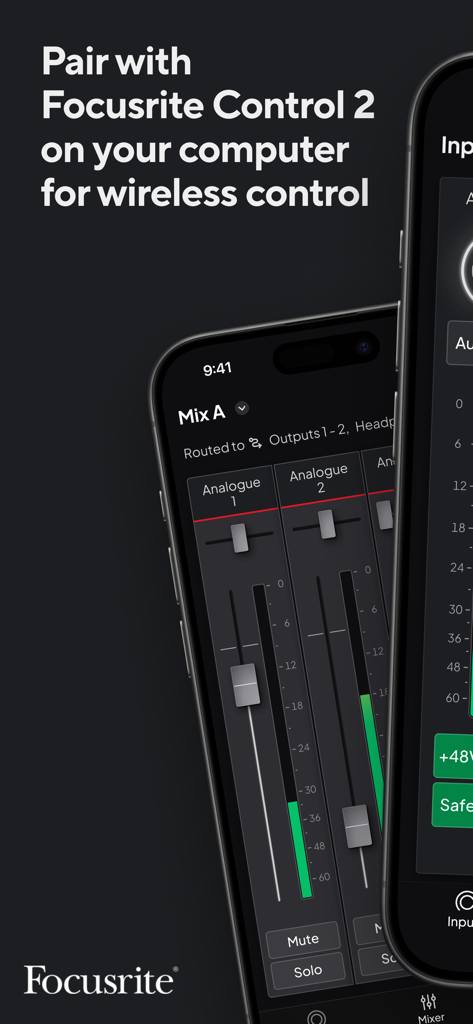
Focusrite Control 2 app interface on an iPhone showing audio mixing faders and a caption about pairing for wireless control.
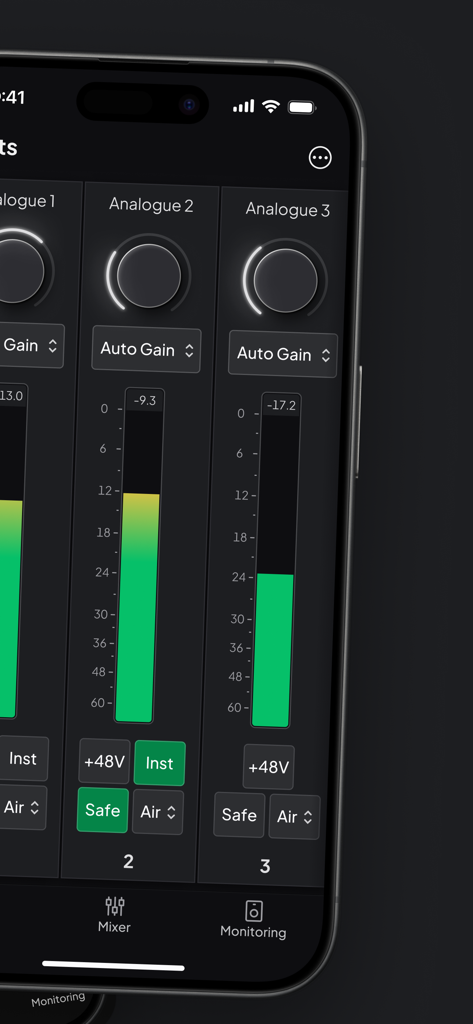
Focusrite Control 2 mobile app interface showing digital mixer controls for analogue inputs with gain settings and level meters
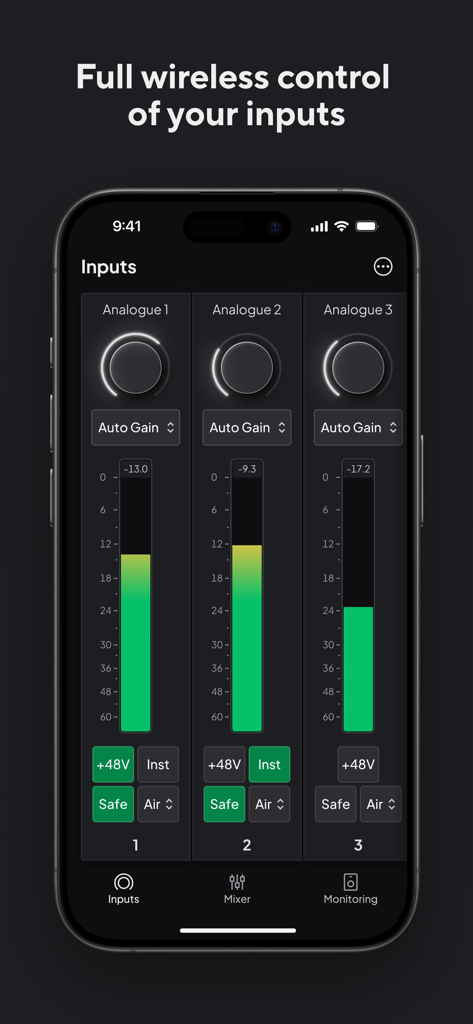
Focusrite Control 2 app interface showing wireless input gain and audio settings for three analogue channels
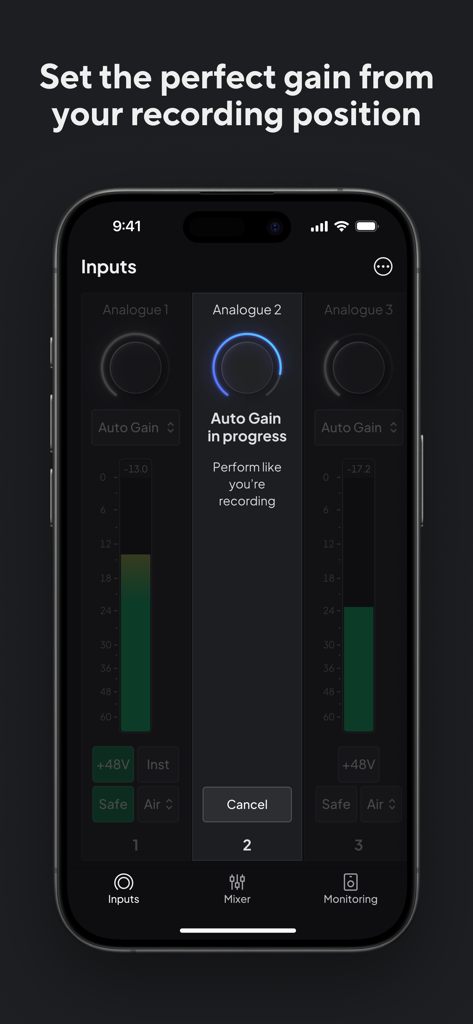
Focusrite Control 2 app interface showing auto gain setting in progress for an analogue input
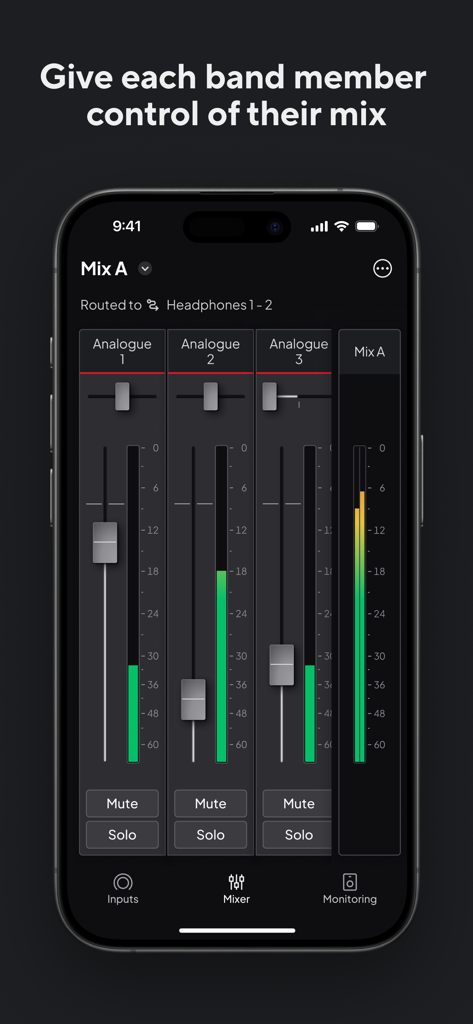
Interface of the Focusrite Control 2 app showing audio mixer levels and channel controls for a Scarlett 4th Gen hardware
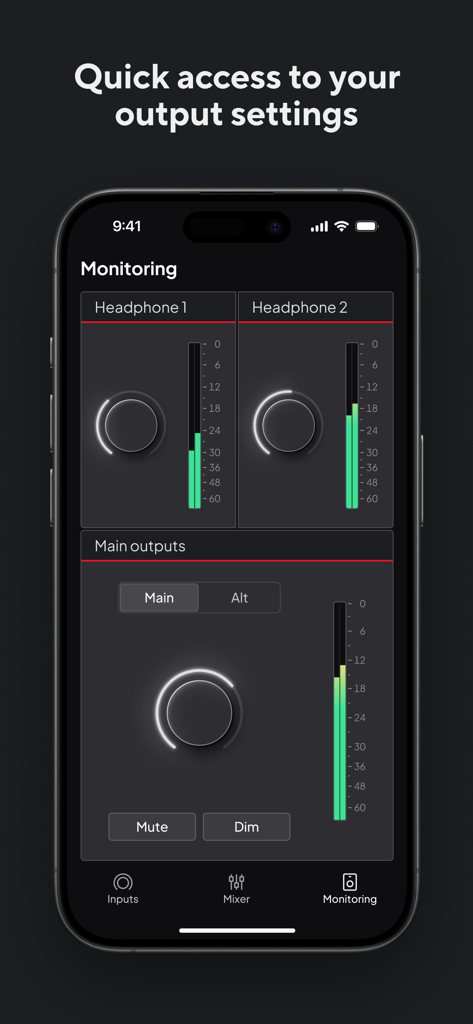
Focusrite Control 2 app interface showing remote monitoring controls for headphone and main outputs.
Description
Download
More Like This
Top-ranked apps in the same category

Spotify: Music and Podcasts
Spotify

YouTube Music
Google LLC

Shazam: Find Music & Concerts
Apple Inc.

SoundCloud: The Music You Love
SoundCloud Global Limited & Co KG

Suno - AI Songs & Music
Suno Inc.

QQ音乐 - 听我想听
Tencent Technology (Shenzhen) Company Limited

Audiomack - Play Music Offline
Audiomack, Inc.

GuitarTuna: Tune & Play Guitar
Yousician Ltd

BandLab – Music Maker & Beats
BandLab Singapore Pte Ltd
This page is not an official page of the app or its developer, but an independent editorial publication created for informational and commentary purposes. Unless expressly stated otherwise, neither the app nor its developer is affiliated with, endorsed by, sponsored by, authorized by, or otherwise officially connected with MWM, Apple, Google Play, the app publisher, or the app's developer, and nothing on this page implies that the app was developed using MWM's services. Any trademarks, logos, screenshots, and other content remain the property of their respective owners.