
Garmin GTN Trainer

Build muscle memory and expert proficiency with the industry-standard GTN 650/750 interface. Train on your iPad with high-resolution terrain, flight charts, and simulated traffic for a safer, cost-effective flight experience.
Publisher
Category
EducationDownloads
20K+User Rating
Total Ratings
200Locales
1Discover the interface used by 20K+ users.
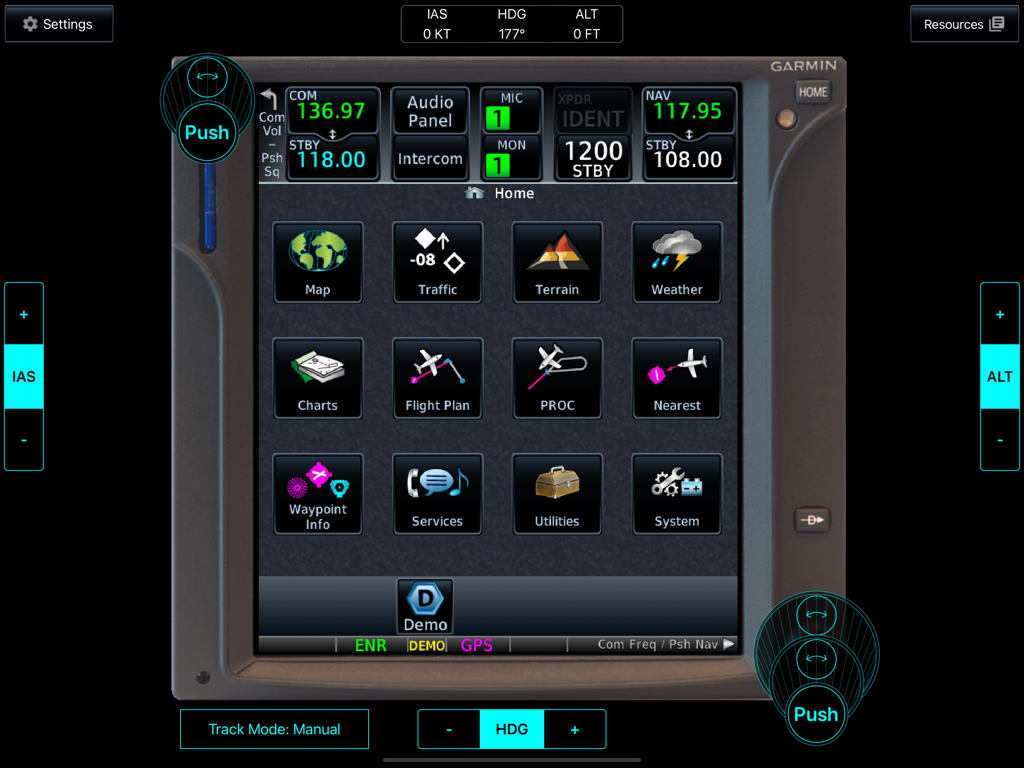
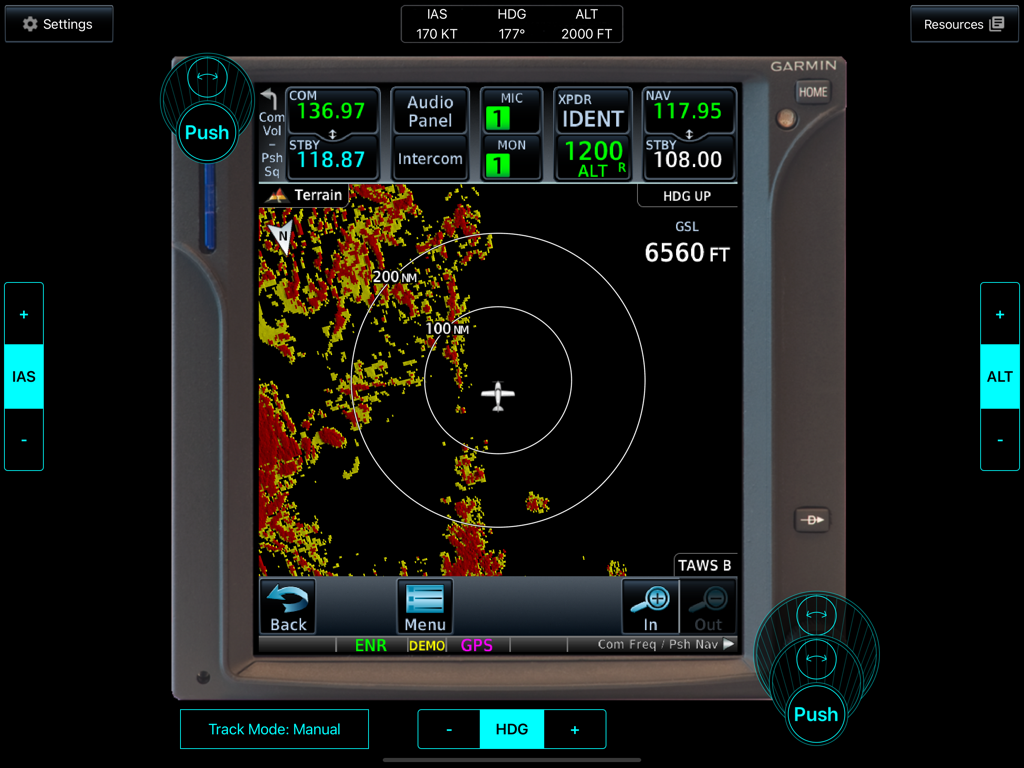
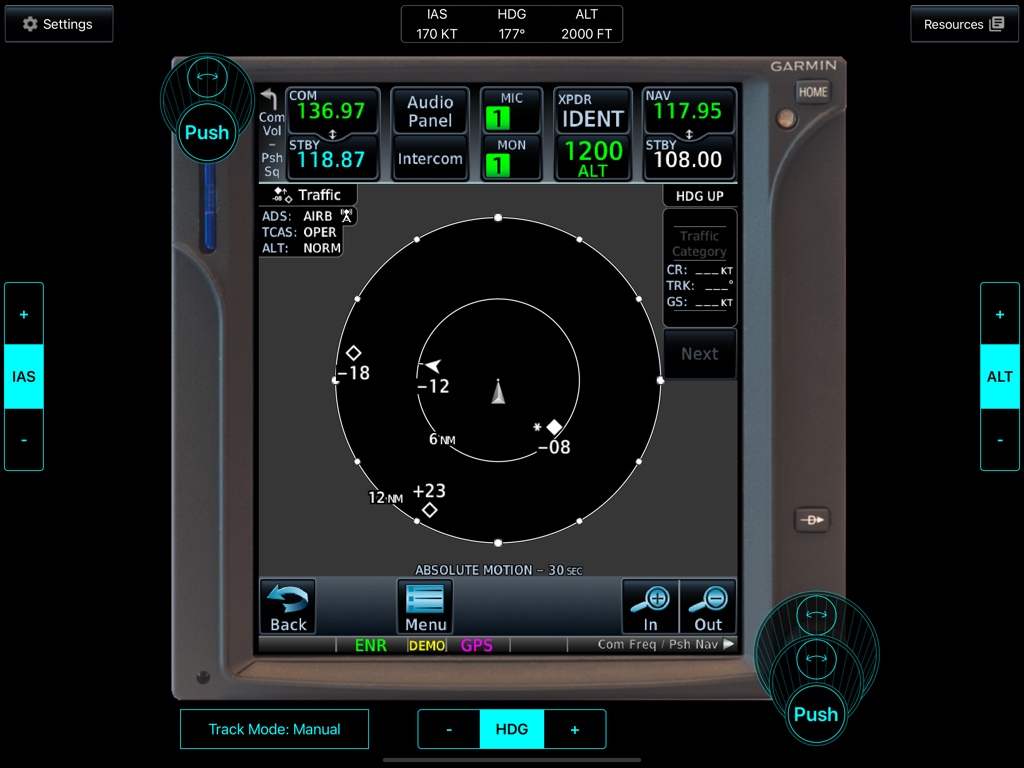
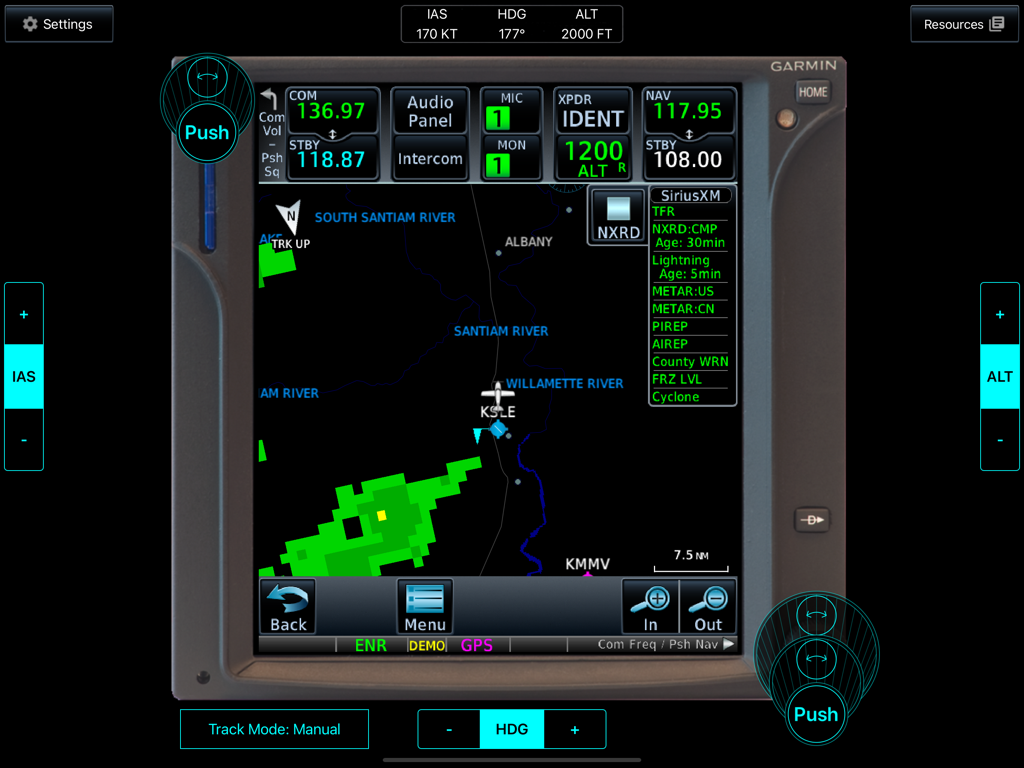
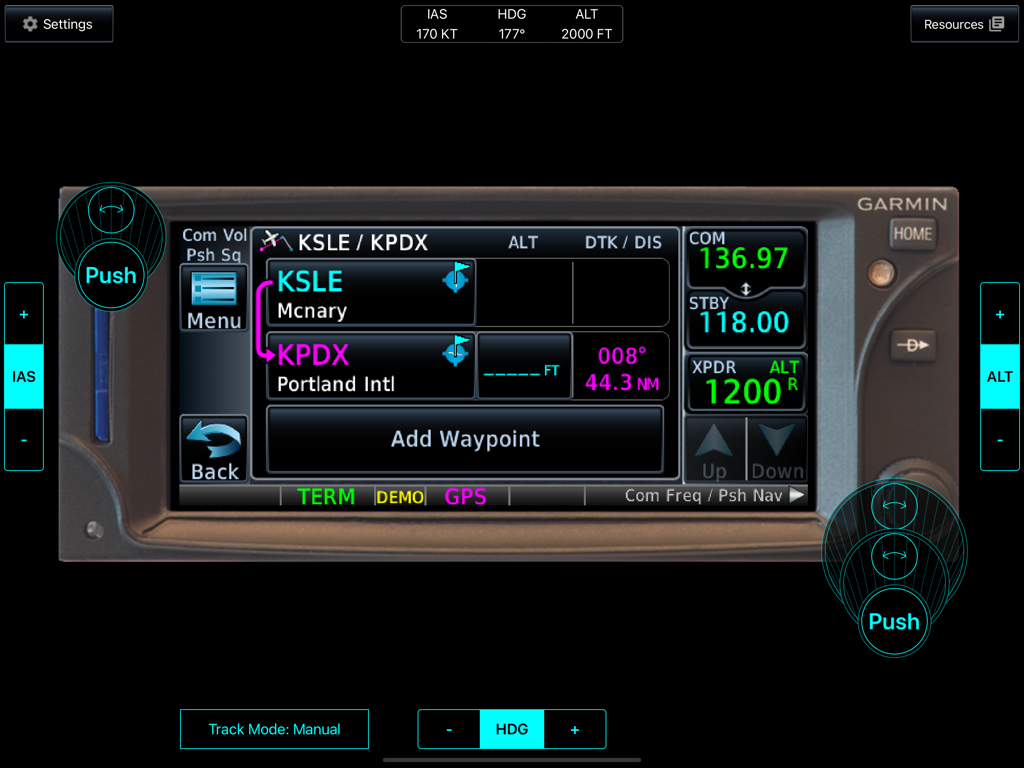
The tools that make this app stand out, trusted by 20K+ users.
Develop reliable muscle memory with a simulated multi-touch and drag interface that replicates the real GTN 650/750 hardware experience.
Train with Garmin FliteCharts, SafeTaxi, and high-resolution terrain databases to master airport navigation and obstacle avoidance.
Practice complex responses to SiriusXM Weather, ADS-B Traffic, and lightning detection in a safe environment where safety comes first.
Everything you need to know about Garmin GTN Trainer.
Description
Latest Version
6.73.1
Size
2.4 GB
First Released
Dec 16, 2011
Download the official GTN 650/750 Trainer on your iPad today. Build professional-grade muscle memory, practice complex approaches, and save hundreds in flight time by mastering your cockpit on the ground.
Everything you need to know about Garmin GTN Trainer
The Garmin GTN Trainer is an app that provides a simulated pilot interface for the Garmin GTN 650/750 avionics. It allows users to learn basic operation in an on-the-ground environment.
Yes, the Garmin GTN Trainer provides a simulated multi-touch and drag interface to interact with the system, graphically edit flight plans, and simulate various avionics features for training purposes.
Yes, the Garmin GTN Trainer includes high-resolution worldwide terrain maps. These maps provide detailed visual information for training scenarios within the simulated environment.
Yes, the Garmin GTN Trainer app includes simulated weather interfaces. It features Garmin GDL 88 FIS-B Weather, Garmin GDL 69 with SiriusXM Weather, and Garmin GWX 70 Weather Radar for comprehensive training.
No, the Garmin GTN Trainer is not suitable for actual navigation purposes. It contains simulated data and does not receive data from or interact with real Garmin avionics.
Yes, the Garmin GTN Trainer allows users to graphically edit flight plans. The simulated interface supports interaction with the system for creating and modifying flight routes.
The Garmin GTN Trainer runs on Apple iPad 2 and newer devices. It supports both 32-bit and 64-bit devices, ensuring compatibility with various iPad models.
Yes, the Garmin GTN Trainer includes Garmin SafeTaxi, which allows users to view detailed airport information directly on the moving map within the application.
Yes, the Garmin GTN Trainer simulates traffic data. It includes Garmin GDL 88 ADS-B and TCAS Traffic with TargetTrend™ Relative Motion for realistic air traffic training scenarios.
Yes, the Garmin GTN Trainer incorporates Garmin FliteCharts. This feature enables users to view published approach charts within the application for instrument flight training.
Top-ranked apps in the same category

Duolingo, Inc

DEEP FLOW SOFTWARE SERVICES - FZCO

Wuhan Jiakaobaodian Information Service Co., Ltd.

Toca Boca AB

Google LLC

Guangzhou Polar Future Culture Technology Co., Ltd

Student Information Consultation Service Co., Ltd.

GAUTHTECH PTE. LTD.

Aleksandr Ulitin
App information, icons, screenshots, and descriptions displayed on this page are sourced from the Apple App Store and are the property of their respective developers. Download estimates and rankings are based on MWM's proprietary models and may not reflect actual figures. This page is provided for informational and analytical purposes only.
Believe this page infringes your intellectual property? File a dispute
