Gloomhaven Campaign Tracker
Download on App Store

This page is not an official page of the app or its developer, but an independent editorial publication created for informational and commentary purposes. Unless expressly stated otherwise, neither the app nor its developer is affiliated with, endorsed by, sponsored by, authorized by, or otherwise officially connected with MWM, Apple, Google Play, the app publisher, or the app's developer, and nothing on this page implies that the app was developed using MWM's services. Any trademarks, logos, screenshots, and other content remain the property of their respective owners.


Logo of Gloomhaven Campaign Tracker
Download on App Store

Gloomhaven Campaign Tracker

The essential companion for the dedicated gamer. Streamline your legacy progress, automate complex combat tracking, and manage your party across Gloomhaven, Frosthaven, and Jaws of the Lion without the bookkeeping clutter.

Key Figures

Downloads

40K+

User Rating

4.8/5

Total Ratings

3K+

Publisher

Grzegorz Dziembowski

Category

Games

Locales

2

Latest Version

5.0.3

Size

1.0 GB

First Released

Dec 1, 2017
Features

Master the Campaign, Not the Bookkeeping

Reclaim your table space and focus on the strategy. GCT provides a comprehensive digital companion for Gloomhaven, Frosthaven, and the entire legacy ecosystem.

Seamless Party Management

Manage multiple campaigns, track global achievements, and update prosperity levels without ruining your physical board stickers.

Automated Combat Logic

Track monster HP, conditions, and ability cards in real-time. Reduce setup time and eliminate manual math during intense encounters.

The following screenshots and description are sourced directly from the app's official store listing and are the property of the app developer.

App Store

Screenshots
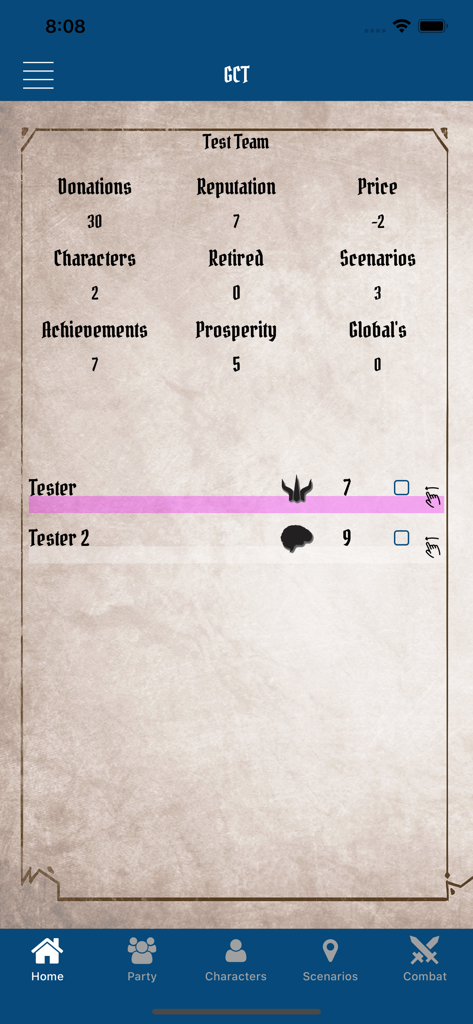
Gloomhaven Campaign Tracker - Gloomhaven Campaign Tracker home screen showing party statistics and character levels
Gloomhaven Campaign Tracker home screen showing party statistics and character levels

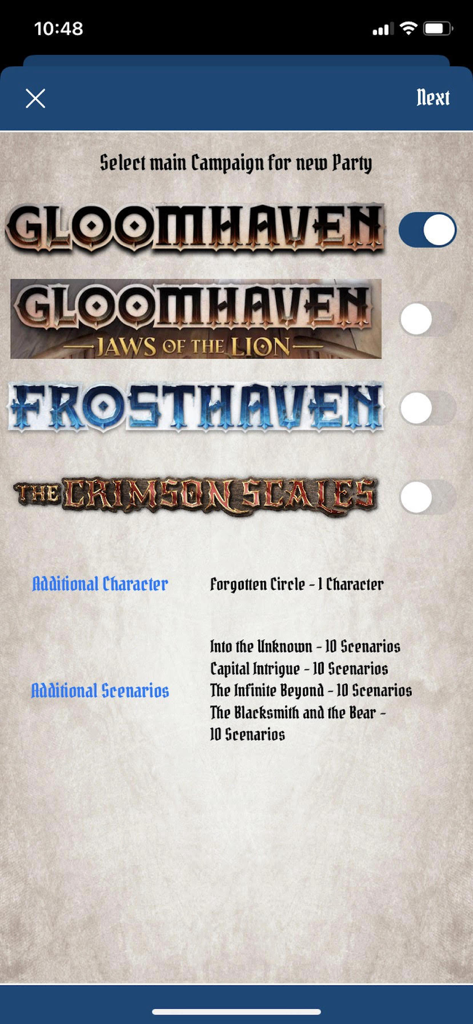
Gloomhaven Campaign Tracker - Screen for selecting Gloomhaven Frosthaven or Jaws of the Lion campaigns in the tracker app
Screen for selecting Gloomhaven Frosthaven or Jaws of the Lion campaigns in the tracker app

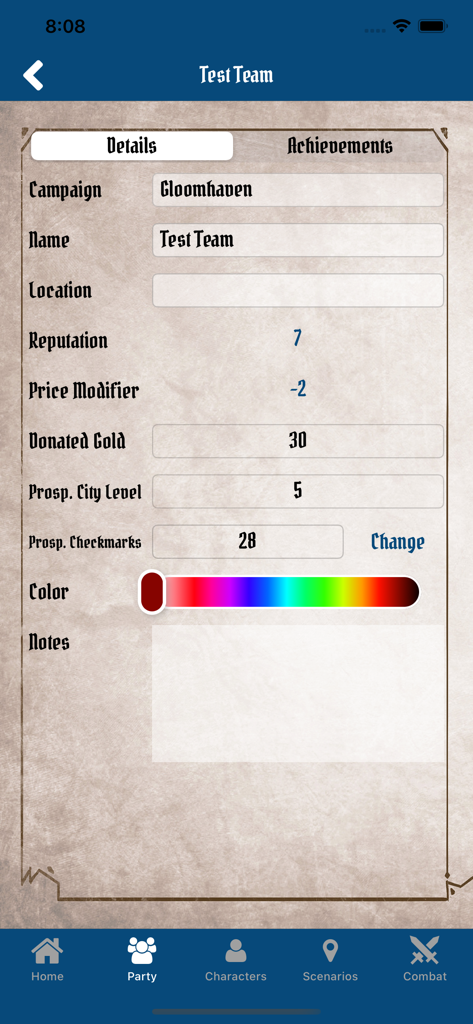
Gloomhaven Campaign Tracker - Gloomhaven Campaign Tracker app party details screen showing team statistics and campaign progress

Gloomhaven Campaign Tracker app party details screen showing team statistics and campaign progress
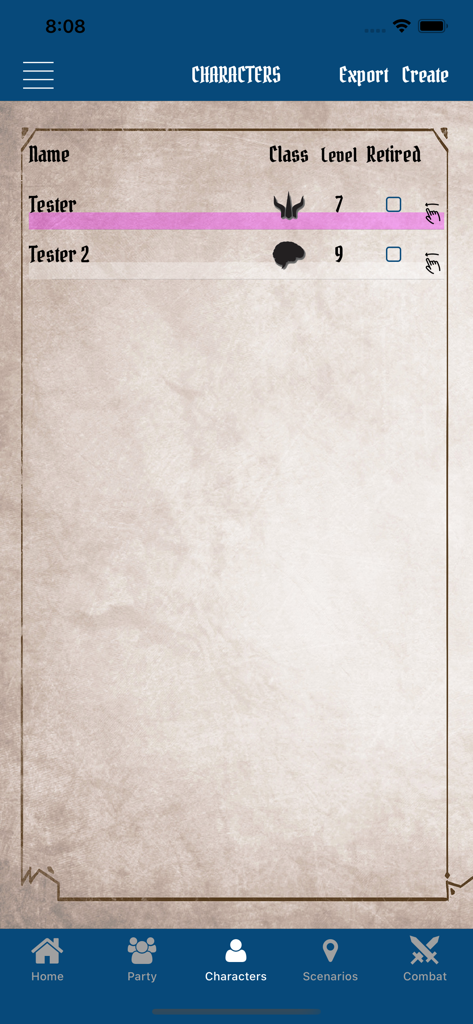
Gloomhaven Campaign Tracker - Character management screen with character names and levels in the Gloomhaven tracker app
Character management screen with character names and levels in the Gloomhaven tracker app

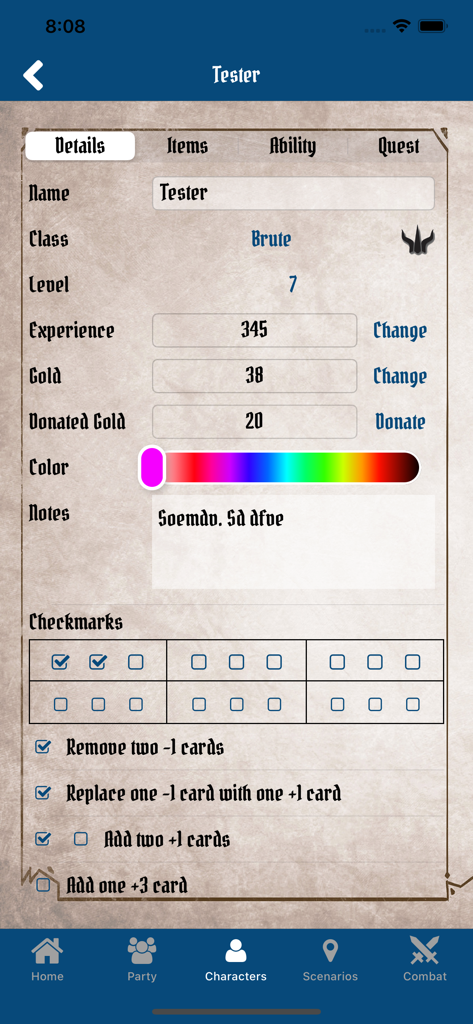
Gloomhaven Campaign Tracker - Character detail screen in the Gloomhaven Campaign Tracker app displaying stats for a Brute class hero
Character detail screen in the Gloomhaven Campaign Tracker app displaying stats for a Brute class hero

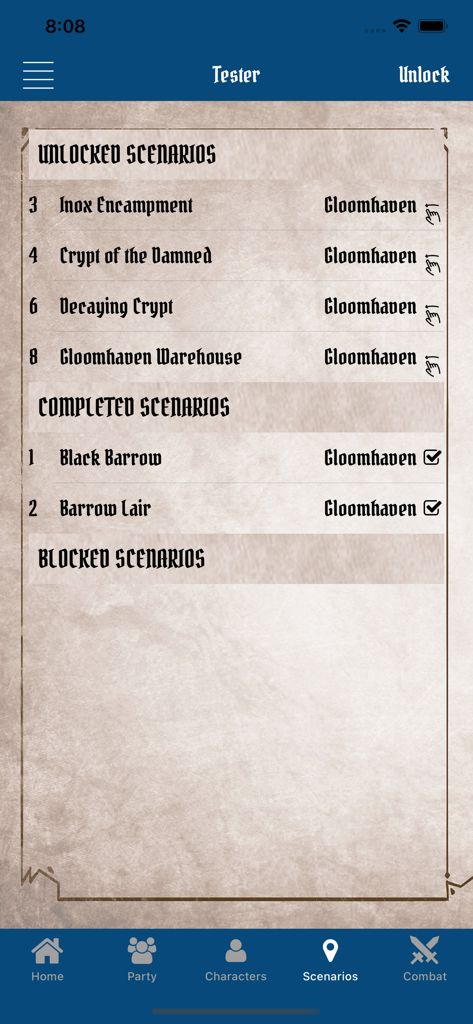
Gloomhaven Campaign Tracker - Gloomhaven Campaign Tracker screen showing scenario progression
Gloomhaven Campaign Tracker screen showing scenario progression

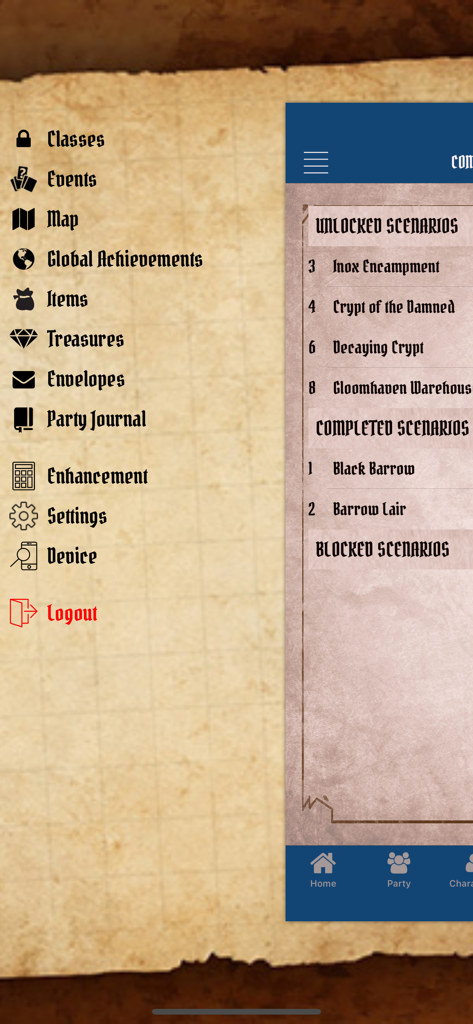
Gloomhaven Campaign Tracker - A screenshot of the Gloomhaven Campaign Tracker app showing the navigation menu and scenario progress on a parchment style background.
A screenshot of the Gloomhaven Campaign Tracker app showing the navigation menu and scenario progress on a parchment style background.

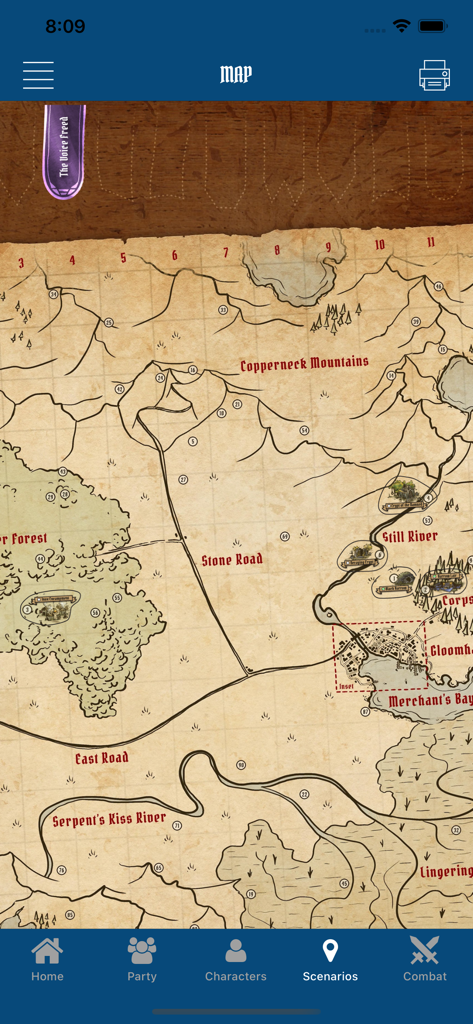
Gloomhaven Campaign Tracker - Gloomhaven world map showing scenario progress and global achievements
Gloomhaven world map showing scenario progress and global achievements

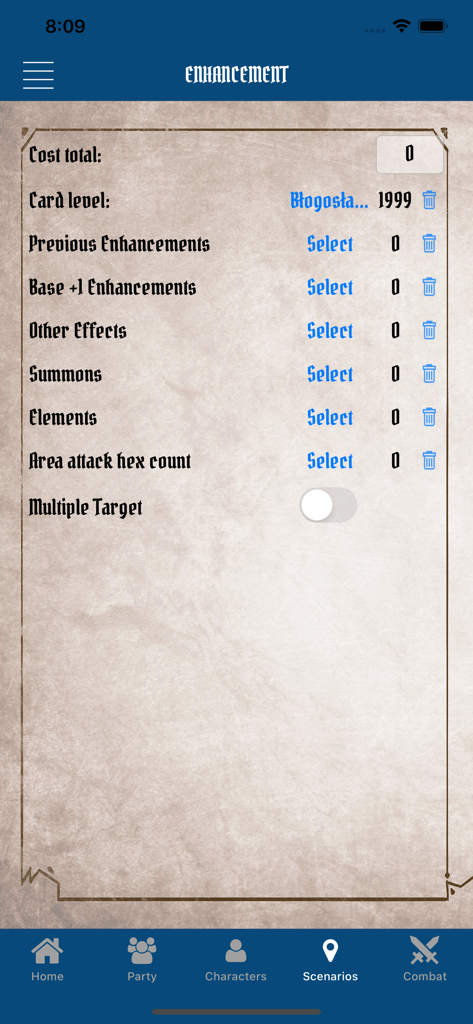
Gloomhaven Campaign Tracker - Interface of the Gloomhaven Campaign Tracker showing the ability card enhancement cost calculation screen
Interface of the Gloomhaven Campaign Tracker showing the ability card enhancement cost calculation screen

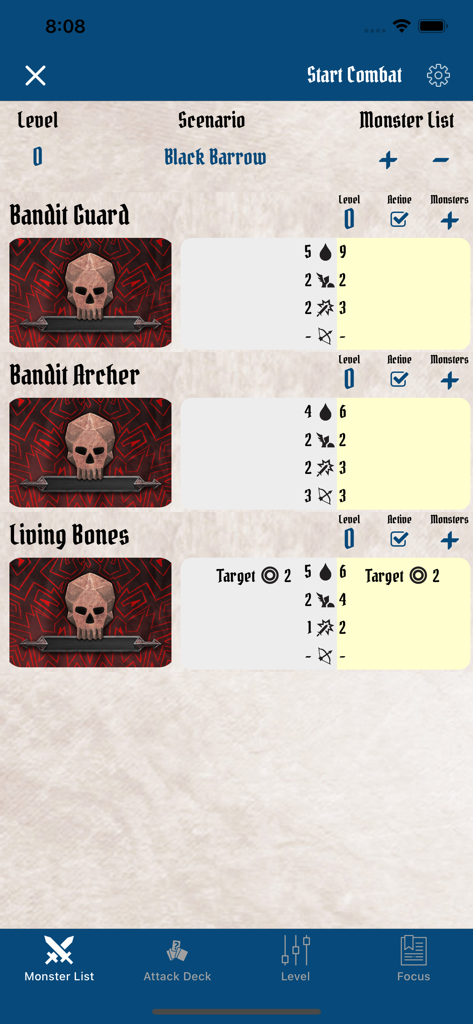
Gloomhaven Campaign Tracker - Gloomhaven Campaign Tracker app interface showing monster stats for the Black Barrow scenario including Bandit Guard and Living Bones

Gloomhaven Campaign Tracker app interface showing monster stats for the Black Barrow scenario including Bandit Guard and Living Bones

Description

GCT is a support app for Gloomhaven With the GCT, it is possible to keep track of the game progress in the board game. This is particularly useful when you want to play several campaigns in parallel or just manage your own character. GCT supports The Forgotten Circle. GCT supports Jaws of the Lion. GCT supports Crimson Scales GCT supports Frosthaven GCT supports Gloomhaven 2nd Edition For each campaign you can create a party and manage its parameters during your campaign: - add players - change reputation, price modifier, and the actual location - add and remove party achievements - change prosperity checkmarks After creating a party you can manage any number of players: - choose from a base class list or any unlocked class - save experience, gold, and notes - add bonus checkmarks and mark upgraded perks - retired character - save player equipment - track player personal quest - save used ability cards Map allows you to track your progress in the world: - add global achievements - add location stickers - mark completed and blocked scenarios Legacy is to help you with tracking changes in legacy aspects of the game: - unlock blocked classes - track road, city, and Rift events and read them directly in the app - track all unlocked items - track all unlocked treasure chests - manage unlocked, completed and blocked scenarios - manage your party special unlocks - take a look at your party detailed history - calculate the cost of enhancing - track building in Frosthven - track Merchant Guild in Crimson Scales Combat area helps you organize your fights: - track HP and conditions for monster - show monster and boss stats and abilities for each level - manage monsters conditions - draw monster ability cards - you can save and load your last fight to continue it at any time you want - calculate monster level for your Party - draw random Loot cards Info: This app does not save or collect any user data from your device. See our Privacy Policy: https://goo.gl/rWFPif Terms of use: https://goo.gl/MCNbz5 Managing Auto-Renewable Subscriptions: https://support.apple.com/en-us/HT202039 In this app user can send tips to the developer for future app growth with In-App Purchases. You can also get access to multi-device server sync as an auto-renewable subscription: Monthly for 1,49 $ Your subscription will be charged to your iTunes account at confirmation of purchase and will automatically renew (at the duration selected) unless auto-renew is turned off at least 24 hours before the end of the current period. Current subscription may not be canceled during the active subscription period; however, you can manage your subscription and/or turn off auto-renewal by visiting your iTunes Account Settings after purchase.

Download

Download on App Store

This page is not an official page of the app or its developer, but an independent editorial publication created for informational and commentary purposes. Unless expressly stated otherwise, neither the app nor its developer is affiliated with, endorsed by, sponsored by, authorized by, or otherwise officially connected with MWM, Apple, Google Play, the app publisher, or the app's developer, and nothing on this page implies that the app was developed using MWM's services. Any trademarks, logos, screenshots, and other content remain the property of their respective owners.








