
This page is not an official page of the app or its developer, but an independent editorial publication created for informational and commentary purposes. Unless expressly stated otherwise, neither the app nor its developer is affiliated with, endorsed by, sponsored by, authorized by, or otherwise officially connected with MWM, Apple, Google Play, the app publisher, or the app's developer, and nothing on this page implies that the app was developed using MWM's services. Any trademarks, logos, screenshots, and other content remain the property of their respective owners.


GM Financial
No more payment headaches. This app puts direct control over your GM vehicle financing in your pocket.
Downloads
2.5M+User Rating
Total Ratings
51.3KPublisher
Category
FinanceLocales
-Latest Version
4.25Size
116.4 MBFirst Released
Nov 6, 2018An evaluation of key features for GM vehicle finance management.
GM Financial Mobile App Analysis
Make Payments & Set Up Auto Pay
The app enables users to easily make one-time payments or configure recurring automatic payments for their auto loan accounts.
Secure Account Access
The app ensures a protected environment for managing sensitive financial information, safeguarding user data with robust security measures.
24/7 Account Access
It offers round-the-clock availability, ensuring users can manage their accounts at their convenience, regardless of time or location.
View Payment History
It provides a clear overview of past transactions, allowing users to track their payment records and financial progress.
In-App Customer Support
This feature provides a direct channel to connect with the Customer Experience team for assistance, support, or inquiries directly within the application.
Manage Multiple Accounts
This tool supports the management of several GM Financial accounts from a single interface, ideal for users with multiple vehicles or family accounts.
The following screenshots and description are sourced directly from the app's official store listing and are the property of the app developer.
App Store
Screenshots
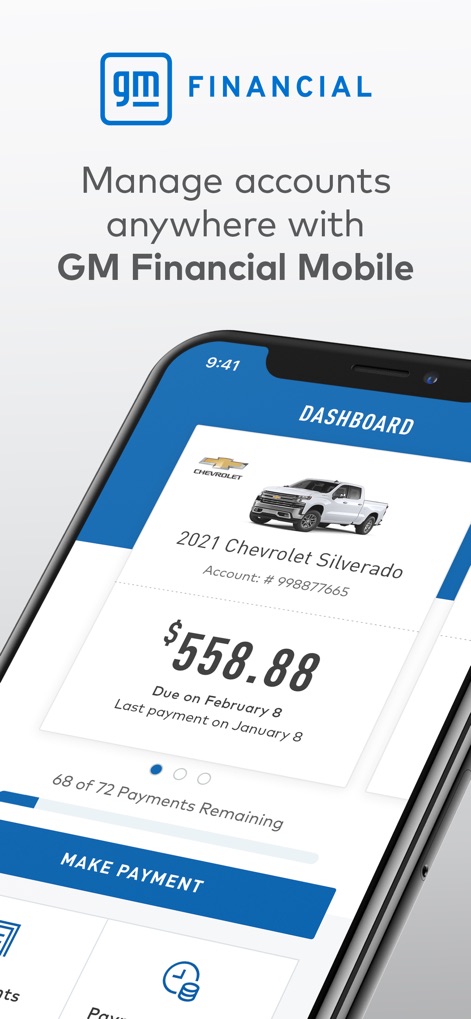
The app's 'Dashboard' provides an immediate financial overview, clearly displaying the 'current payment due' and the 'number of remaining payments'.
Account Snapshot
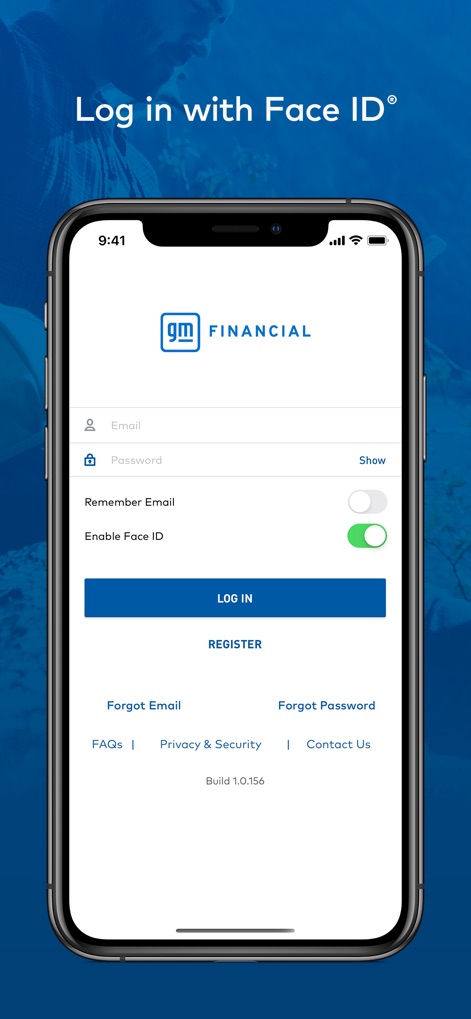
This tool ensures secure and convenient access through its dedicated 'login interface', offering advanced features like 'Face ID integration'.
Secure Access

Users can efficiently manage their auto loan payments on the 'Make Payment' screen, reviewing 'payment due dates' and selecting their desired 'payment method'.
Effortless Payments
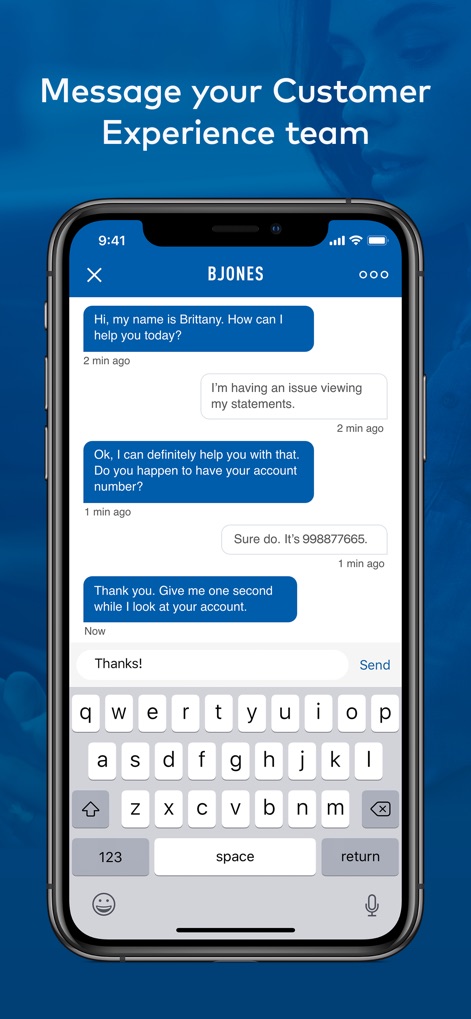
The app facilitates direct communication via its 'in-app messaging feature', enabling users to connect directly with the 'Customer Experience team'.
Direct Support
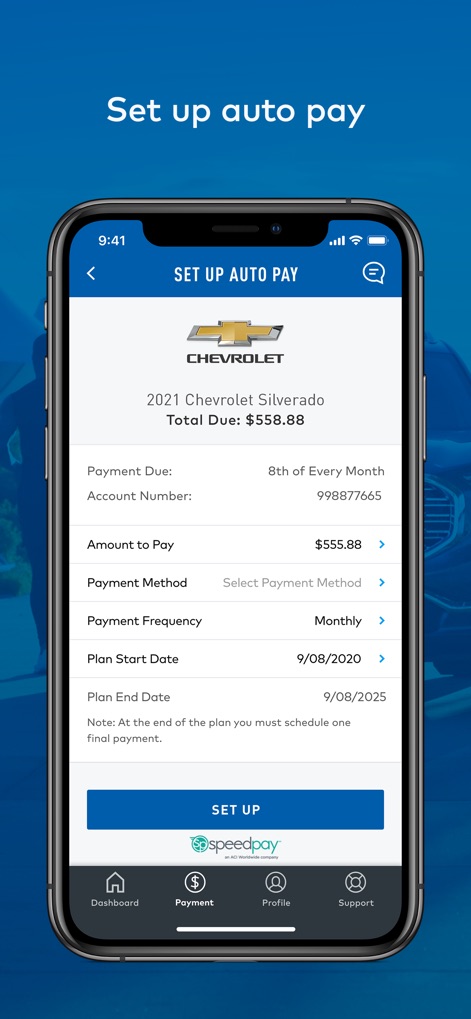
The app simplifies financial management with its 'Auto Pay setup' screen, allowing users to define their preferred 'payment frequency' and 'plan start/end dates'.
AutoPay Configuration

Within the 'Profile settings', users have control over their account preferences, including enabling 'Paperless Billing' and managing 'Face ID' options.
Digital Preferences
Description
Download
More Like This
Apps with similar features and user experience

Toyota Financial Services
TOYOTA MOTOR CREDIT CORPORATION

Mercedes-Benz Finance (USA/CA)
Mercedes-Benz USA LLC

Westlake MyAccount
Westlake Services, Llc

Ford Credit
FORD MOTOR CREDIT COMPANY LLC

Consórcio Online - Yamaha
YAMAHA ADMINISTRADORA DE CONSORCIO LTDA

Credit Acceptance Mobile
Credit Acceptance Corporation

Alj Finance
ALJFinance - Abdul Latif Jameel United Finance

Bridgecrest
Bridgecrest Acceptance Corporation

NMAC Account Manager
Nissan North America Inc.
This page is not an official page of the app or its developer, but an independent editorial publication created for informational and commentary purposes. Unless expressly stated otherwise, neither the app nor its developer is affiliated with, endorsed by, sponsored by, authorized by, or otherwise officially connected with MWM, Apple, Google Play, the app publisher, or the app's developer, and nothing on this page implies that the app was developed using MWM's services. Any trademarks, logos, screenshots, and other content remain the property of their respective owners.