Groups - Random Team Generator

Groups - Random Team Generator


Download on App Store
Logo of Groups - Random Team Generator

Groups - Random Team Generator: Build Fair, Balanced, and Effective Classroom Teams in Seconds

Simplify your classroom management with the ultimate tool for educators. Organize students effortlessly, prevent conflict with smart exclusion, and ensure total fairness—all synced across your Apple devices.

Download on App Store

Publisher

William Taylor

Category

Education

Downloads

0

User Rating

4.8/5

Total Ratings

0

Locales

1

Classroom Harmony at a Glance

Discover the interface used by 0 users.
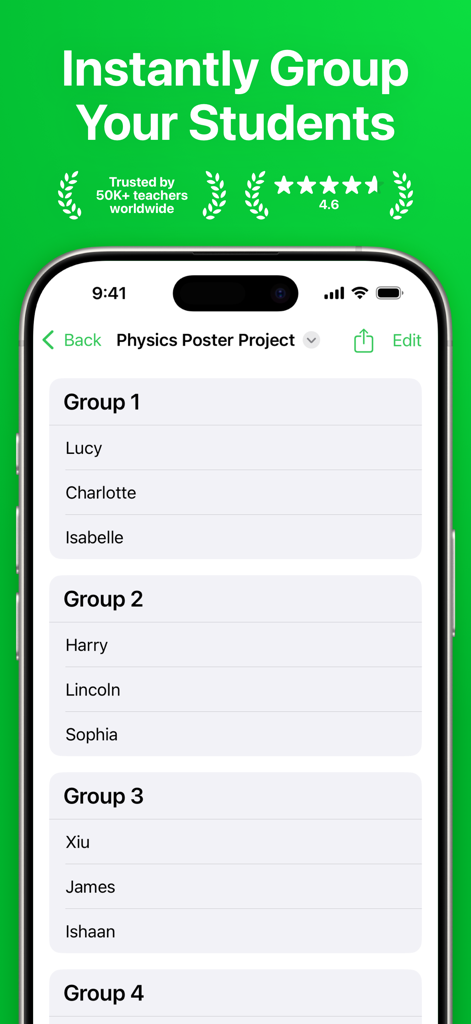
Groups app interface displaying random student teams for a classroom project

Groups app interface displaying random student teams for a classroom project

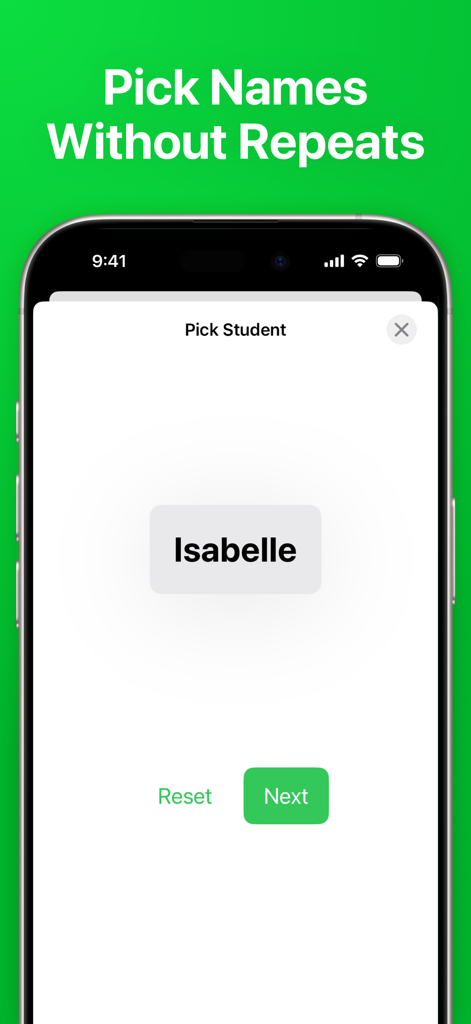
Smartphone screen showing the random student picker feature in the Groups app with a name displayed

Smartphone screen showing the random student picker feature in the Groups app with a name displayed

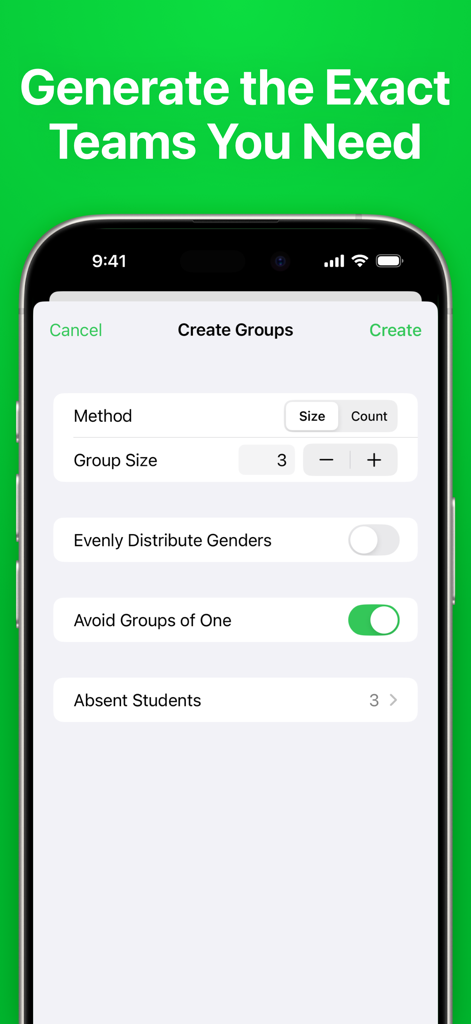
The team generation settings screen of the Groups app on an iPhone

The team generation settings screen of the Groups app on an iPhone

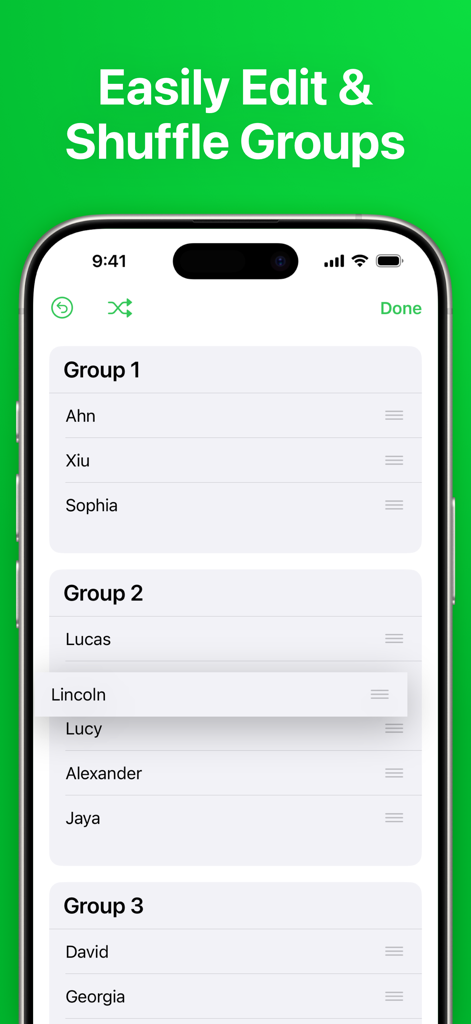
Interface of the Groups app showing lists of students organized into groups with the ability to drag and shuffle names

Interface of the Groups app showing lists of students organized into groups with the ability to drag and shuffle names

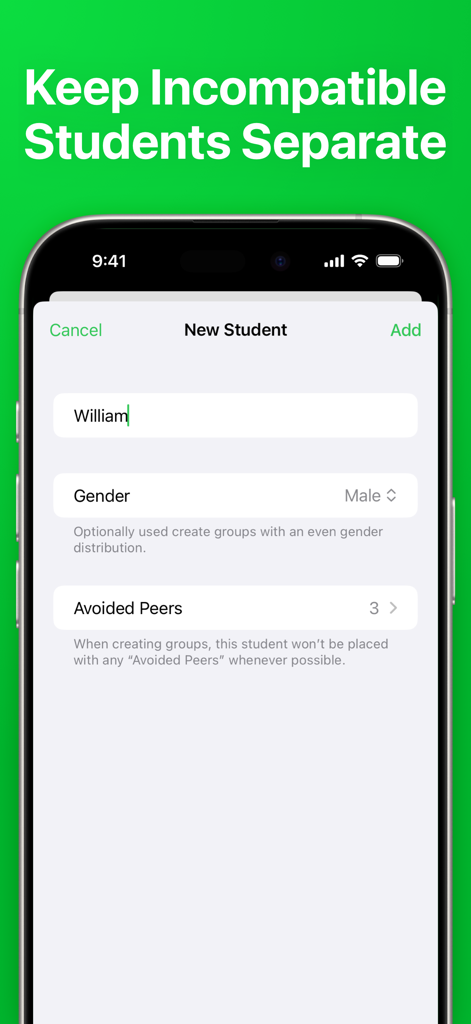
Interface for adding a new student in the Groups app featuring the avoided peers setting to separate students.

Interface for adding a new student in the Groups app featuring the avoided peers setting to separate students.

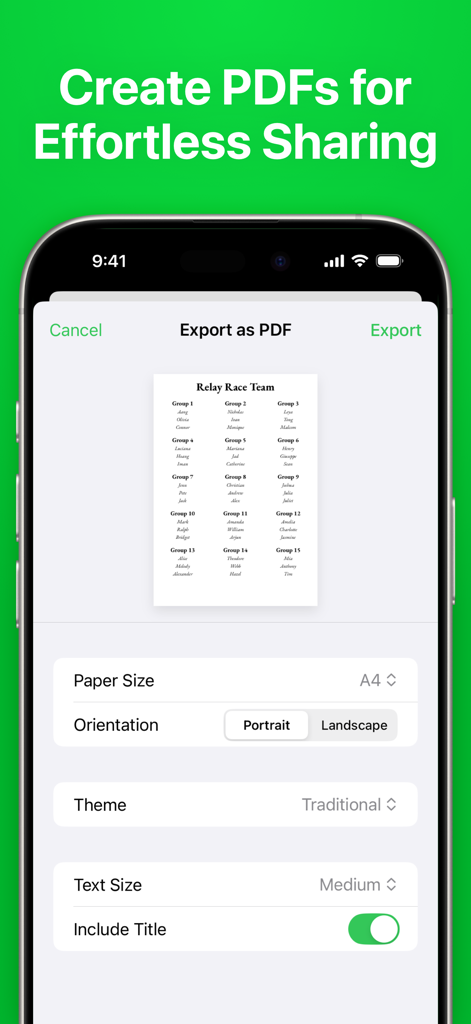
Interface of the Groups app showing the PDF export settings for sharing student team lists.

Interface of the Groups app showing the PDF export settings for sharing student team lists.

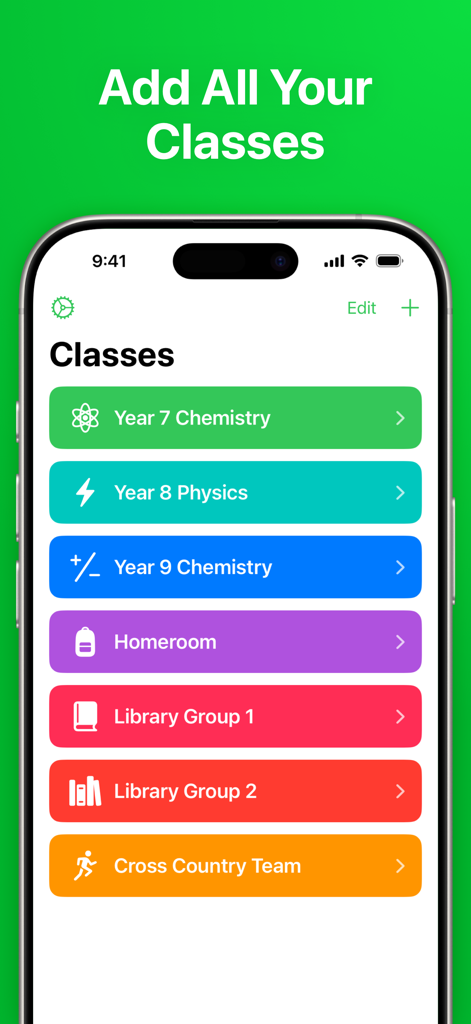
A mobile app interface displaying a list of school classes organized by color and icons

A mobile app interface displaying a list of school classes organized by color and icons

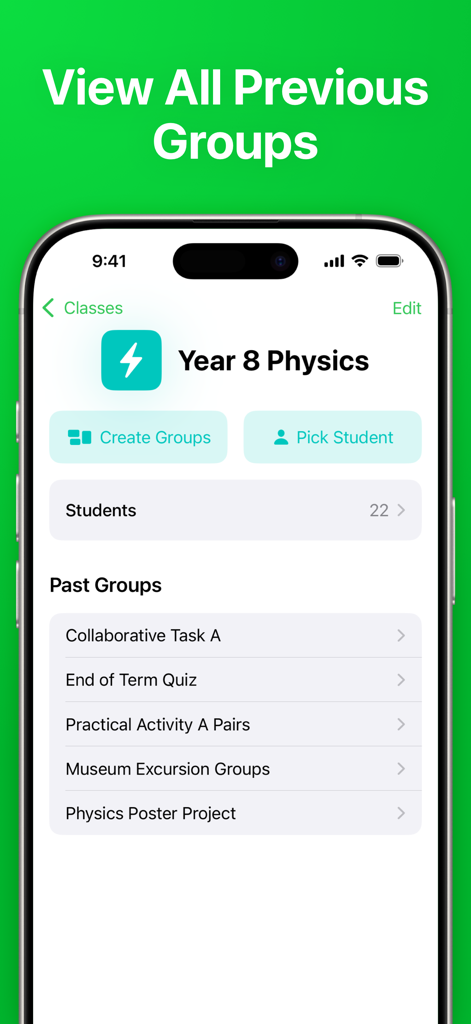
The Groups app interface showing a history of previous team lists and student groupings for a physics class.

The Groups app interface showing a history of previous team lists and student groupings for a physics class.

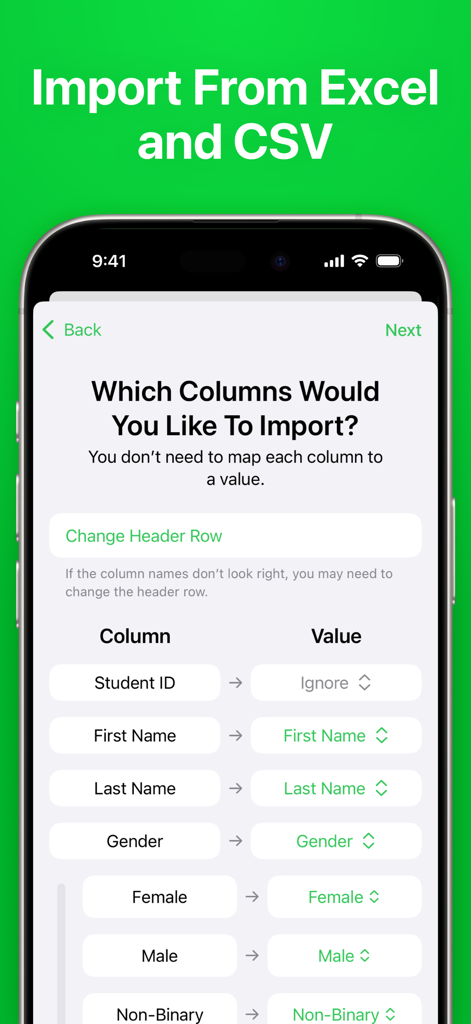
Interface for importing student lists from Excel and CSV files in the Groups app

Interface for importing student lists from Excel and CSV files in the Groups app

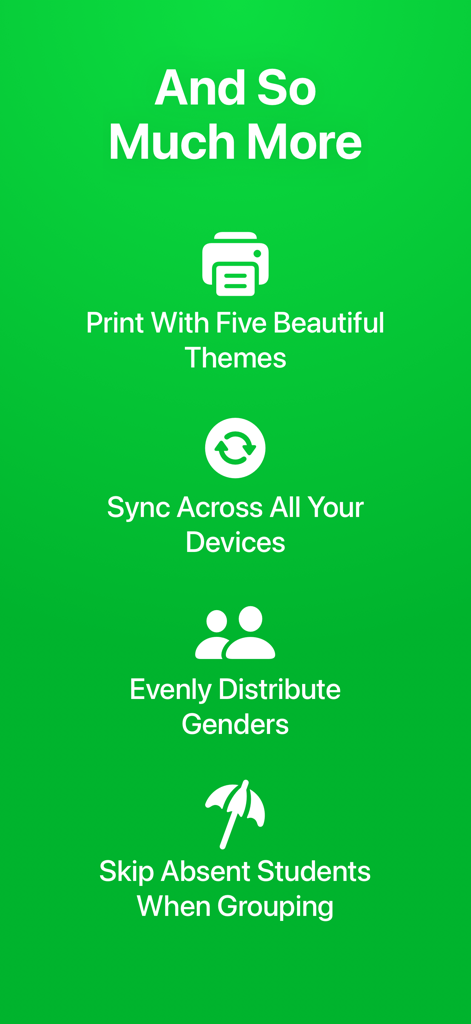
List of features for the Groups app including printing themes device sync and gender distribution

List of features for the Groups app including printing themes device sync and gender distribution

Smart Grouping for Modern Educators

The tools that make this app stand out, trusted by 0 users.

🤝

Strategic Team Building

Use our advanced algorithm to separate students who don't work well together and balance genders for a perfectly harmonized classroom.

🎲

Fair Participation Tools

Eliminate bias and reduce student anxiety with a random picker that ensures every voice is heard and every student gets an equal turn.

☁️

Seamless Data Management

Bulk import rosters from Excel and sync instantly across your iPhone, iPad, and Mac so your class lists are ready whenever inspiration strikes.

About the app

Everything you need to know about Groups - Random Team Generator.

Description

Effortlessly organize your students into effective teams with Groups, promoting meaningful collaboration and building teamwork skills in the classroom. ADVANCED TEAM BUILDING Have certain students who don’t work well together? Simply list these pairs in the app and Groups will handle the rest, with its advanced team-building algorithm. BALANCE GENDERS Ensure each group has an even distribution of genders with the ”Balance Genders” option, promoting diversity and encouraging collaboration. EDIT GROUPS Need to fine tune the generated groups? Easily rearrange the result to achieve a perfect team composition. RANDOM STUDENT PICKER Encourage equal participation in the classroom with Groups’ random student picker. This makes sure everyone gets a chance to provide input, ensuring all voices are heard. EXPORT AND PRINT Easily create printable handouts, posters, or a PDF to share using five beautiful themes. BULK IMPORT Add students from Microsoft Excel workbooks, CSV files, or plain text lists. UNLIMITED CLASSES Enter all your students once, and then create as many groups as you need. You can even add an icon and color to each class to easily tell them apart. CROSS DEVICE SYNC Add your classes once, and use them across all your Apple devices with iCloud sync. ——————————————— Groups has helped tens of thousands of teachers sort their students into groups, fostering more positive learning environments for students worldwide. Privacy Policy: https://wttech.com.au/docs/groups/privacy-policy Terms & Conditions: https://wttech.com.au/docs/groups/eula

Latest Version

2.4.1

Size

22.3 MB

First Released

Oct 24, 2016

Ready to Build Better Teams in Seconds?

Join thousands of educators who use Groups to create fair, balanced, and productive classrooms. Download now and reclaim your prep time.

Download on App Store

App information, icons, screenshots, and descriptions displayed on this page are sourced from the Apple App Store and are the property of their respective developers. Download estimates and rankings are based on MWM's proprietary models and may not reflect actual figures. This page is provided for informational and analytical purposes only.

Believe this page infringes your intellectual property? File a dispute