
This page is not an official page of the app or its developer, but an independent editorial publication created for informational and commentary purposes. Unless expressly stated otherwise, neither the app nor its developer is affiliated with, endorsed by, sponsored by, authorized by, or otherwise officially connected with MWM, Apple, Google Play, the app publisher, or the app's developer, and nothing on this page implies that the app was developed using MWM's services. Any trademarks, logos, screenshots, and other content remain the property of their respective owners.

GymClock.
The minimalist, distraction-free timer designed for the efficient lifter. Eliminate phone distractions and stay in the zone with a lightweight tool that respects your time and your gains.
Downloads
0User Rating
Total Ratings
0Publisher
Category
Health & FitnessLocales
1Latest Version
1.4Size
0.4 MBFirst Released
Dec 20, 2025Master Your Training Intervals
A lightweight utility designed to keep you focused, disciplined, and moving through your workout without distractions.
Zero-Distraction Interface
Avoid the social media rabbit hole with a minimalist design that keeps you focused on your lift, not your phone's notifications.
Precise Rest Management
Optimize hypertrophy and strength gains by staying accountable to your rest-to-work ratios with a simple, high-speed timer.
Frequently Asked Questions
Everything you need to know about GymClock.
What is GymClock.?
GymClock. is an application designed to easily track your rest time and workout sets during exercise sessions with a simple interface.
How do I use GymClock. to track my workout?
To use GymClock., first set your remaining sets, then start working out. Press "Rest" to begin your rest period, and "Done" when rest concludes. Repeat this cycle.
Does GymClock. track workout sets?
Yes, GymClock. tracks workout sets. Users set their remaining sets, and the app helps manage the workout flow by indicating the 'Sets Left'.
How does GymClock. track rest time?
GymClock. tracks rest time by allowing the user to press a "Rest" button when their rest period begins and a "Done" button when it ends, providing a clear timer interface.
What is the purpose of the 'Sets Left' display in GymClock.?
The 'Sets Left' display in GymClock. indicates the number of workout sets remaining for the user to complete, helping to track overall workout progress.
Can I customize the appearance of GymClock.?
Yes, GymClock. offers customization options. The provided screenshots demonstrate various background colors for the app interface, suggesting theme choices for the user.
The following screenshots and description are sourced directly from the app's official store listing and are the property of the app developer.
App Store
Screenshots
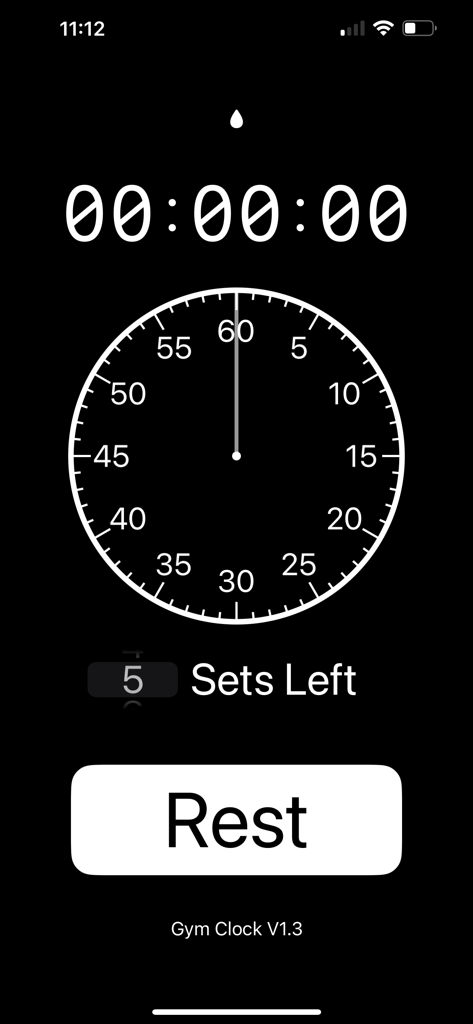
Minimalist GymClock app interface featuring a digital timer, sets remaining counter, and a large rest button.
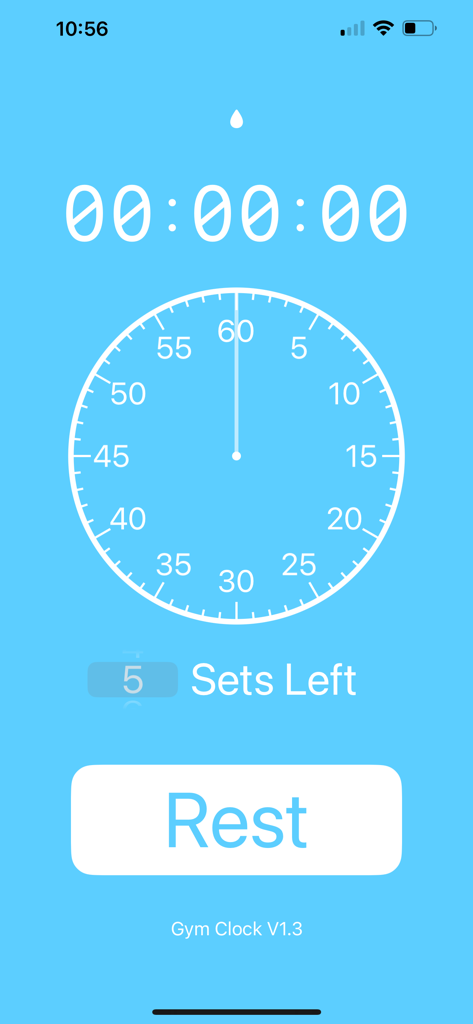
The main screen of the GymClock app showing a rest timer and sets remaining indicator on a blue background.
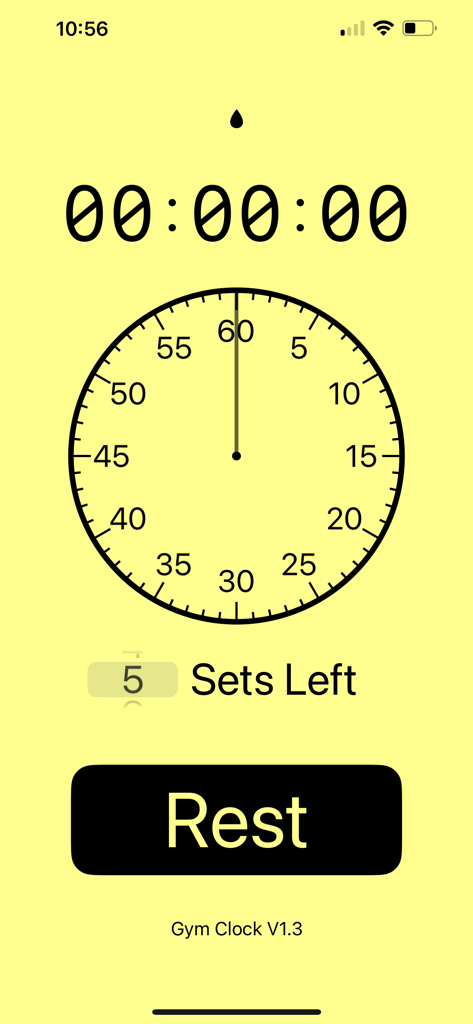
Minimalist interface of GymClock app with a timer and rest button.
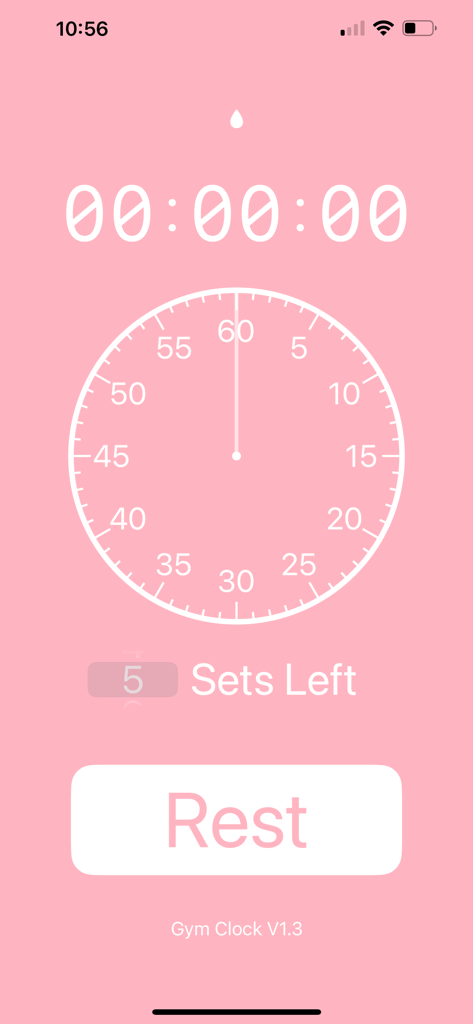
GymClock minimalist workout timer showing rest button and sets tracker.
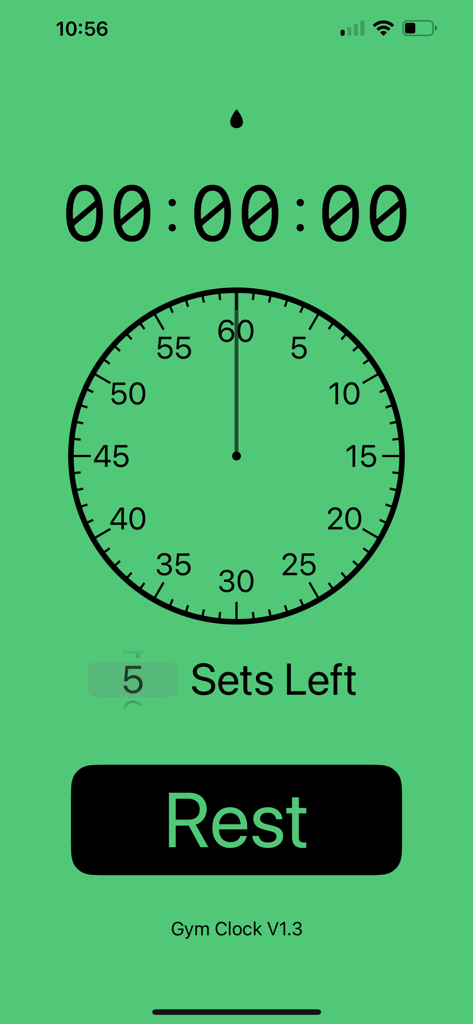
GymClock minimalist app interface with workout timer and rest button
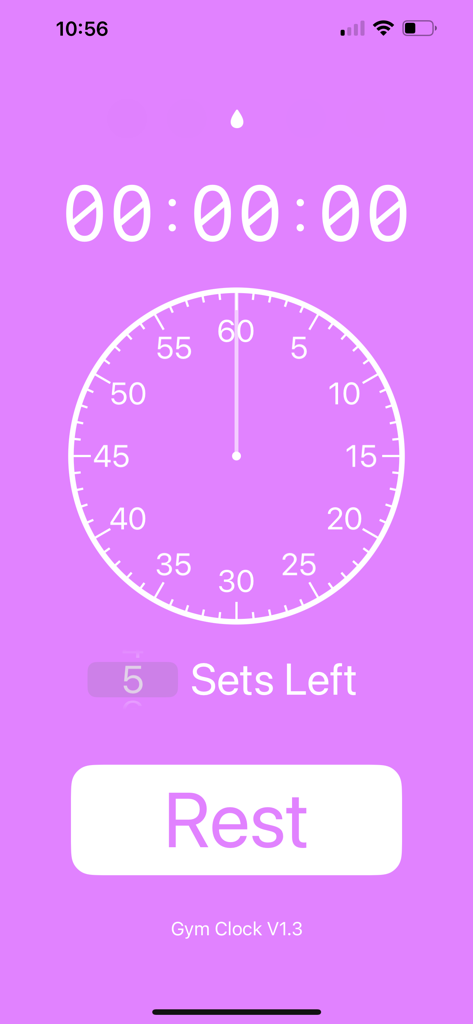
GymClock app interface with a digital timer sets left indicator and a rest button
Description
Download
More Like This
Top-ranked apps in the same category

Strava: Run, Bike, Walk
Strava Inc.

Flo Cycle & Period Tracker
FLO HEALTH UK LIMITED

AI Calorie Tracker by Yazio
YAZIO GmbH

MyFitnessPal: Calorie Counter
MyFitnessPal, Inc.

Mi Fitness (Xiaomi Wear Lite)
Beijing Xiaomi Co., Ltd

美柚 - 经期·备孕·怀孕·育儿&亲友版
Xiamen Meet You Co., Ltd.

Cal AI - Calorie Tracker
Viral Development LLC

Yuka - Food & Cosmetic Scanner
Yuca

BitePal: Food Tracker Pet
REFACE LITHUANIA UAB
This page is not an official page of the app or its developer, but an independent editorial publication created for informational and commentary purposes. Unless expressly stated otherwise, neither the app nor its developer is affiliated with, endorsed by, sponsored by, authorized by, or otherwise officially connected with MWM, Apple, Google Play, the app publisher, or the app's developer, and nothing on this page implies that the app was developed using MWM's services. Any trademarks, logos, screenshots, and other content remain the property of their respective owners.