
This page is not an official page of the app or its developer, but an independent editorial publication created for informational and commentary purposes. Unless expressly stated otherwise, neither the app nor its developer is affiliated with, endorsed by, sponsored by, authorized by, or otherwise officially connected with MWM, Apple, Google Play, the app publisher, or the app's developer, and nothing on this page implies that the app was developed using MWM's services. Any trademarks, logos, screenshots, and other content remain the property of their respective owners.


Hand Talk: ASL Sign Language
Bridge the communication gap with the world's most awarded social app. Translate voice to sign instantly, explore 360-degree visual lessons, and build a more inclusive world with Hugo and Maya.
Downloads
1M+User Rating
Total Ratings
2K+Publisher
Category
EducationLocales
1Latest Version
7.4.0Size
180.4 MBFirst Released
Jun 21, 2013Master Sign Language with Confidence
Join millions of learners using our AI-powered 3D avatars to bridge communication gaps and foster inclusion anywhere, anytime.
360° Visual Learning
Rotate our 3D avatars to view signs from every angle, ensuring you master exact hand placements and movements with ease.
Instant Voice & Text Translation
Break barriers in real-time by converting spoken or written words into ASL. Perfect for classroom inclusion and daily interactions.
Frequently Asked Questions
Everything you need to know about Hand Talk: ASL Sign Language
What is the Hand Talk App?
The Hand Talk App offers a fun, free way to practice Libras, ASL, and BSL. It functions as a pocket dictionary and learning tool with virtual translators Hugo and Maya.
Which sign languages are supported by the Hand Talk App?
The Hand Talk App supports Libras (Brazilian Sign Language), ASL (American Sign Language), and BSL (British Sign Language). Users can switch between these languages.
How does the Hand Talk App translate text or voice?
The Hand Talk App translates text or voice into sign language automatically. Virtual translators, Hugo or Maya, perform the translation based on artificial intelligence trained with over 38,000 validated words.
Can the Hand Talk App be used offline?
Yes, the Hand Talk App allows users to consult thousands of signs and expand vocabulary through its updated dictionaries even when offline.
Does the Hand Talk App offer gamified learning?
Yes, the Hand Talk App provides a gamified learning experience for ASL. It includes interactive missions, quick challenges, and the ability to earn medals as users progress.
Who are Hugo and Maya in the Hand Talk App?
Hugo and Maya are the Hand Talk App's virtual translators. They are designed characters who facilitate sign language learning and perform translations for users.
What customization options does the Hand Talk App offer?
The Hand Talk App allows users to adjust translation speed, view signs in 360 degrees, create a favorites list, and customize the virtual translators Hugo and Maya with exclusive items.
What are the benefits of a Hand Talk App subscription?
A Hand Talk App subscription provides an ad-free experience, translation of text in images, earns coins, and grants exclusive access to new features, supporting free education.
Who should use the Hand Talk App?
The Hand Talk App is recommended for anyone interested in learning and practicing Libras, ASL, or BSL in an effective and enjoyable way.
The following screenshots and description are sourced directly from the app's official store listing and are the property of the app developer.
App Store
Screenshots
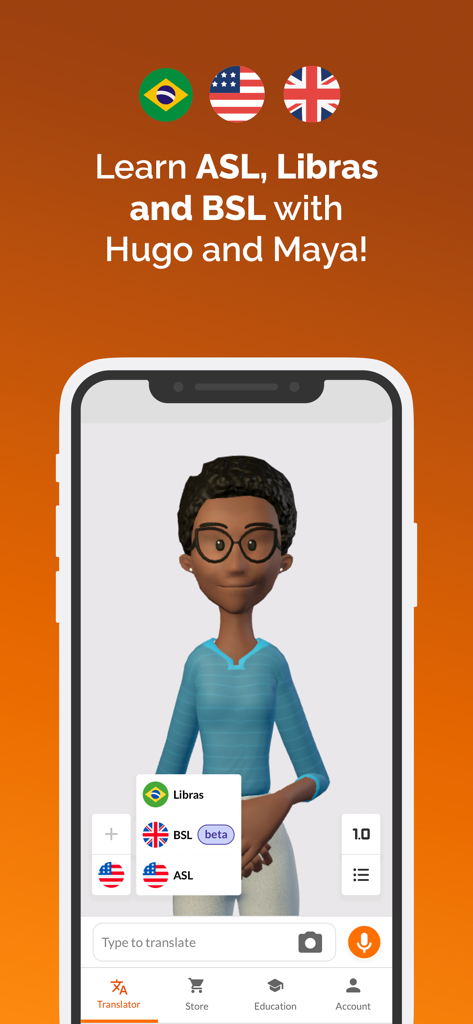
Interface of Hand Talk app featuring 3D avatar Maya and language options for ASL BSL and Libras
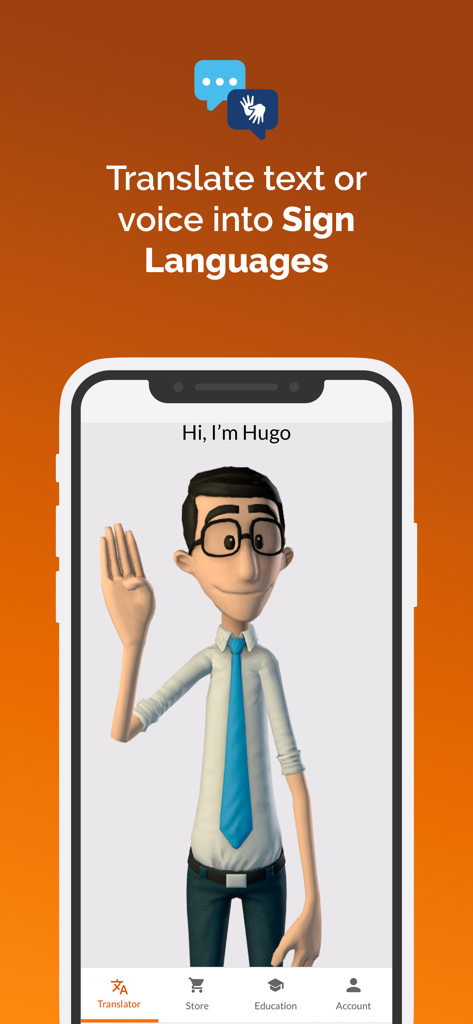
Hand Talk app interface showing Hugo the 3D avatar translating voice and text to ASL
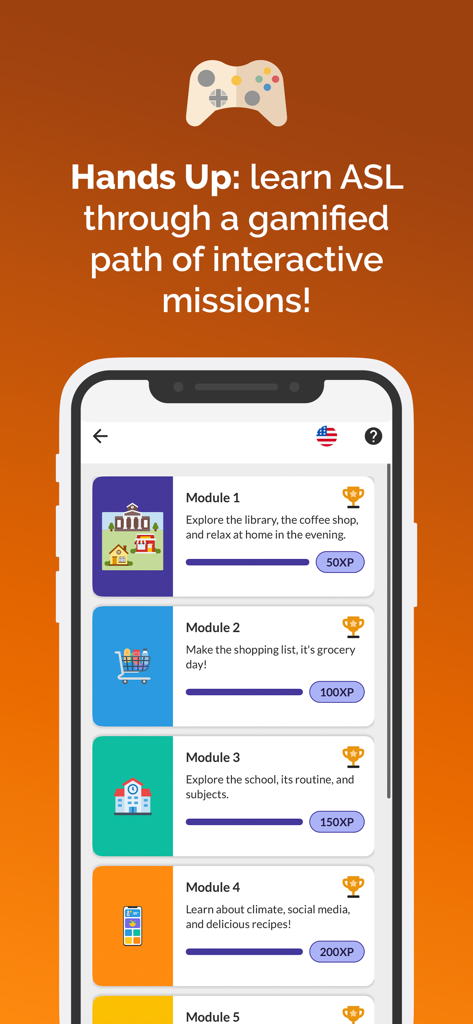
A mobile phone screen displaying a gamified ASL learning path with interactive modules and progress bars
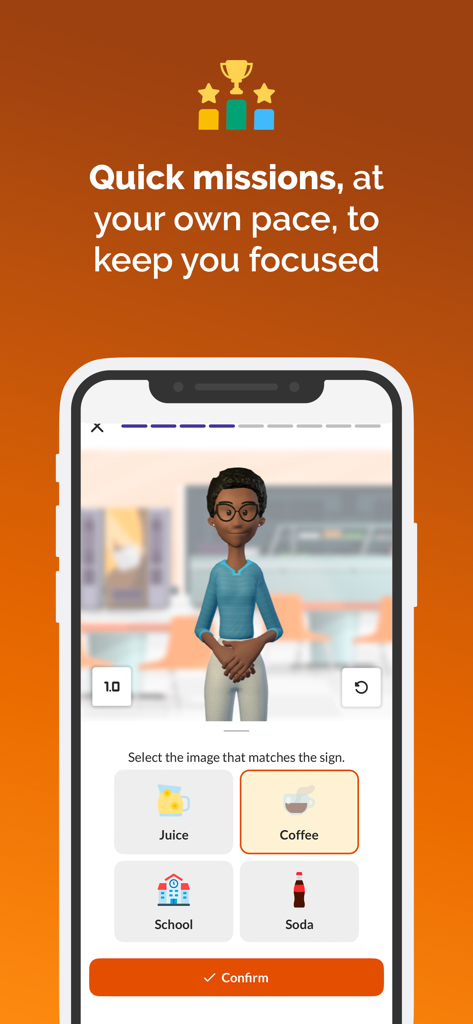
Hand Talk app showing a gamified sign language lesson with a 3D avatar and multiple choice options.
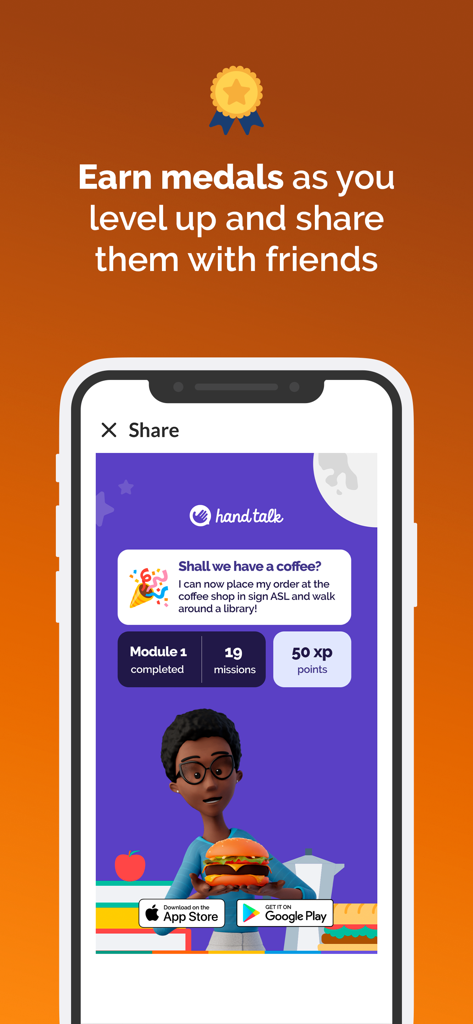
Share screen of Hand Talk ASL app displaying earned medals and mission progress
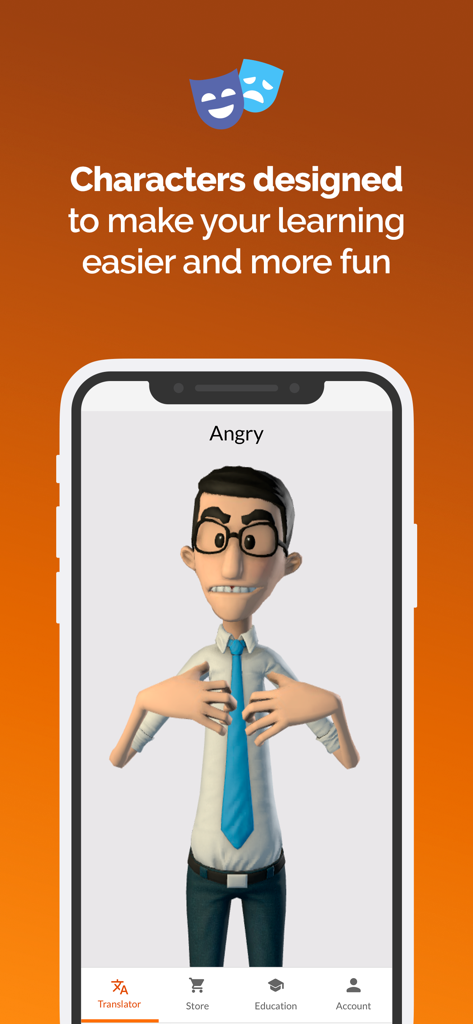
Hand Talk app showing a 3D avatar named Hugo signing the word angry in ASL
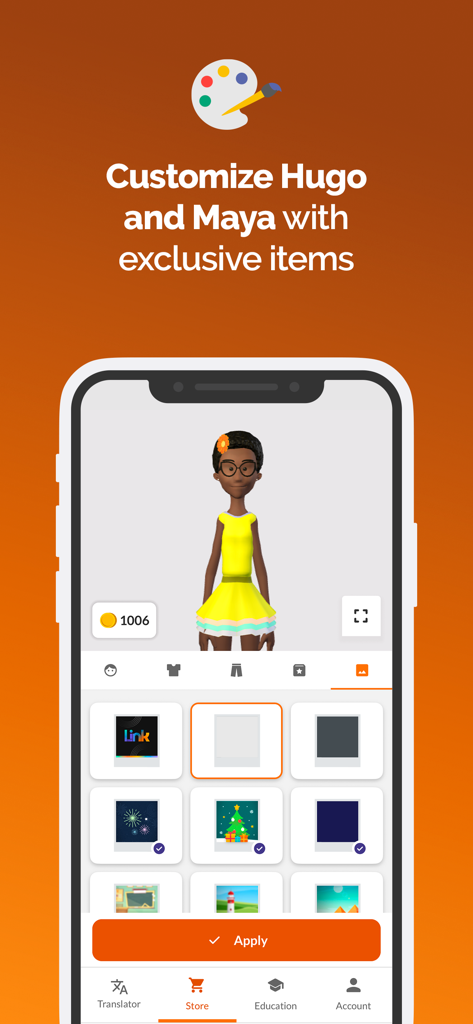
Interface of the Hand Talk app showing customization options for the Maya 3D avatar in the store
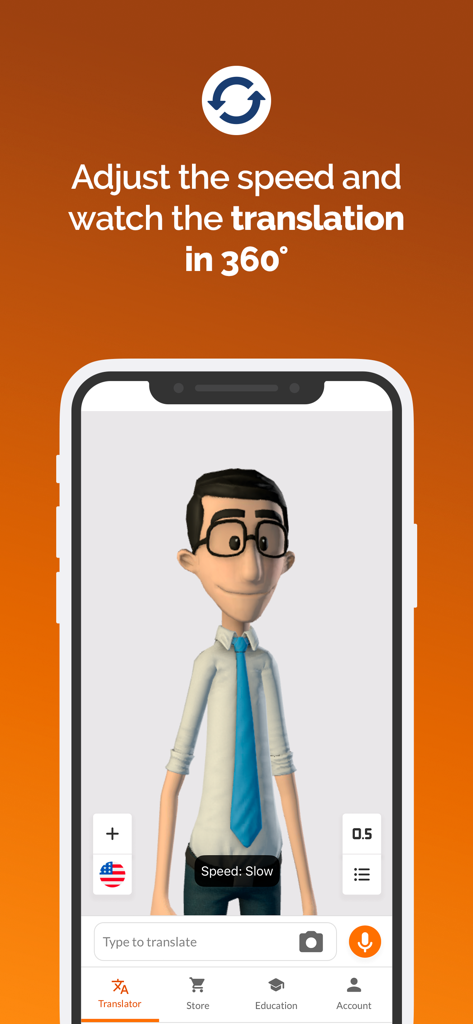
Hand Talk app screenshot showing a 3D avatar for sign language translation with 360 degree view and speed controls
Description
Download
More Like This
Apps with similar features and user experience

Lingvano - Learn Sign Language
Lingvano GmbH

ASL Bloom - Sign Language
SignLab AS
ASL Sign Language Pocket Sign
Trent Ewald

Bright BSL - Sign Language
SignLab AS

Auslan Wiz - Sign Language
SignLab AS
Der Kestner - DGS
Verlag Karin Kestner GmbH

My Signing Time
Two Little Hands Productions

ココロイド - アバターとのビデオチャットアプリ
MOSHBIT., INC.
This page is not an official page of the app or its developer, but an independent editorial publication created for informational and commentary purposes. Unless expressly stated otherwise, neither the app nor its developer is affiliated with, endorsed by, sponsored by, authorized by, or otherwise officially connected with MWM, Apple, Google Play, the app publisher, or the app's developer, and nothing on this page implies that the app was developed using MWM's services. Any trademarks, logos, screenshots, and other content remain the property of their respective owners.