
This page is not an official page of the app or its developer, but an independent editorial publication created for informational and commentary purposes. Unless expressly stated otherwise, neither the app nor its developer is affiliated with, endorsed by, sponsored by, authorized by, or otherwise officially connected with MWM, Apple, Google Play, the app publisher, or the app's developer, and nothing on this page implies that the app was developed using MWM's services. Any trademarks, logos, screenshots, and other content remain the property of their respective owners.

HandyRecorder
Capture studio-grade sound with linear PCM precision. Transform your iOS device into a powerful field recorder with pro-level EQ, mastering effects, and seamless cloud integration.
Downloads
161K+User Rating
Total Ratings
500Publisher
Category
MusicLocales
6Latest Version
5.6.0Size
25.2 MBFirst Released
Sep 25, 2013Professional Field Recording, Simplified
Turn your iPhone or iPad into a high-fidelity production suite with professional-grade audio formats, real-time effects, and seamless cloud integration.
Studio-Grade Fidelity
Capture every detail with uncompressed Linear PCM and high-quality AAC formats that far exceed the quality of standard mobile voice memos.
Integrated Mastering Suite
Polish your audio on the go with a 6-band EQ, professional reverb, and mastering tools like Maximize to get your tracks radio-ready instantly.
Frequently Asked Questions
Everything you need to know about HandyRecorder
What is the HandyRecorder app?
The HandyRecorder app enables high-quality audio recording on iOS devices. It supports linear PCM and AAC formats, offers editing, effects, and direct upload to cloud services.
What audio formats does HandyRecorder support for recording?
The HandyRecorder app supports high-quality linear PCM and AAC formats for recording. AAC bit rates include 64, 128, or 160 kbps.
Can HandyRecorder automatically start and stop recordings?
Yes, the HandyRecorder app includes an AUTO REC function. This feature automatically starts and stops recording based on the input signal level.
What audio effects are available in the HandyRecorder app?
The HandyRecorder app offers 6 BAND EQ, REVERB with various room types (ROOM, JAZZ CLUB), and MASTERING effects (MAXIMIZE, ULTRA MAXIMIZE). Processed recordings save as separate files.
Can I upload recordings directly from HandyRecorder to cloud services?
Yes, HandyRecorder allows direct uploads to iCloud and SoundCloud. It also supports "Auto Sync" for iCloud, automatically uploading recordings after completion.
Does HandyRecorder have editing functions for audio files?
Yes, the HandyRecorder app includes file editing functions. Users can delete recordings and use the divide function to split files at a specified point.
Is HandyRecorder optimized for ZOOM iQ series microphones?
Yes, HandyRecorder is optimized for ZOOM iQ series microphones. It allows adjusting stereo width in MS recording mode and offers specific AUTO GAIN settings for iQ5.
Can I monitor audio input without latency using HandyRecorder and an iQ series mic?
Yes, the HandyRecorder app's DIRECT MONITOR function allows monitoring the input signal through the headphones jack without latency when using an iQ series mic.
What is the purpose of the normalize function in HandyRecorder?
The normalize function in HandyRecorder optimizes the volume of recorded audio files. This ensures a consistent and appropriate loudness level for your recordings.
Does HandyRecorder support importing audio from movie files?
No, loading audio tracks from movie files and writing back processed audio is a feature exclusively available in the HandyRecorder PRO version.
The following screenshots and description are sourced directly from the app's official store listing and are the property of the app developer.
App Store
Screenshots
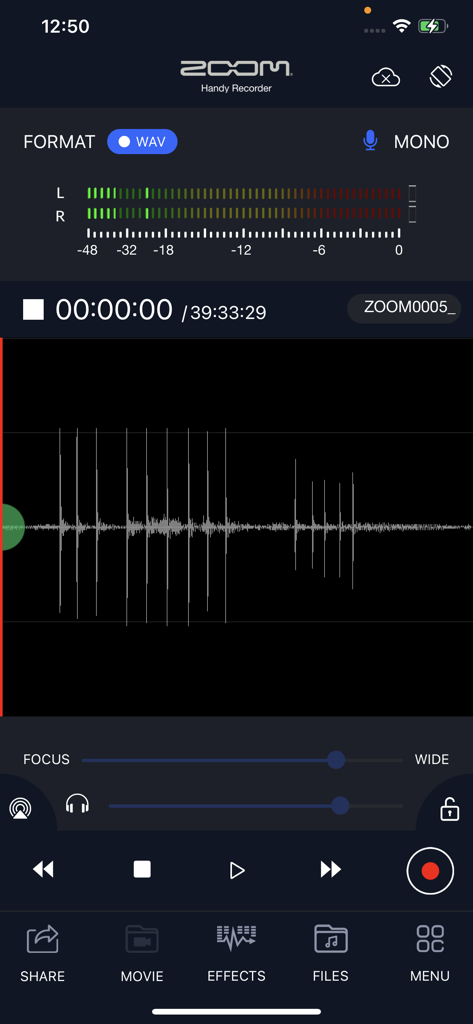
Zoom HandyRecorder app recording screen showing audio waveform and level meters
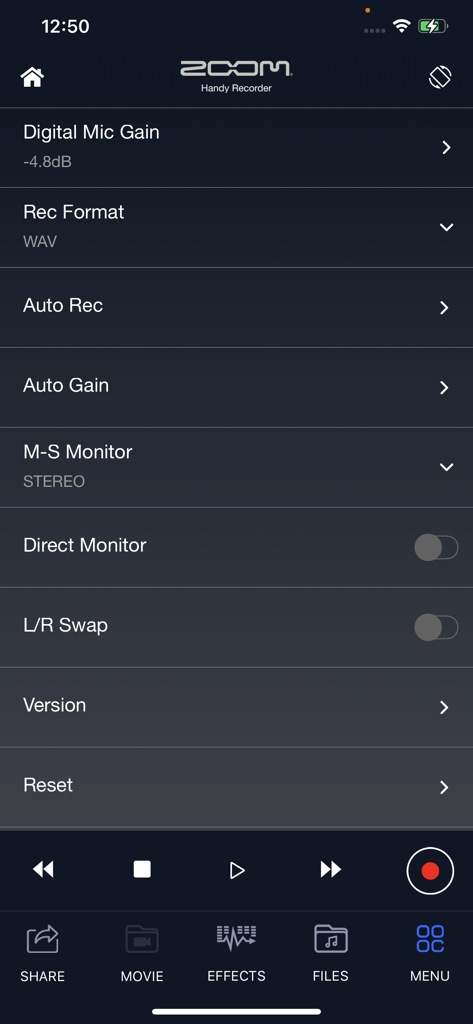
The settings menu of the HandyRecorder app showing advanced audio controls like digital mic gain, recording format, and auto gain
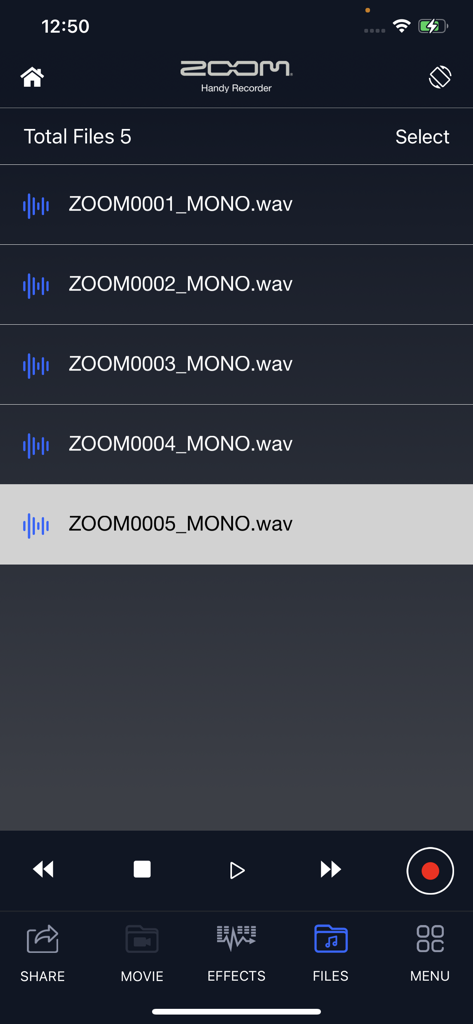
HandyRecorder app interface showing a list of recorded audio files and playback controls
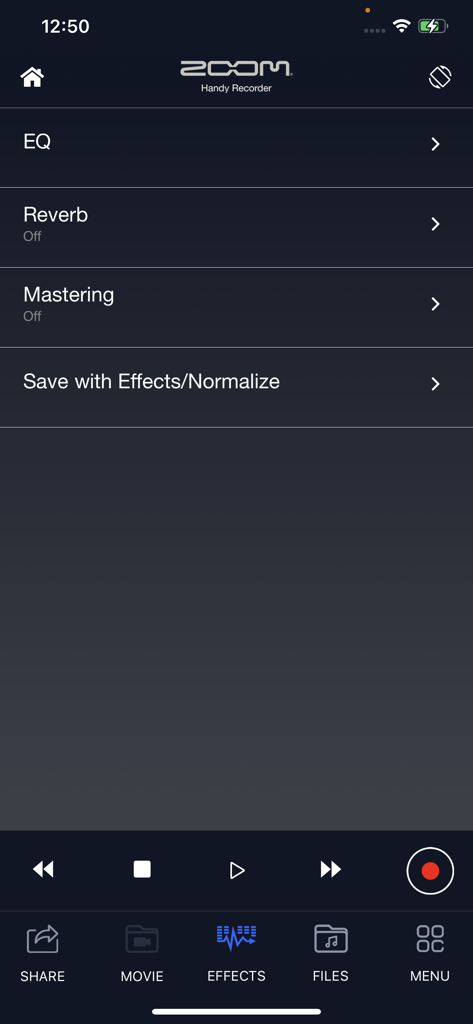
HandyRecorder app effects screen showing options for EQ reverb and mastering
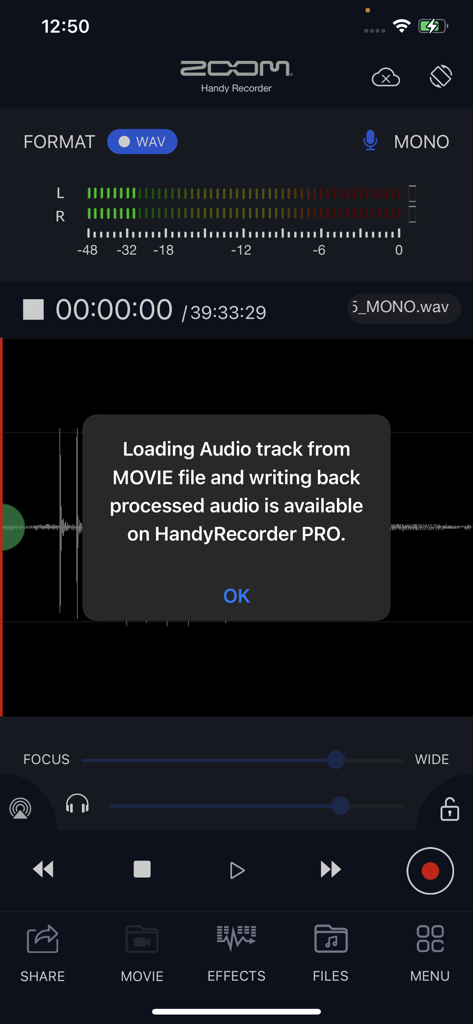
HandyRecorder app screenshot displaying a popup about movie audio processing features available in the pro version
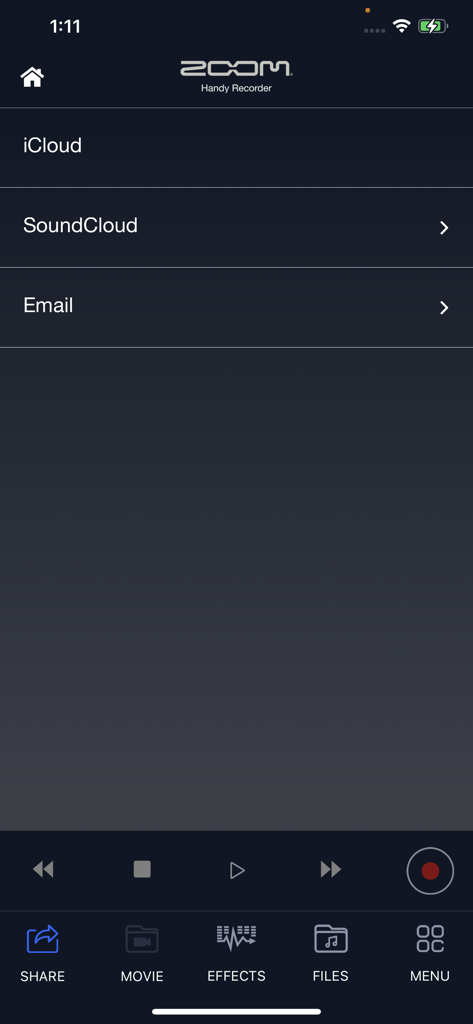
Zoom HandyRecorder app share menu featuring iCloud and SoundCloud options
Description
Download
More Like This
Top-ranked apps in the same category

Spotify: Music and Podcasts
Spotify

YouTube Music
Google LLC

Shazam: Find Music & Concerts
Apple Inc.

SoundCloud: The Music You Love
SoundCloud Global Limited & Co KG

Suno - AI Songs & Music
Suno Inc.

QQ音乐 - 听我想听
Tencent Technology (Shenzhen) Company Limited

Audiomack - Play Music Offline
Audiomack, Inc.

GuitarTuna: Tune & Play Guitar
Yousician Ltd

BandLab – Music Maker & Beats
BandLab Singapore Pte Ltd
This page is not an official page of the app or its developer, but an independent editorial publication created for informational and commentary purposes. Unless expressly stated otherwise, neither the app nor its developer is affiliated with, endorsed by, sponsored by, authorized by, or otherwise officially connected with MWM, Apple, Google Play, the app publisher, or the app's developer, and nothing on this page implies that the app was developed using MWM's services. Any trademarks, logos, screenshots, and other content remain the property of their respective owners.