
This page is not an official page of the app or its developer, but an independent editorial publication created for informational and commentary purposes. Unless expressly stated otherwise, neither the app nor its developer is affiliated with, endorsed by, sponsored by, authorized by, or otherwise officially connected with MWM, Apple, Google Play, the app publisher, or the app's developer, and nothing on this page implies that the app was developed using MWM's services. Any trademarks, logos, screenshots, and other content remain the property of their respective owners.
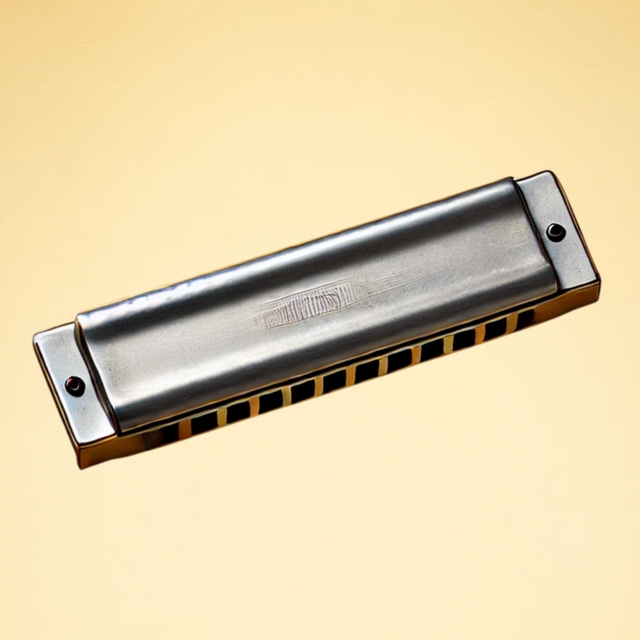

Harmonica Sim
Master the blues, folk, and jazz with authentic diatonic and chromatic tones. From bending notes to studio-quality recording, take the world's most portable instrument anywhere with this high-fidelity simulator.
Downloads
1K+User Rating
Total Ratings
0Publisher
Category
MusicLocales
1Latest Version
1.1.4Size
131.6 MBFirst Released
Dec 13, 2024Your Studio-Quality Harmonica, Anywhere
Experience the soulful expression of a real mouth organ with professional-grade sampling and advanced controls designed for the modern musician.
Three Iconic Instruments in One
Access Diatonic, Chromatic, and Tremolo harmonicas instantly. No need to carry a case of different keys—just tap and play.
True-to-Life Expression
Master soulful 'bends' and dynamic volume control with sensitive touch technology that mimics the nuances of a physical instrument.
Frequently Asked Questions
Everything you need to know about Harmonica Sim
What is Harmonica Sim?
Harmonica Sim is an app that provides an authentic, engaging, and creative experience for playing the harmonica. It offers meticulously sampled tones and various play modes for musicians of all levels.
Does Harmonica Sim offer different types of harmonicas?
Yes, Harmonica Sim offers meticulously sampled tones that capture the character of various harmonica types. These include diatonic, chromatic, and tremolo harmonicas.
What play modes are available in Harmonica Sim?
Harmonica Sim features three dynamic play modes: Free Play Mode for combining notes and chords, Single Note Mode for precision, and Soft Release Mode for a natural fade-out effect.
Can users record their performances in Harmonica Sim?
Yes, Harmonica Sim includes a built-in recorder to effortlessly capture harmonica music. Users can review their progress, compose, or share their unique sound.
How can I share music created with Harmonica Sim?
Harmonica Sim allows users to easily share their harmonica performances. Music can be shared with friends, family, or fans on social media platforms.
Does Harmonica Sim support microtone adjustments?
Yes, Harmonica Sim provides Microtone Settings for fine-tuning. Microtones can be set for each key within the application.
What advanced features does Harmonica Sim include?
Harmonica Sim includes advanced features such as Echo and Chorus Effects, Sensitive Play Mode for dynamic volume, and a Transpose Function to shift keys. Microtone settings are also available.
Is it possible to change the key in Harmonica Sim?
Yes, Harmonica Sim includes a Transpose Function. This feature allows users to easily shift keys to match their musical needs.
What genres can be explored using Harmonica Sim?
Harmonica Sim allows users to explore a wide range of genres. These include blues, jazz, folk, and even classical music with its versatile harmonica sounds.
Does Harmonica Sim offer dynamic volume control?
Yes, Harmonica Sim features a Sensitive Play Mode. This mode controls volume dynamically, allowing for softer tones by pressing higher and louder sounds by pressing lower on the key.
The following screenshots and description are sourced directly from the app's official store listing and are the property of the app developer.
App Store
Screenshots

A realistic close up of a harmonica with text that says Touch Play Feel the Harmonica
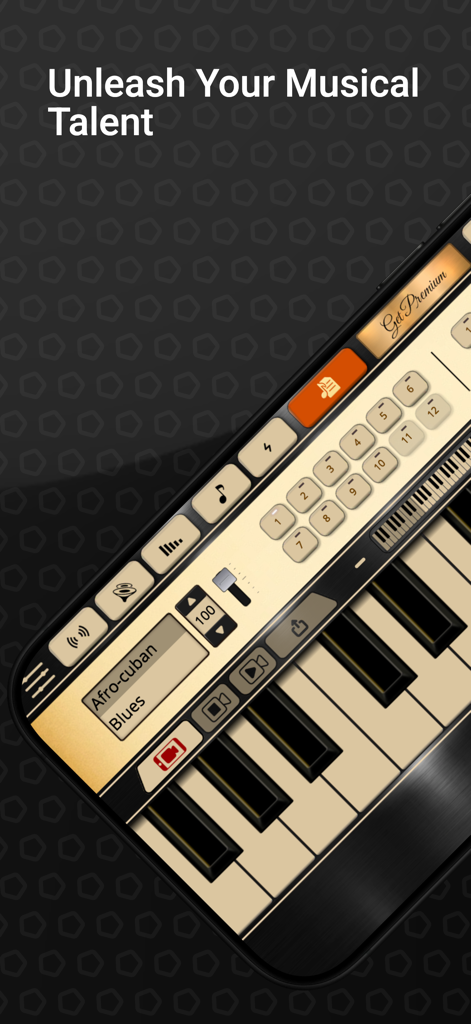
Harmonica Sim app screen showing a virtual instrument interface with piano keys and musical genre settings
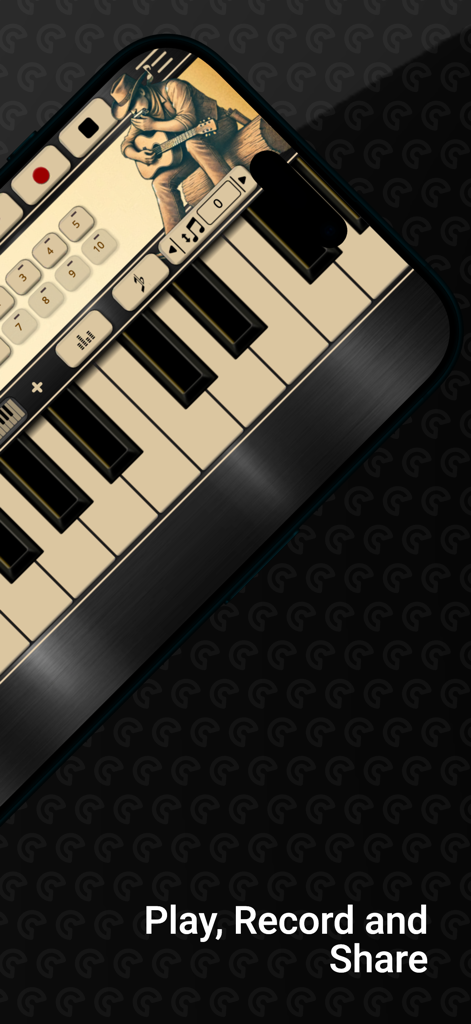
Smartphone screen showing Harmonica Sim app interface with a piano keyboard and recording controls.
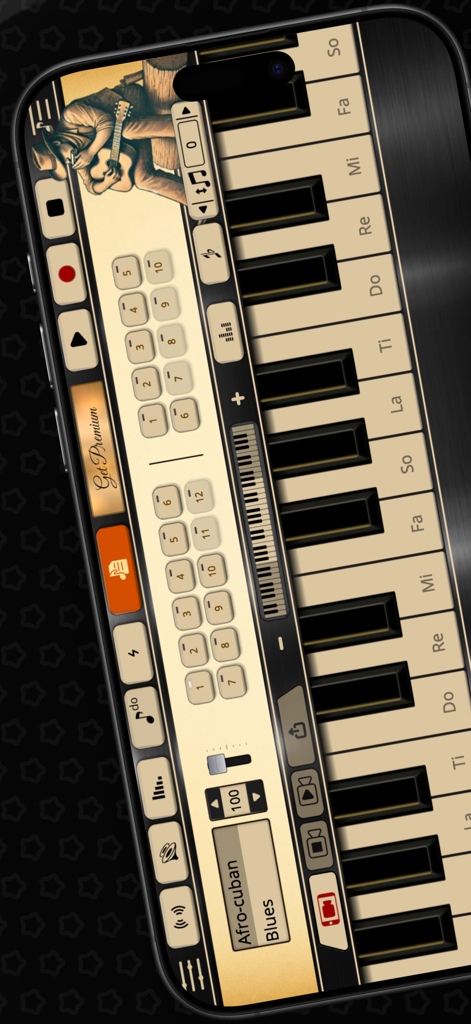
A professional harmonica simulator app interface featuring a musical keyboard and audio control settings.
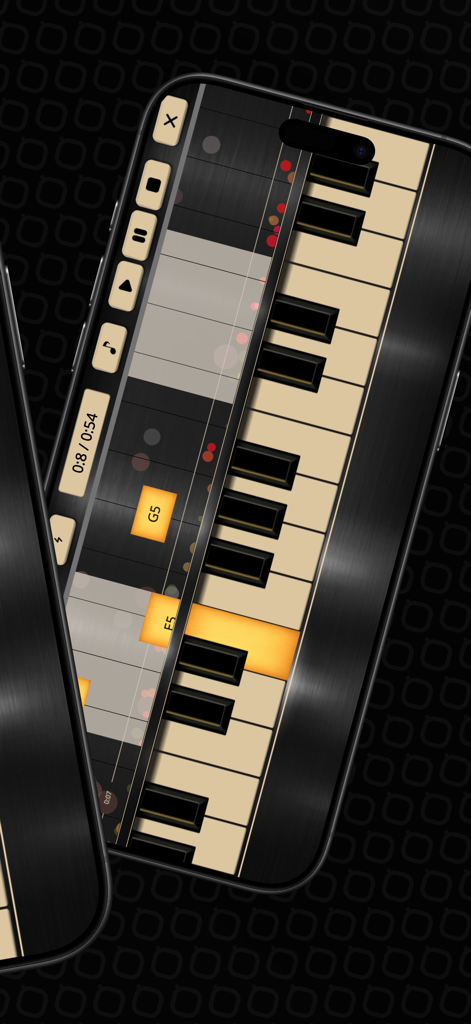
A mobile application interface for Harmonica Sim displaying a virtual keyboard with falling notes and music recording controls
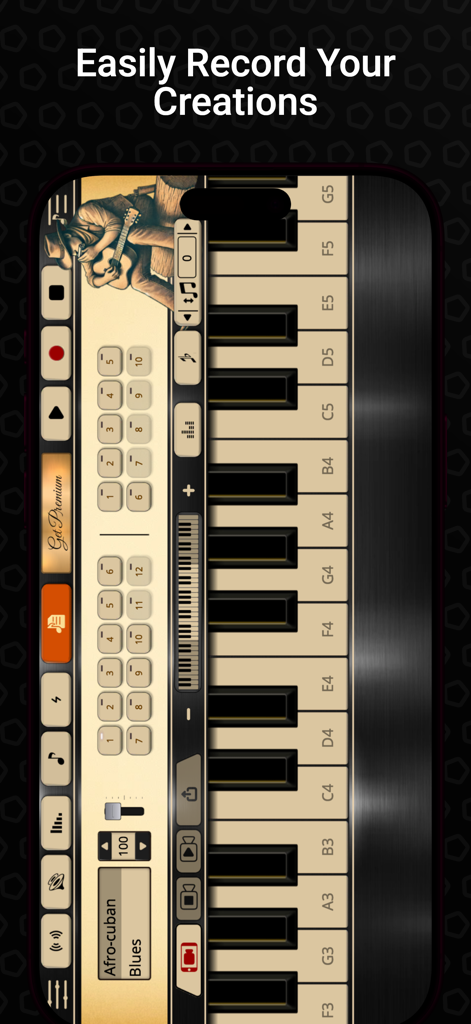
A screenshot of the Harmonica Sim app showing the recording interface and digital musical keyboard for creating songs.
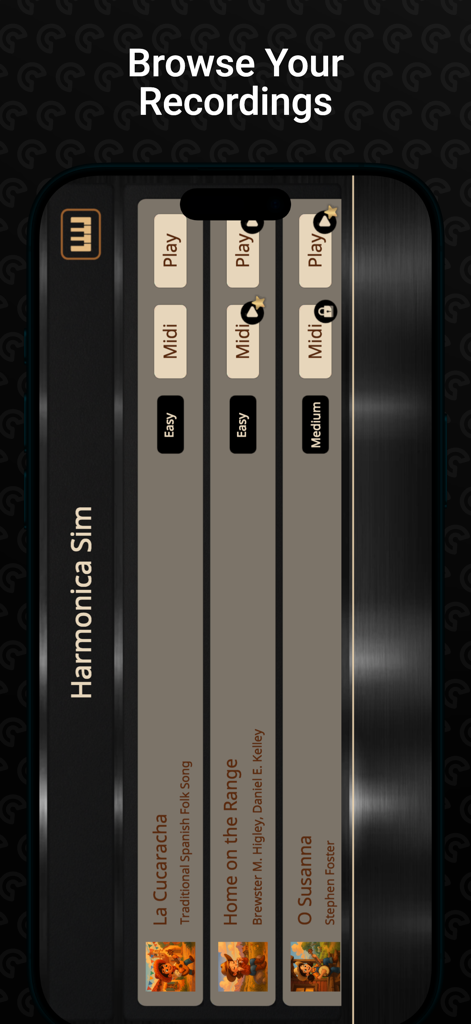
Harmonica Sim app screen showing a list of recorded songs and play options
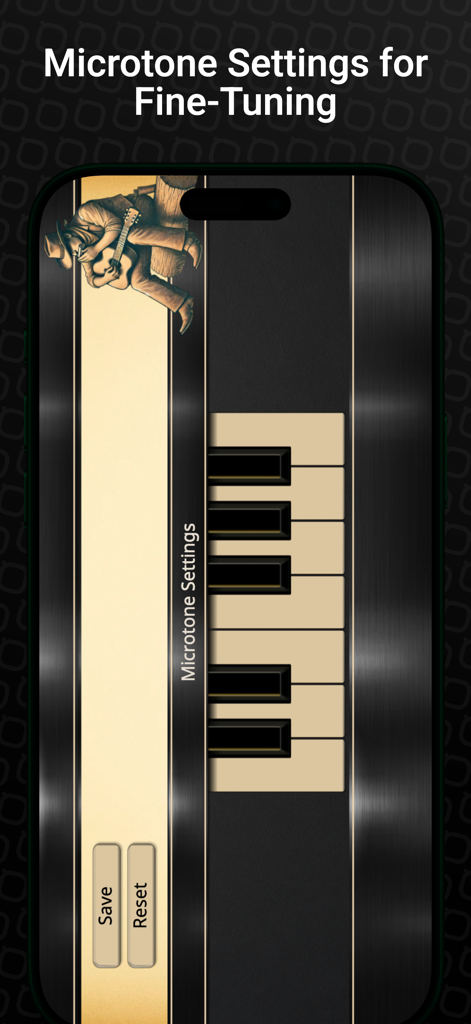
Microtone settings screen in the Harmonica Sim app for fine tuning instrument pitch
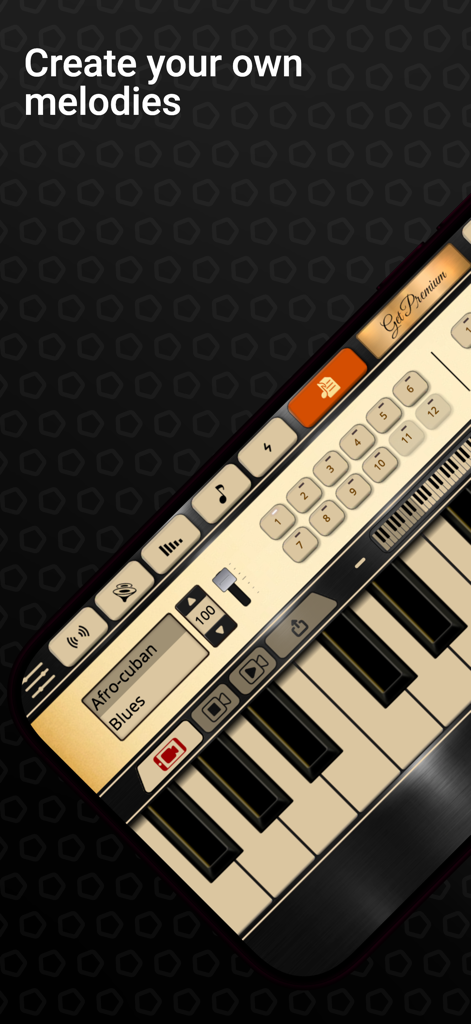
Harmonica Sim app interface showing a digital musical instrument with recording controls and piano keys
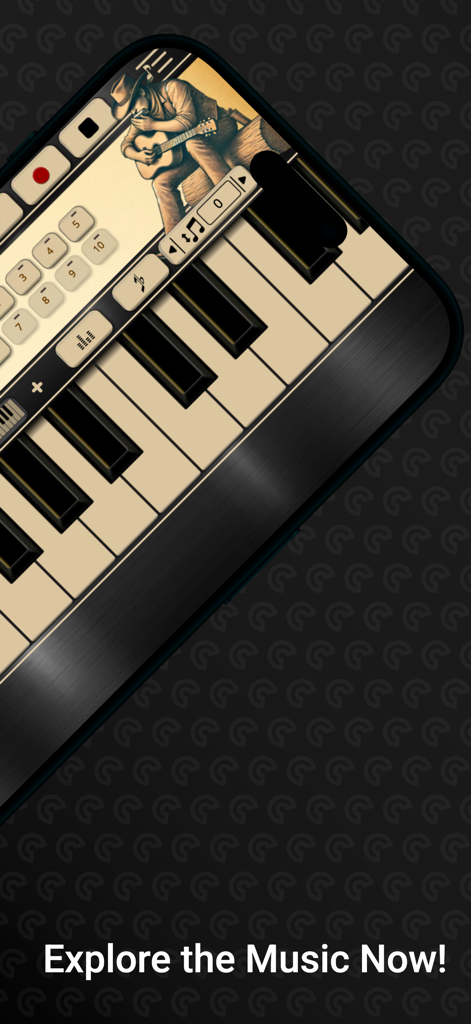
Harmonica Sim mobile app interface showing piano style keys and a recording feature with a vintage musician illustration.
Description
Download
More Like This
Top-ranked apps in the same category

Spotify: Music and Podcasts
Spotify

YouTube Music
Google LLC

Shazam: Find Music & Concerts
Apple Inc.

SoundCloud: The Music You Love
SoundCloud Global Limited & Co KG

Suno - AI Songs & Music
Suno Inc.

QQ音乐 - 听我想听
Tencent Technology (Shenzhen) Company Limited

Audiomack - Play Music Offline
Audiomack, Inc.

GuitarTuna: Tune & Play Guitar
Yousician Ltd

BandLab – Music Maker & Beats
BandLab Singapore Pte Ltd
This page is not an official page of the app or its developer, but an independent editorial publication created for informational and commentary purposes. Unless expressly stated otherwise, neither the app nor its developer is affiliated with, endorsed by, sponsored by, authorized by, or otherwise officially connected with MWM, Apple, Google Play, the app publisher, or the app's developer, and nothing on this page implies that the app was developed using MWM's services. Any trademarks, logos, screenshots, and other content remain the property of their respective owners.