
This page is not an official page of the app or its developer, but an independent editorial publication created for informational and commentary purposes. Unless expressly stated otherwise, neither the app nor its developer is affiliated with, endorsed by, sponsored by, authorized by, or otherwise officially connected with MWM, Apple, Google Play, the app publisher, or the app's developer, and nothing on this page implies that the app was developed using MWM's services. Any trademarks, logos, screenshots, and other content remain the property of their respective owners.


HarpNinja Diatonic Harmonica
Stop guessing your pitch and start playing with precision. Visualize your bends, explore interactive music theory, and master the blues with the ultimate digital companion for the self-taught player.
Downloads
24K+User Rating
Total Ratings
0Publisher
Category
MusicLocales
1Latest Version
1.6Size
130.2 MBFirst Released
Mar 17, 2015Master Every Note with Precision
HarpNinja bridges the gap between practice and perfection, giving you the visual tools and musical insights to play your harmonica with confidence.
Visual Pitch Feedback
Instantly see your notes on screen. Stop guessing if your draw bends are in tune and start playing with professional accuracy.
Master Music Theory
An interactive Circle of Fifths and scale guides make complex theory simple. Perfect for finding the right key for any blues or folk jam.
Frequently Asked Questions
Everything you need to know about HarpNinja Diatonic Harmonica
What is HarpNinja Diatonic Harmonica?
HarpNinja Diatonic Harmonica is an application providing essential tuning and music theory features for learning the diatonic harmonica. It includes real-time pitch recognition and an interactive Circle of Fifths.
Does HarpNinja Diatonic Harmonica offer pitch recognition?
Yes, HarpNinja Diatonic Harmonica features real-time pitch recognition. It displays the notes played on the screen, assisting users in visualizing their playing.
What harmonica tunings does HarpNinja Diatonic Harmonica support?
HarpNinja Diatonic Harmonica supports 8 diatonic tunings, including Major and Natural Minor, and 7 chromatic tunings like Standard/Solo. It also covers all 12 keys for comprehensive learning.
Can users record their playing within HarpNinja Diatonic Harmonica?
Yes, HarpNinja Diatonic Harmonica includes an audio recorder. Users can record segments up to 30 seconds to review their own playing directly within the app.
What is the recommended screen size for HarpNinja Diatonic Harmonica?
The recommended minimum screen size for HarpNinja Diatonic Harmonica is a 5-inch smartphone. Screens smaller than this size are not considered useful for optimal experience.
Does HarpNinja Diatonic Harmonica provide music theory tools?
Yes, HarpNinja Diatonic Harmonica provides music theory tools through its interactive Circle of Fifths. This feature helps users understand chord and scale relationships for deeper learning.
How many scales does HarpNinja Diatonic Harmonica offer?
HarpNinja Diatonic Harmonica offers 18 scales and 5 chord types, including Major, Minor, and 7th. These options support diverse musical exploration and learning.
Can I adjust settings in HarpNinja Diatonic Harmonica?
Yes, users can adjust all harmonica and application settings within HarpNinja Diatonic Harmonica's Settings mode. This includes harp key, tuning, tuner mode, and display preferences.
The following screenshots and description are sourced directly from the app's official store listing and are the property of the app developer.
App Store
Screenshots
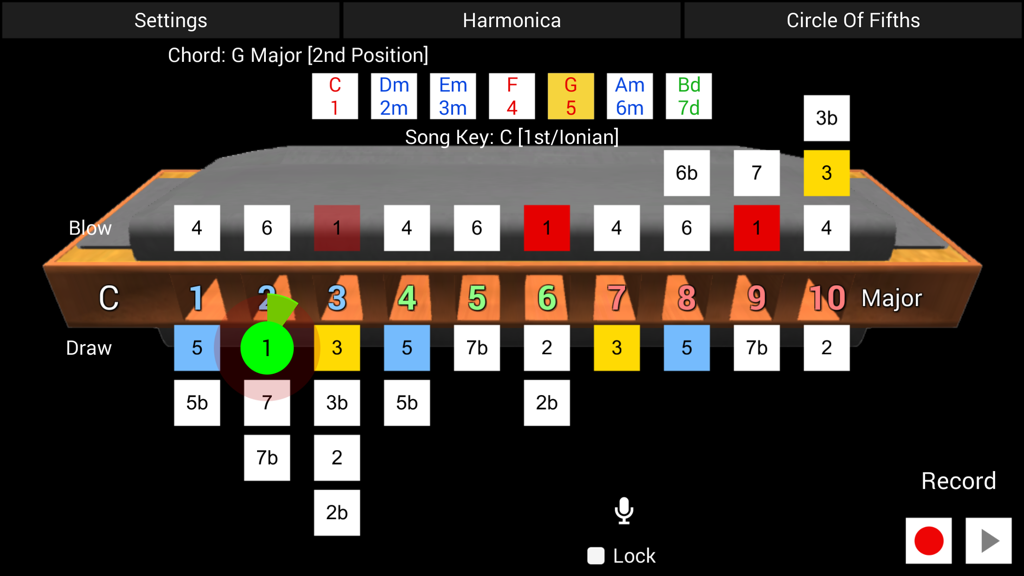
Interface of the HarpNinja Diatonic Harmonica app showing real-time pitch recognition and note visualization for a 10-hole harmonica
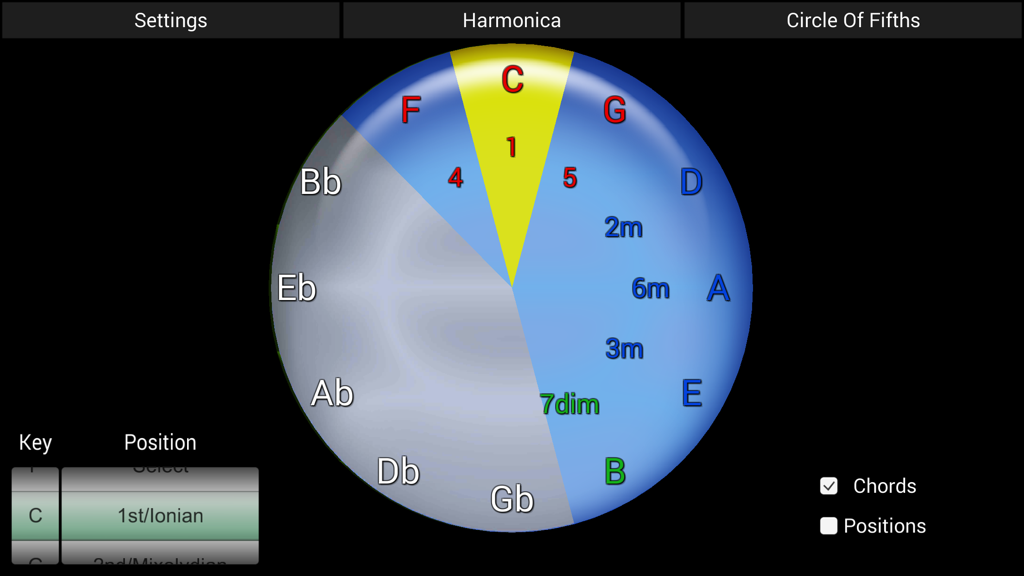
Interactive Circle of Fifths music theory tool for harmonica players in the HarpNinja app
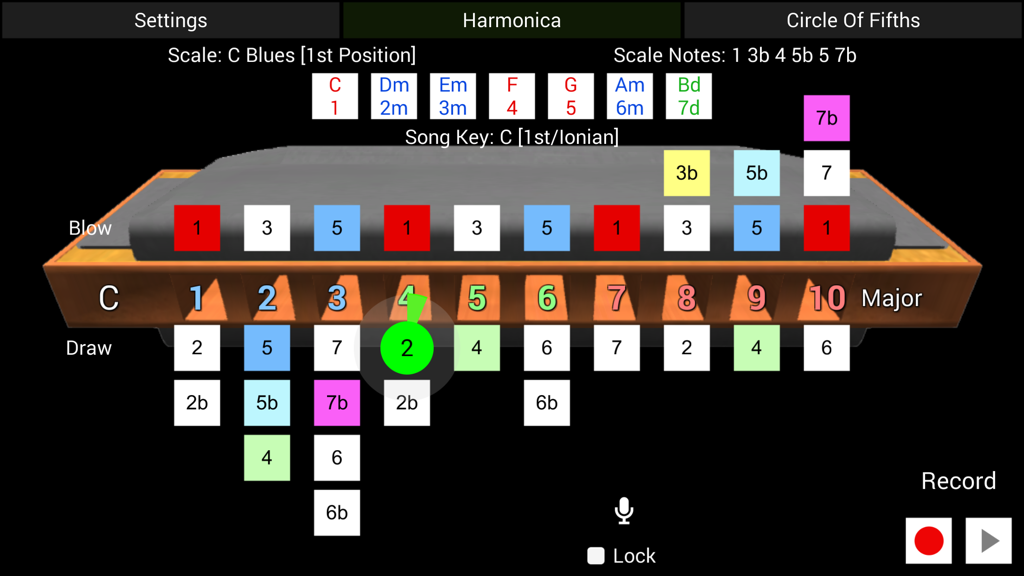
Interface of HarpNinja app showing a 10-hole diatonic harmonica with real-time pitch recognition for learning blues scales
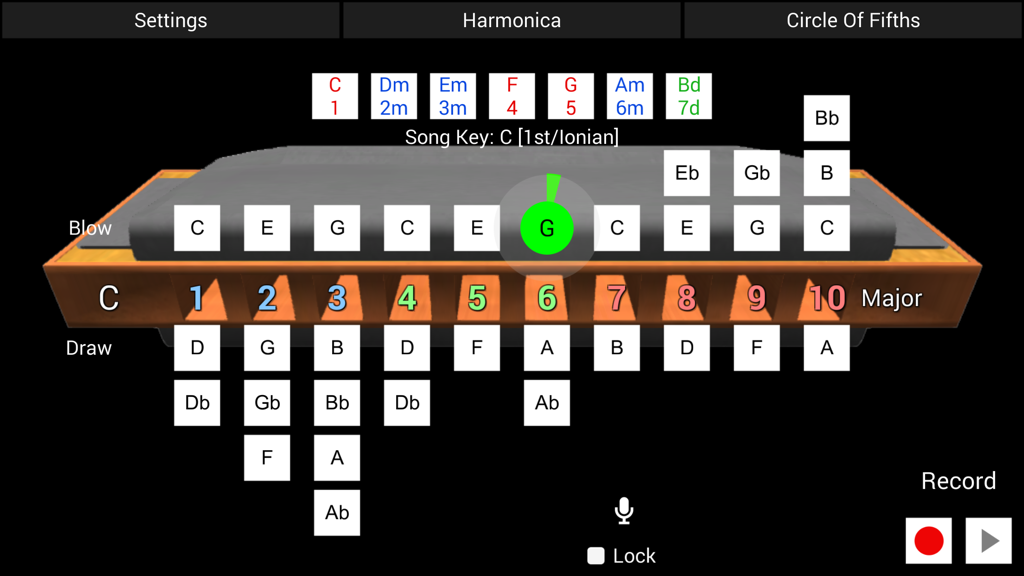
HarpNinja app interface showing real-time pitch recognition on a 10-hole diatonic harmonica layout.
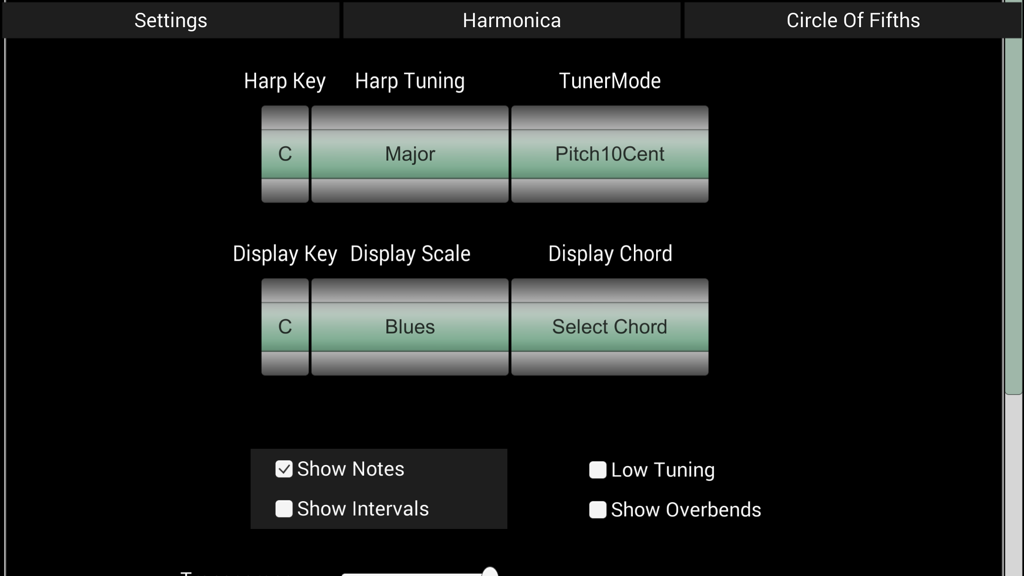
Settings screen of the HarpNinja app for selecting harmonica key and tuning
Description
Download
More Like This
Top-ranked apps in the same category

Spotify: Music and Podcasts
Spotify

YouTube Music
Google LLC

Shazam: Find Music & Concerts
Apple Inc.

SoundCloud: The Music You Love
SoundCloud Global Limited & Co KG

Suno - AI Songs & Music
Suno Inc.

QQ音乐 - 听我想听
Tencent Technology (Shenzhen) Company Limited

Audiomack - Play Music Offline
Audiomack, Inc.

GuitarTuna: Tune & Play Guitar
Yousician Ltd

BandLab – Music Maker & Beats
BandLab Singapore Pte Ltd
This page is not an official page of the app or its developer, but an independent editorial publication created for informational and commentary purposes. Unless expressly stated otherwise, neither the app nor its developer is affiliated with, endorsed by, sponsored by, authorized by, or otherwise officially connected with MWM, Apple, Google Play, the app publisher, or the app's developer, and nothing on this page implies that the app was developed using MWM's services. Any trademarks, logos, screenshots, and other content remain the property of their respective owners.