
This page is not an official page of the app or its developer, but an independent editorial publication created for informational and commentary purposes. Unless expressly stated otherwise, neither the app nor its developer is affiliated with, endorsed by, sponsored by, authorized by, or otherwise officially connected with MWM, Apple, Google Play, the app publisher, or the app's developer, and nothing on this page implies that the app was developed using MWM's services. Any trademarks, logos, screenshots, and other content remain the property of their respective owners.


Health Export CSV
Unlock the full potential of your Apple Health metrics. Securely export, automate, and visualize your health data in CSV, PDF, or GPX for deep analysis and medical insights.
Downloads
103K+User Rating
Total Ratings
200Publisher
Category
Health & FitnessLocales
1Latest Version
3.9.0Size
38.4 MBFirst Released
Sep 19, 2019Master Your Health Metrics
Designed for the quantified-self community, Health Export CSV bridges the gap between your iPhone and professional data analysis tools.
Comprehensive Data Portability
Export over 100+ health metrics into CSV, PDF, or GPX. Own your raw data for custom analysis in Excel, Google Sheets, or Numbers.
Automated Workflow Integration
Leverage Apple Shortcuts to sync your health data automatically. Build a hands-off tracking system that works for you in the background.
Frequently Asked Questions
Everything you need to know about Health Export CSV
What is Health Export CSV?
Health Export CSV is an application designed to effortlessly export your health data. It supports exports to CSV, PDF, or GPX files, offering both manual and automated options for personal tracking and analysis.
How can I manually export health data with HealthExport?
HealthExport allows manual data exports to CSV, PDF, or GPX files within the app. Users can customize the configuration, including desired data types, time periods, and aggregation settings.
Does HealthExport support automated health data exports?
Yes, HealthExport offers automated health data exports. This functionality is enabled through integration with Apple Shortcuts, allowing for seamless and routine data management.
What is HealthExport Remote and its primary function?
HealthExport Remote provides secure access to your health data from a computer via a customizable web dashboard. It automatically syncs data from your phone without needing the app open and facilitates remote CSV exports.
Is HealthExport Remote a free service?
No, HealthExport Remote requires a monthly subscription payment. This fee covers the operational costs associated with maintaining the service infrastructure.
Does HealthExport collect or share my personal health data?
No, HealthExport prioritizes privacy. The app explicitly states that it does not collect or share your health data with anyone, ensuring your information remains private.
What types of health data can be exported using HealthExport CSV?
HealthExport CSV can export various categories of health data. These include aggregation-based types, record-based types, and workout/workout route data, as detailed in the app description.
Is data transmitted to HealthExport Remote end-to-end encrypted?
Yes, data transferred to HealthExport Remote is end-to-end encrypted. This encryption secures all communication between your phone and your web browser, ensuring ultimate privacy for your health information.
The following screenshots and description are sourced directly from the app's official store listing and are the property of the app developer.
App Store
Screenshots
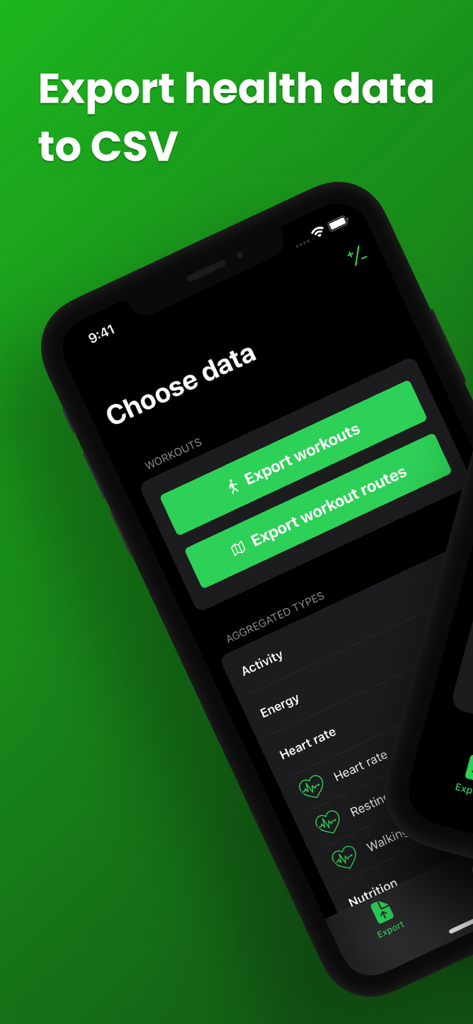
Health Export CSV app screen showing options to export workout data and health metrics like heart rate
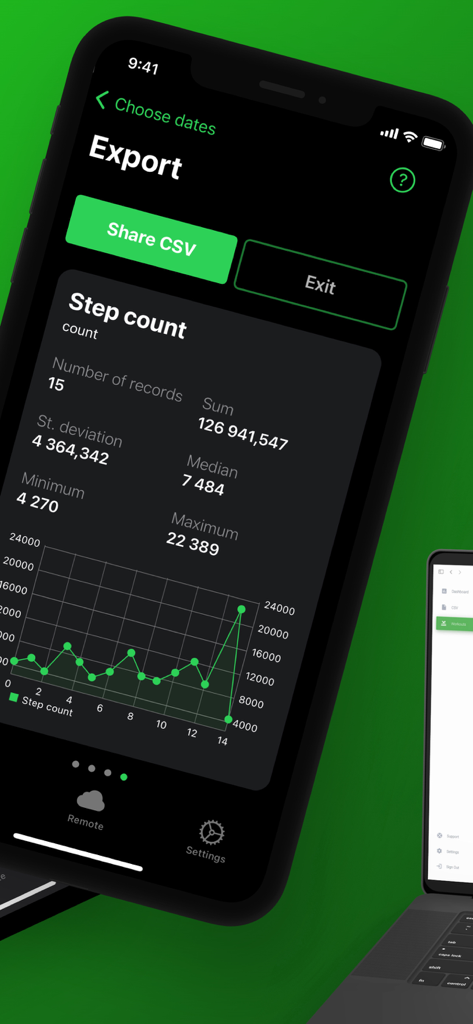
A mobile app screen showing step count statistics and a data visualization graph for health tracking
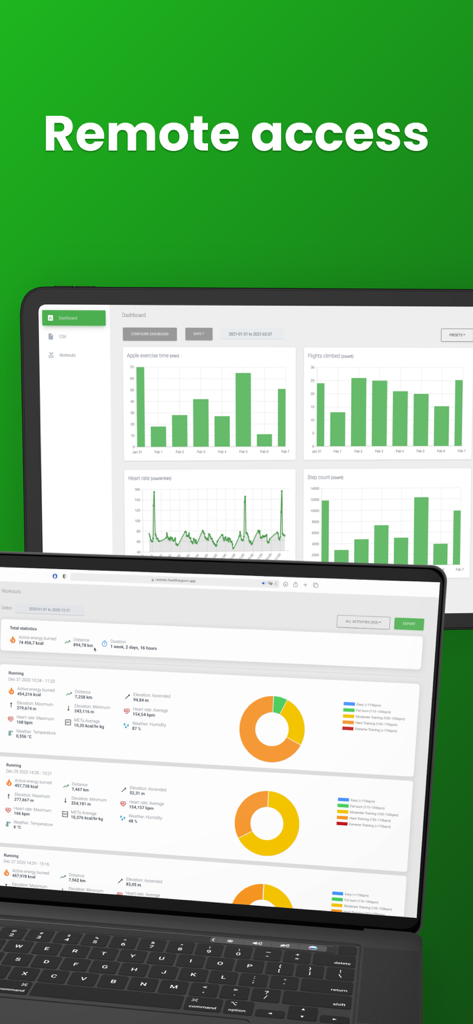
Health Export CSV remote web dashboard displaying health data charts and graphs on a laptop and tablet
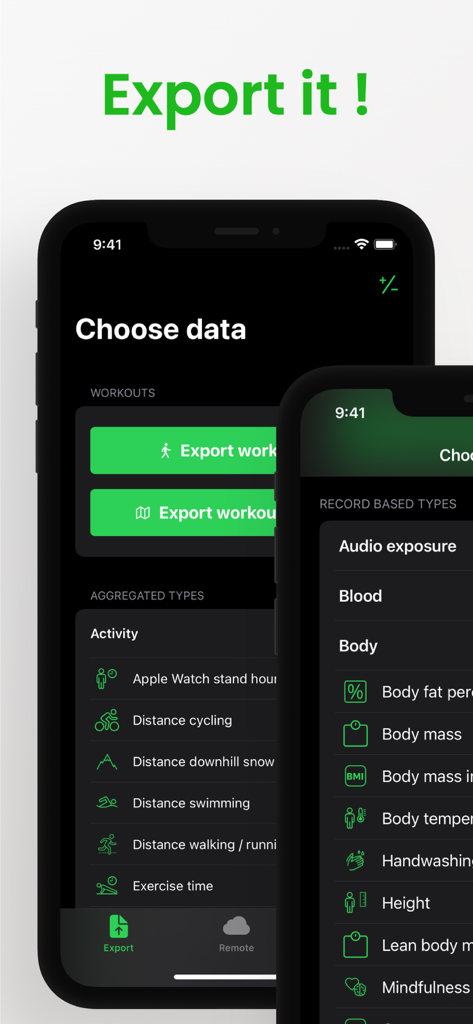
Health Export CSV app screen showing options to select health data categories for export
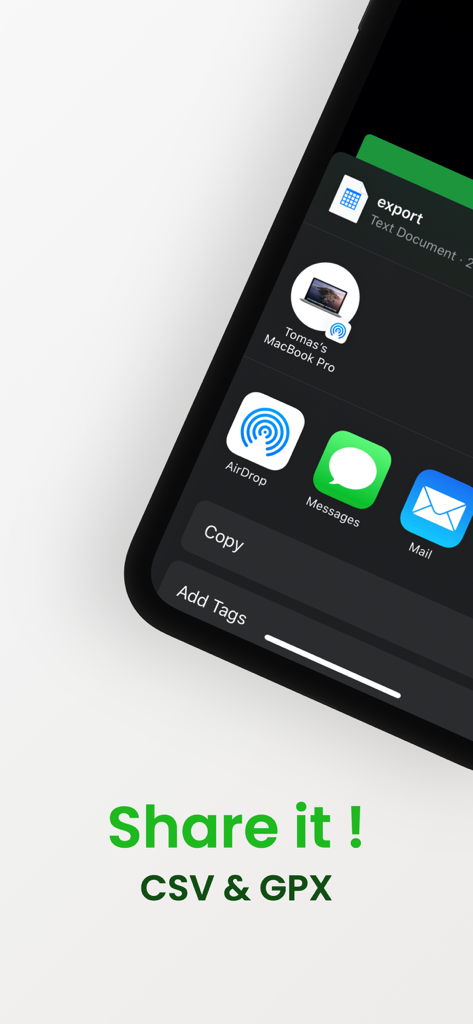
Sharing health data in CSV and GPX formats via the iOS share sheet
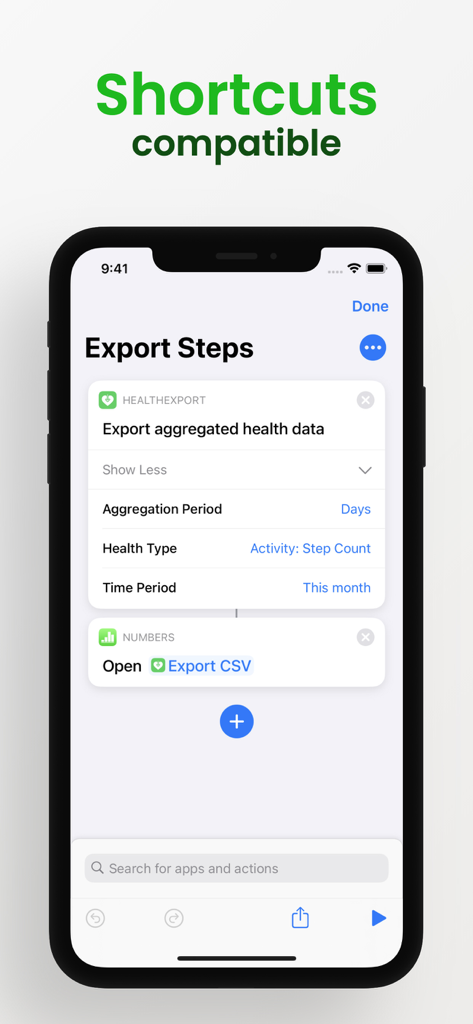
iPhone screenshot showing Health Export CSV integrated with Apple Shortcuts to automate step count data exports.
Description
Download
More Like This
Top-ranked apps in the same category

Strava: Run, Bike, Walk
Strava Inc.

Flo Cycle & Period Tracker
FLO HEALTH UK LIMITED

AI Calorie Tracker by Yazio
YAZIO GmbH

MyFitnessPal: Calorie Counter
MyFitnessPal, Inc.

Mi Fitness (Xiaomi Wear Lite)
Beijing Xiaomi Co., Ltd

美柚 - 经期·备孕·怀孕·育儿&亲友版
Xiamen Meet You Co., Ltd.

Cal AI - Calorie Tracker
Viral Development LLC

Yuka - Food & Cosmetic Scanner
Yuca

BitePal: Food Tracker Pet
REFACE LITHUANIA UAB
This page is not an official page of the app or its developer, but an independent editorial publication created for informational and commentary purposes. Unless expressly stated otherwise, neither the app nor its developer is affiliated with, endorsed by, sponsored by, authorized by, or otherwise officially connected with MWM, Apple, Google Play, the app publisher, or the app's developer, and nothing on this page implies that the app was developed using MWM's services. Any trademarks, logos, screenshots, and other content remain the property of their respective owners.