
This page is not an official page of the app or its developer, but an independent editorial publication created for informational and commentary purposes. Unless expressly stated otherwise, neither the app nor its developer is affiliated with, endorsed by, sponsored by, authorized by, or otherwise officially connected with MWM, Apple, Google Play, the app publisher, or the app's developer, and nothing on this page implies that the app was developed using MWM's services. Any trademarks, logos, screenshots, and other content remain the property of their respective owners.


HealthFace
Transform your Apple Watch and iPhone into a powerful health dashboard. Effortlessly log 80+ metrics, track personal goals, and keep your data private—all with just one tap.
Downloads
234K+User Rating
Total Ratings
2K+Publisher
Category
Health & FitnessLocales
24Latest Version
3.3.2Size
41.3 MBFirst Released
Dec 20, 2016Your Health Dashboard, Reimagined
Streamline your wellness journey with the most powerful way to record and visualize Apple Health data on your iPhone and Apple Watch.
Lightning-Fast Logging
Skip the menus. Record anything from caffeine to blood pressure in just two taps directly from your wrist or home screen widget.
Pro Watch Complications
Transform your Apple Watch into a personalized command center. Choose from 82 data types to track your goals in real-time.
The following screenshots and description are sourced directly from the app's official store listing and are the property of the app developer.
App Store
Screenshots
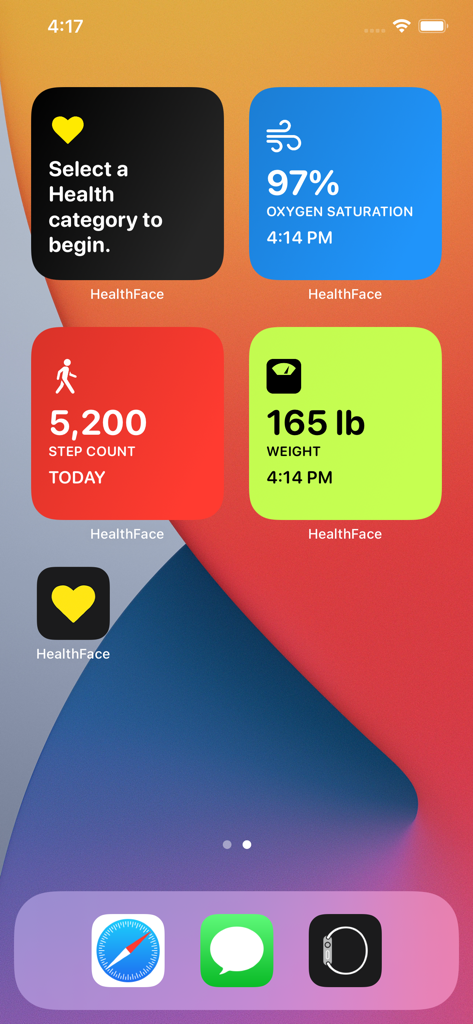
iPhone home screen with health tracking widgets for steps weight and oxygen saturation
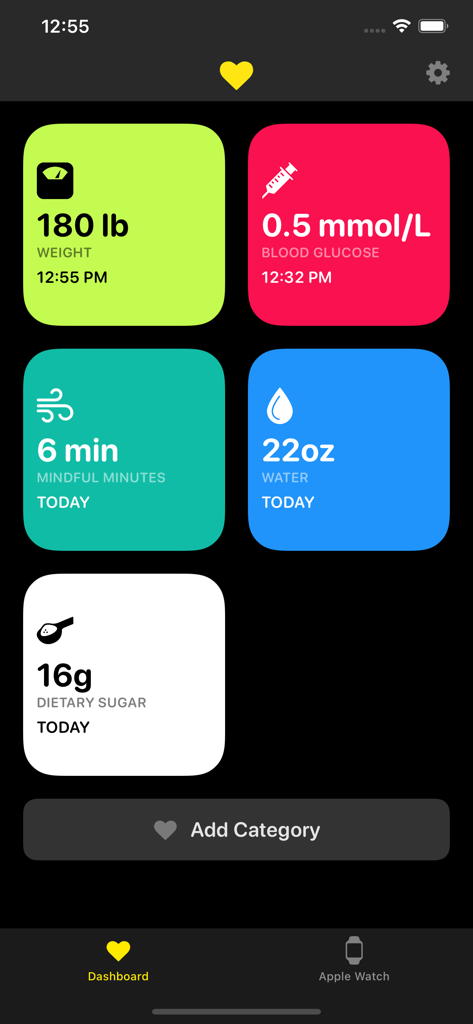
HealthFace mobile app dashboard displaying colorful tiles for tracking health metrics like weight and blood glucose
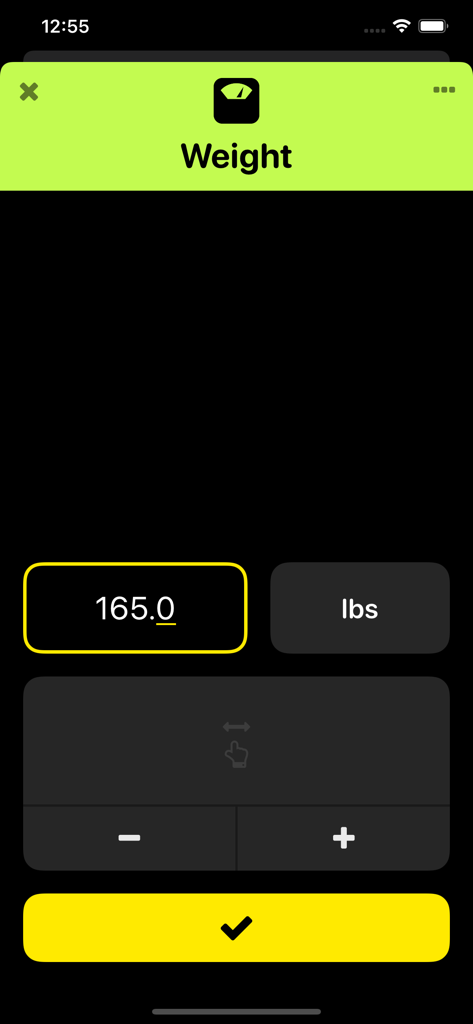
HealthFace app screen for logging body weight with a numeric input field and a confirmation button
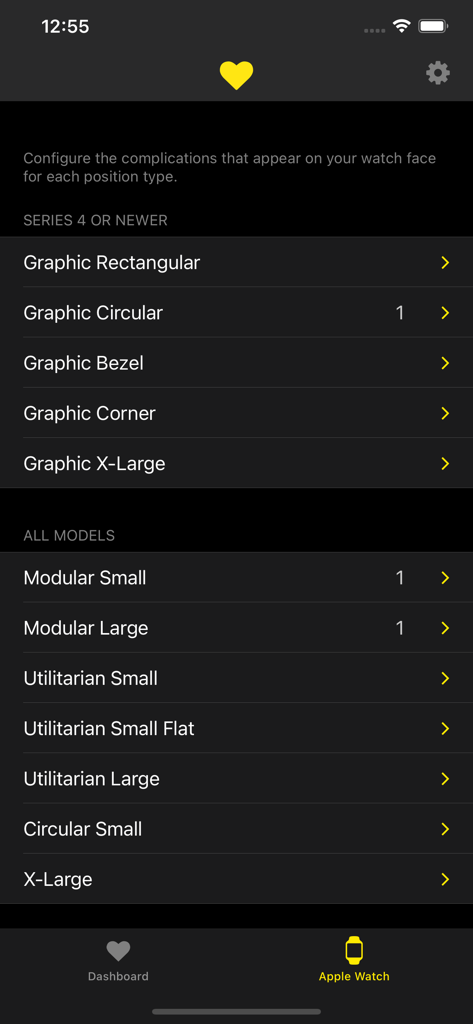
Menu for configuring Apple Watch complications in the HealthFace app
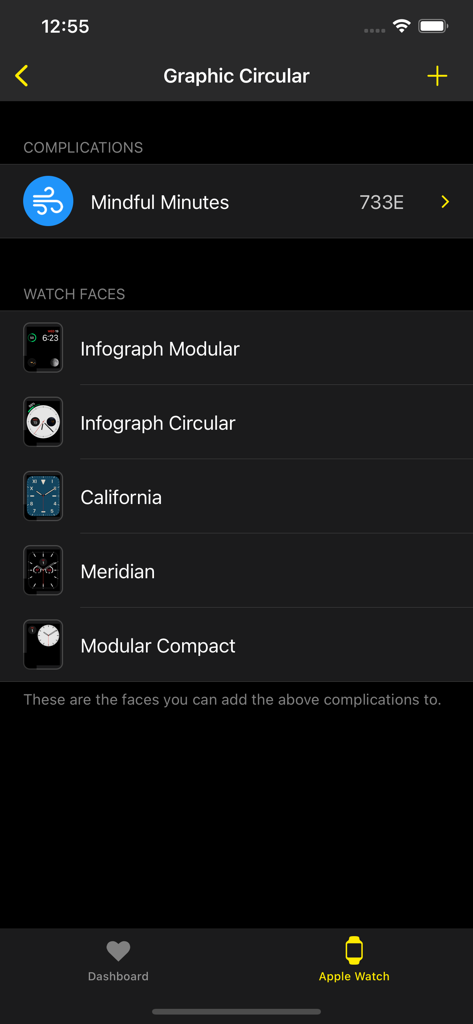
iPhone app screen showing a list of compatible Apple Watch faces for health complications including Infograph Modular and California faces
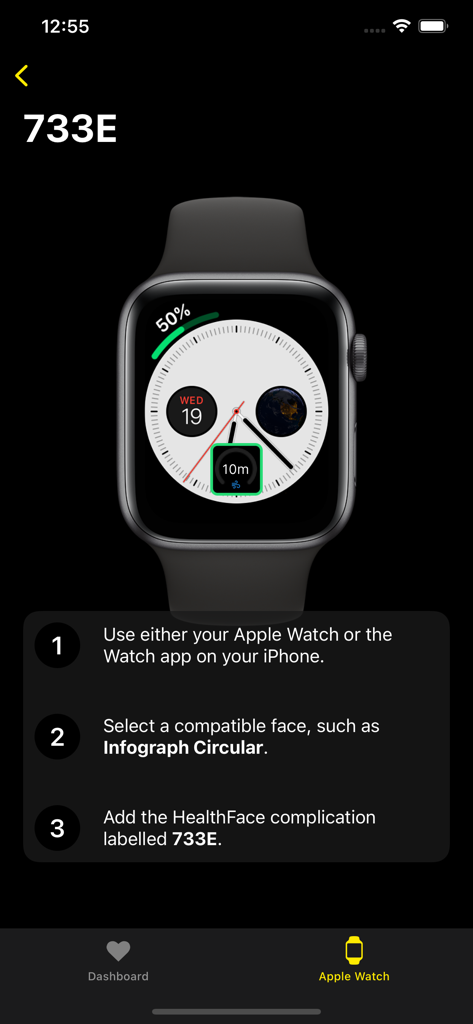
A tutorial screen in the HealthFace app explaining how to add a health complication to an Apple Watch face.
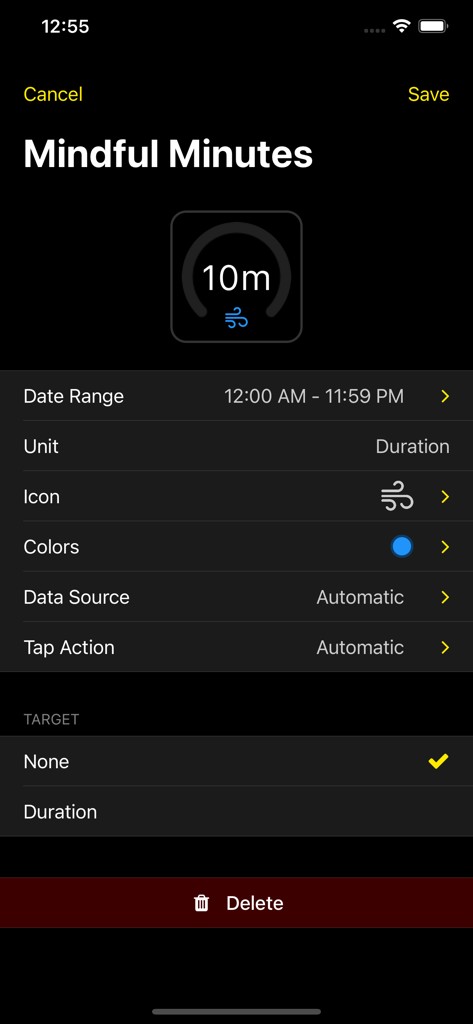
Interface for customizing a Mindful Minutes Apple Watch complication in the HealthFace app
Description
Download
More Like This
Top-ranked apps in the same category

Strava: Run, Bike, Walk
Strava Inc.

Flo Cycle & Period Tracker
FLO HEALTH UK LIMITED

AI Calorie Tracker by Yazio
YAZIO GmbH

MyFitnessPal: Calorie Counter
MyFitnessPal, Inc.

Mi Fitness (Xiaomi Wear Lite)
Beijing Xiaomi Co., Ltd

美柚 - 经期·备孕·怀孕·育儿&亲友版
Xiamen Meet You Co., Ltd.

Cal AI - Calorie Tracker
Viral Development LLC

Yuka - Food & Cosmetic Scanner
Yuca

BitePal: Food Tracker Pet
REFACE LITHUANIA UAB
This page is not an official page of the app or its developer, but an independent editorial publication created for informational and commentary purposes. Unless expressly stated otherwise, neither the app nor its developer is affiliated with, endorsed by, sponsored by, authorized by, or otherwise officially connected with MWM, Apple, Google Play, the app publisher, or the app's developer, and nothing on this page implies that the app was developed using MWM's services. Any trademarks, logos, screenshots, and other content remain the property of their respective owners.