
This page is not an official page of the app or its developer, but an independent editorial publication created for informational and commentary purposes. Unless expressly stated otherwise, neither the app nor its developer is affiliated with, endorsed by, sponsored by, authorized by, or otherwise officially connected with MWM, Apple, Google Play, the app publisher, or the app's developer, and nothing on this page implies that the app was developed using MWM's services. Any trademarks, logos, screenshots, and other content remain the property of their respective owners.


Healthy Benefits Plus
Complexity, begone. This app puts your health allowances at your fingertips, turning a chore into a seamless advantage.
Downloads
1M+User Rating
Total Ratings
96.2KPublisher
Category
MedicalLocales
2Latest Version
4.3.0Size
117.1 MBFirst Released
Nov 19, 2018An Analytical Review for Health Plan Members
Key Features of Healthy Benefits Plus
Instant Benefit Redemption
It allows users to instantly redeem their benefits on qualifying products by using their card number or barcode at checkout, ensuring immediate access to savings.
Browse Eligible Items
The app provides a comprehensive catalog for users to browse and identify qualifying items, simplifying the process of maximizing their health and wellness allowances.
Benefit Balance Tracking
This tool features real-time tracking of the user's benefit balance, enabling proactive management of their sponsored funds.
Mobile Access to Benefits
The app provides convenient mobile access to all benefits, allowing users to manage and utilize their allowances on the go, at any time.
Review Shopping Options
It allows users to review various shopping options available for benefit utilization, aiding in informed purchasing decisions.
Transaction History Review
This tool features a detailed transaction history, enabling users to track their spending and monitor benefit usage over time.
Frequently Asked Questions
Everything you need to know about Healthy Benefits Plus
Who is eligible to use the Healthy Benefits Plus app?
Only eligible sponsored members of a sponsored program can register for and use the Healthy Benefits Plus mobile app. Membership eligibility is required for access.
What can I do with the Healthy Benefits Plus mobile app?
The Healthy Benefits Plus mobile app allows users to access benefits, view balances, browse qualifying items, redeem benefits with a digital card or barcode, review shopping options, check transaction history, and update account information.
How do I redeem benefits using the Healthy Benefits Plus app?
Users redeem benefits instantly on qualifying products via the Healthy Benefits Plus app. Present your digital card number or barcode at checkout for immediate redemption in stores or online.
Does Healthy Benefits Plus show my current benefit balance?
Yes, the Healthy Benefits Plus app displays your current benefit balance. Users can view their remaining benefit amount directly within the application, such as OTC Benefit balances.
Can I find stores that accept Healthy Benefits Plus?
Yes, the Healthy Benefits Plus app includes a dedicated feature to help users locate nearby stores that accept their benefits for purchases. It provides a map view of redemption locations.
How does the Healthy Benefits Plus app help me find qualifying products?
The Healthy Benefits Plus app allows users to browse qualifying items, including OTC products, through a search function and categorized lists. Users can explore eligible products for purchase.
Can I scan products with the Healthy Benefits Plus app to check eligibility?
Yes, the Healthy Benefits Plus app provides a scan feature. Users can scan product barcodes to immediately verify if an item qualifies for their specific benefits, such as OTC benefits.
The following screenshots and description are sourced directly from the app's official store listing and are the property of the app developer.
App Store
Screenshots
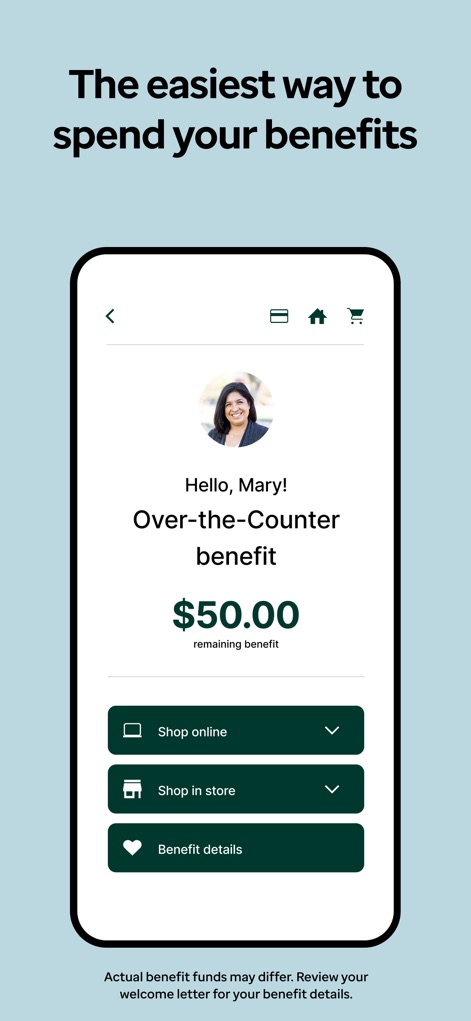
Discover how the app clearly displays the current Over-the-Counter benefit balance and offers direct access to shopping options.
Benefit Overview
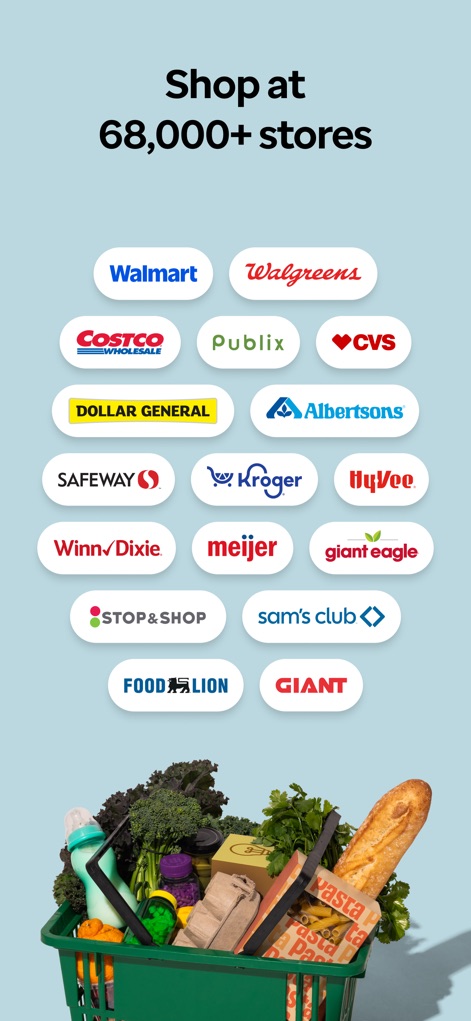
Explore the extensive network of participating stores, featuring familiar brands like Walmart and Walgreens, where users can redeem their benefits.
Vast Retail Network
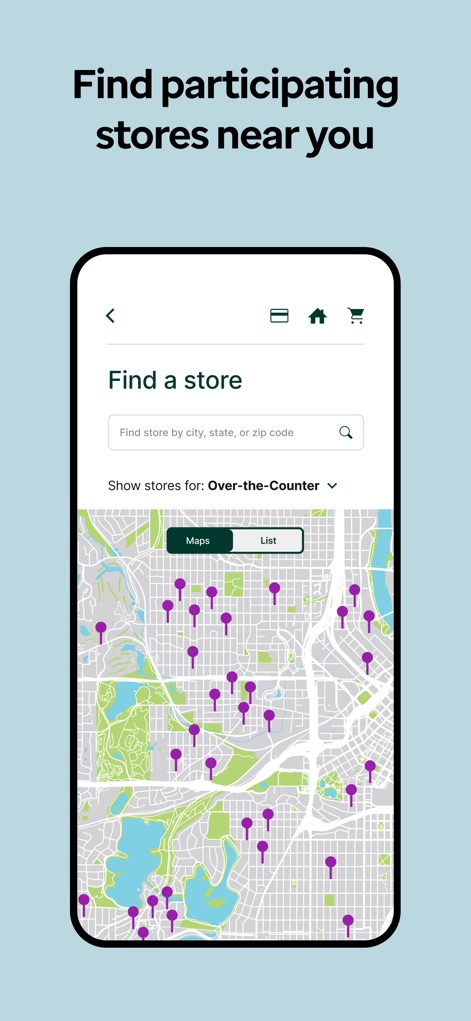
This tool allows users to quickly find nearby participating stores using a convenient search bar and an interactive map display.
Locate Stores Easily
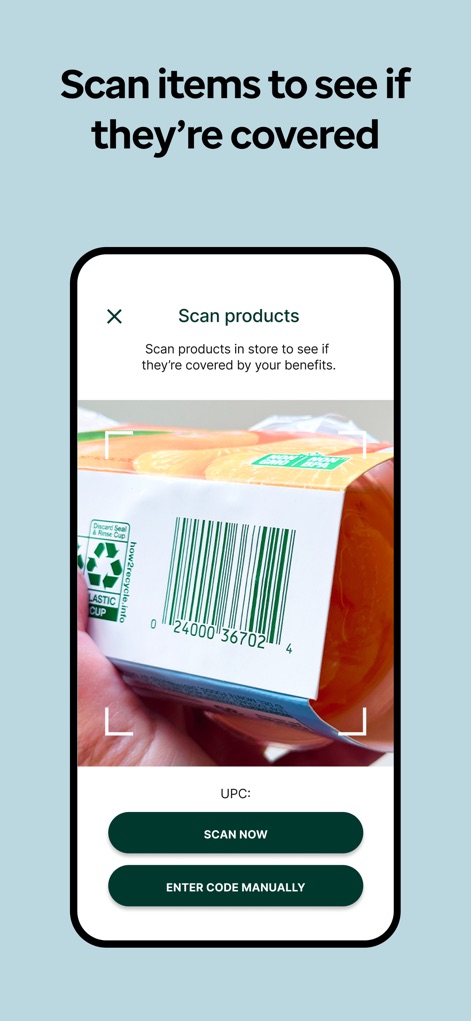
Verify product eligibility instantly by scanning items in-store, utilizing the app's integrated barcode scanner and manual code entry option.
Item Eligibility Check
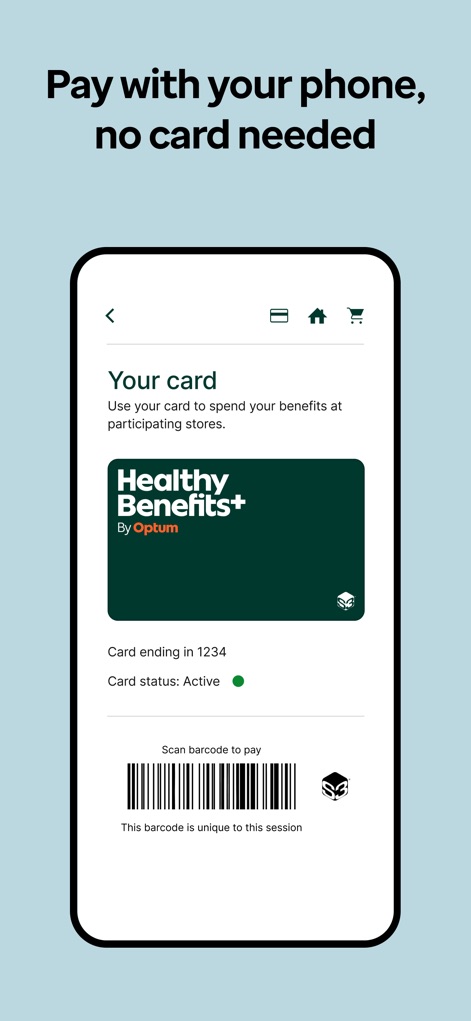
Experience effortless checkout using the digital Healthy Benefits+ card and a unique session barcode for secure in-store transactions.
Seamless Mobile Payment
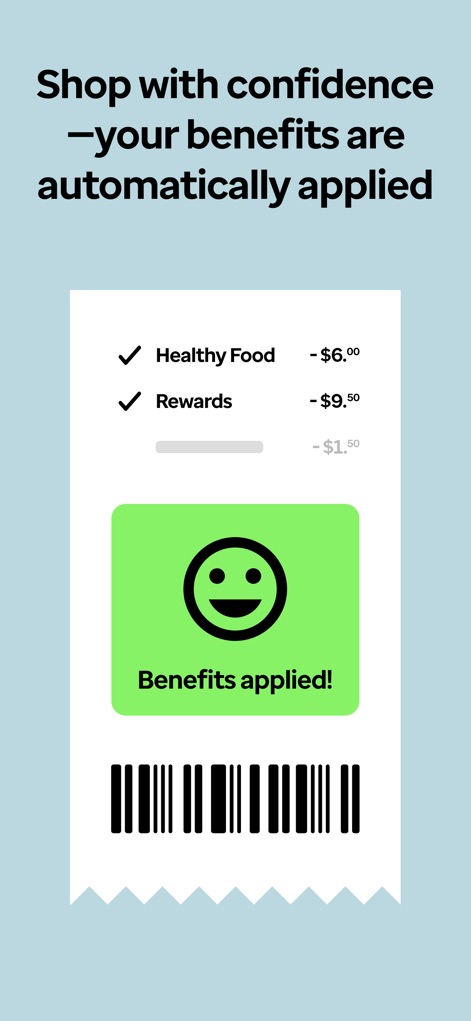
Observe how benefits are automatically applied at checkout, with a clear confirmation of successful application and a breakdown of savings like Healthy Food and Rewards.
Automatic Benefit Application
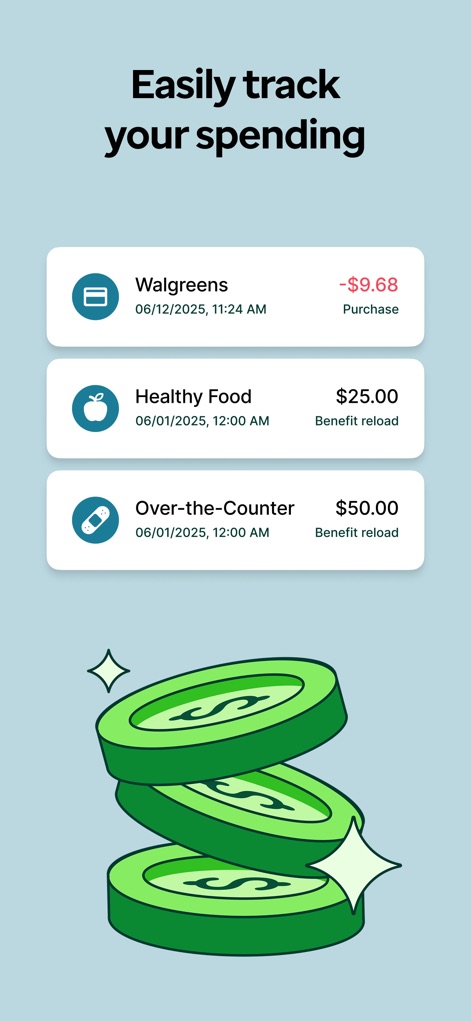
Keep track of all financial activity, including detailed purchase records at stores like Walgreens and benefit reloads for Healthy Food allowances.
Manage Transactions
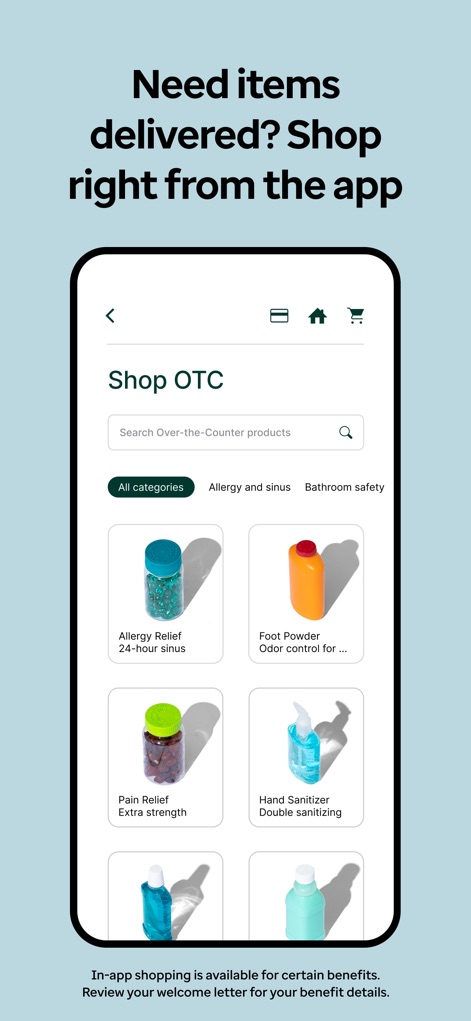
Browse and purchase Over-the-Counter products directly within the app, with options to filter by categories like 'Allergy and sinus' and view individual product listings.
In-App Shopping
Description
Download
More Like This
Apps with similar features and user experience

OTC Network
HI Technology Corp

WICShopper
JPMA, Inc.

myWIC Mosaic
Vexcel Corporation

California WIC App
The California Department Of Public Health

Purchasing Power
Purchasing Power, LLc.

Lulo: WIC Shopping
Lulo Ventures, Inc.

Omni Saúde App
Omni Assistencia Farmaceutica LTDA

Optum Bank
Optum Inc

Benefits Pro
NationsBenefits, LLC
This page is not an official page of the app or its developer, but an independent editorial publication created for informational and commentary purposes. Unless expressly stated otherwise, neither the app nor its developer is affiliated with, endorsed by, sponsored by, authorized by, or otherwise officially connected with MWM, Apple, Google Play, the app publisher, or the app's developer, and nothing on this page implies that the app was developed using MWM's services. Any trademarks, logos, screenshots, and other content remain the property of their respective owners.