Hear my Heart Beat Monitor App
Download on App Store

This page is not an official page of the app or its developer, but an independent editorial publication created for informational and commentary purposes. Unless expressly stated otherwise, neither the app nor its developer is affiliated with, endorsed by, sponsored by, authorized by, or otherwise officially connected with MWM, Apple, Google Play, the app publisher, or the app's developer, and nothing on this page implies that the app was developed using MWM's services. Any trademarks, logos, screenshots, and other content remain the property of their respective owners.


Logo of Hear my Heart Beat Monitor App
Download on App Store

Hear my Heart Beat Monitor App

Experience a deeper connection with your loved ones and your own wellness. Capture unique heart sounds and share them as digital keepsakes with family, anywhere in the world.

Key Figures

Downloads

0

User Rating

4.5/5

Total Ratings

0

Publisher

LifeWave, LLC

Category

Health & Fitness

Locales

8

Latest Version

1.5

Size

71.1 MB

First Released

Sep 18, 2021
Features

Capture the Moments That Matter Most

Experience the intimate sound of a heartbeat. From tracking your wellness goals to sharing a child's first rhythms with family, stay connected to life’s most vital pulse.

Create Digital Keepsakes

Record and personalize heart sounds with photos and messages to share special moments with loved ones across the country.

Mindful Wellness Tracking

Instantly check your pulse after meditation or exercise using just your camera to stay in perfect harmony with your fitness journey.

The following screenshots and description are sourced directly from the app's official store listing and are the property of the app developer.

App Store

Screenshots
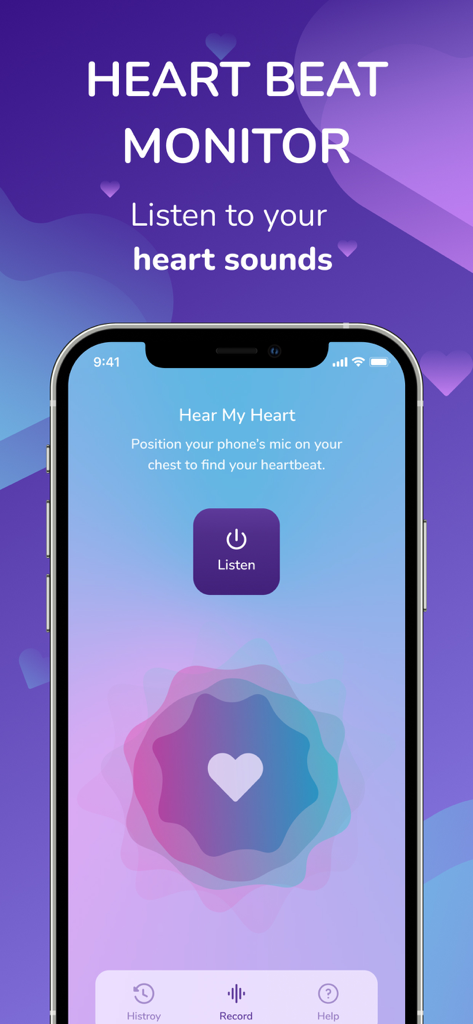
Hear my Heart Beat Monitor App - Hear My Heart app user interface showing the listen screen with a heart icon and recording instructions.
Hear My Heart app user interface showing the listen screen with a heart icon and recording instructions.

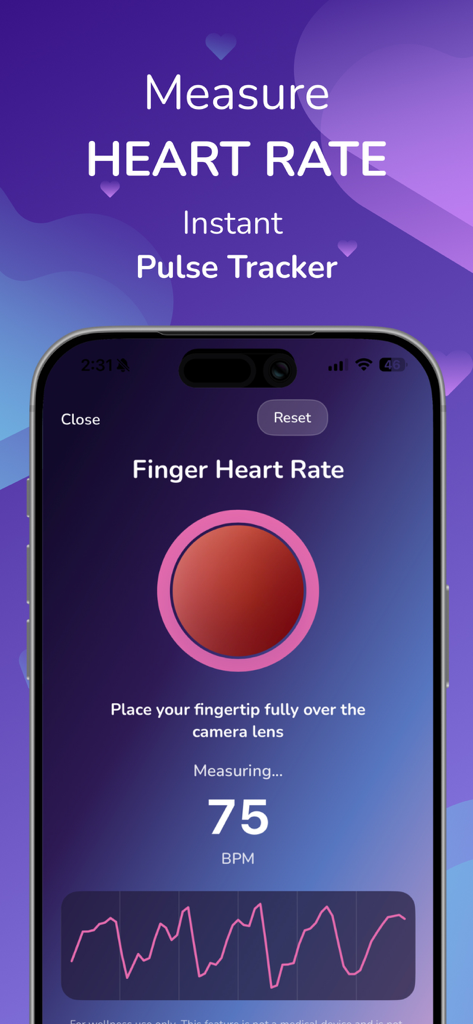
Hear my Heart Beat Monitor App - Smartphone screen showing the Hear my Heart app interface for measuring finger pulse rate at 75 BPM
Smartphone screen showing the Hear my Heart app interface for measuring finger pulse rate at 75 BPM

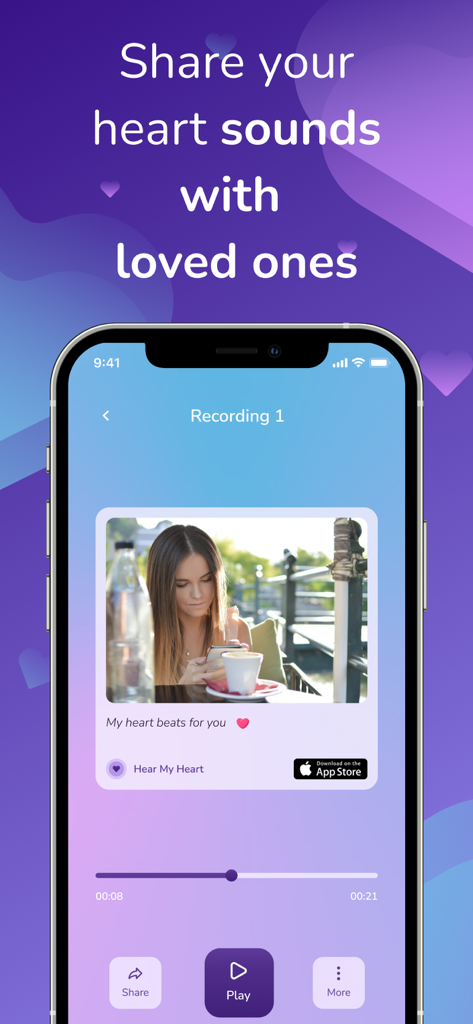
Hear my Heart Beat Monitor App - A smartphone screen showing the feature to share recorded heart sounds with a personalized photo and message.
A smartphone screen showing the feature to share recorded heart sounds with a personalized photo and message.

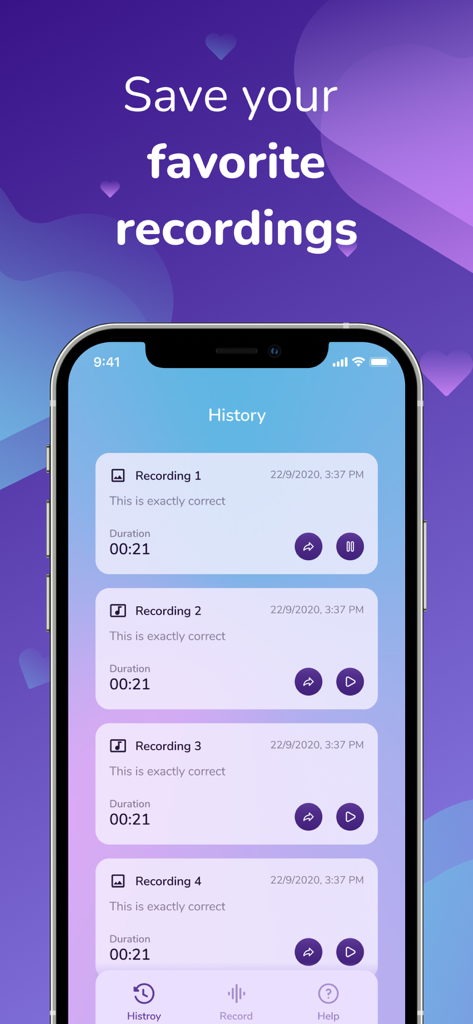
Hear my Heart Beat Monitor App - Mobile app interface displaying a list of saved heartbeat recordings with dates and share options

Mobile app interface displaying a list of saved heartbeat recordings with dates and share options
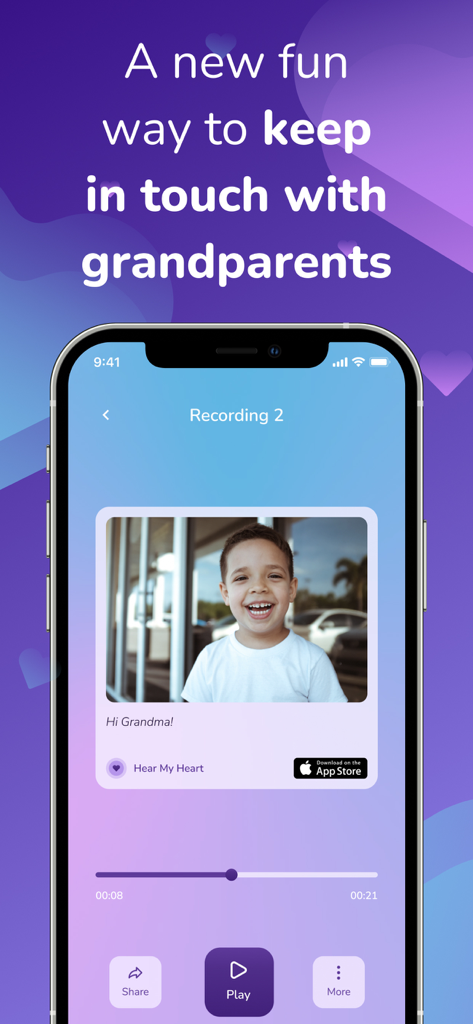
Hear my Heart Beat Monitor App - iPhone screen showing a heartbeat recording with a child's photo and a message to grandma
iPhone screen showing a heartbeat recording with a child's photo and a message to grandma

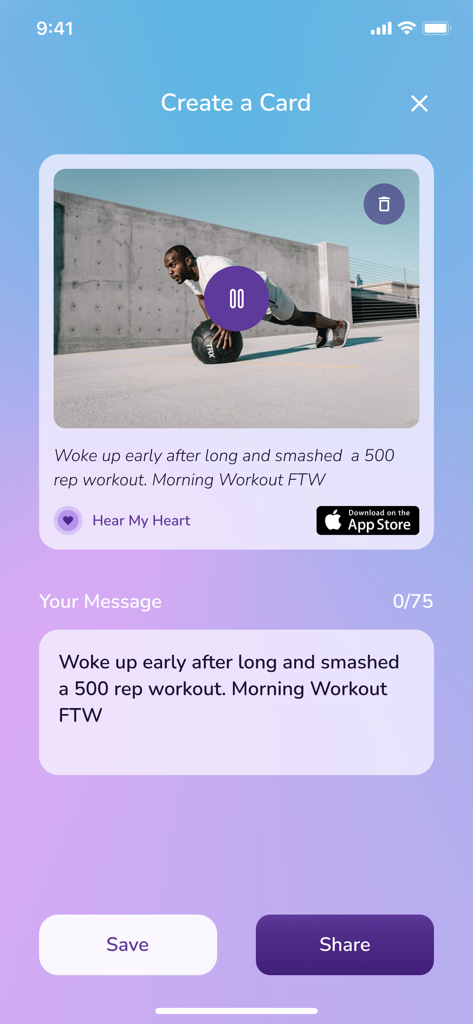
Hear my Heart Beat Monitor App - Interface of the heartbeat app showing the Create a Card screen with a workout photo and custom message ready for sharing

Interface of the heartbeat app showing the Create a Card screen with a workout photo and custom message ready for sharing

Hear my Heart Beat Monitor App - Instructional graphic showing a person holding their phone to their chest to hear their heartbeat

Instructional graphic showing a person holding their phone to their chest to hear their heartbeat

Hear my Heart Beat Monitor App - An illustration of a woman using AirPods and her iPhone to listen to her heartbeat
An illustration of a woman using AirPods and her iPhone to listen to her heartbeat

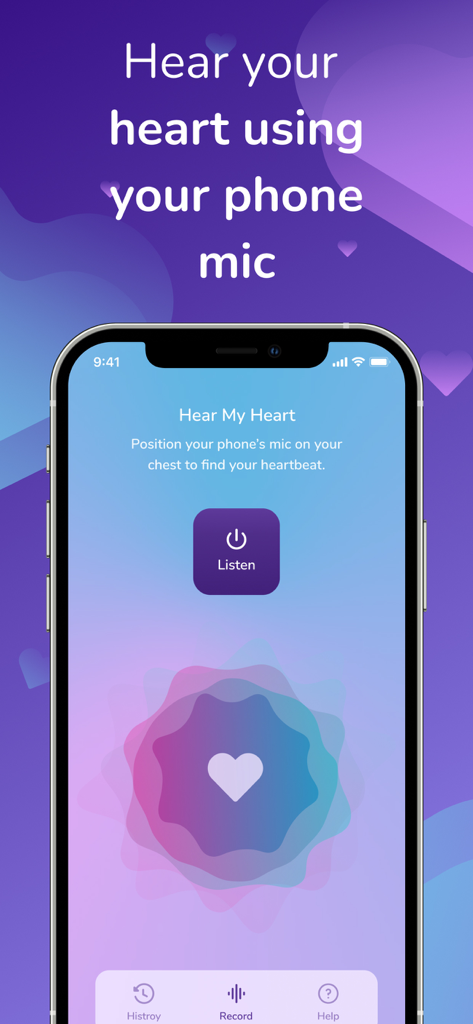
Hear my Heart Beat Monitor App - A mobile app interface with a large Listen button and instructions to position the phone microphone on the chest to hear a heartbeat.

A mobile app interface with a large Listen button and instructions to position the phone microphone on the chest to hear a heartbeat.

Description

"Hear my Heart" is a new and fun way to share what your heart says. Simply place the bottom of your iPhone on the left chest/collarbone to listen, record and share your heart sounds with loved ones. You can also check your pulse using your finger and the camera. Hear your Heart during various activities like exercise and meditation or share your kids' heart sound with loved ones like grandparents or just record your own heart sound and share it with your love - a new, special and uniquely you way of showing your affection or have fun. So many fun reasons to Hear my Heart! Important Disclaimers: Do Not Use if you have an Implanted Electronic Medical Device Disclaimer Do not use this Application if you have an implanted pacemaker, defibrillator or similar. Not a Medical Device and Not a substitute for Medical Advise Disclaimer This Application is intended for general wellness, education, and informational purposes only. It is not a medical device and is not intended to diagnose, treat, cure, monitor, or prevent any disease or medical condition. Information provided by the app should not be relied on as medical advice or as a substitute for consultation with a licensed physician or other qualified healthcare professional.If you believe you may be experiencing a medical emergency, call 911 or seek immediate medical attention. Always consult your doctor before making decisions about your health based on information from this app. Share your heart sounds in 3 Easy Steps: Step 1: Listen to your heart In a quiet place, remove any iPhone cover and place the bottom of the iPhone on the left chest or left shoulder bone. Press "Listen" and move the phone until you hear a heart sound. Step 2: Record Upon hearing the heart sound, press "Record". Step 3: Share Press the "Stop" button when done. You are now ready to save, personalize and share the recording with loved ones. Check Your Pulse in 3 Easy Steps Step 1: Place Your Finger Gently place your fingertip over the iPhone camera and flash. Make sure your finger fully covers both. Step 2: Stay Still Hold your finger steady for a few seconds while the app detects your pulse. Step 3: See Your Results Your pulse will appear on the screen. You can then save or track your reading anytime. Frequently asked questions: I can't hear my heart. What do I do? Remove any iPhone cover/shell. Make sure you are in a quiet place. Hold the phone at a “right angle” to your left chest or left shoulder bone with the mic pressed firmly against the skin and press "Listen" to listen for your heart sound. You can use AirPods for better sounds. Move the phone around the area of your left chest and adjust until you can hear the heart sound. How do I add a picture and message to my saved heart sound? After recording your heart sound, you can add a personal message and add a picture by tapping on the camera icon on the top right corner. Can I use this heart sound for diagnosing health conditions? No, this app is NOT a medical device. While you are free to share the recording with anyone you choose the heart sounds recorded with this app are not meant to diagnose health conditions or provide health advise. Is the app free? Yes. If you would like an ad free version of the app, there is a charge. Is the app AirPods-compatible? Yes! Our app works with AirPods and without AirPods over the phone speaker.

Download

Download on App Store

This page is not an official page of the app or its developer, but an independent editorial publication created for informational and commentary purposes. Unless expressly stated otherwise, neither the app nor its developer is affiliated with, endorsed by, sponsored by, authorized by, or otherwise officially connected with MWM, Apple, Google Play, the app publisher, or the app's developer, and nothing on this page implies that the app was developed using MWM's services. Any trademarks, logos, screenshots, and other content remain the property of their respective owners.