
This page is not an official page of the app or its developer, but an independent editorial publication created for informational and commentary purposes. Unless expressly stated otherwise, neither the app nor its developer is affiliated with, endorsed by, sponsored by, authorized by, or otherwise officially connected with MWM, Apple, Google Play, the app publisher, or the app's developer, and nothing on this page implies that the app was developed using MWM's services. Any trademarks, logos, screenshots, and other content remain the property of their respective owners.


Heavy Brass
Bring the raw power and authentic bite of real Trumpets, Trombones, and Saxophones to your iPad with ultra-low latency and advanced MIDI articulations.
Downloads
48K+User Rating
Total Ratings
100Publisher
Category
MusicLocales
1Latest Version
2.4Size
353.3 MBFirst Released
Nov 20, 2015Professional Power for Your Horn Sections
Heavy Brass delivers the bite and character of real sessions to your iPad. From live stage performances to complex studio arrangements, get the authentic sound your production deserves.
Expressive Articulations
Master your sound with realistic Shakes, Falls, and Growls. Use velocity layers and crossfades to achieve the nuance of a real world-class brass section.
Low-Latency Precision
Engineered for the stage with configurable latency down to 1ms. Play with confidence using external MIDI keyboards or the scalable on-screen interface.
The following screenshots and description are sourced directly from the app's official store listing and are the property of the app developer.
App Store
Screenshots
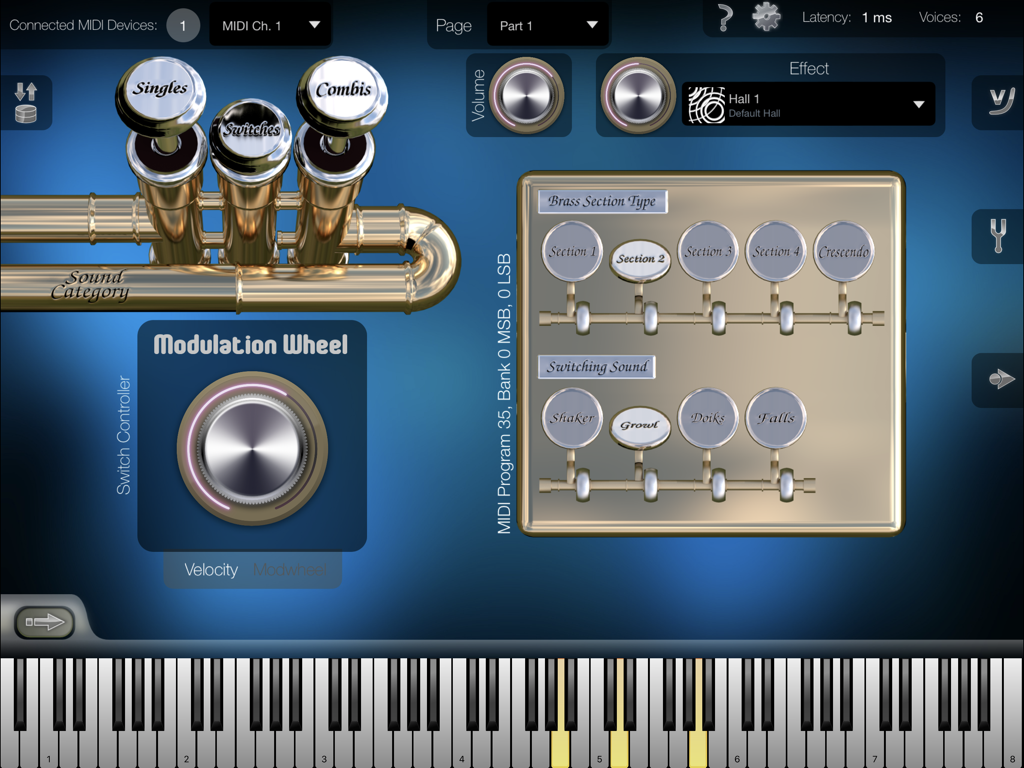
Heavy Brass app interface showing brass section types and articulation settings with a virtual keyboard
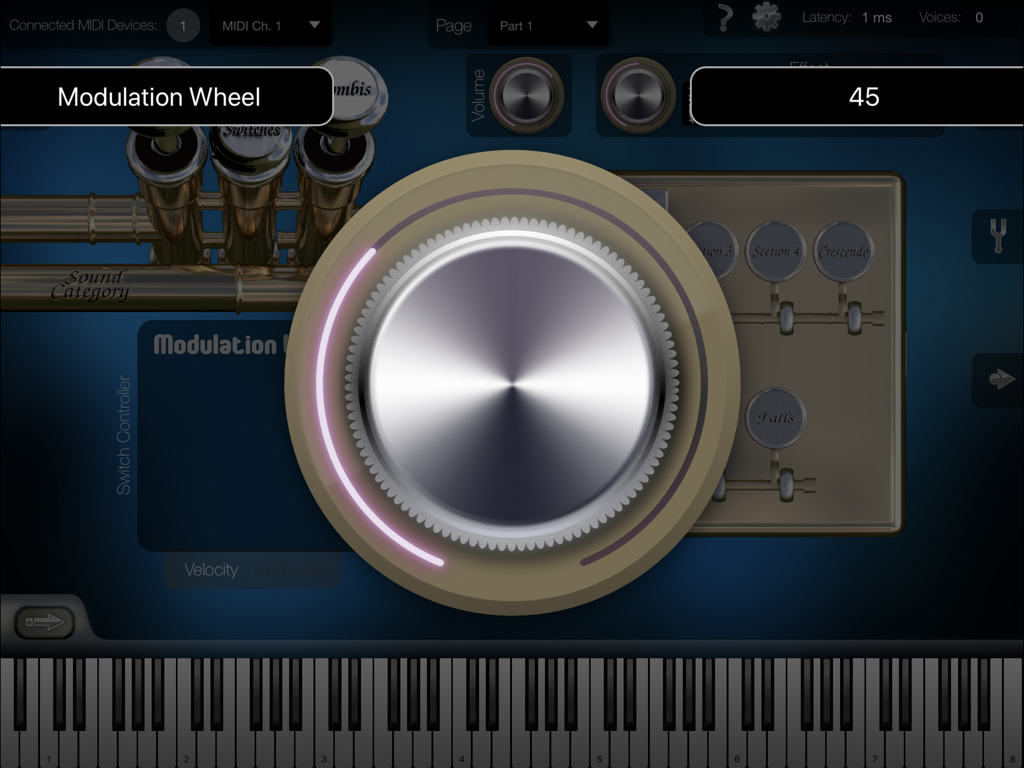
A large virtual modulation wheel dial on the Heavy Brass app interface used for adjusting instrument sounds and articulations.
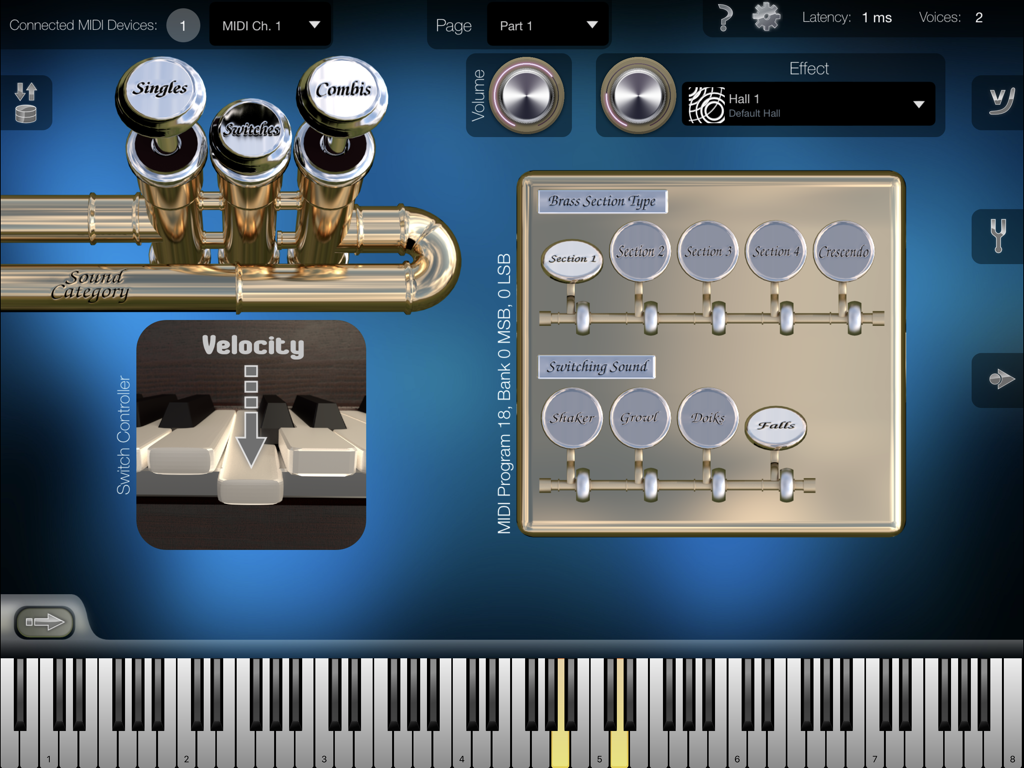
Heavy Brass mobile app interface showing brass instrument articulation settings and a virtual keyboard.
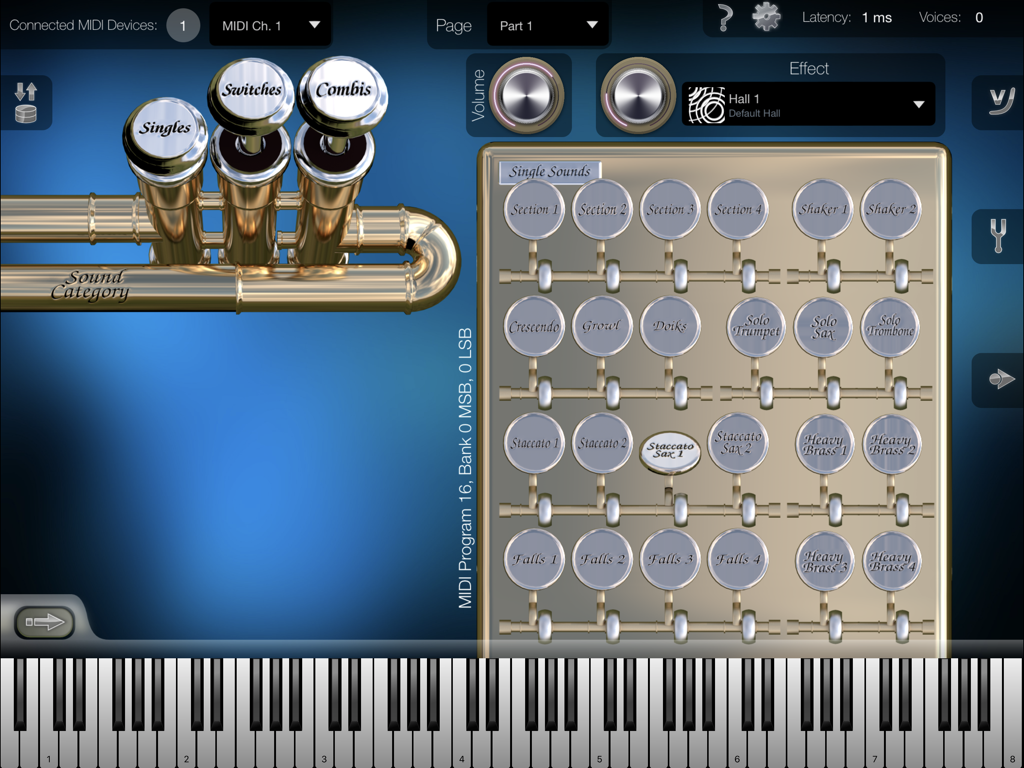
Interface of the Heavy Brass iPad app showing the single sounds selection screen with various brass articulations and a virtual piano keyboard.
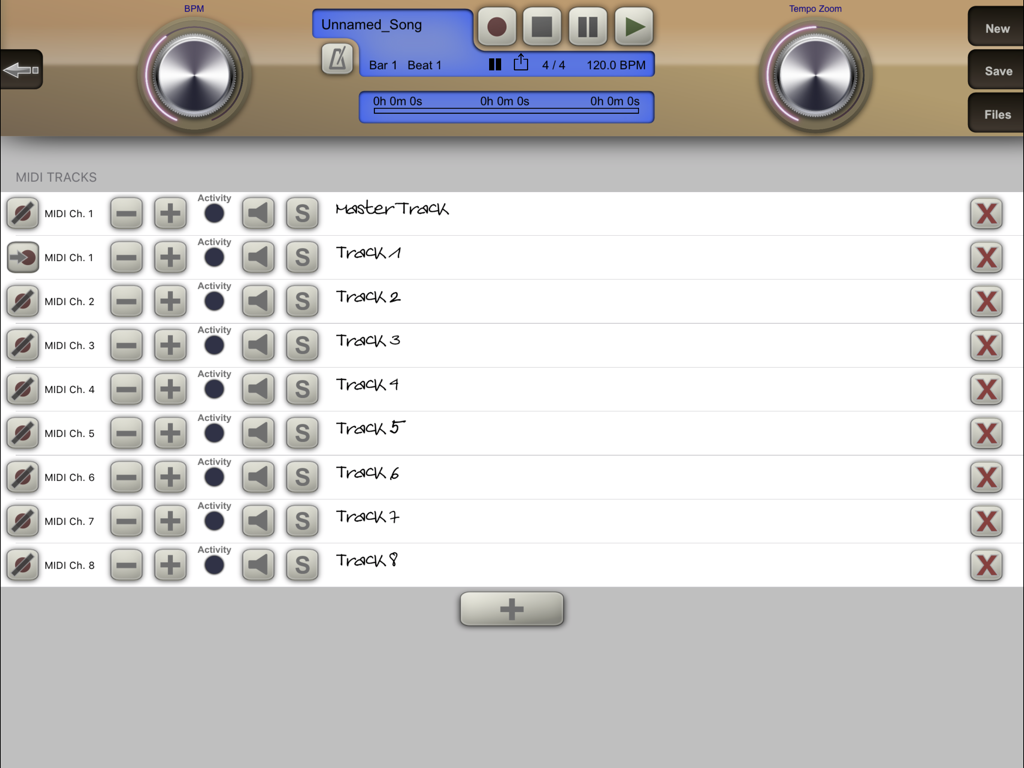
Interface for multi-track MIDI recording and playback in the Heavy Brass music production app.
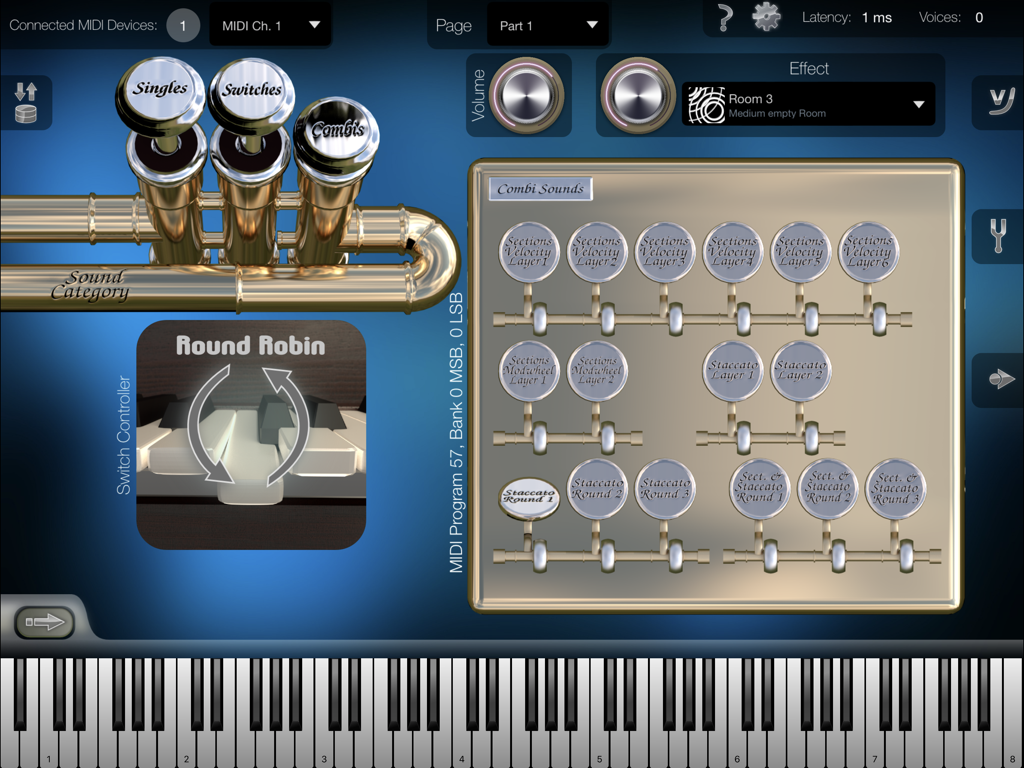
iPad interface of the Heavy Brass app showing the Combi Sounds selection screen and virtual piano keyboard
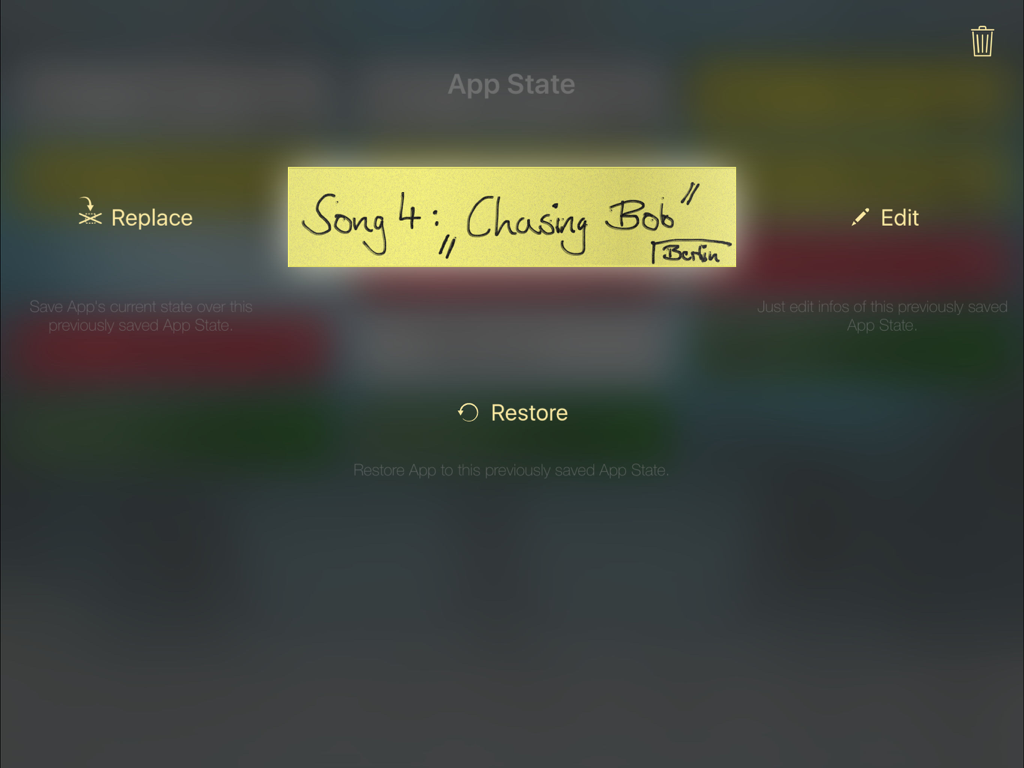
Interface for managing and restoring saved app state presets in Heavy Brass
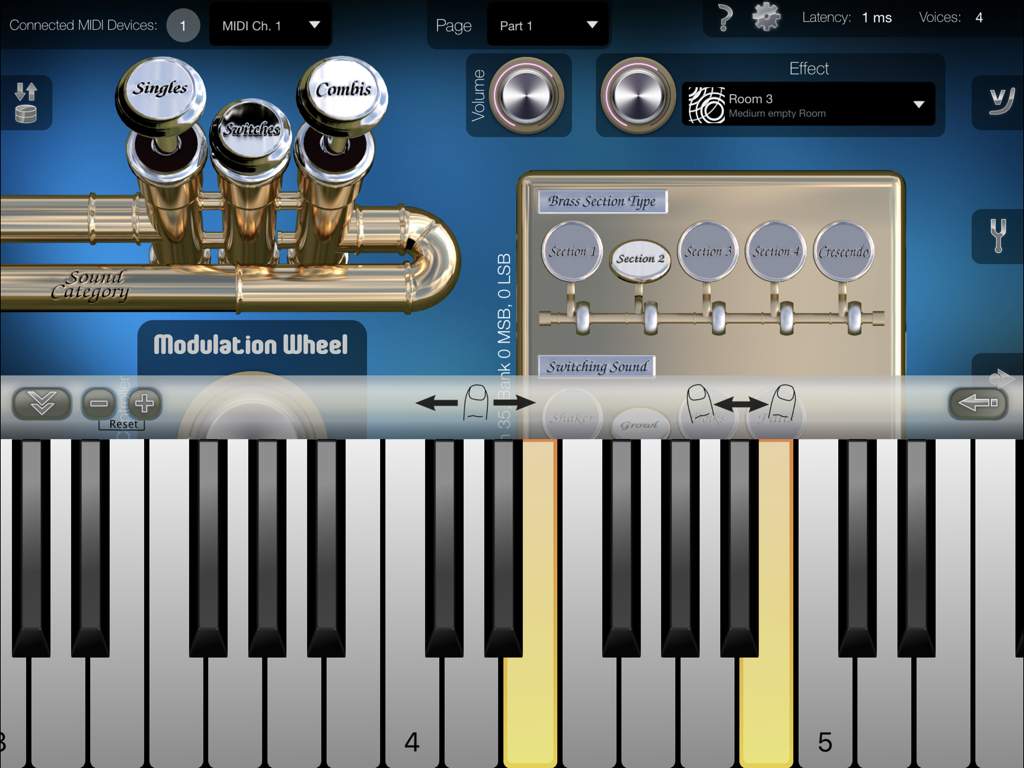
Professional interface of the Heavy Brass app featuring virtual piano keys, brass section selection, and sound category valves.
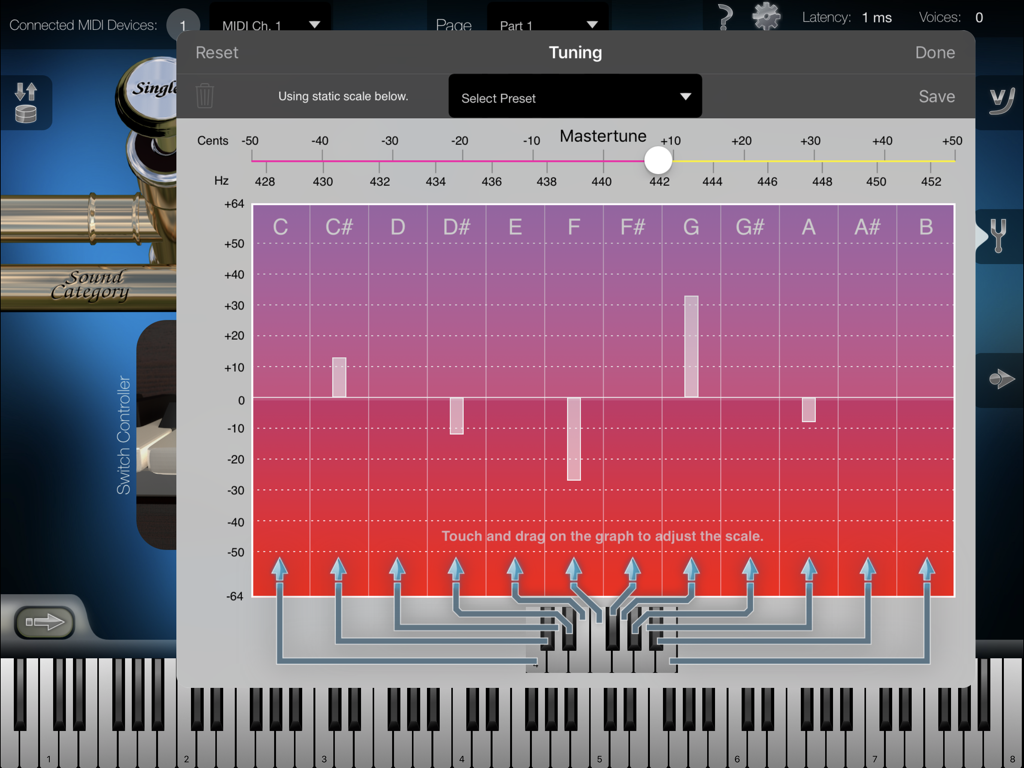
Advanced tuning settings in the Heavy Brass app including master tune controls and a visual scale tuning graph for precise MIDI instrument adjustment.
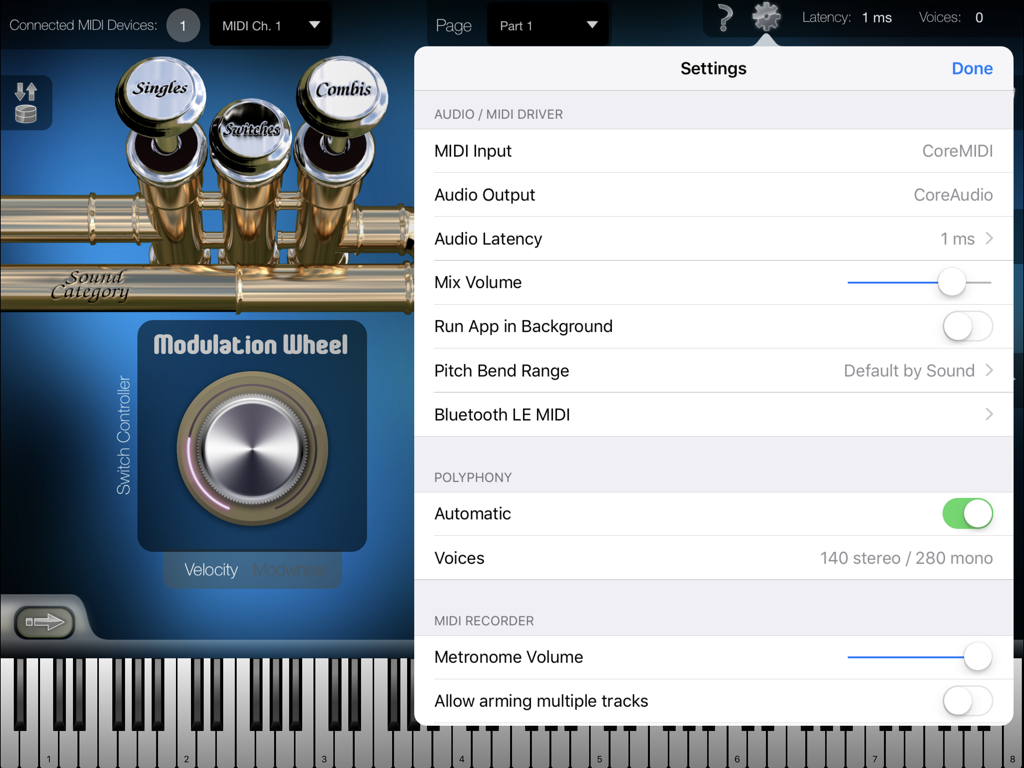
Settings menu of the Heavy Brass app showing audio MIDI driver and polyphony configuration options
Description
Download
More Like This
Top-ranked apps in the same category

Spotify: Music and Podcasts
Spotify

YouTube Music
Google LLC

Shazam: Find Music & Concerts
Apple Inc.

SoundCloud: The Music You Love
SoundCloud Global Limited & Co KG

Suno - AI Songs & Music
Suno Inc.

QQ音乐 - 听我想听
Tencent Technology (Shenzhen) Company Limited

Audiomack - Play Music Offline
Audiomack, Inc.

GuitarTuna: Tune & Play Guitar
Yousician Ltd

BandLab – Music Maker & Beats
BandLab Singapore Pte Ltd
This page is not an official page of the app or its developer, but an independent editorial publication created for informational and commentary purposes. Unless expressly stated otherwise, neither the app nor its developer is affiliated with, endorsed by, sponsored by, authorized by, or otherwise officially connected with MWM, Apple, Google Play, the app publisher, or the app's developer, and nothing on this page implies that the app was developed using MWM's services. Any trademarks, logos, screenshots, and other content remain the property of their respective owners.