
This page is not an official page of the app or its developer, but an independent editorial publication created for informational and commentary purposes. Unless expressly stated otherwise, neither the app nor its developer is affiliated with, endorsed by, sponsored by, authorized by, or otherwise officially connected with MWM, Apple, Google Play, the app publisher, or the app's developer, and nothing on this page implies that the app was developed using MWM's services. Any trademarks, logos, screenshots, and other content remain the property of their respective owners.


HKC SecureComm 2
Take total command of your home or business alarm system. Arm, unset, and monitor your property with biometric ease—plus manage gates, lights, and heating from one intuitive app.
Downloads
102K+User Rating
Total Ratings
100Publisher
Category
BusinessLocales
1Latest Version
1.0.9Size
137.5 MBFirst Released
May 30, 2022Complete Property Security in Your Pocket
HKC SecureComm 2 gives you total control over your security system with a modern interface designed for fast access and absolute peace of mind.
Full Remote Management
Arm, disarm, or part-set your system from anywhere in the world, backed by audible confirmations so you never have to guess if your property is safe.
Instant Biometric Access
Eliminate the friction of manual codes. Securely access your control panel in seconds using Face ID or Fingerprint recognition for a seamless experience.
The following screenshots and description are sourced directly from the app's official store listing and are the property of the app developer.
App Store
Screenshots
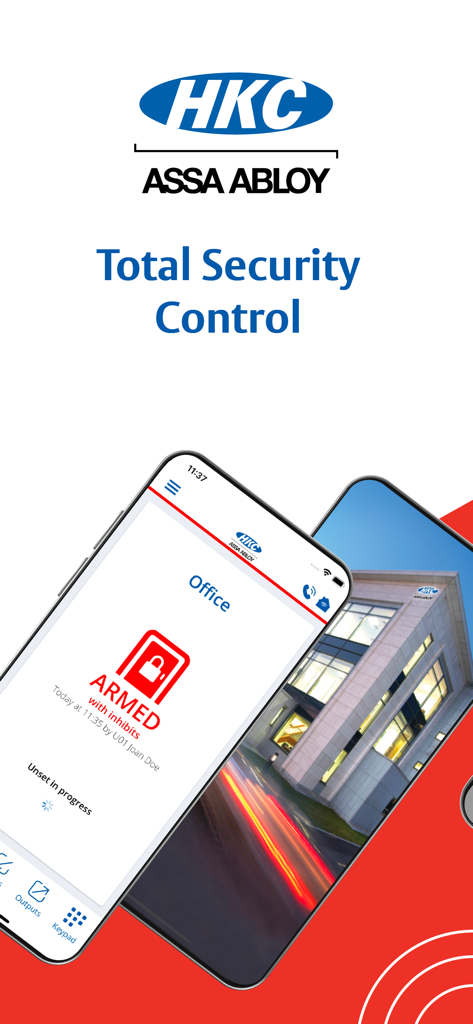
HKC SecureComm 2 mobile app interface showing a remotely armed security system for an office building
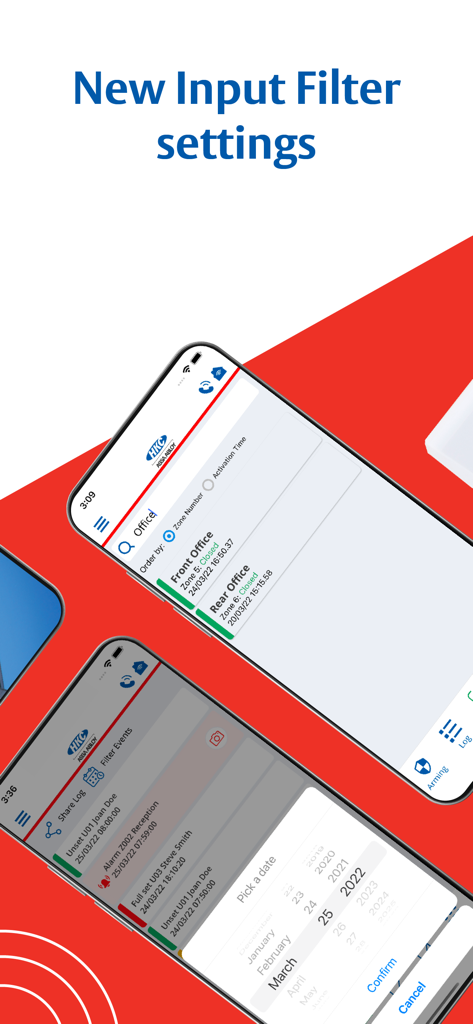
HKC SecureComm 2 app interface showing new input filter settings and date picker for security logs
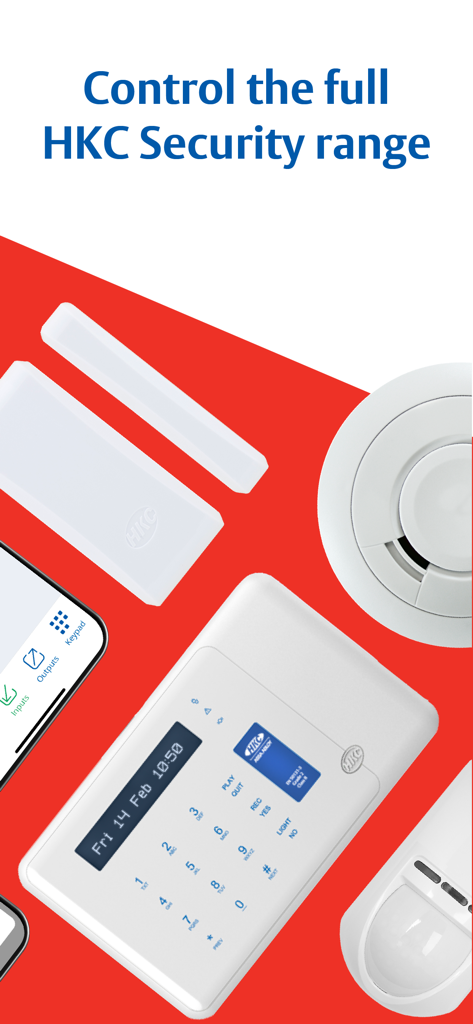
A collection of HKC security devices including a control keypad, smoke detector, and motion sensor
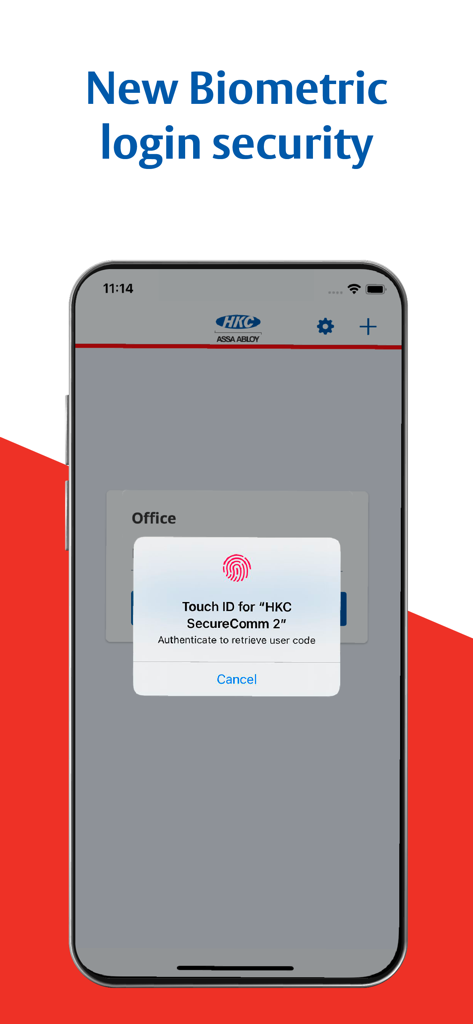
HKC SecureComm 2 biometric login security feature
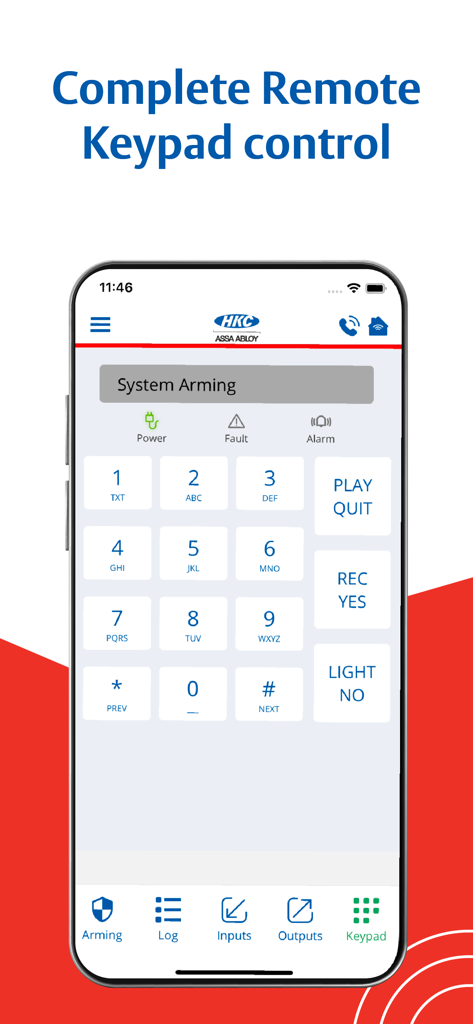
HKC SecureComm 2 app interface showing a virtual alarm system keypad for remote control
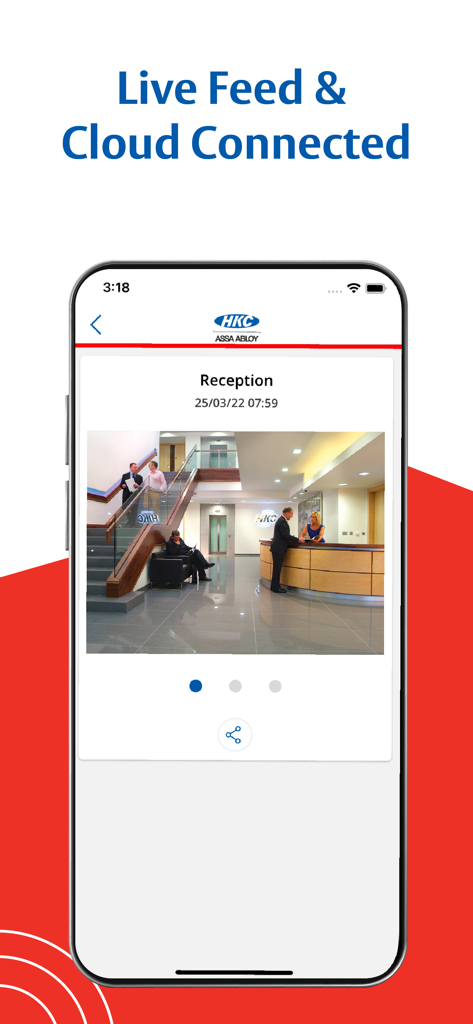
Smartphone displaying a live security camera feed of an office reception area within the HKC SecureComm 2 app
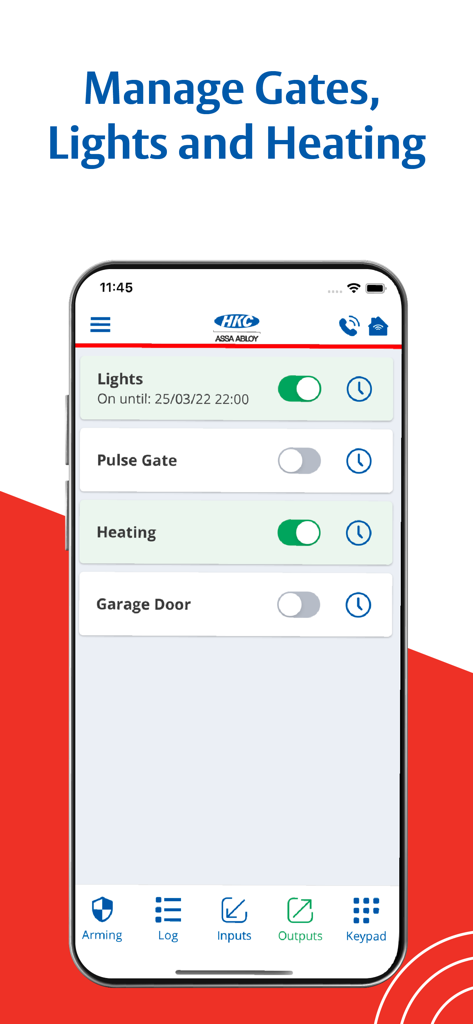
HKC SecureComm 2 app interface showing remote control switches for lights, gates, and heating.
Description
Download
More Like This
Top-ranked apps in the same category

Microsoft Teams
Microsoft Corporation

Zoom Workplace
Zoom Communications, Inc.

WhatsApp Business
WhatsApp Inc.

Indeed Job Search
Indeed Inc.

LinkedIn: Network & Job Finder
LinkedIn Corporation

Adobe Acrobat Reader: Sign PDF
Adobe Inc.

WeCom-Work Communication&Tools
Tencent Technology (Shenzhen) Company Limited

BOSS直聘-招聘求职找工作神器
Beijing China Product Bo Farce Network Technology Co., Ltd.

DingDing - Redefine Work in AI
DingTalk Technology Co., Ltd.
This page is not an official page of the app or its developer, but an independent editorial publication created for informational and commentary purposes. Unless expressly stated otherwise, neither the app nor its developer is affiliated with, endorsed by, sponsored by, authorized by, or otherwise officially connected with MWM, Apple, Google Play, the app publisher, or the app's developer, and nothing on this page implies that the app was developed using MWM's services. Any trademarks, logos, screenshots, and other content remain the property of their respective owners.