Hong Kong Transport
Hong Kong Transport
Download on App Store

This page is not an official page of the app or its developer, but an independent editorial publication created for informational and commentary purposes. Unless expressly stated otherwise, neither the app nor its developer is affiliated with, endorsed by, sponsored by, authorized by, or otherwise officially connected with MWM, Apple, Google Play, the app publisher, or the app's developer, and nothing on this page implies that the app was developed using MWM's services. Any trademarks, logos, screenshots, and other content remain the property of their respective owners.


Logo of Hong Kong Transport
Download on App Store

Hong Kong Transport

The ultimate self-guided toolkit for independent travelers. Master every MTR, bus, and ferry route with offline maps, precise fare details, and an integrated travel planner designed for the detail-oriented explorer.

Key Figures

Downloads

0

User Rating

1.0/5

Total Ratings

0

Publisher

HAN WEI WANG

Category

Travel

Locales

5

Latest Version

2.6

Size

5.5 MB

First Released

May 4, 2025
Features

Master the City Like a Local

Everything the independent traveler needs to navigate Hong Kong’s world-class transport system with confidence and precision.

Complete Offline Navigation

Avoid expensive roaming charges. Download high-resolution maps and route guides to navigate the densest urban canyons without a data connection.

Smart Itinerary Assistant

Organize your trip with the Calendar Memo. Jot down your destinations and let the app automatically find the best routes and timetables for your specific dates.

The following screenshots and description are sourced directly from the app's official store listing and are the property of the app developer.

App Store

Screenshots
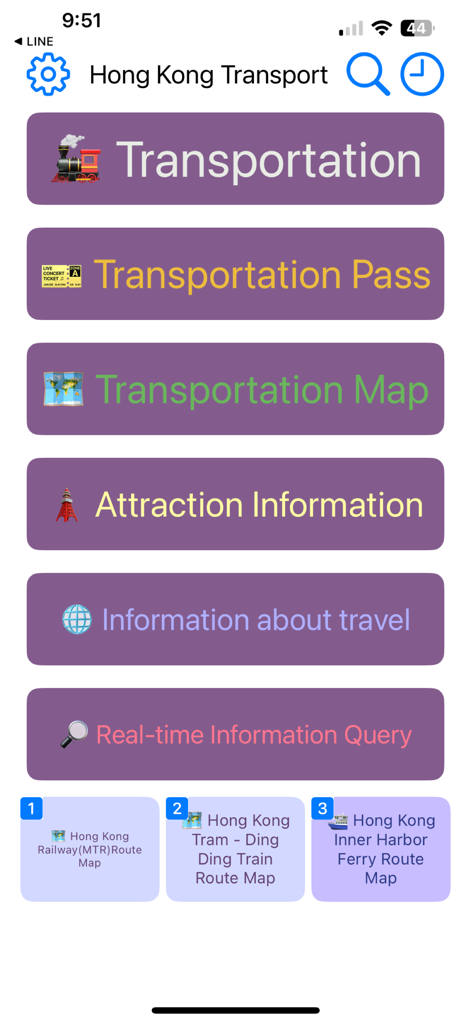
Hong Kong Transport - Home screen of the Hong Kong Transport app showing navigation buttons for transportation maps and attraction info
Home screen of the Hong Kong Transport app showing navigation buttons for transportation maps and attraction info

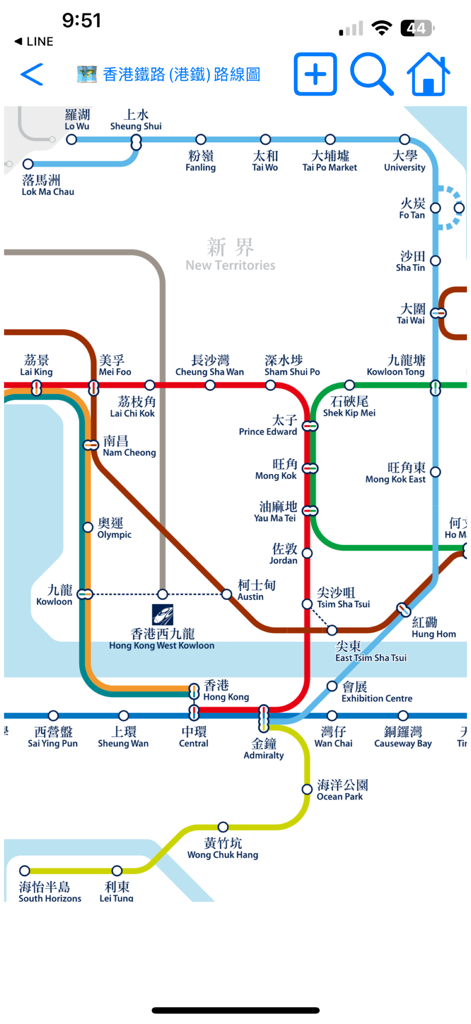
Hong Kong Transport - A detailed Hong Kong MTR subway map with bilingual station names in English and Traditional Chinese
A detailed Hong Kong MTR subway map with bilingual station names in English and Traditional Chinese

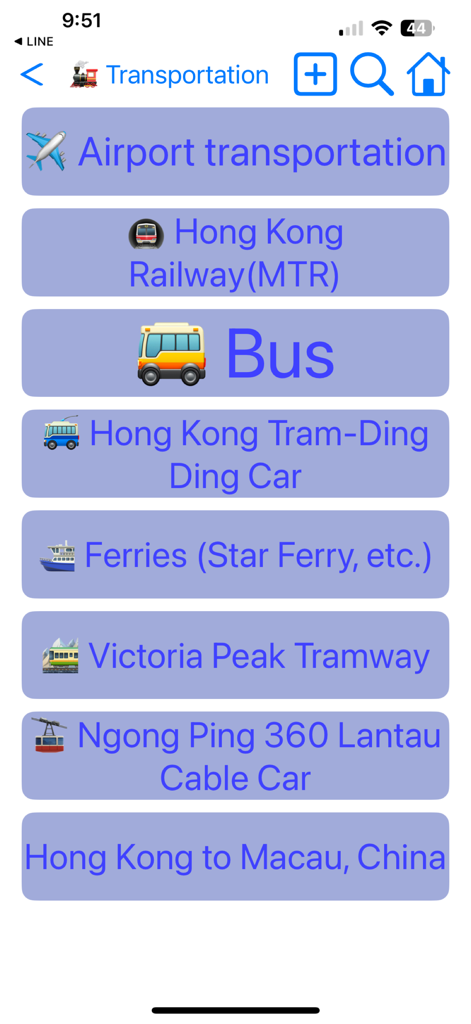
Hong Kong Transport - A list of Hong Kong transportation options including MTR, bus, tram, and ferry in the app interface
A list of Hong Kong transportation options including MTR, bus, tram, and ferry in the app interface

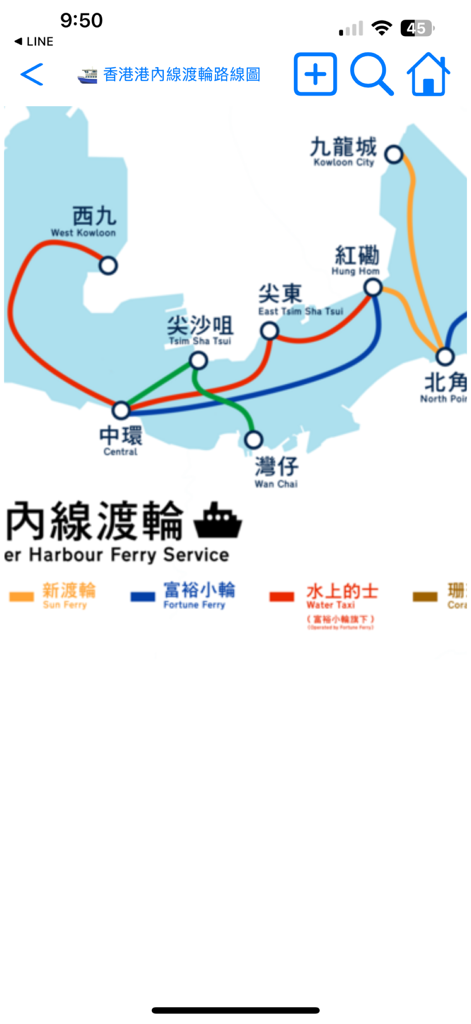
Hong Kong Transport - A map of Hong Kong inner harbor ferry services showing routes and major stops like Central and Tsim Sha Tsui
A map of Hong Kong inner harbor ferry services showing routes and major stops like Central and Tsim Sha Tsui

Hong Kong Transport - A list of various Hong Kong transportation and attraction maps available in the app including MTR, ferries, and theme parks
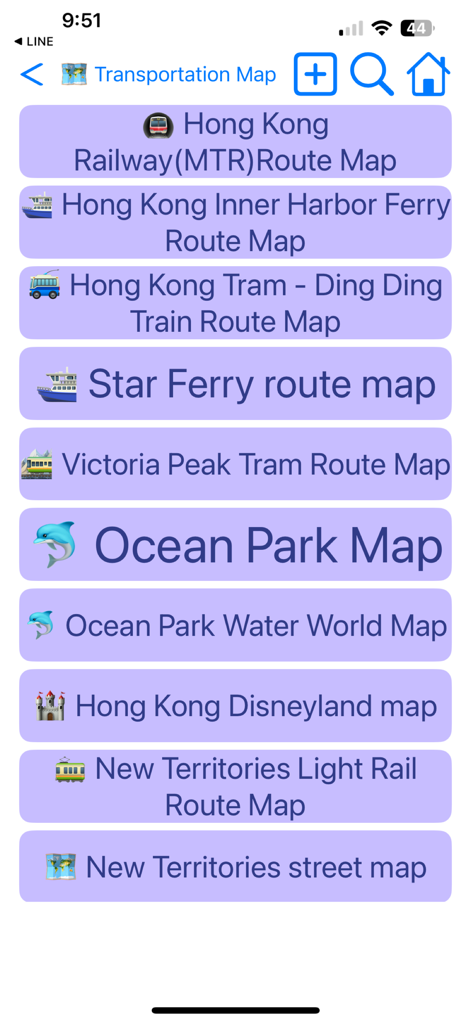
A list of various Hong Kong transportation and attraction maps available in the app including MTR, ferries, and theme parks

Hong Kong Transport - Interactive route map and station selector for Hong Kong Tramways Ding Ding in the Hong Kong Transport app interface.
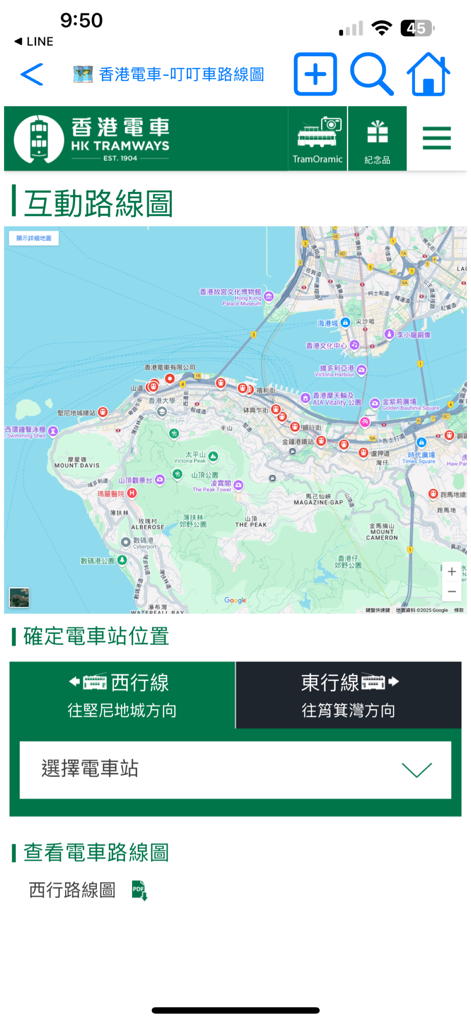
Interactive route map and station selector for Hong Kong Tramways Ding Ding in the Hong Kong Transport app interface.

Hong Kong Transport - A list of available transportation passes in Hong Kong including MTR tickets Airport Express and sightseeing bus packages.
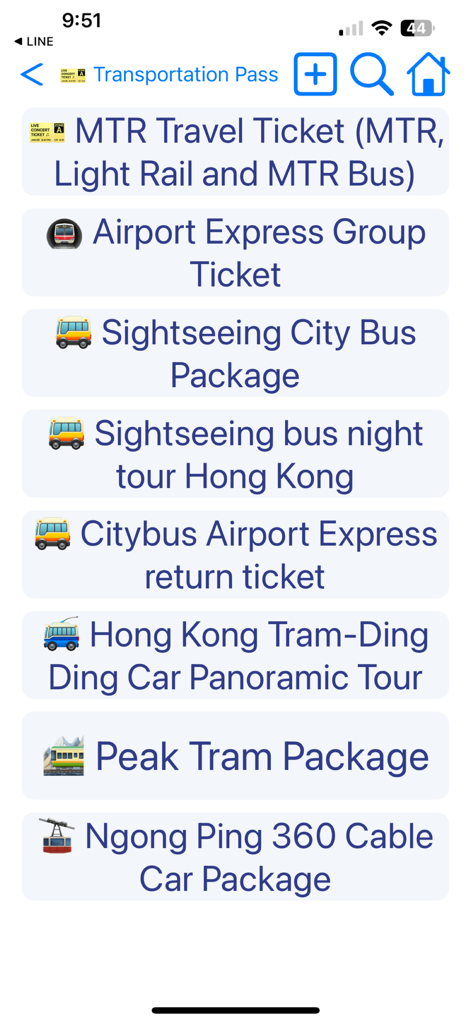
A list of available transportation passes in Hong Kong including MTR tickets Airport Express and sightseeing bus packages.

Hong Kong Transport - A list of tourist attraction categories for Hong Kong regions and local food recommendations in the app.

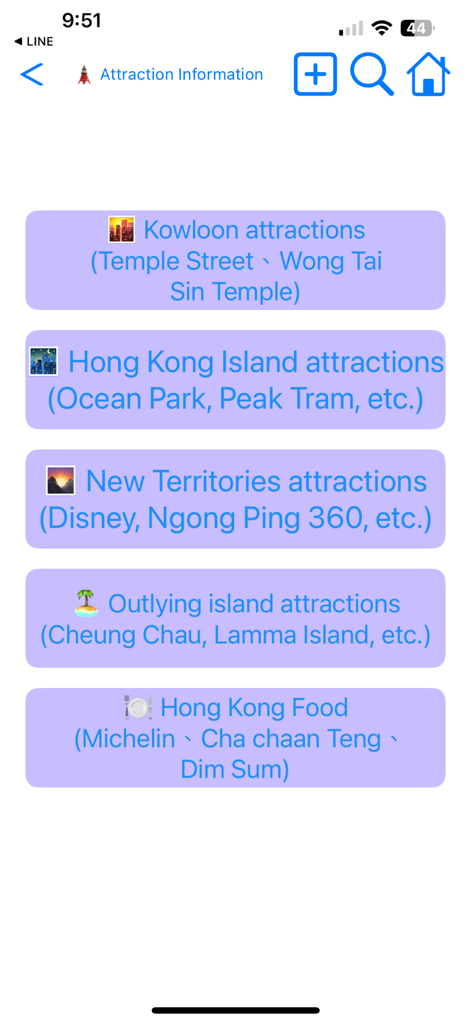
A list of tourist attraction categories for Hong Kong regions and local food recommendations in the app.

Description

The travel App is designed for self-guided travel in Hong Kong. It offers transportation information and route maps for the Hong Kong region, helping users with transportation options, transfer details, timetables, fares, and applicable transportation coupons. The App aims to simplify transportation in Hong Kong. To navigate the app, you can press the back button in the upper left corner to return to the previous page, or swipe right from the left edge of the screen for the same purpose. The home button in the upper right corner will take you back to the app's homepage. Click the gear button in the upper left corner to select the display language or to download or update maps. Tapping the text title at the top will display all browsing paths; you can also select a path to return to a previous page. If there is descriptive text on the introduction page, click it to enlarge and click it again to shrink it. While viewing the map, users can use two fingers to zoom in or out. It's advisable to download all maps at the beginning for faster access. The calendar button at the top of the homepage opens the calendar memo feature. After selecting a date and entering a memo, press the text search button next to the memo to search for relevant travel information automatically based on the memo's content, saving you time! Additionally, when on the Set Travel Date page, click the "Set Travel Date" button, and the system will create a travel memo for you. Once you set the travel date, it will automatically calculate how many days remain before your departure, how many days you have spent on your trip, how many days are left, and how many days remain before you return home. You can also share your travel memo with friends by opening their app, pasting the memo, and clicking the "Set Travel Date" button to complete the process. Users can click on the settings button in the upper left corner of the homepage or the globe button at the top of the general page to change the display language. Available languages include English, Japanese, Traditional Chinese, Simplified Chinese, and Korean. Please note that switching languages requires re-downloading maps, as the app only retains maps in the currently selected language to save space and reduce network usage. Users can delete maps in other languages and download new ones after changing the app’s language. The magnifying glass button in the upper right corner opens the search page. Users can enter keywords in English, Japanese, Chinese, or Korean to find relevant introductions, route maps, and other information. Clicking on a search result will take you directly to the desired page. The clock button in the upper right corner opens the browsing history page, which automatically saves up to 100 records, making it easy to find previously visited pages. There are three commonly used shortcut buttons at the bottom of the homepage that allow users quick access to frequently used map or traffic information pages. Additionally, a folding shortcut button at the top of the page expands these three shortcuts. Users can press the + button in the upper left corner of the shortcut section to set the current page as a shortcut, or press the - button to restore the shortcuts to their default settings. If you have any suggestions for improving this app, please send us an email or leave a comment. We will update based on your feedback as soon as possible. If you find this app useful, please consider rating us to encourage continued updates. Thank you for using our program! (Developer's email: hereyouare1981@gmail.com)

Download

Download on App Store

This page is not an official page of the app or its developer, but an independent editorial publication created for informational and commentary purposes. Unless expressly stated otherwise, neither the app nor its developer is affiliated with, endorsed by, sponsored by, authorized by, or otherwise officially connected with MWM, Apple, Google Play, the app publisher, or the app's developer, and nothing on this page implies that the app was developed using MWM's services. Any trademarks, logos, screenshots, and other content remain the property of their respective owners.