Horizon myRad

Horizon myRad

Download on App StoreDownload on Google Play
Logo of Horizon myRad

Horizon myRad: Securely Access Your Medical Imaging and Results

Take control of your health journey. View your scans, share results with your medical team, and request appointments with a simple photo upload—all in one secure app.

Publisher

Integral Diagnostics Ltd

Category

Medical

Downloads

14K+

User Rating

1.0/5

Total Ratings

0

Locales

1

Your Health in Focus

Discover the interface used by 14K+ users.
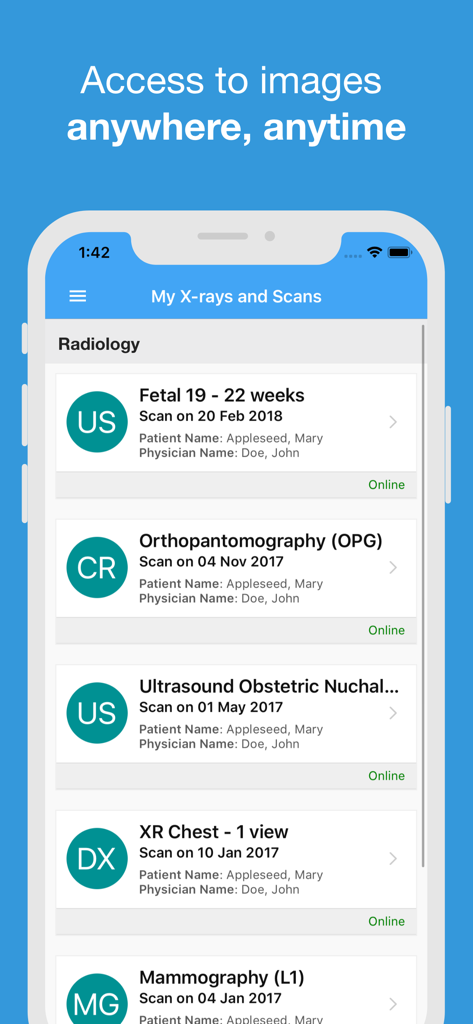
Horizon myRad app screen displaying a list of medical imaging scan results

Horizon myRad app screen displaying a list of medical imaging scan results

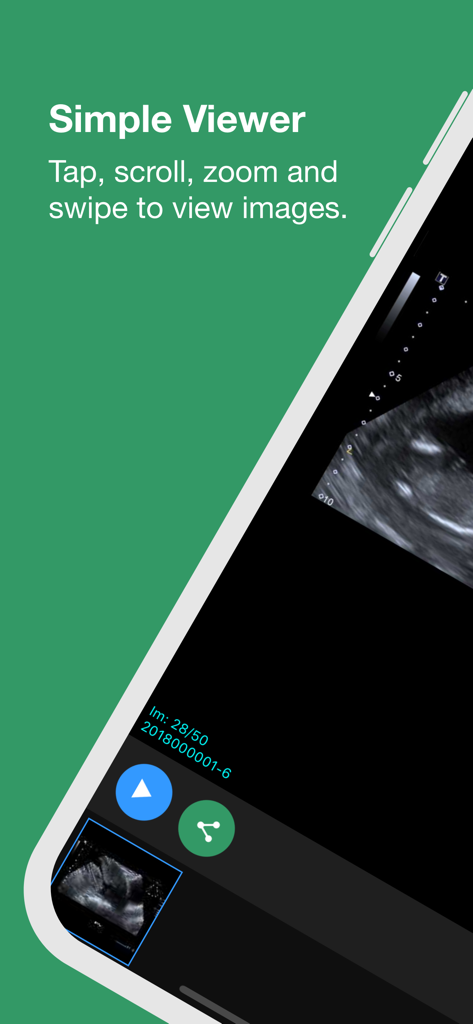
Simple viewer interface for medical images in the Horizon myRad app

Simple viewer interface for medical images in the Horizon myRad app

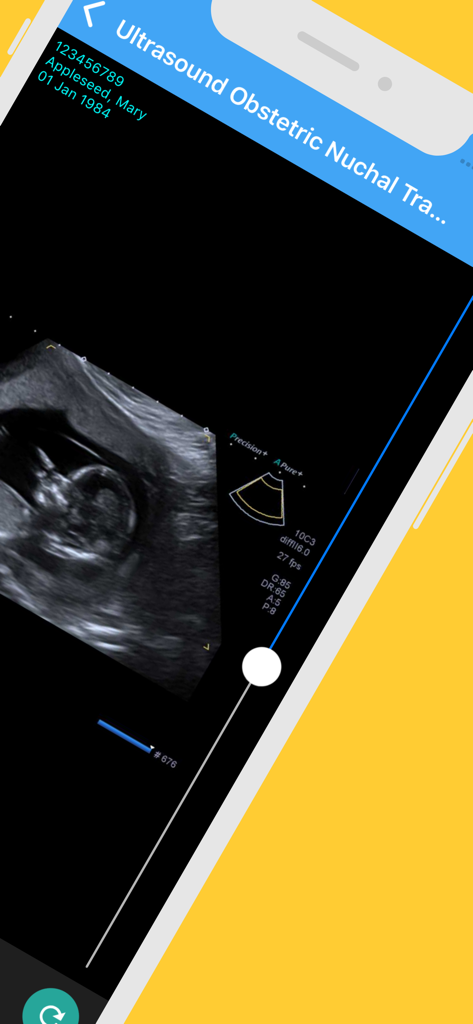
Ultrasound scan results displayed on the Horizon myRad mobile application

Ultrasound scan results displayed on the Horizon myRad mobile application

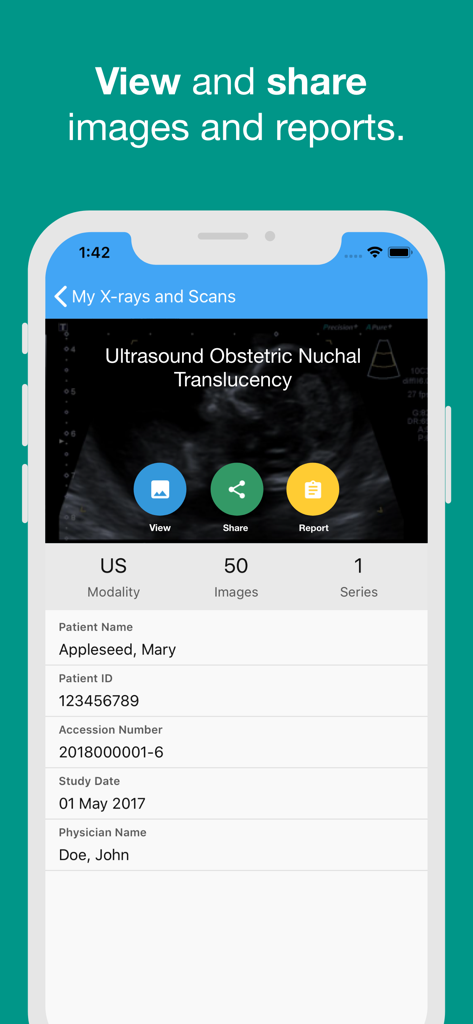
Horizon myRad app screenshot showing ultrasound results with options to view and share medical reports

Horizon myRad app screenshot showing ultrasound results with options to view and share medical reports

Your Radiology Journey, Simplified

The tools that make this app stand out, trusted by 14K+ users.

📱

Instant Results Access

View your scans and radiologist reports as soon as they are ready. Gain peace of mind and prepare for your doctor's visit with all the facts in hand.

📸

Fast Appointment Requests

Skip the phone queues. Simply upload a photo of your referral form, select your preferred location, and our team will handle the rest.

🤝

Secure Records & Sharing

Maintain a lifetime digital history of your imaging. Securely share your results with family members or healthcare specialists anywhere, anytime.

About the app

Everything you need to know about Horizon myRad.

Description

The Horizon Radiology Patient app is used by patients to securely access medical imaging results and to request an appointment at one of the Horizon Radiology clinics throughout Auckland. This app will allow you, the patient, to view and easily share results with your family and/or other health professionals. Once your scan is complete and your results are ready to view, an SMS/text message link will be sent to your mobile device or email, for you to activate your account and set a secure password. Providing the referring doctor has granted access, most results will be available approximately 7 days after the examination has been reported by an Horizon Radiologist. Please note, your referring doctor will have access to your images and report as soon as they are available. You should always return to your doctor to discuss your results. Once you have activated your account, a notification will be sent to view any future results via the app. This gives you the ability to keep a copy of your personal radiology results on file, which you can access anywhere, anytime. The ‘Request an Appointment’ feature allows you to arrange a booking at one of our radiology clinics. Simply select the type of imaging service required, choose your preferred location, time and date, then upload a photo of the referral form provided to you by your doctor. Once submitted, a member of our staff will contact you to book and confirm the appointment. If you require assistance with the Horizon Radiology Patient app, please submit a ticket at https://horizon.zed.link

Latest Version

5.12225.0

Size

29.3 MB

First Released

Jun 16, 2024

Take Control of Your Health Journey

Join thousands of Aucklanders managing their imaging results and appointments with ease. Secure, fast, and always at your fingertips.

Download on App StoreDownload on Google Play

App information, icons, screenshots, and descriptions displayed on this page are sourced from the Apple App Store and are the property of their respective developers. Download estimates and rankings are based on MWM's proprietary models and may not reflect actual figures. This page is provided for informational and analytical purposes only.

Believe this page infringes your intellectual property? File a dispute