
This page is not an official page of the app or its developer, but an independent editorial publication created for informational and commentary purposes. Unless expressly stated otherwise, neither the app nor its developer is affiliated with, endorsed by, sponsored by, authorized by, or otherwise officially connected with MWM, Apple, Google Play, the app publisher, or the app's developer, and nothing on this page implies that the app was developed using MWM's services. Any trademarks, logos, screenshots, and other content remain the property of their respective owners.


Smart Printer App : Scan
The app turns your iPhone into a paper-shredding, office-skipping powerhouse.
Downloads
10k+User Rating
Total Ratings
18Publisher
Category
BusinessLocales
1Latest Version
1.2Size
9.0 MBFirst Released
Mar 17, 2026An analysis of essential features for iPhone users seeking comprehensive mobile document solutions.
Core Document Management Capabilities of Smart Printer App : Scan
Smart Document Scanning
This tool features an intelligent scanner that transforms an iPhone camera into a high-quality document scanner, providing auto-detection of document edges and saving scans as clear, professional PDF files. It allows users to quickly save or share scanned documents with one tap.
Powerful PDF Editing Suite
The app provides a robust PDF editor, enabling users to annotate, highlight key information, add comments, and sign contracts or forms with an e-signature using a finger or stylus. It also features free drawing tools for detailed mark-ups.
Wireless Mobile Printing
It allows users to enjoy true mobile printing freedom by easily connecting to compatible printers. Users can print photos, documents, and web pages directly from their iPhone without requiring a computer.
Convenient File Management
This tool helps users keep their mobile workspace organized by allowing easy import of files from Photos or the Files app. It features quick access to recently used documents and provides secure storage for important files directly on the device.
The following screenshots and description are sourced directly from the app's official store listing and are the property of the app developer.
App Store
Screenshots
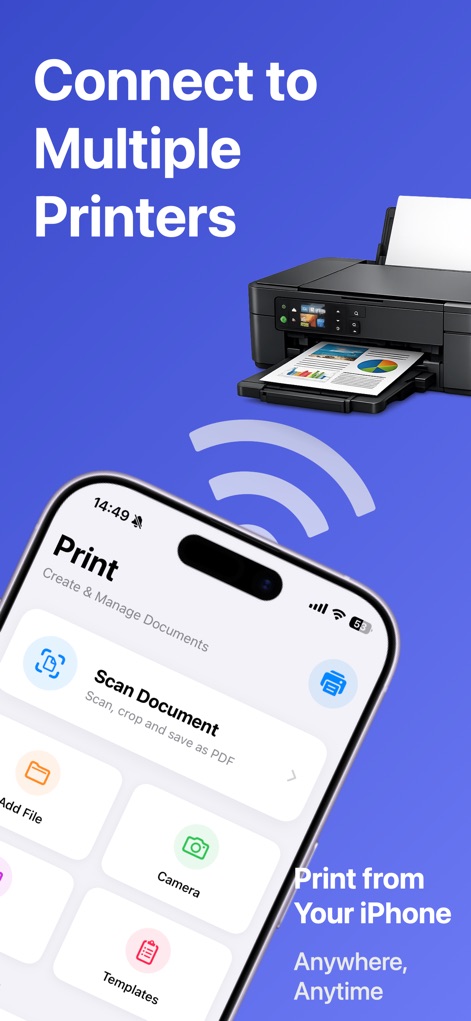
Explore the app's intuitive main interface, showcasing the prominent "Scan Document" option and seamless wireless printer connection capabilities.
Seamless Printing Setup
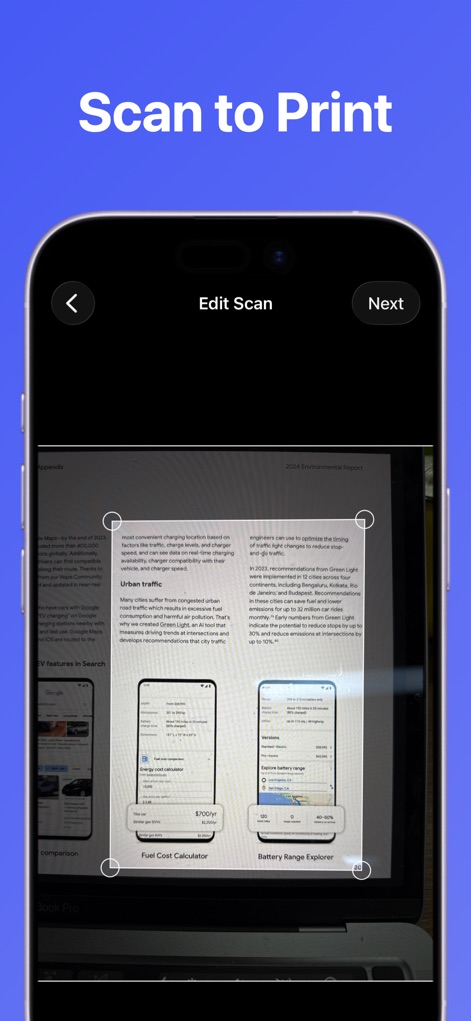
Witness the precision scanning capabilities as users can effortlessly crop scanned documents with intuitive handles on the "Edit Scan" screen.
Precision Scan Editing
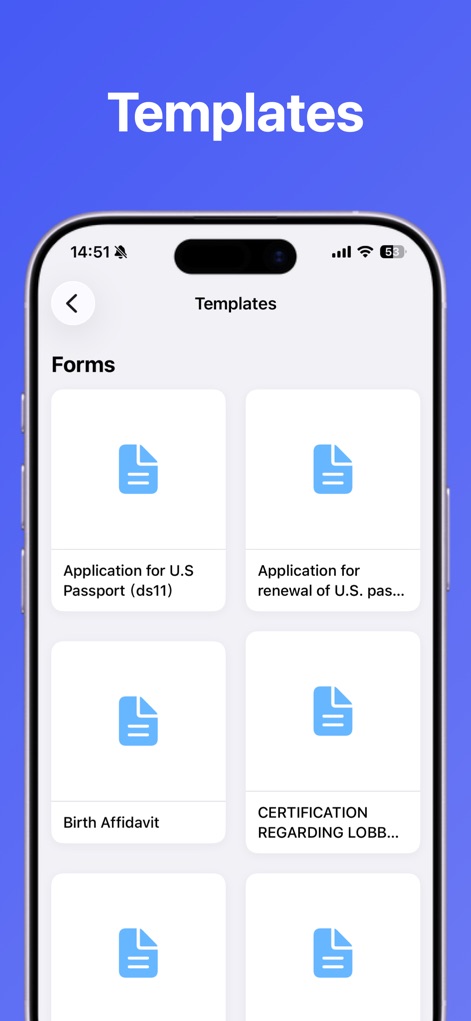
Discover the extensive template library, offering commonly used forms like passport applications and various affidavits, readily accessible for instant use.
Extensive Template Library
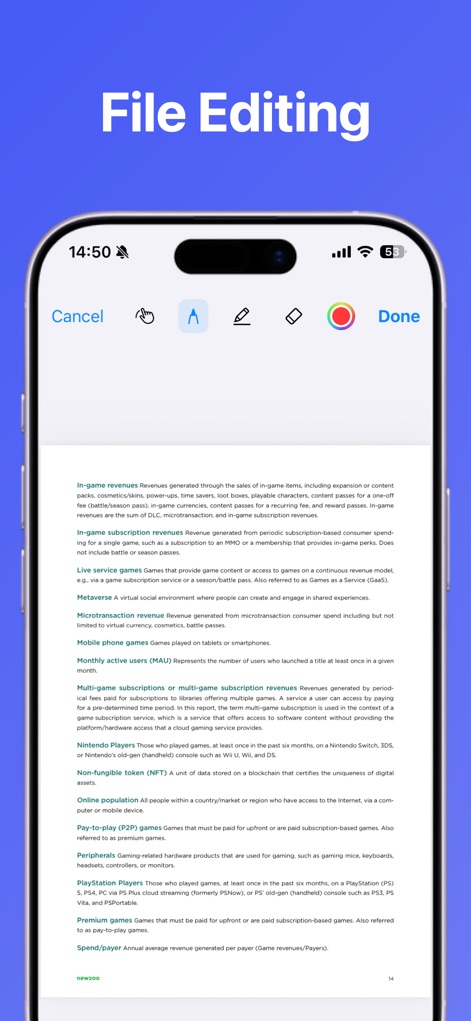
Delve into the powerful PDF editor, enabling users to highlight key information with annotation tools and apply secure e-signatures directly on documents.
Powerful Document Editing
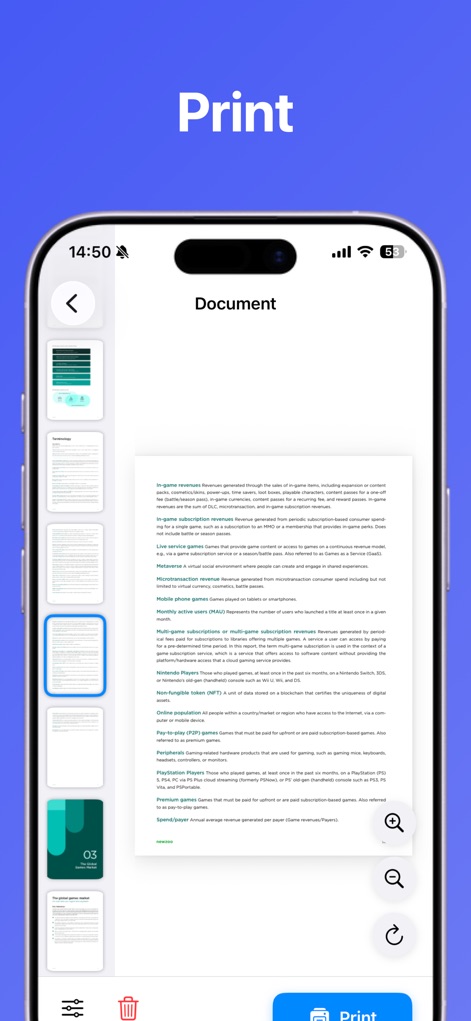
Observe the comprehensive print preview interface, featuring navigable page thumbnails and a prominent "Print" button for effortless document output.
Final Print Preview
Description
Download
More Like This
Top-ranked apps in the same category

Microsoft Teams
Microsoft Corporation

WhatsApp Business
WhatsApp Inc.

Zoom Workplace
Zoom Communications, Inc.

BOSS直聘-招聘求职找工作神器
Beijing China Product Bo Farce Network Technology Co., Ltd.

Indeed Job Search
Indeed Inc.

LinkedIn: Community & Network
LinkedIn Corporation

Adobe Acrobat Reader: Sign PDF
Adobe Inc.

DingDing - Redefine Work in AI
DingTalk Technology Co., Ltd.

WeCom-Work Communication&Tools
Tencent Technology (Shenzhen) Company Limited
This page is not an official page of the app or its developer, but an independent editorial publication created for informational and commentary purposes. Unless expressly stated otherwise, neither the app nor its developer is affiliated with, endorsed by, sponsored by, authorized by, or otherwise officially connected with MWM, Apple, Google Play, the app publisher, or the app's developer, and nothing on this page implies that the app was developed using MWM's services. Any trademarks, logos, screenshots, and other content remain the property of their respective owners.