
This page is not an official page of the app or its developer, but an independent editorial publication created for informational and commentary purposes. Unless expressly stated otherwise, neither the app nor its developer is affiliated with, endorsed by, sponsored by, authorized by, or otherwise officially connected with MWM, Apple, Google Play, the app publisher, or the app's developer, and nothing on this page implies that the app was developed using MWM's services. Any trademarks, logos, screenshots, and other content remain the property of their respective owners.


HPE Virtual Intranet Access
Empower your professional life with transparent, VPN-on-demand security. Experience seamless, Wi-Fi-aware access to corporate resources from any network without the friction of complicated logins.
Downloads
21K+User Rating
Total Ratings
100Publisher
Category
BusinessLocales
1Latest Version
4.7.5Size
16.0 MBFirst Released
Nov 15, 2018Seamless Corporate Connectivity Wherever You Work
HPE Virtual Intranet Access (VIA) provides a secure, automated VPN experience that bridges the gap between the office and the road, ensuring your data stays protected without slowing you down.
Automated VPN-on-Demand
No more manual logins. VIA is Wi-Fi-aware and automatically launches a secure connection the moment you leave the corporate network.
One Identity, Zero Friction
Access corporate resources using the same credentials you use at the office. Simplify your workflow and eliminate password fatigue.
The following screenshots and description are sourced directly from the app's official store listing and are the property of the app developer.
App Store
Screenshots
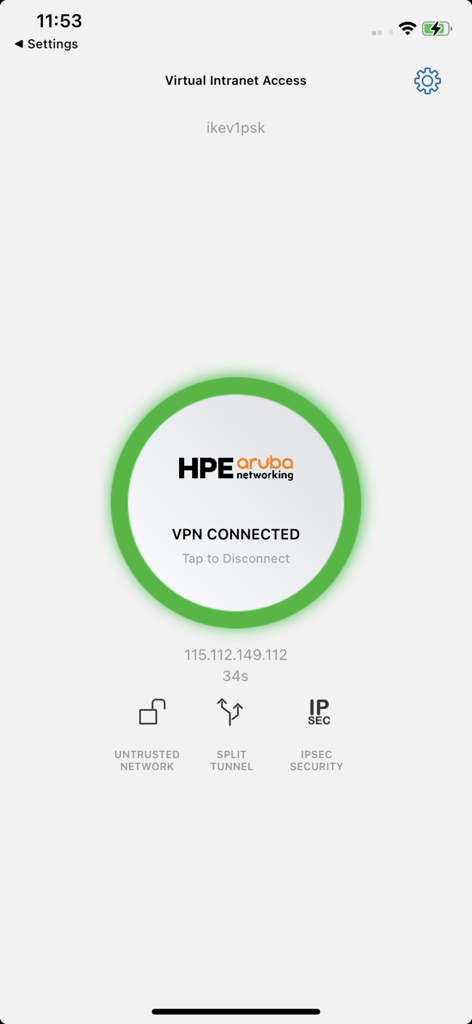
Interface of the HPE Virtual Intranet Access app showing a successful VPN connection
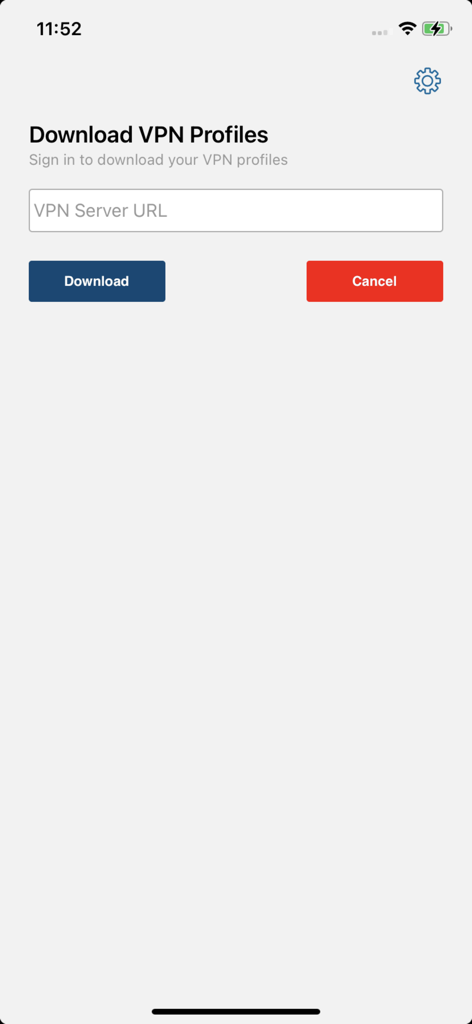
Screen for downloading VPN profiles in the HPE Virtual Intranet Access app.
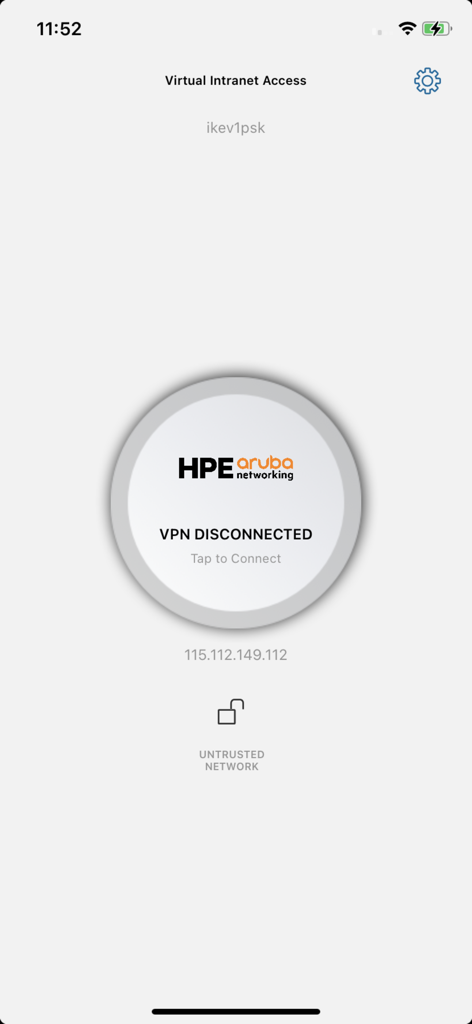
HPE Virtual Intranet Access app interface showing VPN disconnected status and untrusted network notification
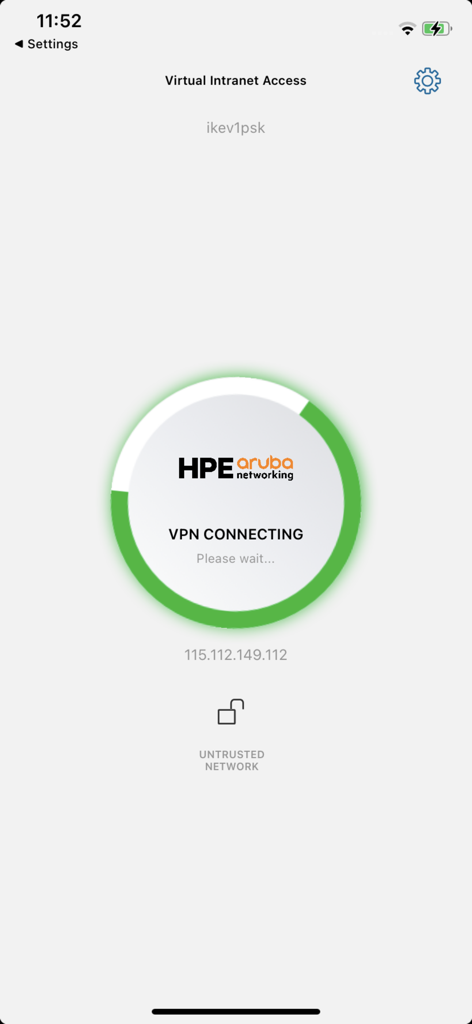
HPE Virtual Intranet Access app screen showing VPN connection in progress
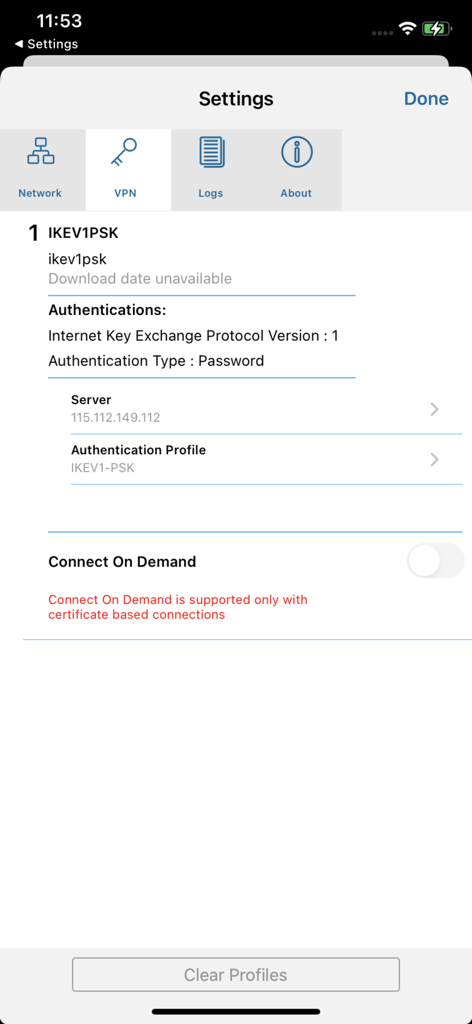
HPE Virtual Intranet Access app VPN settings screen showing profile details and connection options
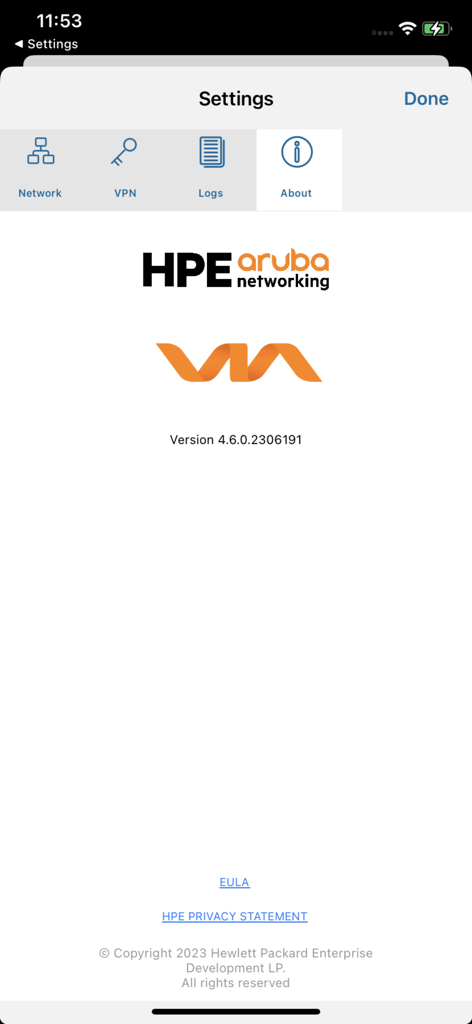
HPE VIA app settings about screen showing version information and Aruba Networking branding
Description
Download
More Like This
Top-ranked apps in the same category

Microsoft Teams
Microsoft Corporation

Zoom Workplace
Zoom Communications, Inc.

WhatsApp Business
WhatsApp Inc.

Indeed Job Search
Indeed Inc.

LinkedIn: Network & Job Finder
LinkedIn Corporation

Adobe Acrobat Reader: Sign PDF
Adobe Inc.

DingDing - Redefine Work in AI
DingTalk Technology Co., Ltd.

WeCom-Work Communication&Tools
Tencent Technology (Shenzhen) Company Limited

BOSS直聘-招聘求职找工作神器
Beijing China Product Bo Farce Network Technology Co., Ltd.
This page is not an official page of the app or its developer, but an independent editorial publication created for informational and commentary purposes. Unless expressly stated otherwise, neither the app nor its developer is affiliated with, endorsed by, sponsored by, authorized by, or otherwise officially connected with MWM, Apple, Google Play, the app publisher, or the app's developer, and nothing on this page implies that the app was developed using MWM's services. Any trademarks, logos, screenshots, and other content remain the property of their respective owners.