
HTML Creator(Pro)


Code faster on the go with custom developer layouts, instant OCR scanning for textbooks, and professional syntax highlighting tailored for students and Gen Z creators.
Publisher
Category
EducationDownloads
7K+User Rating
Total Ratings
0Locales
1Discover the interface used by 7K+ users.
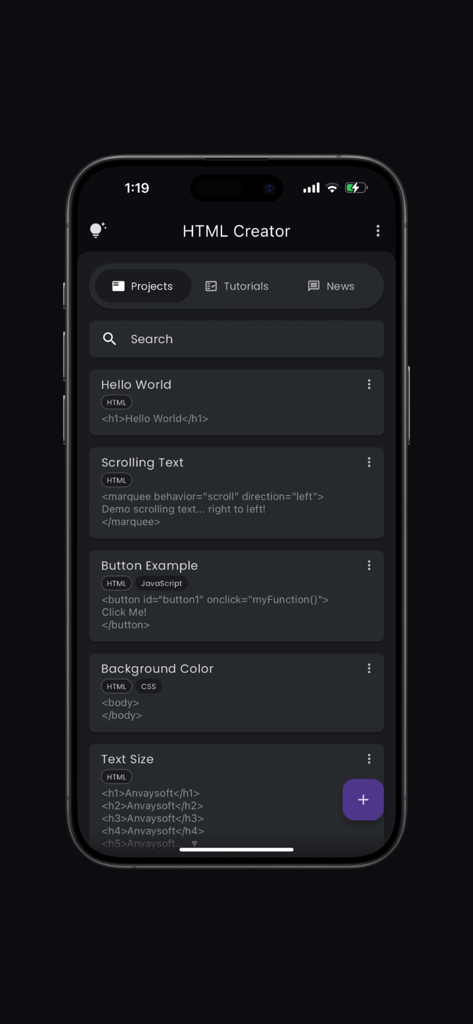
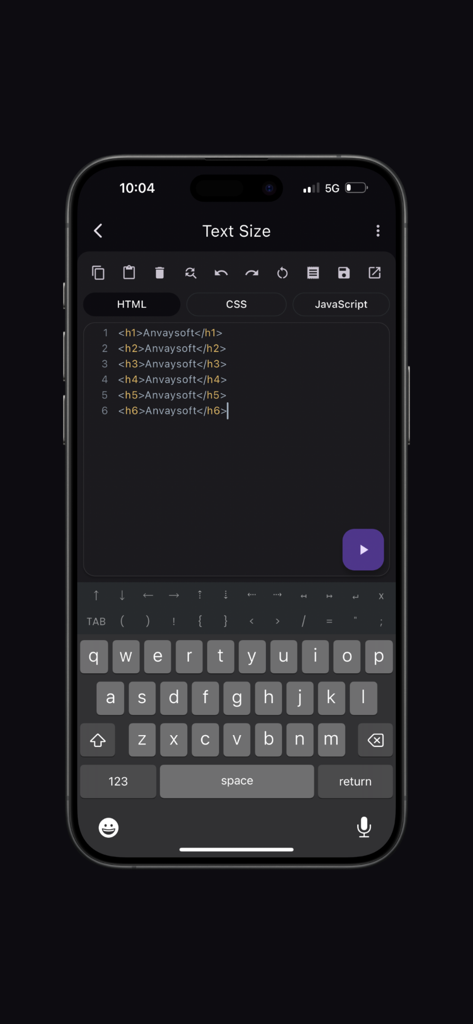
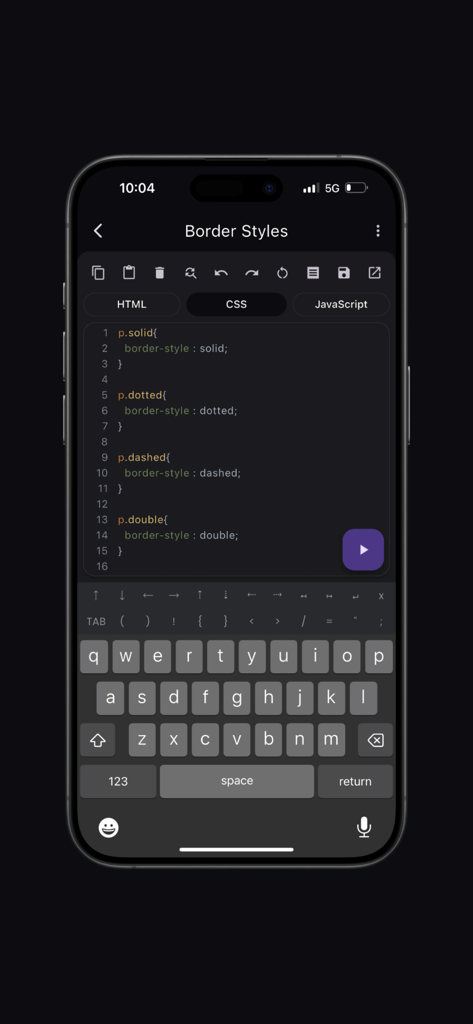
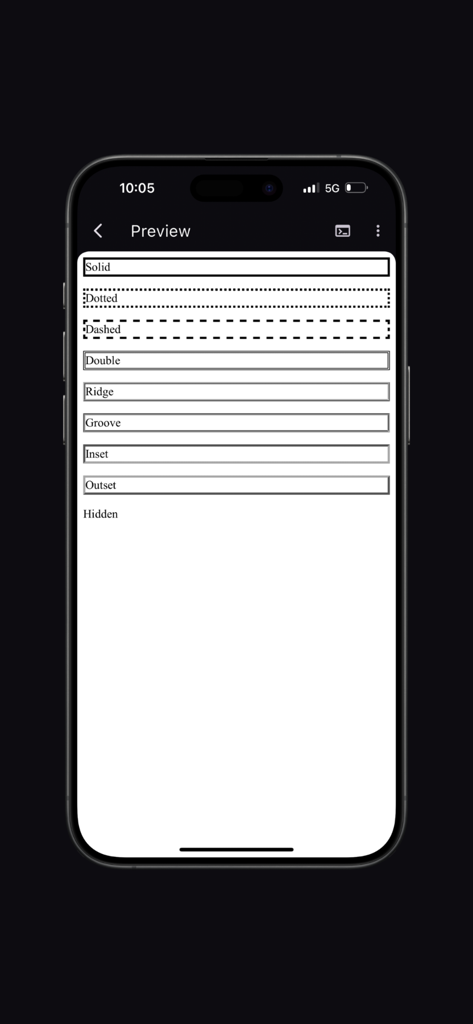
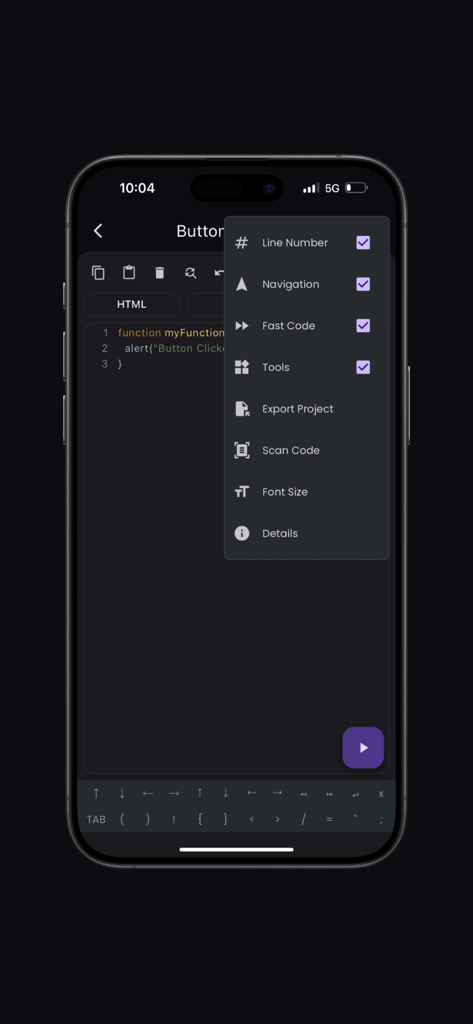
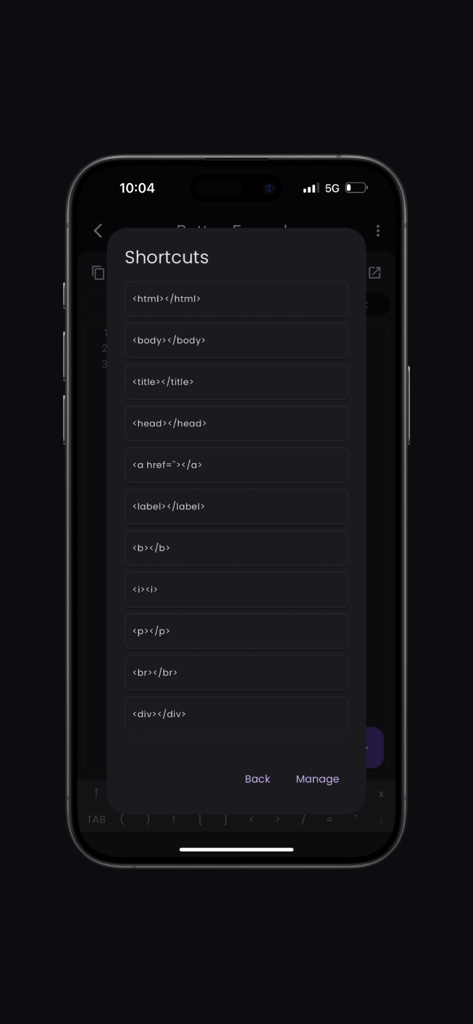
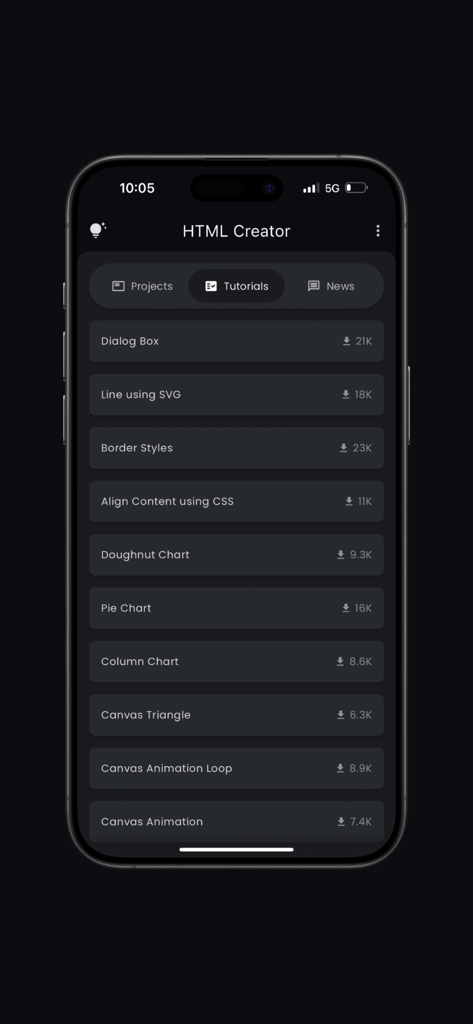
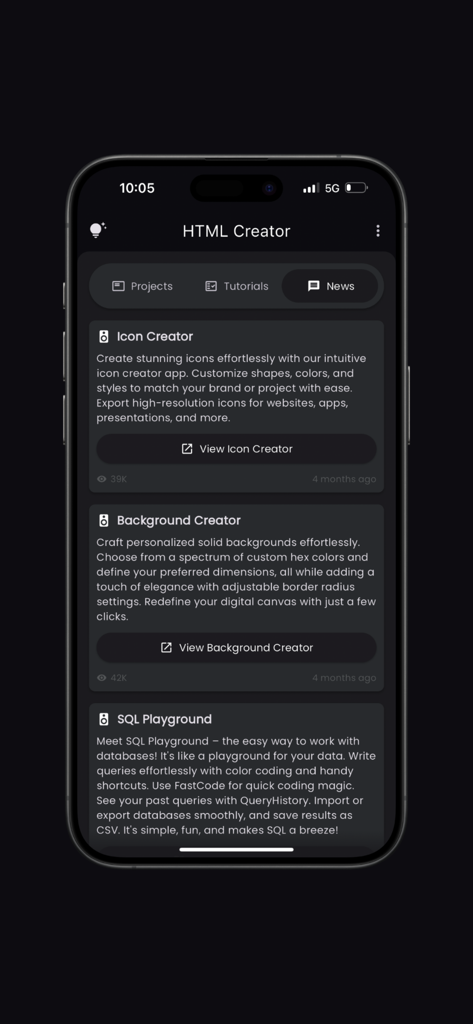
The tools that make this app stand out, trusted by 7K+ users.
Skip the keyboard struggle. Our custom layout puts essential symbols at your fingertips for frictionless mobile development.
Instantly digitize code from textbooks or handouts using your camera. Perfect for turning physical notes into working digital projects.
Write clean, readable code with vibrant syntax highlighting and manage your growing portfolio with built-in project organization.
Everything you need to know about HTML Creator(Pro).
Description
Latest Version
7.0.6
Size
71.9 MB
First Released
Dec 24, 2022
Join over 7,000 students and developers who have turned their mobile devices into a pro-level coding studio. Download HTML Creator(Pro) and start building your future today.
Everything you need to know about HTML Creator(Pro)
HTML Creator is a coding app designed for both beginners and experienced developers. It provides an intuitive environment for HTML, CSS, and JavaScript coding with features like syntax highlighting and project management.
Yes, HTML Creator supports syntax highlighting. It offers a vibrant and readable code editor with color-coded syntax to easily distinguish different parts of your code.
Yes, users can customize shortcuts within HTML Creator. The Tools Layout provides essential shortcuts like copy, paste, and undo, along with the option to customize personal shortcuts.
HTML Creator includes a Scan Code feature. Users can quickly import code snippets by scanning them using their device's camera from sources like textbooks, whiteboards, or printed documents.
Yes, HTML Creator provides an integrated Tutorials section. This section offers resources covering various topics like border styles, SVG, and CSS alignment to help users learn and stay updated.
Yes, HTML Creator offers project management capabilities. Users can easily bookmark important code snippets and projects for quick access and efficient organization using built-in tools.
The Fast Code Layout in HTML Creator provides frequently used symbols. This feature allows users to code more efficiently and with fewer keystrokes, enhancing their overall productivity.
Yes, HTML Creator allows users to export projects. An option for "Export Project" is available within the editor's menu, facilitating the sharing or saving of completed work.
HTML Creator supports editing HTML, CSS, and JavaScript code. The editor interface includes dedicated tabs for switching between these languages, as seen in the code editor views.
The HTML Creator app is developed by Anvaysoft. Hrishi Suthar is credited as the programmer for the application.
Top-ranked apps in the same category

Duolingo, Inc

DEEP FLOW SOFTWARE SERVICES - FZCO

Wuhan Jiakaobaodian Information Service Co., Ltd.

Toca Boca AB

Google LLC

Guangzhou Polar Future Culture Technology Co., Ltd

Student Information Consultation Service Co., Ltd.

GAUTHTECH PTE. LTD.

Aleksandr Ulitin
App information, icons, screenshots, and descriptions displayed on this page are sourced from the Apple App Store and are the property of their respective developers. Download estimates and rankings are based on MWM's proprietary models and may not reflect actual figures. This page is provided for informational and analytical purposes only.
Believe this page infringes your intellectual property? File a dispute