
This page is not an official page of the app or its developer, but an independent editorial publication created for informational and commentary purposes. Unless expressly stated otherwise, neither the app nor its developer is affiliated with, endorsed by, sponsored by, authorized by, or otherwise officially connected with MWM, Apple, Google Play, the app publisher, or the app's developer, and nothing on this page implies that the app was developed using MWM's services. Any trademarks, logos, screenshots, and other content remain the property of their respective owners.


HVC Viewer
Empower your patients to 'experience' their future vision. Use the industry-leading AR tool to visualize lens performance, reduce buyer hesitation, and modernize your practice chairside.
Downloads
96K+User Rating
Total Ratings
100Publisher
Category
LifestyleLocales
1Latest Version
3.3.7Size
274.0 MBFirst Released
Aug 30, 2012Empower Your Optical Sales
Bridge the gap between complex lens technology and patient understanding with an interactive AR tool designed for the modern practice.
Interactive Design Comparisons
Help patients visualize the clarity of premium progressive and indoor lenses, reducing buyer's remorse and adaptation complaints.
Immersive AR Simulations
Use real-life Augmented Reality to instantly demonstrate the benefits of anti-reflective coatings and polarized filters.
The following screenshots and description are sourced directly from the app's official store listing and are the property of the app developer.
App Store
Screenshots
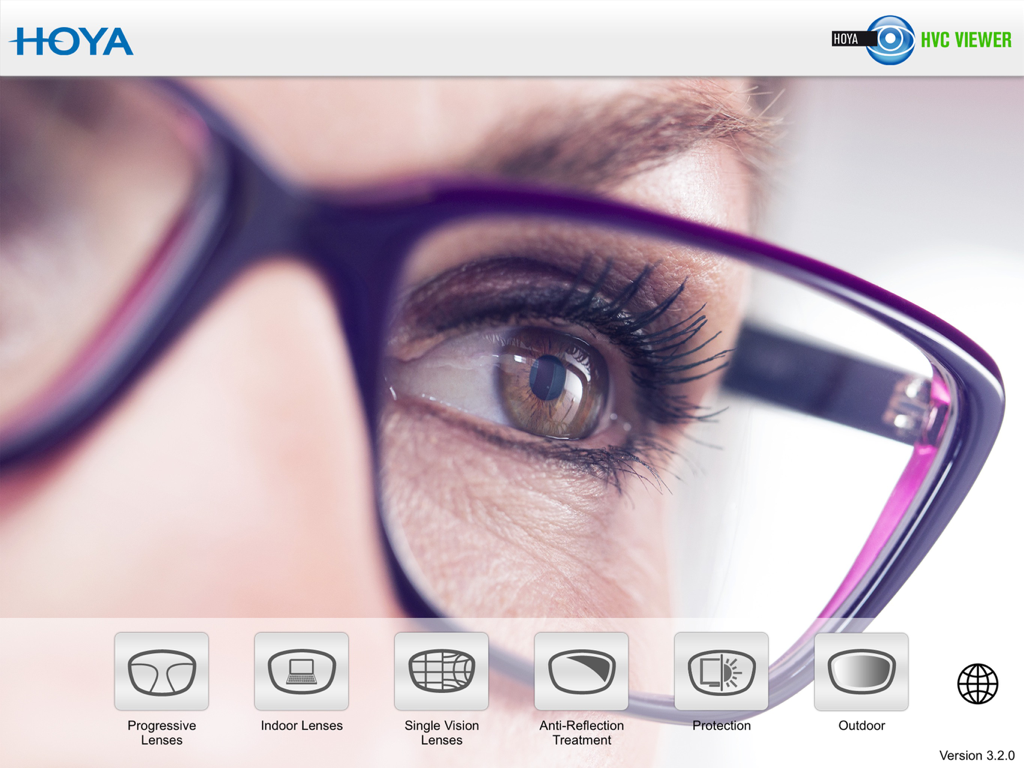
Main interface of the Hoya Vision Consultant Viewer app showing various lens demonstration modules
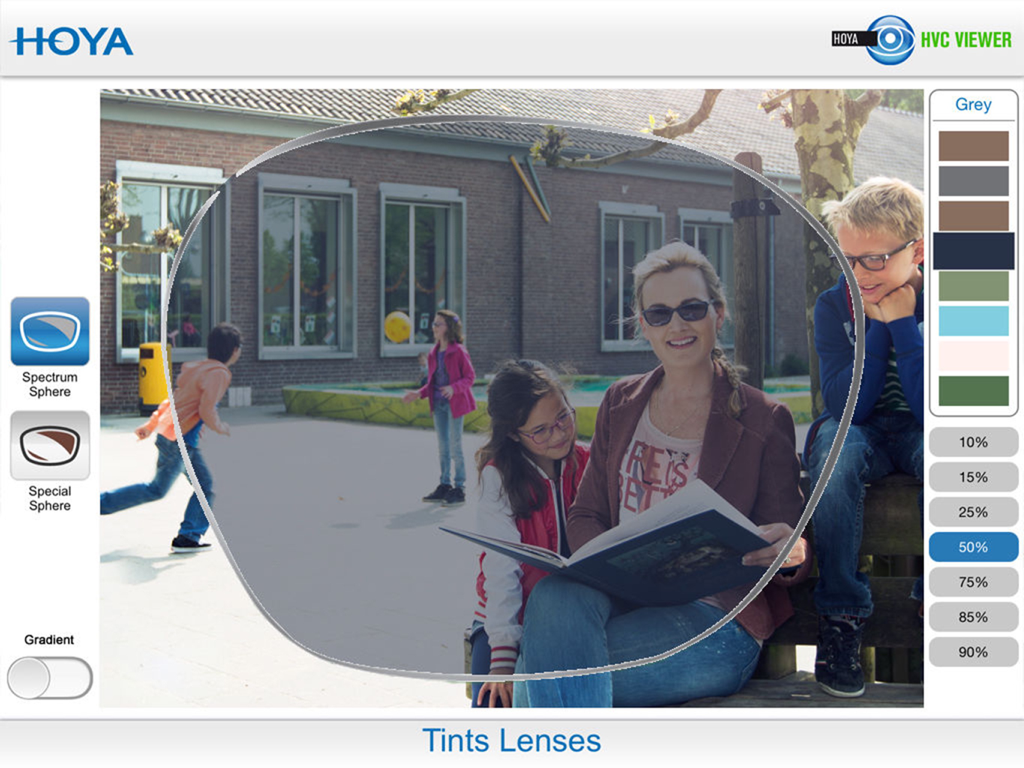
AR simulation of grey tinted lenses at 50 percent density in the HVC Viewer app
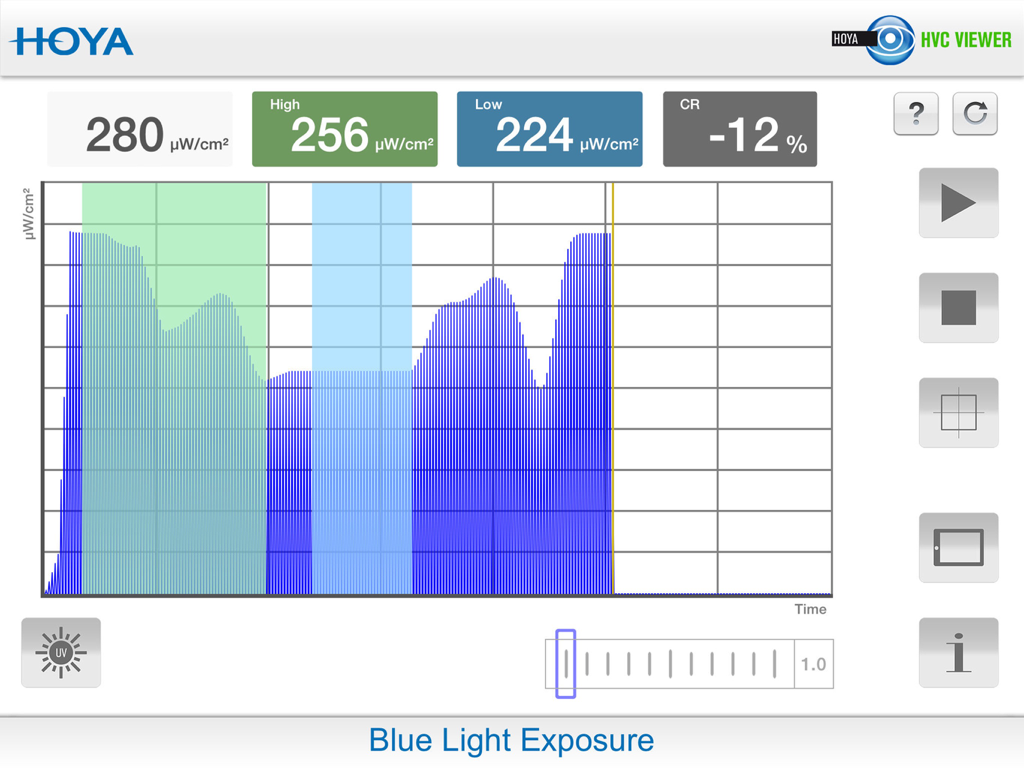
Blue light exposure interface in the Hoya Vision Consultant Viewer app
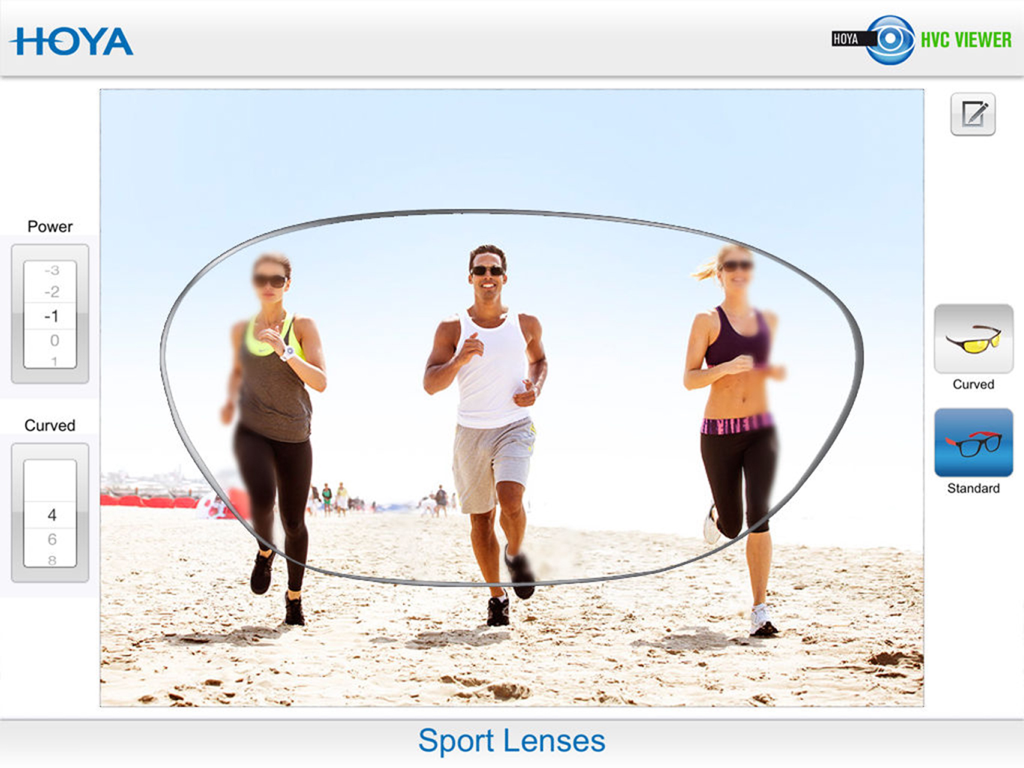
A simulation showing the visual performance and peripheral clarity of Hoya sport lenses for athletes on a beach.
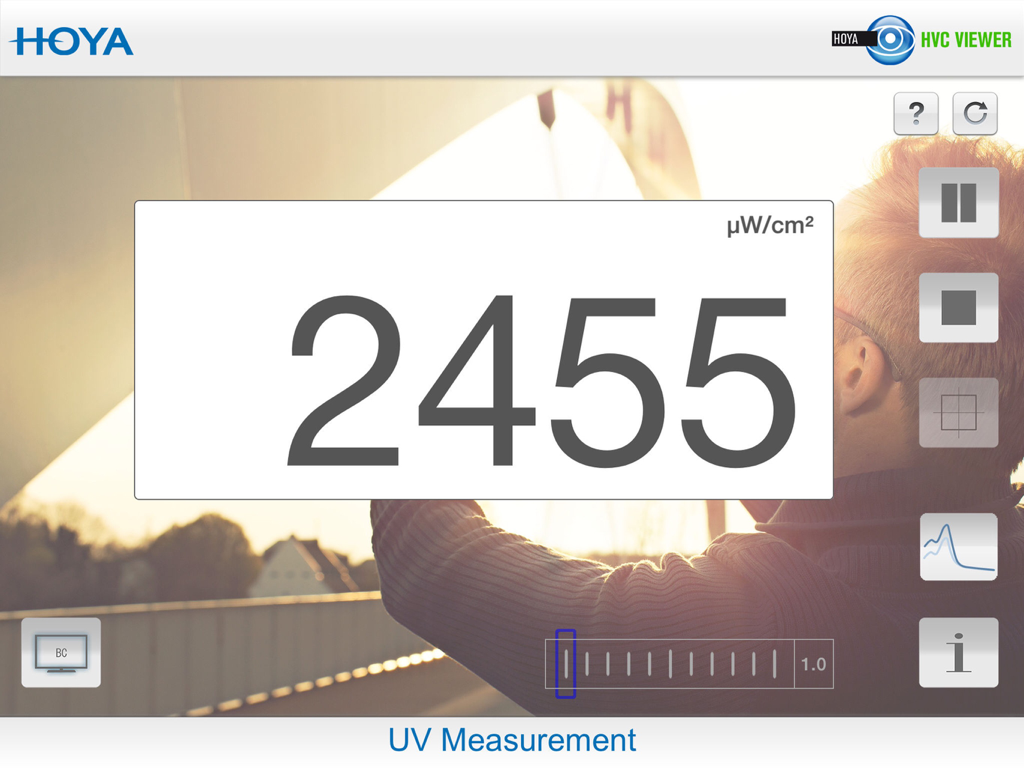
UV Measurement screen in the Hoya Vision Consultant Viewer app showing a digital readout of UV intensity
Description
Download
More Like This
Apps with similar features and user experience

DentiCalc - the dental app
BrightPlans Szoftverek Korlatolt Felelossegu Tarsasag

Easy Eye
IKONION Digitale Medien GmbH

DDS GP
Kick Your Apps, Inc.

iRejuvenation
AMEDSU APPLIC FOR MED AND SURGICAL USE

Dysphagia
Northern Speech Services, Inc

AI posture/BODY Alignment
Naradewa Inc.
DentalNavigator
Dr Jean Bausch Kg Dental-Erzeugnisse

Dentiphoto: Dental Photography
Artem Vashetskii

AEDIT: AI Plastic Surgeon
Aedit LLC
This page is not an official page of the app or its developer, but an independent editorial publication created for informational and commentary purposes. Unless expressly stated otherwise, neither the app nor its developer is affiliated with, endorsed by, sponsored by, authorized by, or otherwise officially connected with MWM, Apple, Google Play, the app publisher, or the app's developer, and nothing on this page implies that the app was developed using MWM's services. Any trademarks, logos, screenshots, and other content remain the property of their respective owners.