
This page is not an official page of the app or its developer, but an independent editorial publication created for informational and commentary purposes. Unless expressly stated otherwise, neither the app nor its developer is affiliated with, endorsed by, sponsored by, authorized by, or otherwise officially connected with MWM, Apple, Google Play, the app publisher, or the app's developer, and nothing on this page implies that the app was developed using MWM's services. Any trademarks, logos, screenshots, and other content remain the property of their respective owners.


iCircuit
Experience the power of an always-on simulation engine. Design complex analog and digital circuits, program virtual Arduinos, and analyze signals instantly with a built-in oscilloscope—all on your mobile device.
Downloads
414K+User Rating
Total Ratings
2K+Publisher
Category
ProductivityLocales
7Latest Version
1.14.2Size
78.8 MBFirst Released
Jul 29, 2010A Professional Electronics Lab in Your Pocket
Skip the breadboard and the burnt components. Design, simulate, and analyze complex analog and digital circuits in real-time with a powerful engine built for engineers, students, and makers.
Always-On Real-Time Simulation
Experience instant feedback. Unlike traditional CAD tools, iCircuit simulates continuously as you build, allowing you to tweak parameters and see results without ever hitting a 'run' button.
Advanced Signal Analysis
Visualize your circuit's performance with a touch-controlled oscilloscope and multimeter. Track multiple signals simultaneously and perform Fourier transforms for deep frequency analysis.
The following screenshots and description are sourced directly from the app's official store listing and are the property of the app developer.
App Store
Screenshots
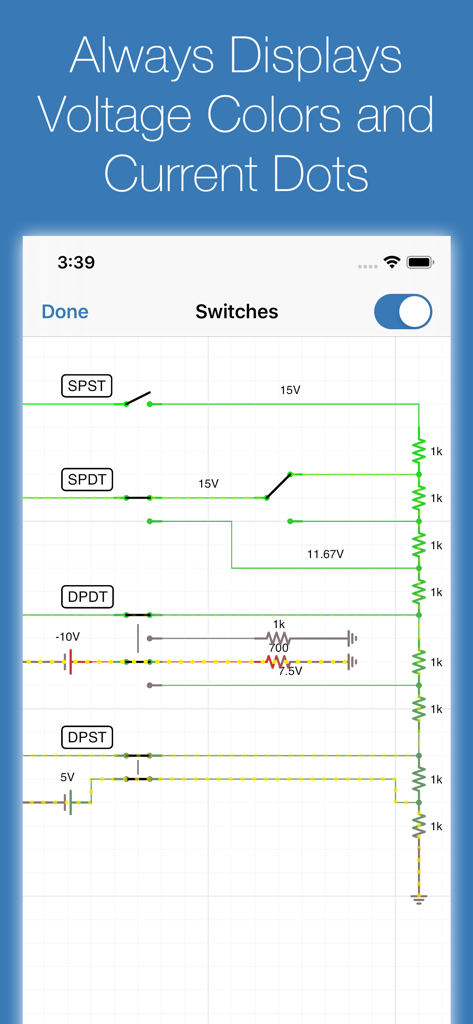
iCircuit app interface showing real-time circuit simulation with voltage colors and current flow indicators
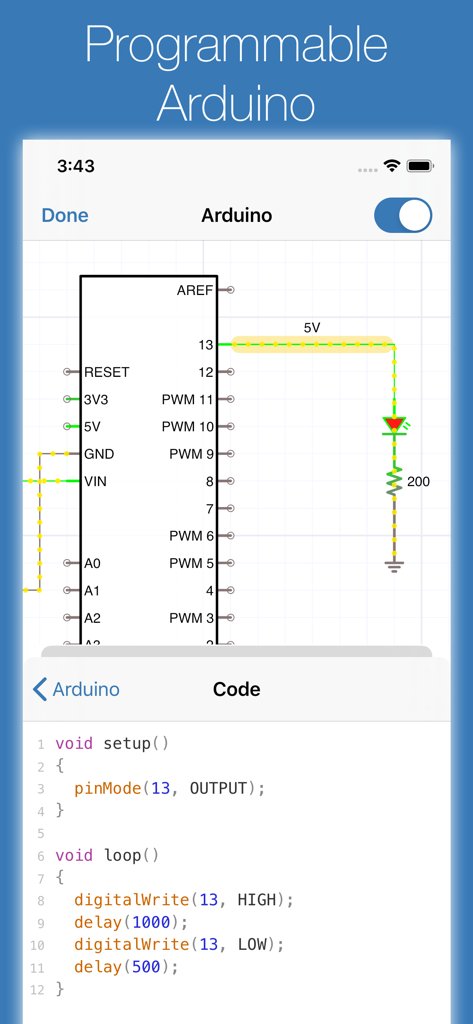
iCircuit app interface showing an Arduino circuit schematic and its corresponding C code editor
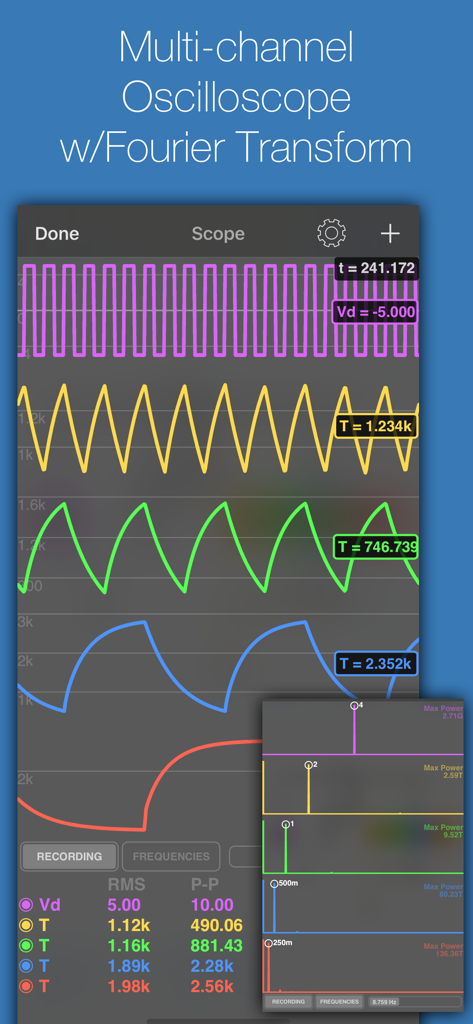
iCircuit app multi-channel oscilloscope display with waveforms and Fourier transform analysis
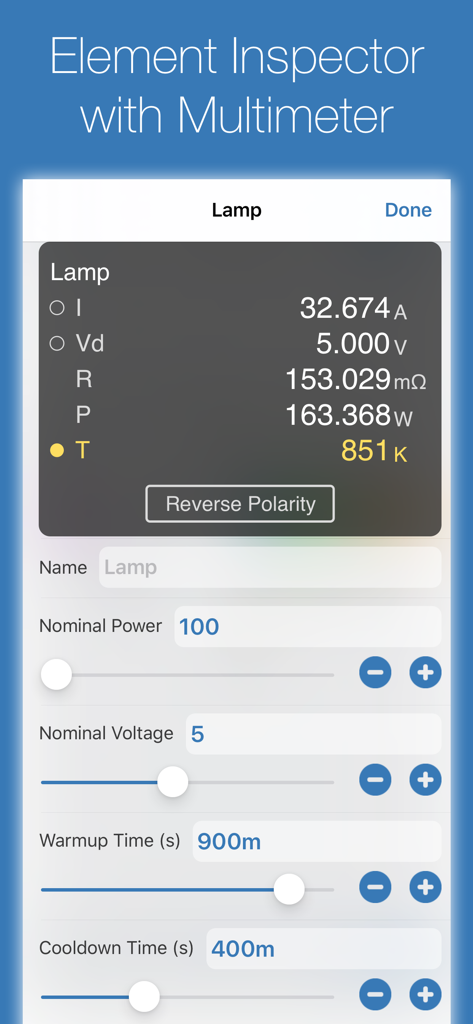
Interface of the iCircuit element inspector with multimeter readings for a lamp component.
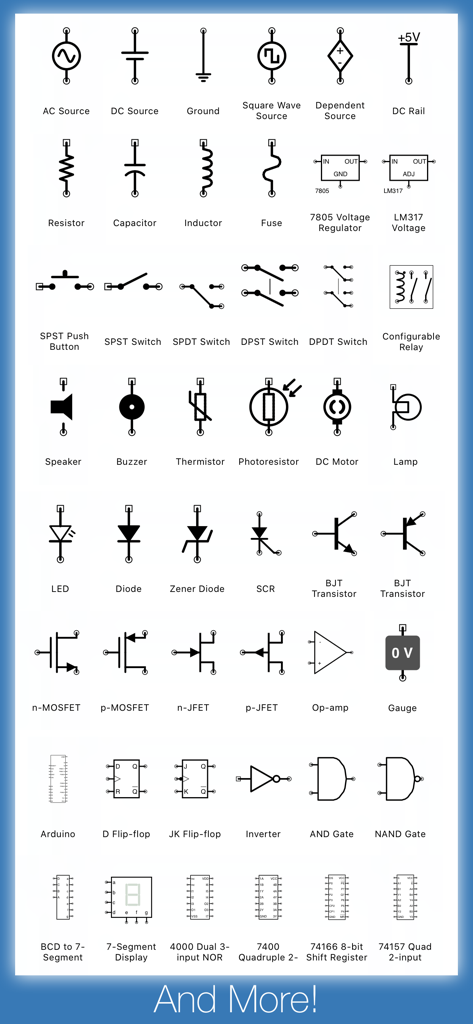
A comprehensive collection of electronic circuit symbols and components available in the iCircuit app
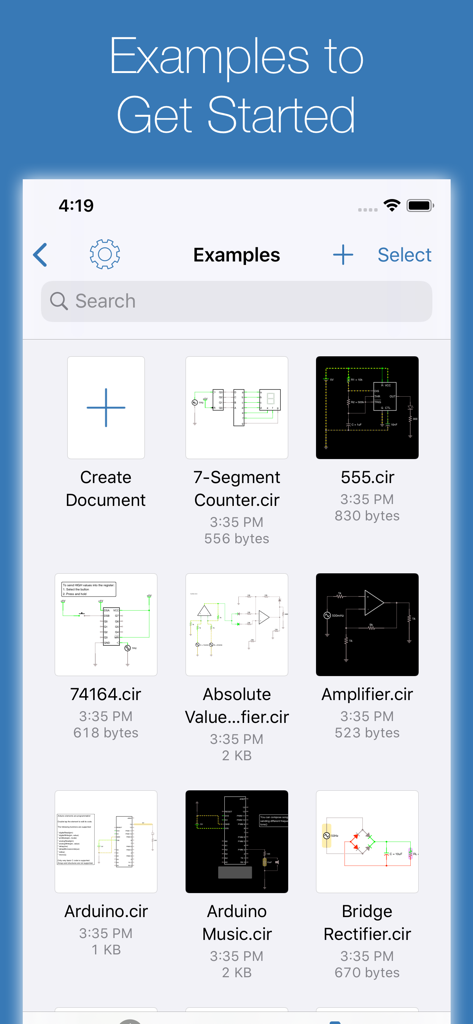
A library of circuit design examples in the iCircuit app including Arduino and amplifier projects
Description
Download
More Like This
Apps with similar features and user experience

NB实验室
BeiJing LeBu Educational Technology Co., Ltd.

Physics Lab AR
Turtle Sim LLC

OLogy: Science for Kids
American Museum of Natural History

Inventioneers Full Version
Filimundus AB

Little Mouse's Encyclopedia
Circus Atos s.r.o.

Cretapedia: Science Learning
AMAZING EDTECH PTE. LTD.

Dinosaur & Prehistoric Animal
philippe Bobis

BabyBus Kids Science
BABYBUS CO.,LTD

Animal Rescue: Sea Adventure
Yateland Kids Limited
This page is not an official page of the app or its developer, but an independent editorial publication created for informational and commentary purposes. Unless expressly stated otherwise, neither the app nor its developer is affiliated with, endorsed by, sponsored by, authorized by, or otherwise officially connected with MWM, Apple, Google Play, the app publisher, or the app's developer, and nothing on this page implies that the app was developed using MWM's services. Any trademarks, logos, screenshots, and other content remain the property of their respective owners.