Infinite Zoom Art - VOID: Professional Endless Canvas & Motion Design
Scale your creativity from galaxies to microscopic details with a high-performance vector engine. Create viral zoom animations and high-precision illustrations on the ultimate iPad studio—subscription-free and completely offline.
Publisher
Imran Gul
Category
Graphics & Design
Downloads
100+
User Rating
1.0/5
Total Ratings
0
Locales
1
Infinity in Focus
Discover the interface used by 100+ users.
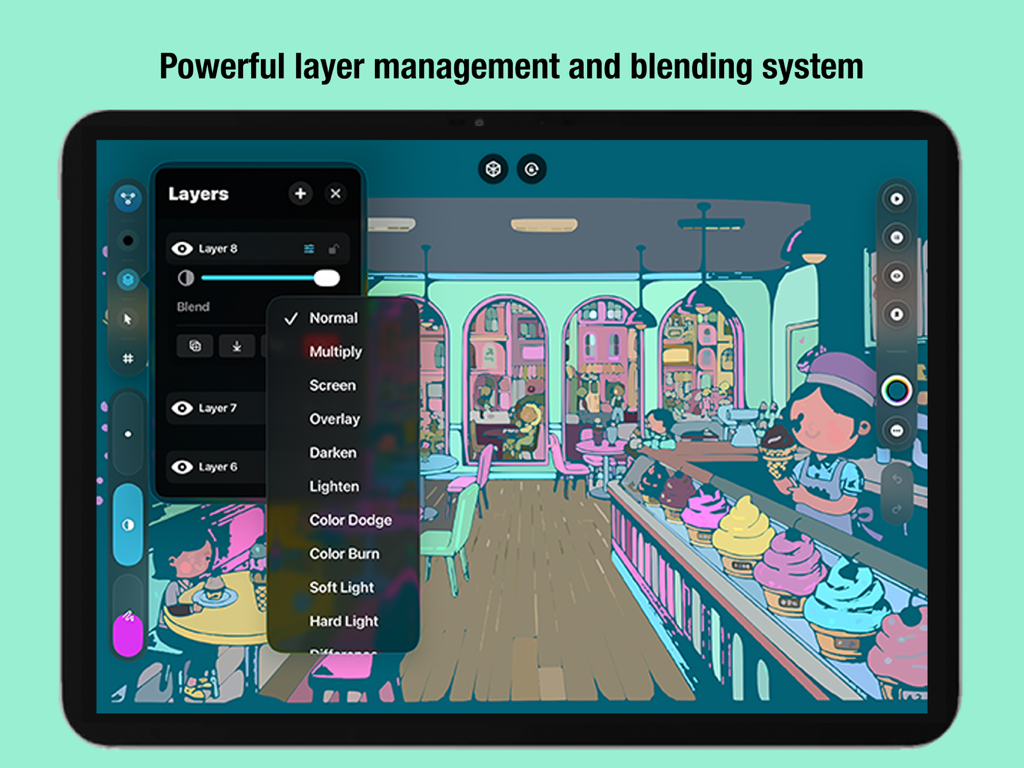
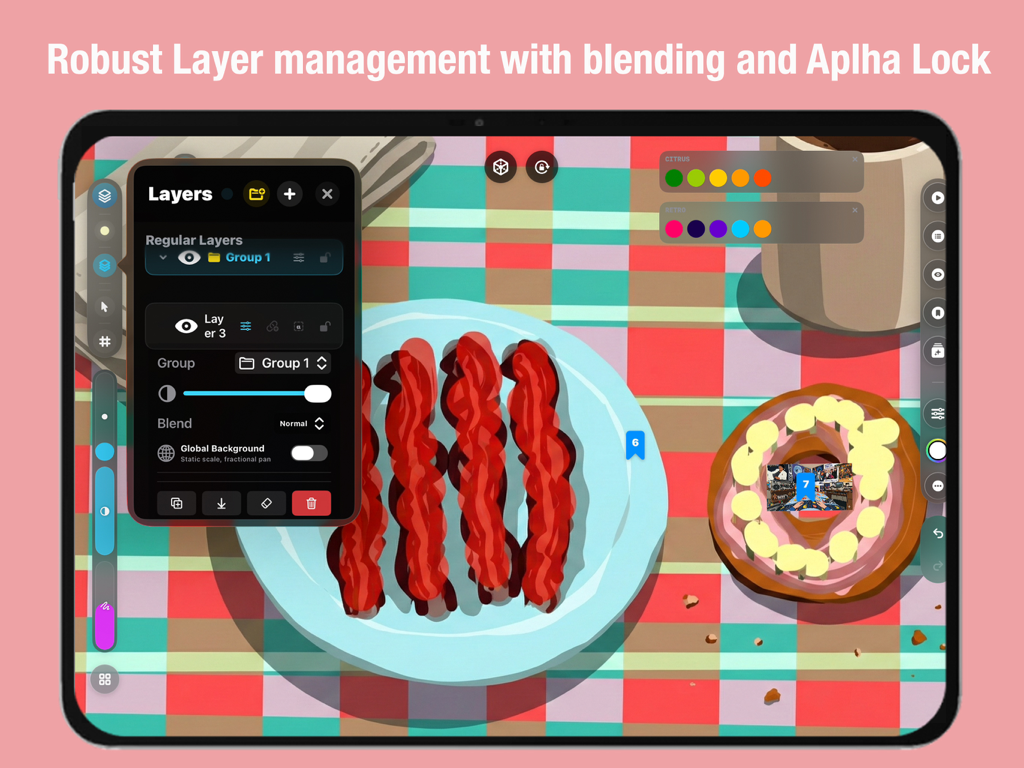
Screenshot of the VOID app interface showing the powerful layer management and blending system on an iPad.
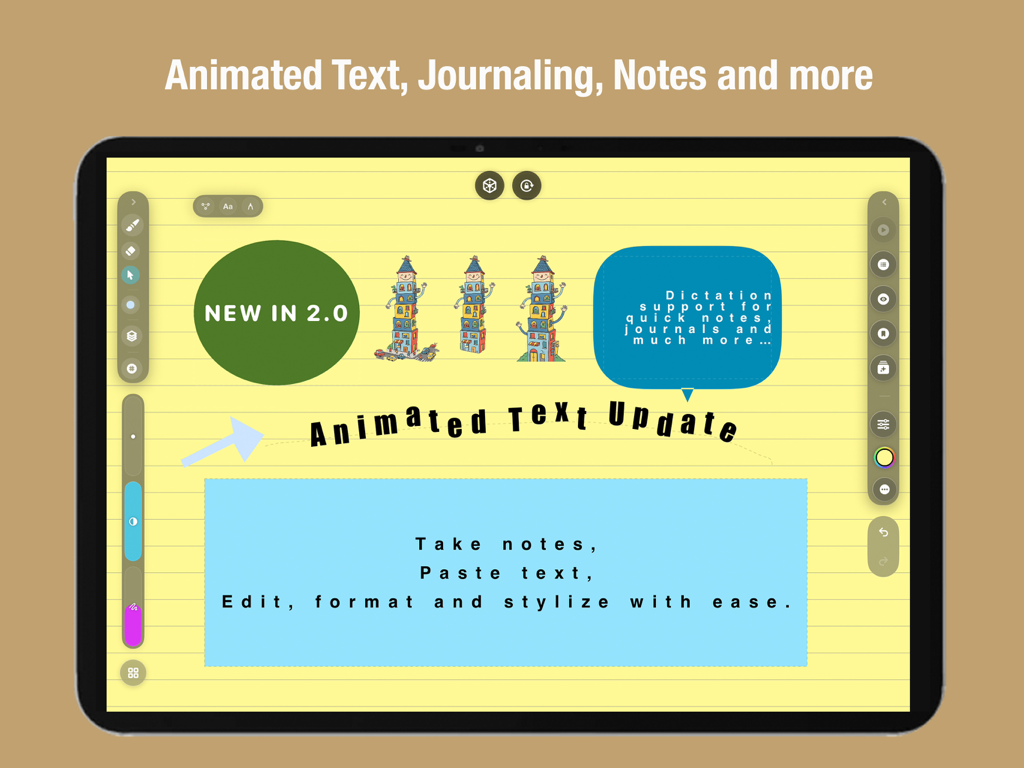
Interface of Infinite Zoom Art VOID app showing animated text and journaling features on an iPad
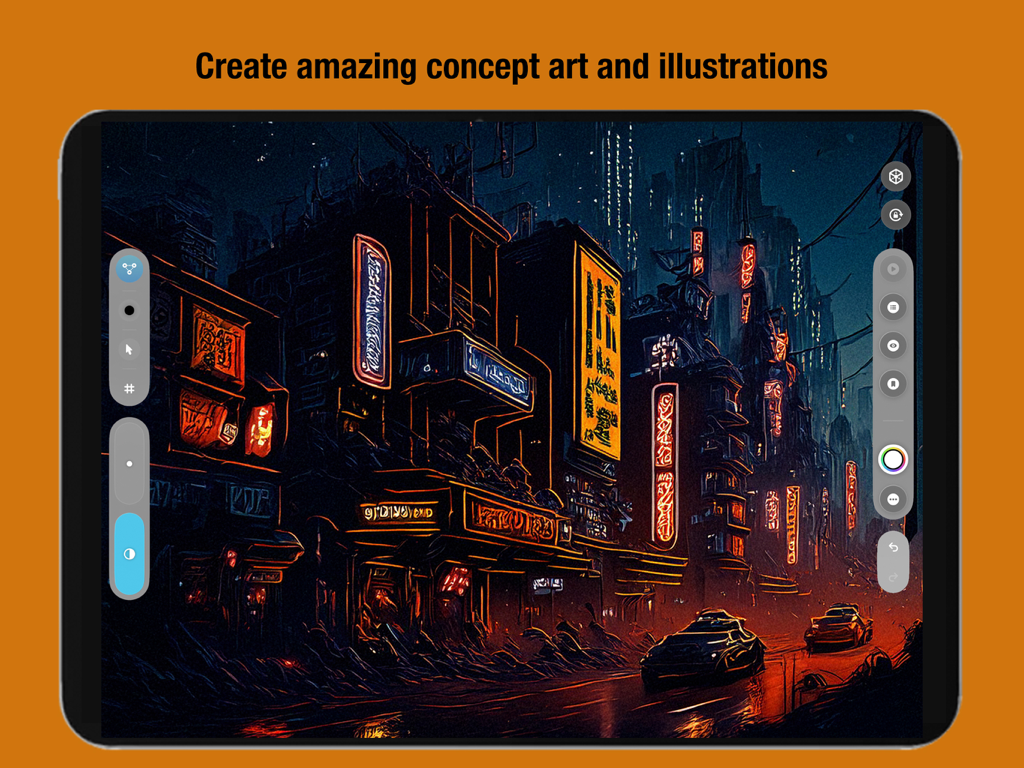
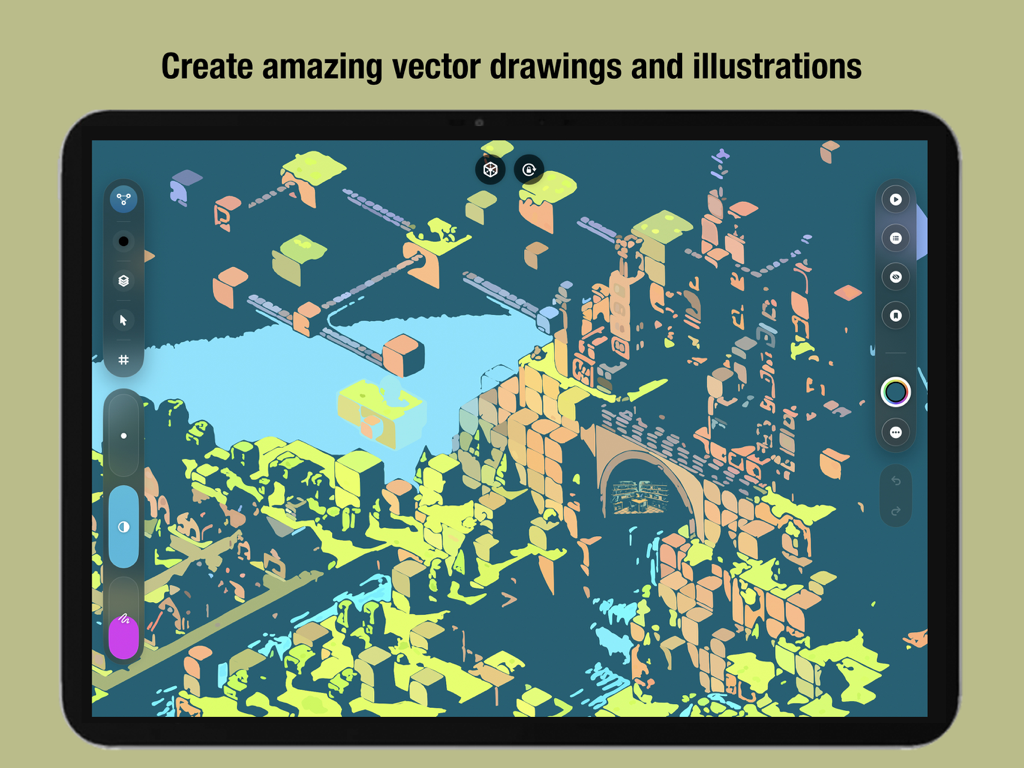
Digital concept art of a futuristic city created with VOID app on iPad
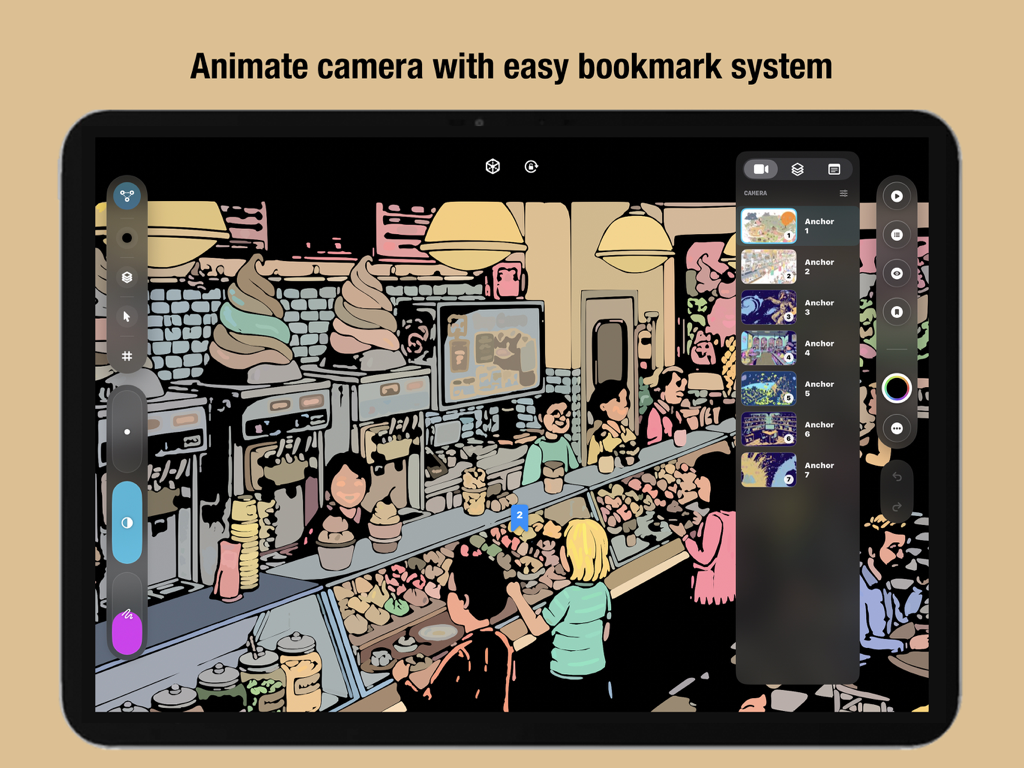
The VOID app interface on an iPad showing a camera bookmark system used to animate between different spatial anchors on a complex vector drawing.
The layers management panel in the Infinite Zoom Art VOID app on an iPad.
A professional vector drawing interface of the VOID app on an iPad displaying a complex isometric illustration.
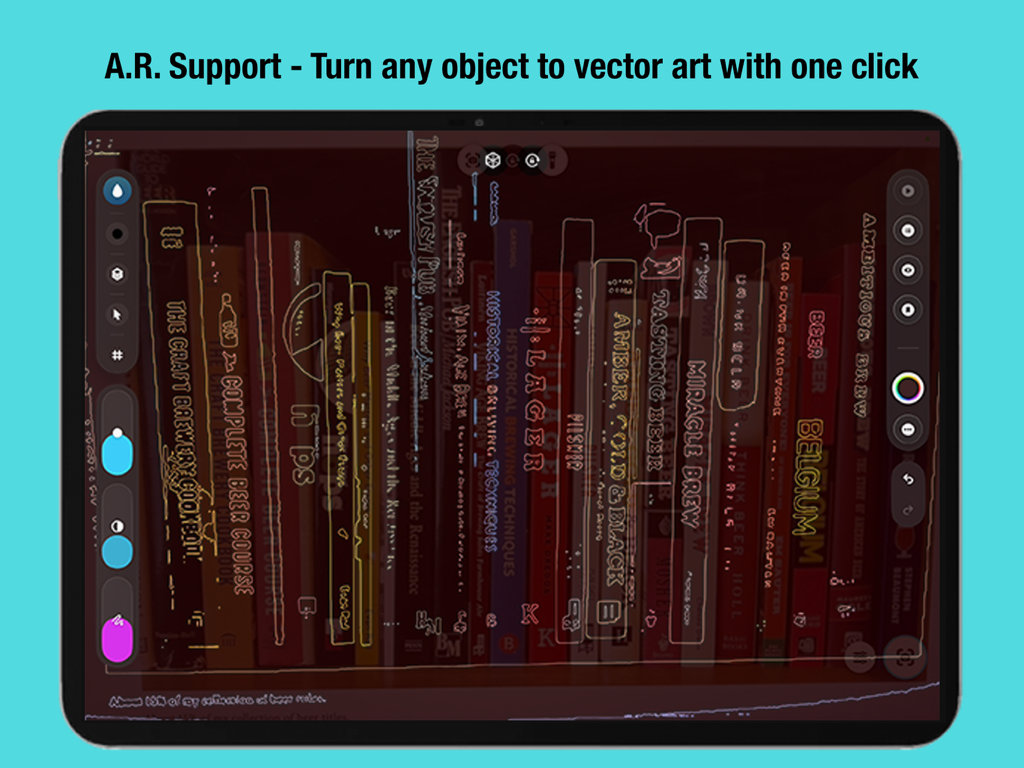
VOID app on iPad showing AR support turning a bookshelf into vector art with one click.
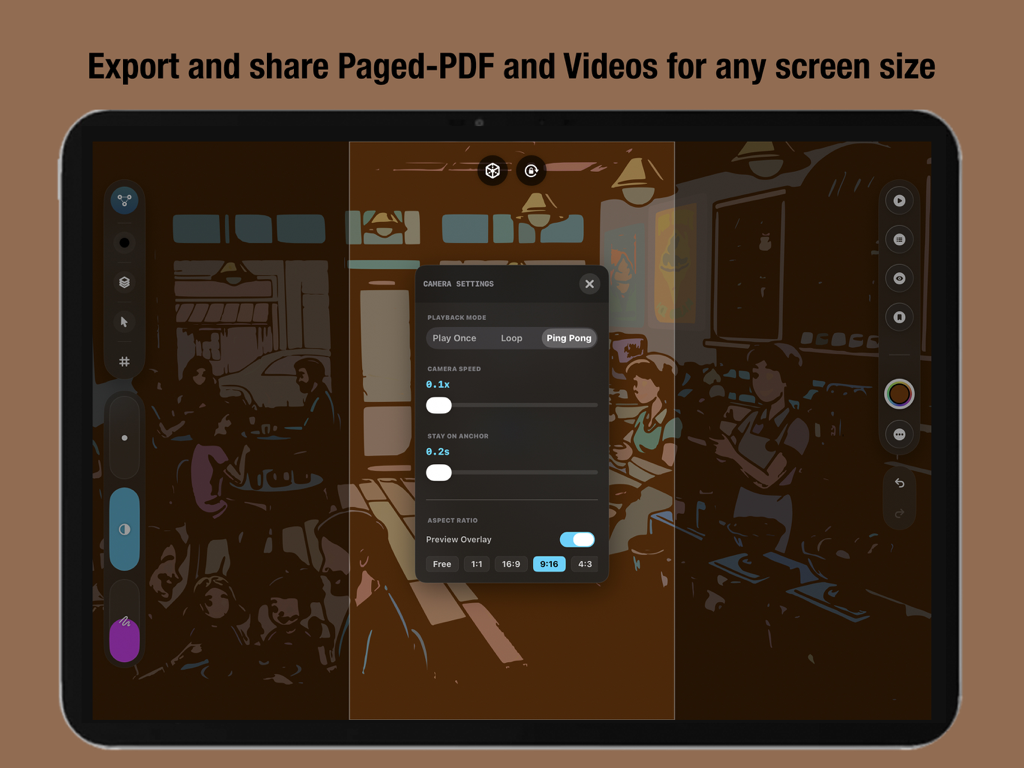
Camera settings and export options interface in VOID Infinite Zoom Art app on iPad
Master the Infinite Canvas
The tools that make this app stand out, trusted by 100+ users.
♾️
Infinite Zoom Precision
Draw without boundaries. Our pure vector engine allows you to zoom millions of times with zero pixelation, keeping every stroke perfectly sharp from cosmic scales to microscopic details.
🎬
Pro Animation & Motion
Bring your art to life effortlessly using Live Loops, Particle Systems, and Path Animation. Create cinematic motion graphics and viral content without the need for complex keyframes.
💎
True Creative Ownership
Escape subscription fatigue with a one-off payment. Work completely offline with professional tools like 20+ blend modes, unlimited layers, and spatial anchors for a distraction-free flow.
About the app
Everything you need to know about Infinite Zoom Art - VOID.
Description
Infinite Zoom Art Canvas + Animation and Motion Design Pro Drawing and Illustration Studio = VOID
Create unlimited concept drawings, illustrations, architectural designs and sketches, mechanical schematics, endless notes and much more with a powerful layer based design.
The Ultimate Endless Canvas for Illustration, Fashion, and Tech
Experience the future of digital creativity. VOID is a professional-grade Infinite Zoom Art app powered by a high-performance, pure vector-based engine. Unlike traditional apps that limit you to a fixed canvas size—risking pixelation or device slowdown—VOID offers a truly Endless Canvas that remains lightning-fast and perfectly sharp. Whether sketching galaxies or microscopic details, VOID is the ultimate tool for Animation and Motion Design.
Infinite Vector Engine: Draw without limits. Zoom in millions of times with zero pixelation.
Deep Zoom Navigation: Seamlessly navigate vast workspaces with intuitive pinch-to-zoom and pan gestures.
Spatial Anchors: Save and label specific viewports (camera positions) to create cinematic presentations or navigate complex drawings instantly.
Global Textures & Atmosphere: Apply screen-wide effects like Film Grain, Watercolor, Parchment, and Carbon Fiber to give your work a tactile feel.
Creative Toolkit
Dynamic Brush set: Specialized tools including:
Classics: Pen, Pencil, Inker, Marker, Calligraphy.
Graphic Bezier Pen tool with Pro-Graphic quality settings and controls.
Generative & FX: Nebula, Aura, Fiber, Voltage, Gravity Web.
Technical: Isometric Block, Schematic, Blueprint, Ruler.
3D Style: Vox (Volumetric), Tube, Ribbon.
Smart Mechanics: Tools react to speed, tilt, and pressure. customizable mechanical settings for "wildness," "scatter," and "flow."
Mind Mapping: Notes and planning system.
A.R support for reference drawing and vectorization system with one click.
Animation & Motion
Robust Cell Frame/Stop-Motion Animation System that supports unlimited tracks.
Create artistic animations or commercial motion graphics effortlessly with intuitive animation design studio system.
Live Loops: Instantly bring any stroke or image to life with no keyframes needed.
Motion Presets: Pulse, Spin, Drift, Wiggle, Breathe, Orbit, and more.
Particle Systems: Add environmental effects like Rain, Snow, Storm, Dust, and Sparkles to specific layers or objects.
Path Animation: Make objects follow drawn paths with adjustable speed and orientation.
Animated and paragraphic Text tools for Notes taking, Journaling and much more.
Professional Power
Advanced Layer System:
Unlimited Layers & Groups.
20+ Blend Modes (Multiply, Overlay, Soft Light, etc.).
Alpha Lock & Visibility toggles.
Global Color Grading: Real-time adjustment of Hue, Saturation, Brightness, and Contrast for the entire artwork.
Object Repository: Save and reuse your favorite drawn elements or imported images across different projects.
Media Import: Drag & drop images onto the canvas; they scale deeply with your vector art.
Global Assets and Prefab System:
With one click, save your art as reusable assets and prefabs available across the app in any file.
Simply drag/drop the assets anywhere on the canvas eliminating the need for a cumbersome copy/paste system.
Export & Sharing
High-Res Export: Generate massive, crisp images of your entire canvas or specific selections.
Video Recording: Export seamless loop videos of your animated artwork.
PDF Support: Create multi-page scalable documents from your spatial anchors.
VOID is where your ideas go to grow, infinitely.
WHY VOID IS BEST-IN-CLASS:
NO SUBSCRIPTIONS: One-off payment. All future updates are free.
COMPLETELY OFFLINE: Your creativity stays on your device.
APPLE PENCIL OPTIMIZED: Full support for pressure, tilt, and double-tap.
POWERFUL LAYERS: Advanced blending modes and fine control over every stroke (scale, rotate, shear, recolor).
COMPOSITION GUIDES: Dynamic Golden Ratio and Rule of Thirds overlays.
Note: Requires Apple an Pencil (Any generation).
Latest Version
2.0.2
Size
6.9 MB
First Released
Jan 12, 2026
Master the Infinite Canvas
Join the next generation of digital artists. Get professional vector power and animation tools with a single one-off payment—no subscriptions, ever.
App information, icons, screenshots, and descriptions displayed on this page are sourced from the Apple App Store and are the property of their respective developers. Download estimates and rankings are based on MWM's proprietary models and may not reflect actual figures. This page is provided for informational and analytical purposes only.
Believe this page infringes your intellectual property? File a dispute