
This page is not an official page of the app or its developer, but an independent editorial publication created for informational and commentary purposes. Unless expressly stated otherwise, neither the app nor its developer is affiliated with, endorsed by, sponsored by, authorized by, or otherwise officially connected with MWM, Apple, Google Play, the app publisher, or the app's developer, and nothing on this page implies that the app was developed using MWM's services. Any trademarks, logos, screenshots, and other content remain the property of their respective owners.


Layout - Photo Collage Maker
The ultimate creative tool for social storytellers. Effortlessly combine photos and videos with stylish layouts to make your Instagram feed stand out in seconds.
Downloads
21M+User Rating
Total Ratings
526K+Publisher
Category
Graphics & DesignLocales
33Latest Version
2.9.7Size
194.6 MBFirst Released
Dec 11, 2019Curate Your Perfect Aesthetic
Transform your camera roll into professional-grade social content with effortless layouts and cinematic video collages designed for your feed.
Instant Social Layouts
Skip the complex tools with intuitive designs built specifically for Instagram Stories and your grid.
Dynamic Video Collages
Stand out from the crowd by mixing photos and videos to tell a richer, more engaging story.
Frequently Asked Questions
Everything you need to know about Layout - Photo Collage Maker
What is Layout - Photo Collage Maker?
Layout - Photo Collage Maker is an app that combines photos into collages using various layouts, shapes, and styles. Users can rotate, resize, rearrange photos, and apply filters to their creations.
Does Layout - Photo Collage Maker offer pre-designed layouts?
Yes, Layout - Photo Collage Maker offers an extensive collection of beautifully designed layouts. Screenshot #1 explicitly states the app provides '500+ Layouts for Instagram'.
Can users edit photos within the Layout app?
Yes, Layout - Photo Collage Maker allows users to rotate, resize, and rearrange photos freely within their collages. The app also includes a great number of filters to enhance the visual aspect.
How many layouts and templates does Layout - Photo Collage Maker offer?
Layout - Photo Collage Maker offers over 500 layouts specifically for Instagram and more than 750 templates for various collage styles, as shown in the app's visuals.
Can I create video collages with Layout - Photo Collage Maker?
Yes, Layout - Photo Collage Maker supports the creation of video collages. This feature enables users to create unique stories and stand out on platforms like Instagram.
What subscription options are available for Layout - Photo Collage Maker?
Layout - Photo Collage Maker offers subscription lengths of weekly, monthly, and yearly. Subscribing grants unlimited edits and full access to all app tools and features.
How does payment for Layout - Photo Collage Maker subscriptions work?
Payment for Layout - Photo Collage Maker subscriptions is charged to the iTunes Account upon purchase confirmation. Subscriptions automatically renew unless auto-renew is turned off at least 24 hours prior to the current period's end.
Where can I find the Terms of Service for Layout - Photo Collage Maker?
The Terms of Service for Layout - Photo Collage Maker are available for review at http://braincake.net/collage_terms.html. The privacy policy is also linked on the same page.
Does Layout - Photo Collage Maker have a complex user interface?
No, Layout - Photo Collage Maker is designed with no unnecessary features or complicated UI. It provides a flexible, quick, and simple workflow for creating photo collages.
Can I add text to collages in the Layout - Photo Collage Maker app?
Yes, users can add text to their collages within the Layout app. Screenshot #5 shows a 'Text' option prominently available in the editing menu.
Does Layout - Photo Collage Maker support scrapbook-style collages?
Yes, Layout - Photo Collage Maker supports scrapbook-style collages. Screenshots #6 and #7 display various aesthetic designs available under a 'Scrapbook' tab.
Is a free trial available for Layout - Photo Collage Maker?
If a free trial period is offered for Layout - Photo Collage Maker, any unused portion of it is forfeited when the user purchases a subscription to the application.
The following screenshots and description are sourced directly from the app's official store listing and are the property of the app developer.
App Store
Screenshots
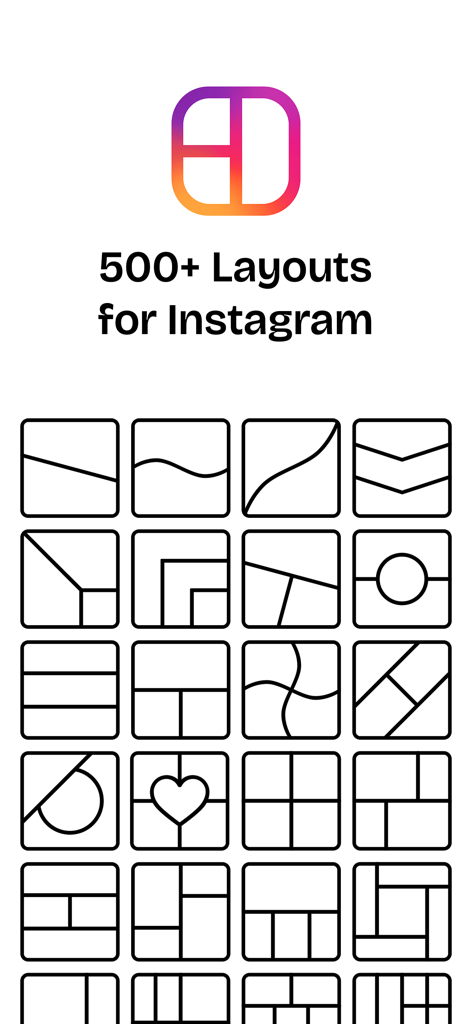
A collection of diverse grid templates and photo collage layouts for Instagram stories and posts.

A stylish family photo collage with a heart shaped center and smiling parents with their baby
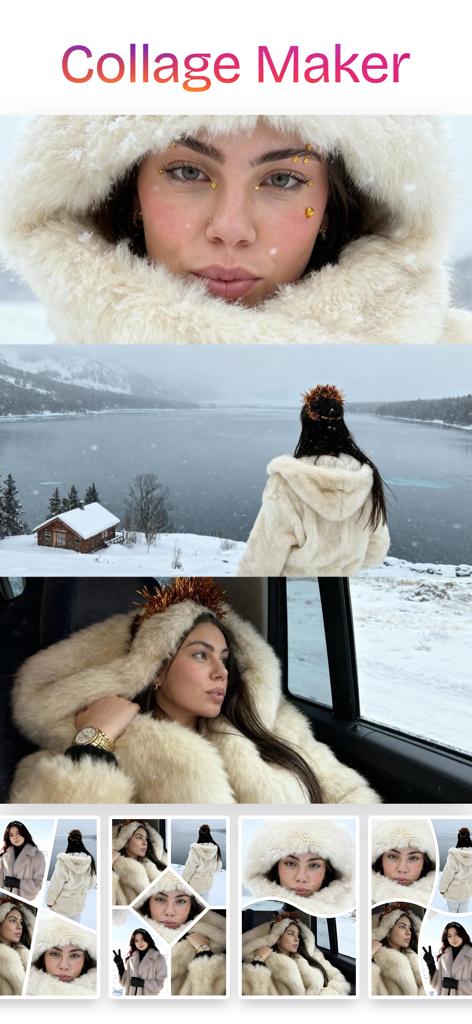
Example of a photo collage maker app showing winter themed photos of a woman in various aesthetic layout options
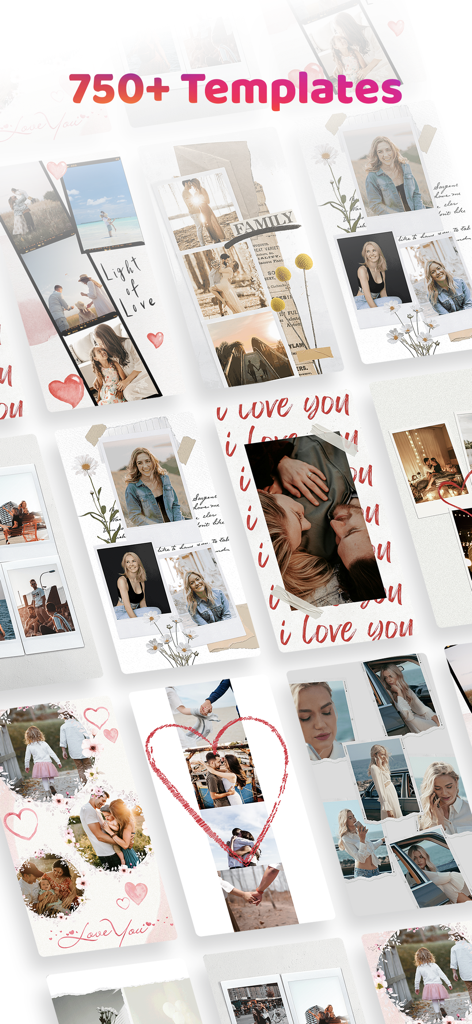
A collection of diverse and stylish photo collage templates for social media storytelling
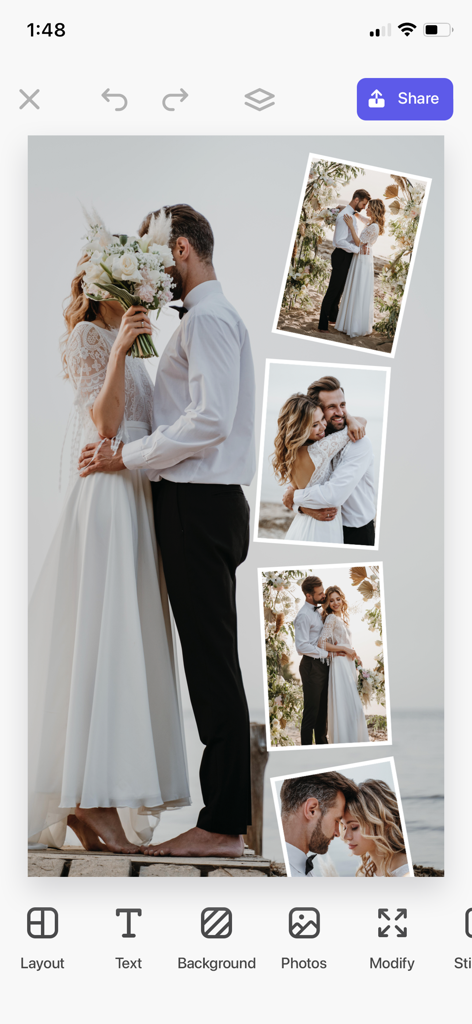
A wedding photo collage being edited in the Layout app interface

Vintage style digital scrapbook layouts for photo collages
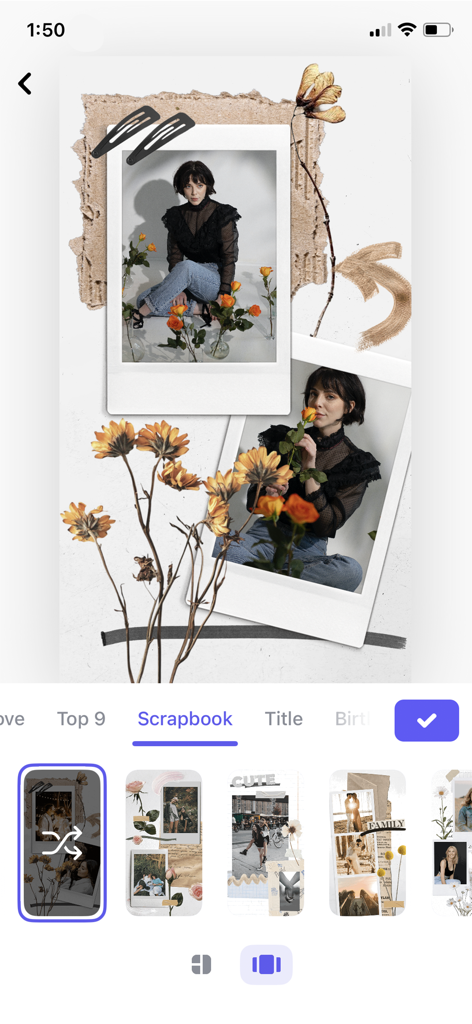
aesthetic digital scrapbook with polaroid photos and dried flower decorations
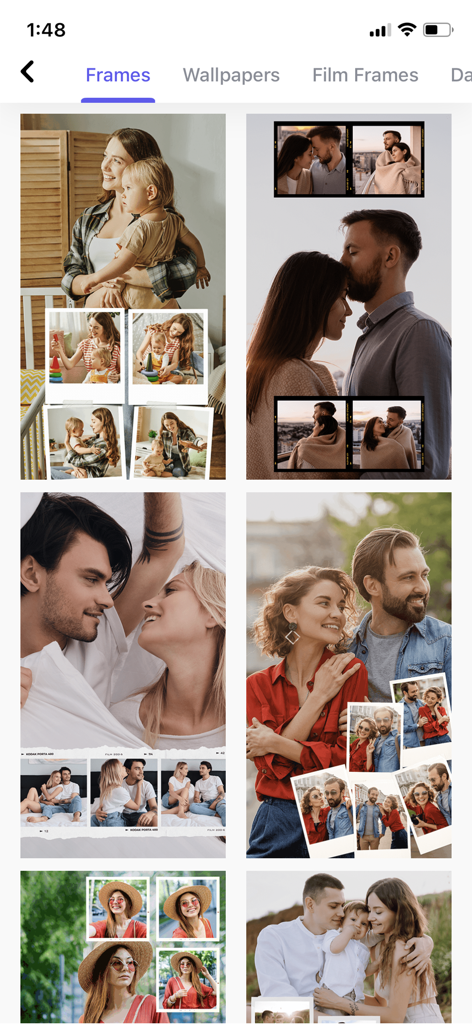
A selection of aesthetic photo collage frames and templates for social storytelling
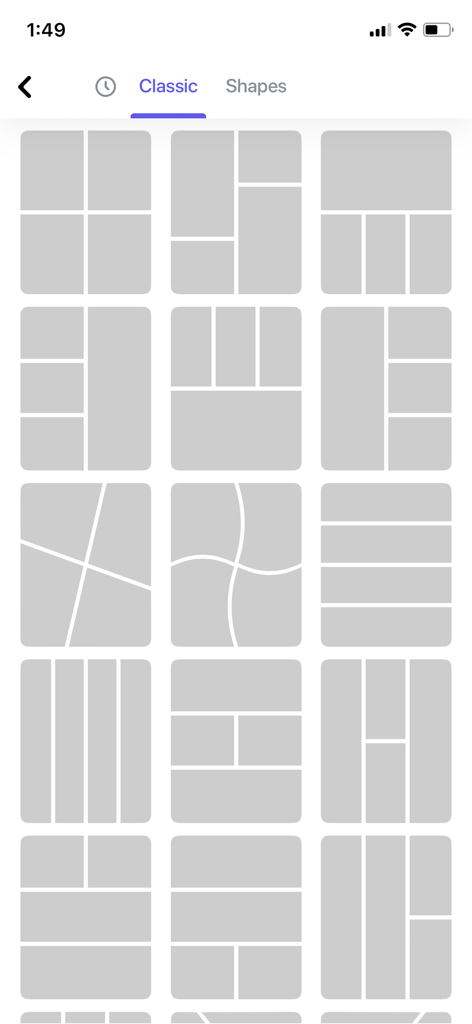
A grid of classic photo collage layout templates for mobile editing.
Description
Download
More Like This
Apps with similar features and user experience

SCRL: Photo Collage Maker
Appostrophe AB

PhotoGrid: Video Collage Maker
JUPITER PALACE PTE. LTD.

Layout for Instagram: Collage
Shamble, Inc.

Photo Collage Maker: InCollage
SHANTANU PTE. LTD.

TicPic
Zhuhai Kuxiong Network Technology Co., Ltd.

Collage Maker: CollagePlus
Shamble, Inc.

Photo Collage Montage Maker
Honk Honk Punch Pty Ltd

Photo Collage Maker & Creator
Honk Honk Punch Pty Ltd

Photo Collage Montage & Layout
Honk Honk Punch Pty Ltd
This page is not an official page of the app or its developer, but an independent editorial publication created for informational and commentary purposes. Unless expressly stated otherwise, neither the app nor its developer is affiliated with, endorsed by, sponsored by, authorized by, or otherwise officially connected with MWM, Apple, Google Play, the app publisher, or the app's developer, and nothing on this page implies that the app was developed using MWM's services. Any trademarks, logos, screenshots, and other content remain the property of their respective owners.