
This page is not an official page of the app or its developer, but an independent editorial publication created for informational and commentary purposes. Unless expressly stated otherwise, neither the app nor its developer is affiliated with, endorsed by, sponsored by, authorized by, or otherwise officially connected with MWM, Apple, Google Play, the app publisher, or the app's developer, and nothing on this page implies that the app was developed using MWM's services. Any trademarks, logos, screenshots, and other content remain the property of their respective owners.

Collage Maker: CollagePlus
Transform your favorite memories into professional-grade layouts. From viral photo dumps to business carousels, create stunning visuals effortlessly with 1,000+ themed templates and powerful editing tools.
Downloads
865K+User Rating
Total Ratings
13K+Publisher
Category
Photo & VideoLocales
17Latest Version
2.5.6Size
221.4 MBFirst Released
Jun 8, 2022Turn Every Memory into a Masterpiece
Whether you are a busy mom documenting milestones or a creator building your brand, our suite of 1,000+ templates and AI tools makes professional design accessible to everyone in seconds.
Unlimited Creative Freedom
Remix up to 20 photos using 1,000+ aesthetic layouts or go Freestyle to design your own digital scrapbooks and vision boards.
Optimized for Social Growth
Master the algorithm with seamless Instagram carousels, 9-grid panoramas, and Pinterest stitches designed to stop the scroll.
Frequently Asked Questions
Everything you need to know about Collage Maker: CollagePlus
What is CollagePlus?
CollagePlus is an all-in-one collage maker that transforms memories into beautiful collages, stories, and posts. It offers over 1000 layouts and various editing tools for creative photo projects.
How many layouts does CollagePlus offer?
CollagePlus offers over 1000 layouts, including classic, modern, and aesthetic designs. These layouts allow users to combine up to 20 photos with adjustable spacing, borders, and backgrounds.
Can CollagePlus remove photo backgrounds?
Yes, CollagePlus includes a Background Remover tool. This feature instantly removes backgrounds from photos, allowing users to create clean cutouts and custom stickers effortlessly.
Does CollagePlus support creating Instagram grid posts?
Yes, CollagePlus features a Grid Maker that splits photos into 3, 6, 9, or 12 grids. This functionality enables users to create seamless panoramas or grid posts specifically for Instagram.
Can I create long images or photo stitches with CollagePlus?
Yes, CollagePlus provides a "Stitch" feature. This tool allows users to create long images for platforms like Pinterest, comparisons, or various social media posts by combining multiple photos vertically.
What types of templates are available in CollagePlus?
CollagePlus offers curated templates for stories, posters, cards, and aesthetic collages. These designs cater to various occasions, including birthdays, holidays, and social media content across platforms.
How do I manage my CollagePlus Pro subscription?
Users manage or cancel their CollagePlus Pro subscription in their App Store account settings. Renewal occurs automatically unless canceled at least 24 hours before the current period ends.
Does CollagePlus offer a free trial for its Pro features?
Yes, CollagePlus may offer a free trial. If a free trial is provided, it converts to a paid subscription unless canceled before the trial period concludes.
Can I use CollagePlus to add text and stickers to my photos?
Yes, CollagePlus includes photo editing tools for adding text and stickers. Users can also utilize a color picker and add watermarks to their creations.
Is CollagePlus suitable for social media content creation?
Yes, CollagePlus is ideal for social media content. It helps create clean, beautiful visuals for Instagram, TikTok, Facebook, and Pinterest, including specific tools like Carousel Maker and Grid Maker.
The following screenshots and description are sourced directly from the app's official store listing and are the property of the app developer.
App Store
Screenshots
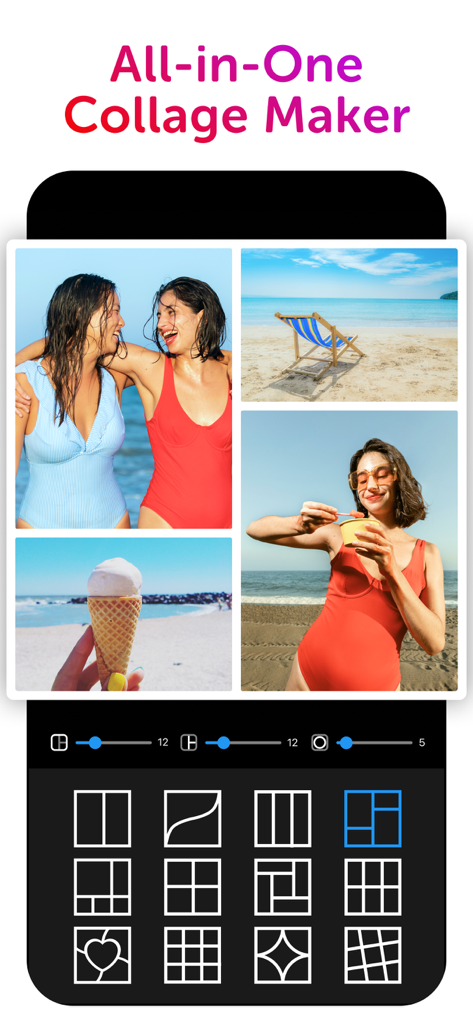
Screenshot of the CollagePlus app showing a beach themed photo collage and various grid layout options.
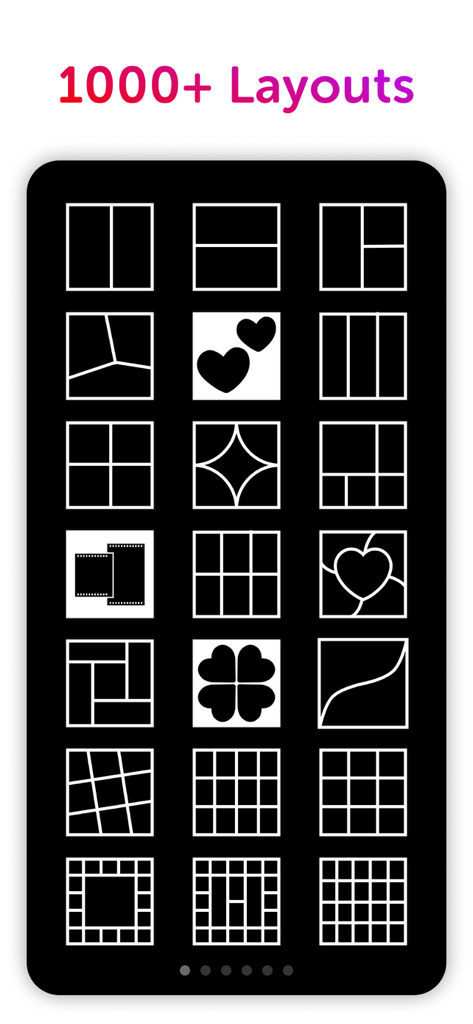
A phone screen displaying various photo collage layout options including grids and heart shapes
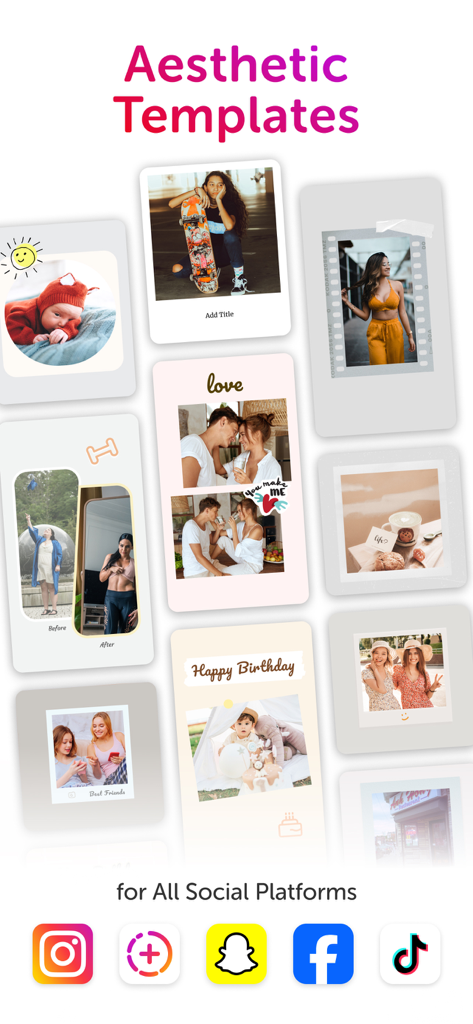
A collection of aesthetic photo collage templates for social media including polaroid styles, before and after shots, and birthday layouts.
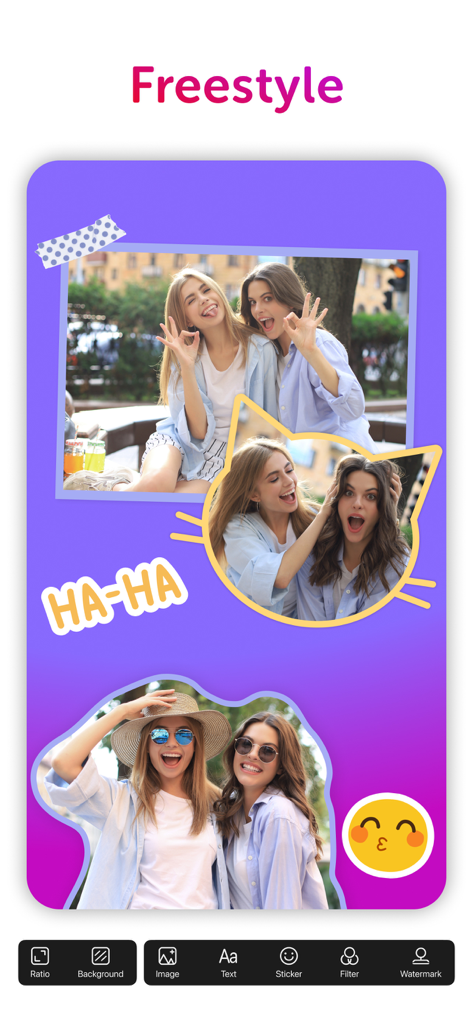
The freestyle collage feature in CollagePlus app showing photo layouts and stickers.
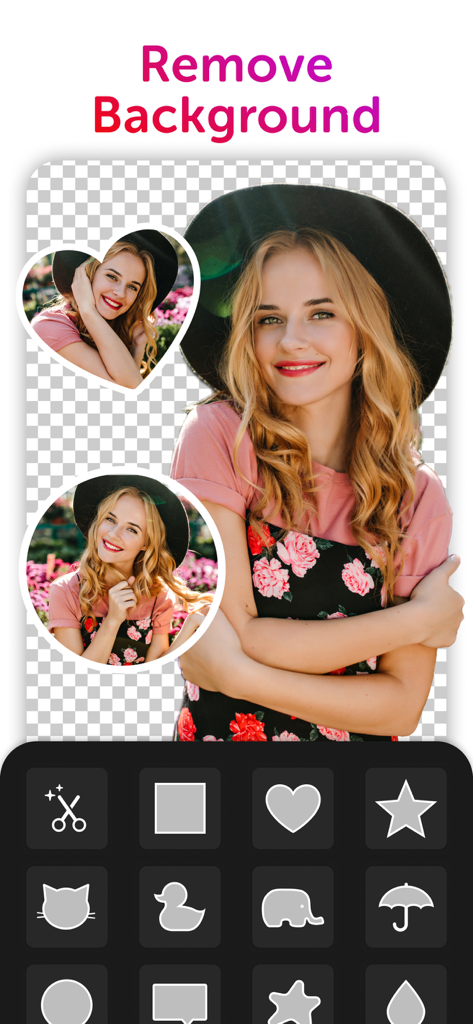
User interface of CollagePlus app showing background removal and custom photo cutouts
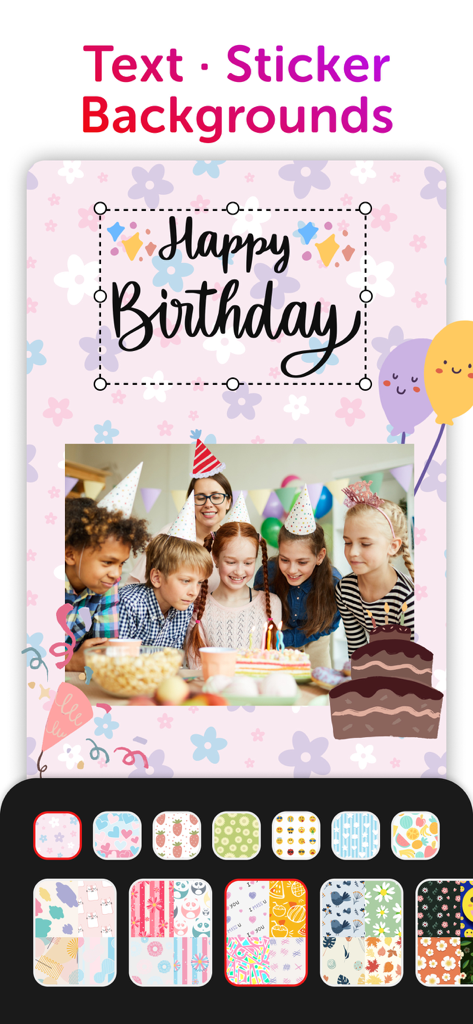
A birthday collage creator showing a group of children at a party with customizable floral backgrounds, stickers, and happy birthday text.
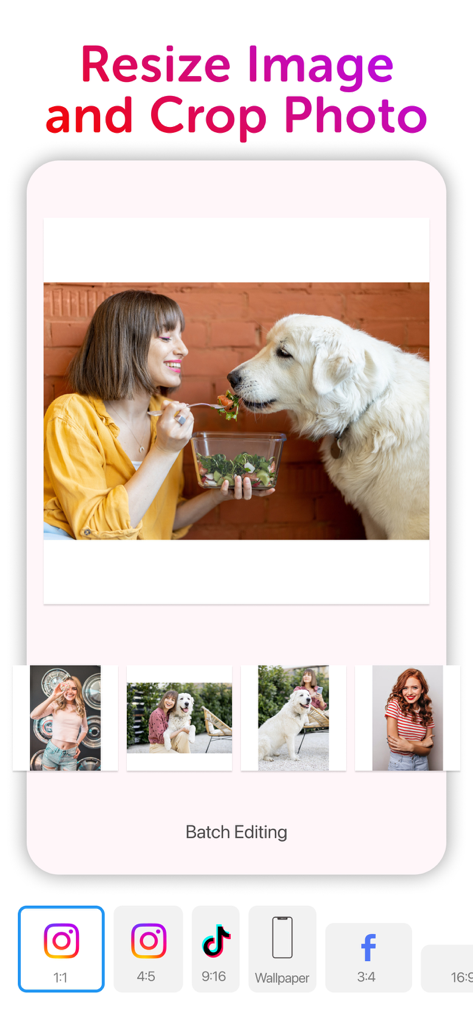
Interface of CollagePlus app showing photo resizing and cropping options for social media platforms
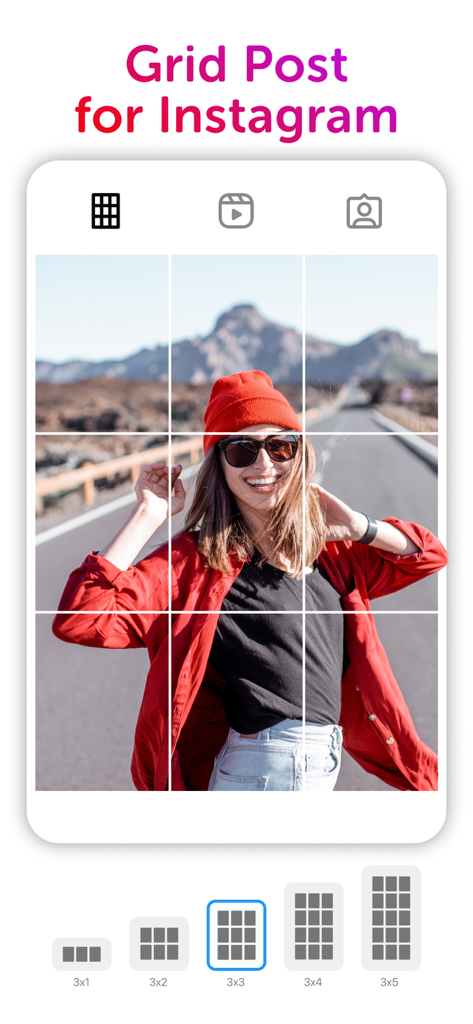
A 3x3 grid post preview for Instagram showing a photo of a woman in a red beanie being split into multiple squares.
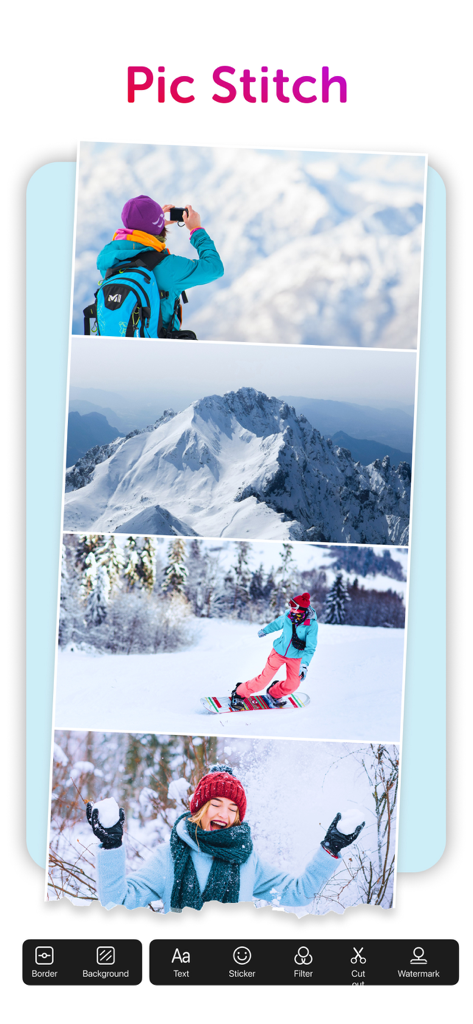
A vertical photo collage featuring winter mountains and snowboarding scenes created with the Pic Stitch tool.
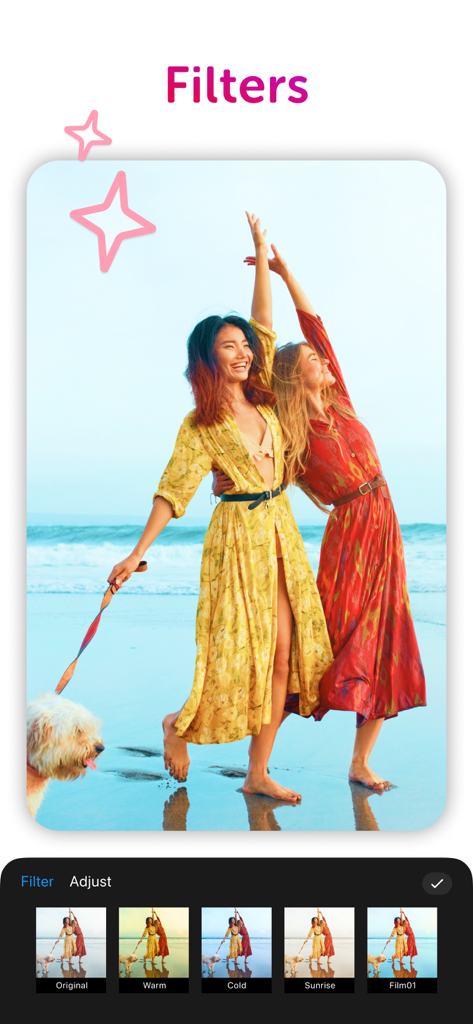
Screenshot of CollagePlus app showing various photo filter options like warm and cold for a beach picture
Description
Download
More Like This
Apps with similar features and user experience

SCRL: Photo Collage Maker
Appostrophe AB

PhotoGrid: Video Collage Maker
JUPITER PALACE PTE. LTD.

Layout for Instagram: Collage
Shamble, Inc.

Photo Collage Maker: InCollage
SHANTANU PTE. LTD.

TicPic
Zhuhai Kuxiong Network Technology Co., Ltd.

Photo Collage Montage Maker
Honk Honk Punch Pty Ltd

Photo Collage Maker & Creator
Honk Honk Punch Pty Ltd

Photo Collage Montage & Layout
Honk Honk Punch Pty Ltd

Jane - Art Collage & Video
Shanghai Ruishixinyan Information Technology Co., Ltd
This page is not an official page of the app or its developer, but an independent editorial publication created for informational and commentary purposes. Unless expressly stated otherwise, neither the app nor its developer is affiliated with, endorsed by, sponsored by, authorized by, or otherwise officially connected with MWM, Apple, Google Play, the app publisher, or the app's developer, and nothing on this page implies that the app was developed using MWM's services. Any trademarks, logos, screenshots, and other content remain the property of their respective owners.