
This page is not an official page of the app or its developer, but an independent editorial publication created for informational and commentary purposes. Unless expressly stated otherwise, neither the app nor its developer is affiliated with, endorsed by, sponsored by, authorized by, or otherwise officially connected with MWM, Apple, Google Play, the app publisher, or the app's developer, and nothing on this page implies that the app was developed using MWM's services. Any trademarks, logos, screenshots, and other content remain the property of their respective owners.


Photo Collage Maker: InCollage
Join 7M+ creators using AI-powered tools and 10,000+ chic layouts to transform your photo dumps into curated masterpieces for Instagram, TikTok, and beyond.
Downloads
7M+User Rating
Total Ratings
152K+Publisher
Category
Photo & VideoLocales
16Latest Version
2.2.13Size
228.1 MBFirst Released
Mar 24, 2019Elevate Your Digital Storytelling
Join millions of creators using pro-level AI tools and 10,000+ templates to turn everyday moments into share-worthy masterpieces.
10,000+ Aesthetic Layouts
Remix up to 20 photos instantly with stylish grids and freestyle scrapbooks designed for the perfect photo dump.
AI-Powered Perfection
Effortlessly remove unwanted objects, fix blurry shots, and generate unique avatars with smart one-tap tools.
Frequently Asked Questions
Everything you need to know about Photo Collage Maker: InCollage
How many photos can I combine using Photo Collage Maker: InCollage?
InCollage allows users to combine up to 20 photos into stunning collages, scrapbooks, and stories within the app.
Does Photo Collage Maker: InCollage offer a free trial for its Pro subscription?
Yes, InCollage offers a free trial with all Pro features available. The InCollage Pro subscription costs $10.99 per year.
Can InCollage remove unwanted objects from my photos?
Yes, InCollage uses AI to remove unwanted objects from photos. This AI-powered tool allows for effortless cleanup and refinement of images.
What types of layouts and templates are available in Photo Collage Maker: InCollage?
InCollage provides over 10,000 free layouts, grids, and scrapbook templates. It also supports freestyle, scrapbook, and cutout collage modes.
How does Photo Collage Maker: InCollage enhance photo quality using AI?
InCollage enhances photo quality using AI by removing unwanted objects, fixing blurry shots, and improving the overall image quality with a tap.
Is InCollage suitable for creating content for social media?
Yes, InCollage is perfect for social media, supporting Instagram posts and stories, Pinterest boards, and Facebook covers. It offers instant formatting and ratio adjustments.
Can I create photo slideshows with Photo Collage Maker: InCollage?
Yes, InCollage includes a slideshow maker feature. Users can turn their favorite photos into beautiful video slideshows directly within the app.
Does InCollage Pro subscription support family sharing?
Yes, InCollage Pro subscription supports family sharing. Users pay once annually and can enjoy all features with their family members.
What photo editing tools are available in Photo Collage Maker: InCollage?
InCollage offers an all-in-one photo editor with tools to crop, flip, rotate, beautify, and draw. It also allows adding text and adjusting ratios.
What is the annual cost of InCollage Pro subscription?
The InCollage Pro subscription costs $10.99 per year. This annual fee provides full access to all premium features and content.
The following screenshots and description are sourced directly from the app's official store listing and are the property of the app developer.
App Store
Screenshots
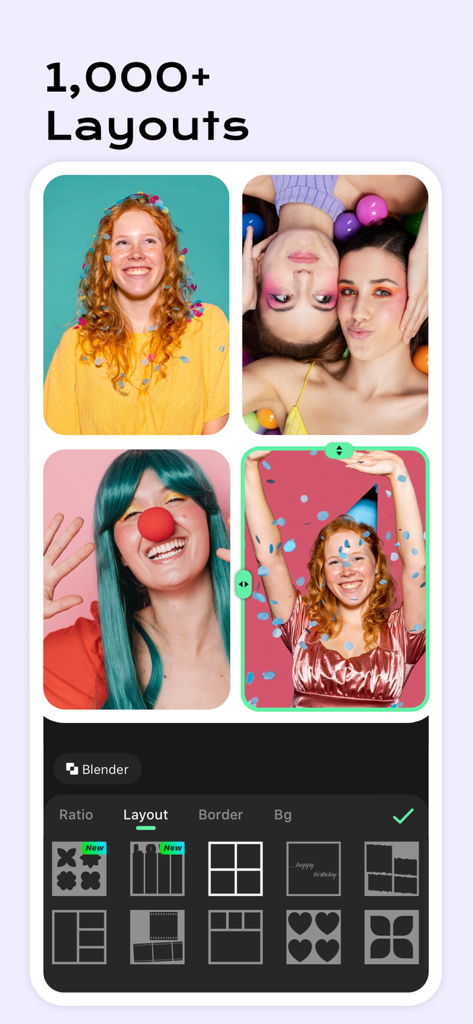
Photo collage maker interface displaying various grid layouts and editing options
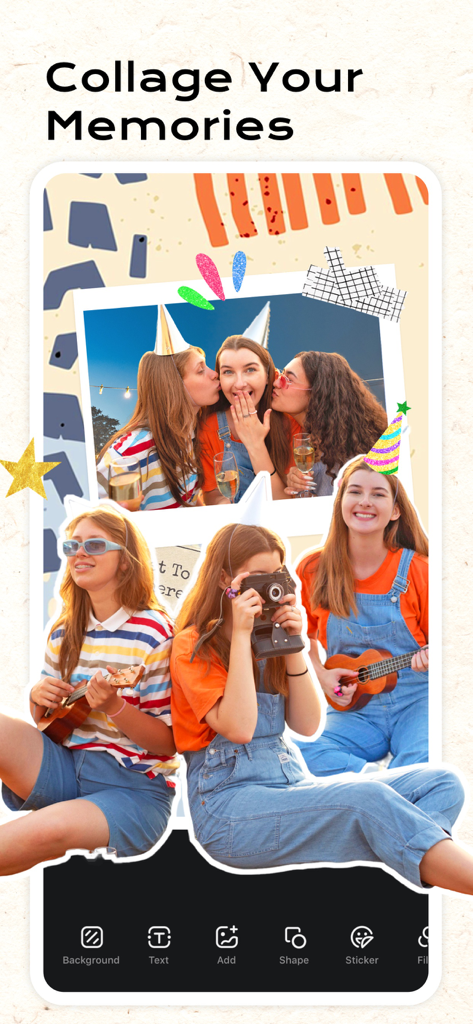
InCollage app showing a creative scrapbook layout with party photos and editing tools
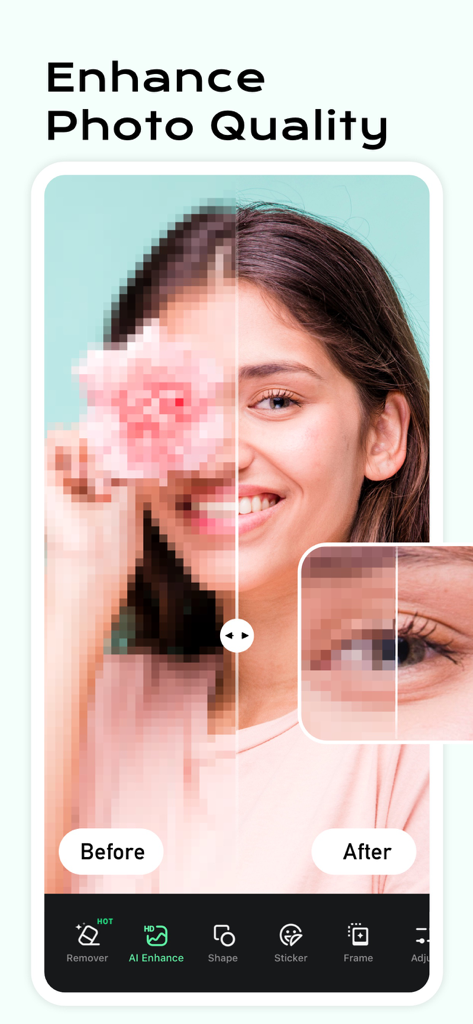
Before and after comparison of AI photo quality enhancement on a woman portrait
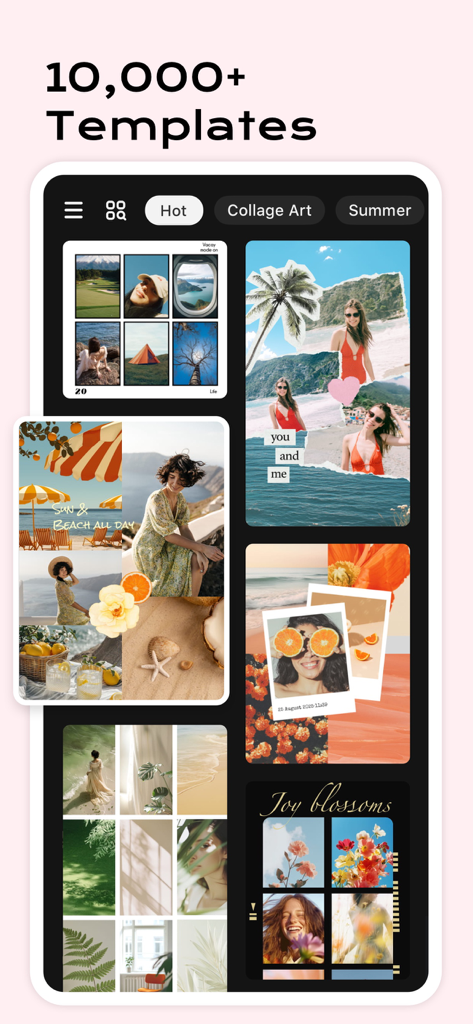
Interface showing a variety of creative photo collage templates and layouts in the InCollage app
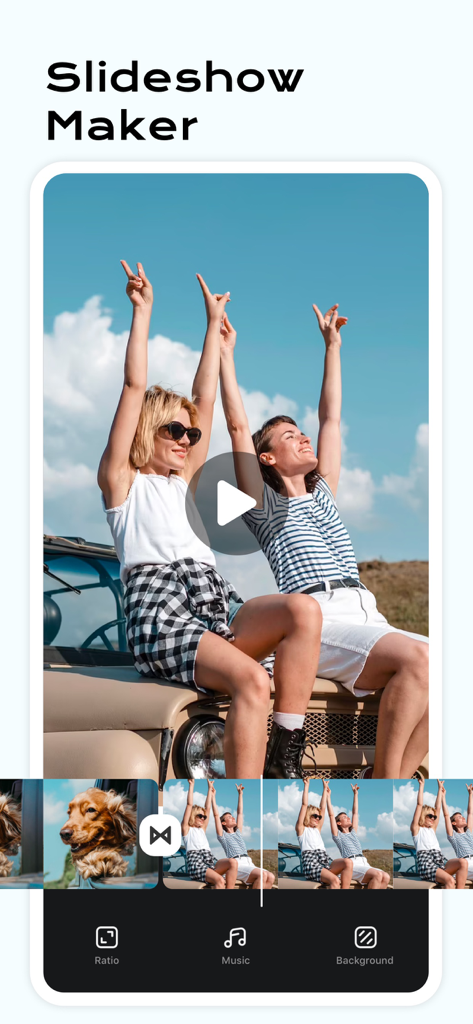
Mobile app screen showing the Slideshow Maker feature with a video timeline of road trip photos and editing options for music and background
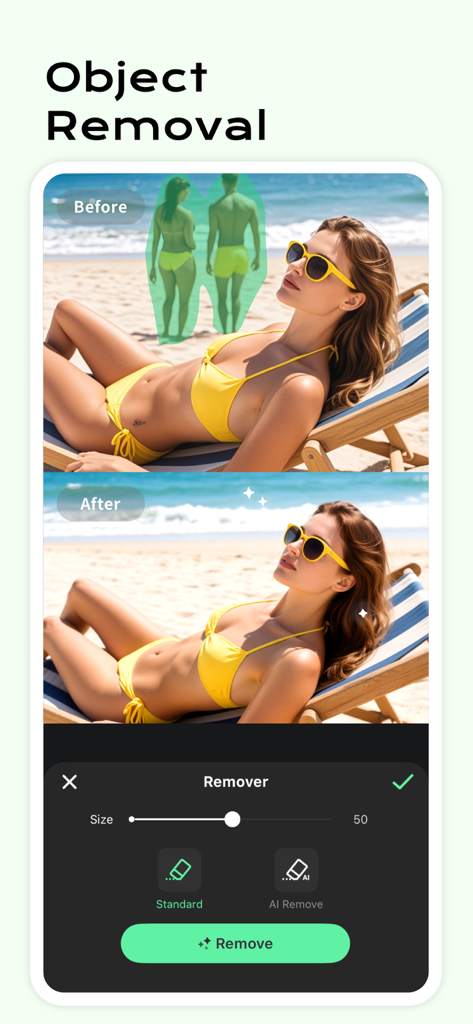
Before and after demonstration of the AI object removal feature on a beach photo.
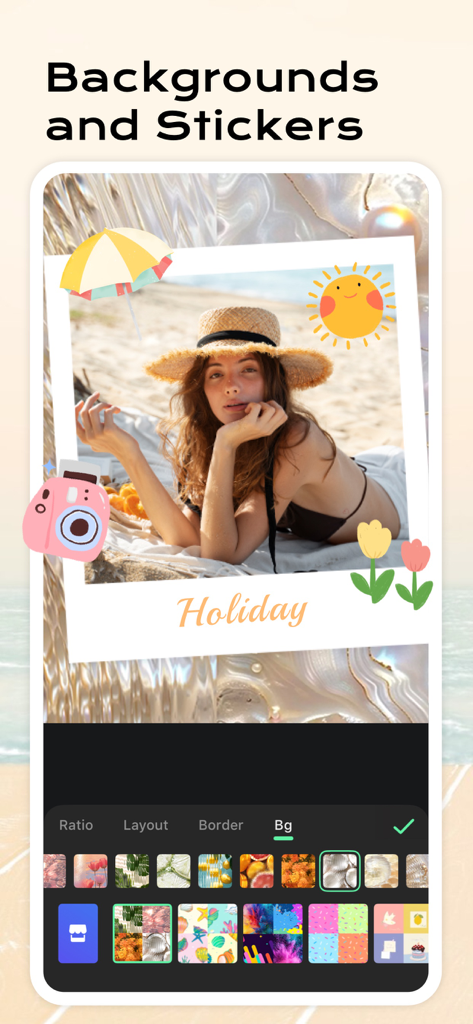
Holiday beach photo being edited with summer stickers and a wavy background in the InCollage app interface.
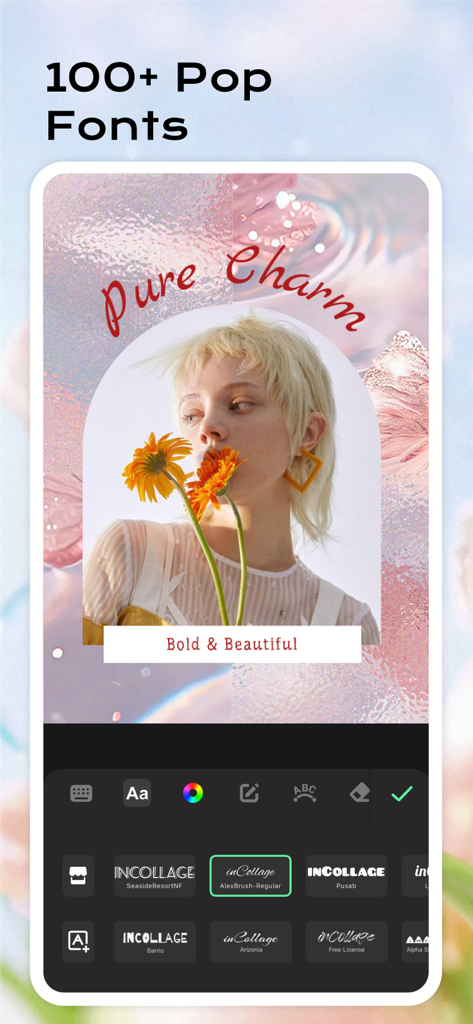
InCollage app interface featuring a variety of trendy fonts and text editing tools for aesthetic photos
Description
Download
More Like This
Apps with similar features and user experience

SCRL: Photo Collage Maker
Appostrophe AB

PhotoGrid: Video Collage Maker
JUPITER PALACE PTE. LTD.

Layout for Instagram: Collage
Shamble, Inc.

TicPic
Zhuhai Kuxiong Network Technology Co., Ltd.

Collage Maker: CollagePlus
Shamble, Inc.

Photo Collage Montage Maker
Honk Honk Punch Pty Ltd

Photo Collage Maker & Creator
Honk Honk Punch Pty Ltd

Photo Collage Montage & Layout
Honk Honk Punch Pty Ltd

Jane - Art Collage & Video
Shanghai Ruishixinyan Information Technology Co., Ltd
This page is not an official page of the app or its developer, but an independent editorial publication created for informational and commentary purposes. Unless expressly stated otherwise, neither the app nor its developer is affiliated with, endorsed by, sponsored by, authorized by, or otherwise officially connected with MWM, Apple, Google Play, the app publisher, or the app's developer, and nothing on this page implies that the app was developed using MWM's services. Any trademarks, logos, screenshots, and other content remain the property of their respective owners.