
ING Netherlands


Experience seamless banking for your global life. From instant payment requests to 35-day financial insights, manage your Dutch accounts, investments, and insurance with 'easy as pie' efficiency—securely from anywhere in the world.
Publisher
Category
FinanceDownloads
3M+User Rating
Total Ratings
699K+Locales
2Discover the interface used by 3M+ users.

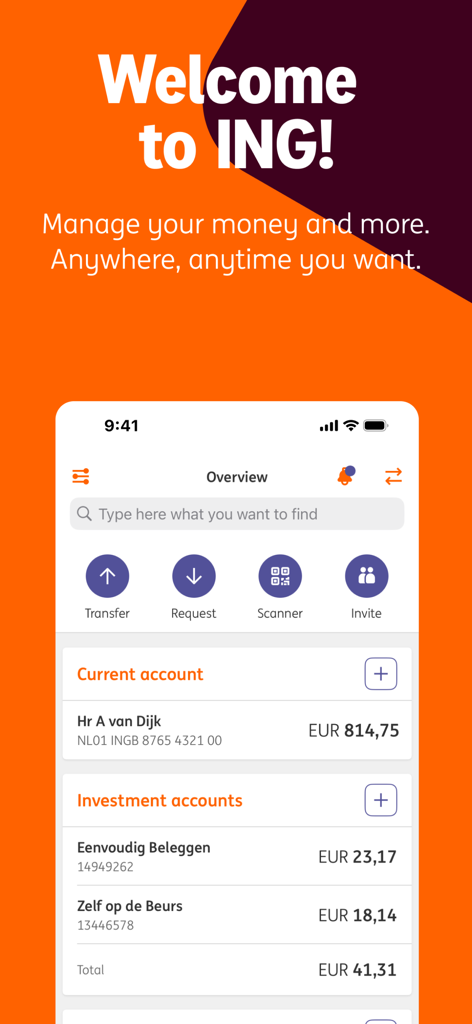
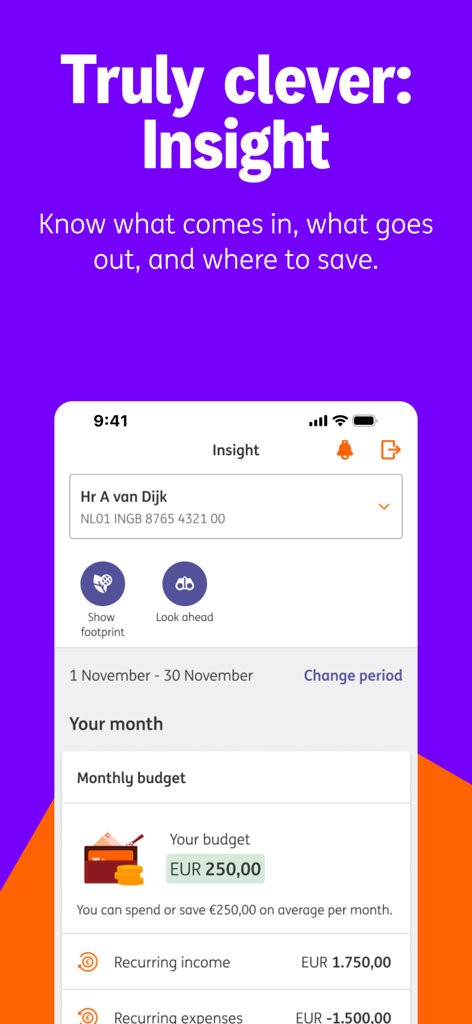
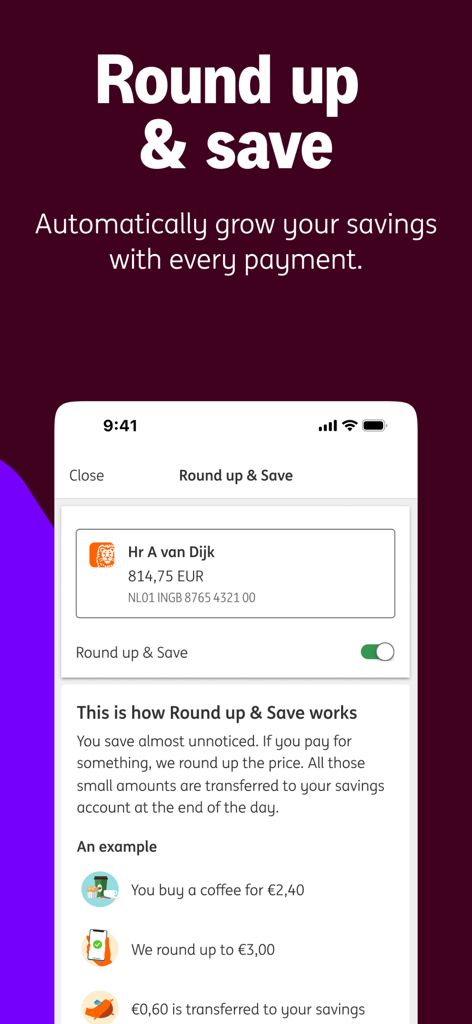
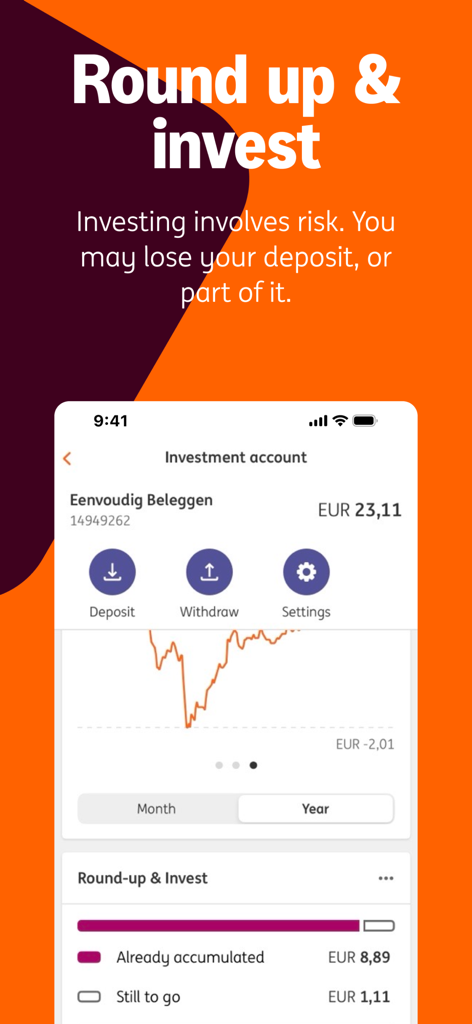
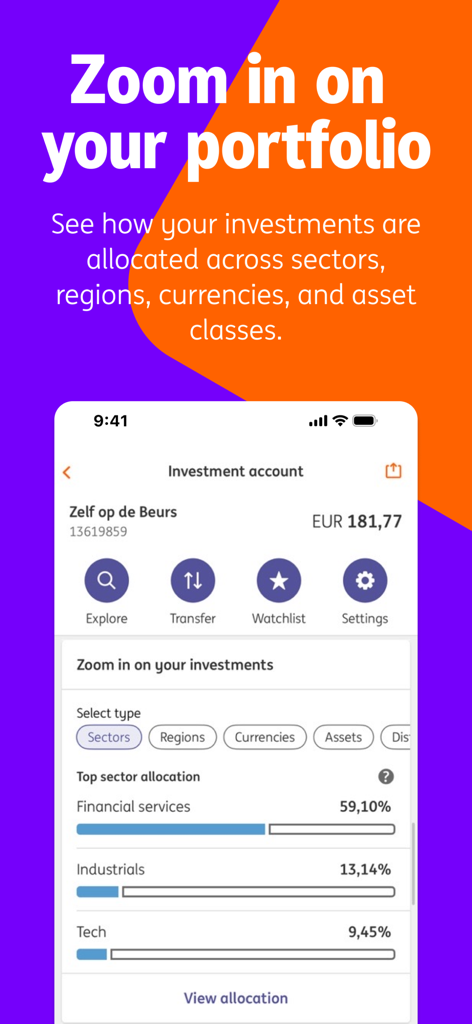
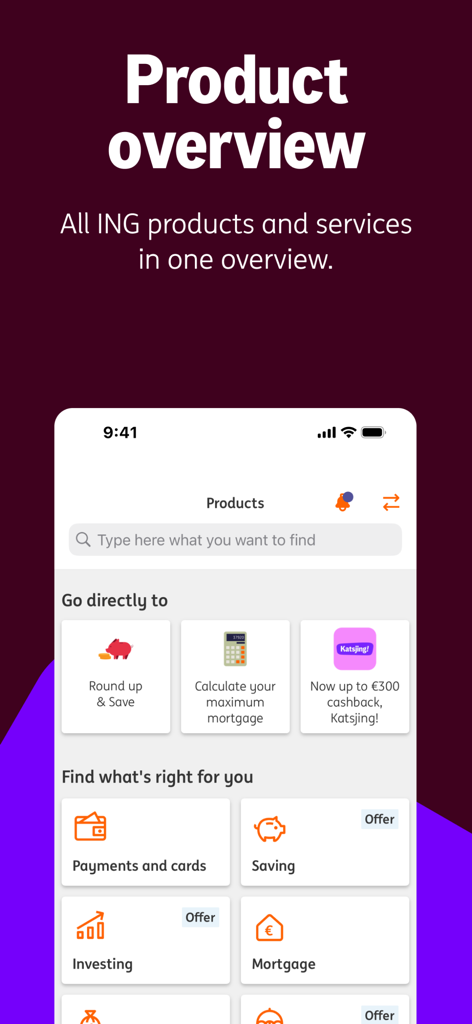
The tools that make this app stand out, trusted by 3M+ users.
Maintain social ties and settle expenses with friends back home in seconds. Send secure payment links and get paid back directly to your Dutch account without the friction of international wires.
Eliminate the uncertainty of cross-border cash flow. Look ahead at scheduled transactions and future balance changes to manage your international liquidity with total confidence.
Command your entire financial footprint—from blocking cards and changing limits to managing insurance and investments—all within a secure app that removes the need for physical branch visits.
Everything you need to know about ING Netherlands.
Description
Latest Version
2026.1.0
Size
231.3 MB
First Released
Mar 1, 2012
Join over 3 million users and manage your accounts, investments, and insurance with ease. Download the ING App today for secure, mobile-first banking that bridges the gap between the Netherlands and your life in the US.
Everything you need to know about ING Netherlands
The ING App manages personal and business banking in the Netherlands. It enables balance checks, transfers, bill payments, savings, borrowing, investing, credit cards, and viewing ING insurances, all from your mobile device.
Activating the ING App requires a Dutch ING current account, access to My ING, and a valid identity document. Accepted IDs include a passport, EU ID card, foreign national ID, Dutch residence permit, or driver’s license.
Yes, banking via the ING App occurs through a secured connection. No personal details are stored on your device. Using the latest app version ensures optimal security and access to the newest features.
Yes, the ING App allows users to set and modify their own daily transaction limit. This feature provides control over daily spending and transfers directly from the app interface.
Yes, the ING App provides a feature allowing users to view their future transactions up to 35 days in advance. This helps with financial planning and foresight.
Yes, the ING App provides quick access to essential services. Users can easily block their card or update their address directly within the app, streamlining common administrative tasks.
The "Round up & save" feature automatically rounds up your payments to the nearest euro. The small difference from each transaction is then transferred to your savings account daily, accumulating savings passively.
Yes, you can open a new ING account directly through the ING App. This convenient feature simplifies the onboarding process for new customers without needing to visit a branch.
The "Insight" feature in the ING App helps users manage their finances. It shows income, expenses, and areas to save, including a detailed overview of monthly budgets and spending patterns.
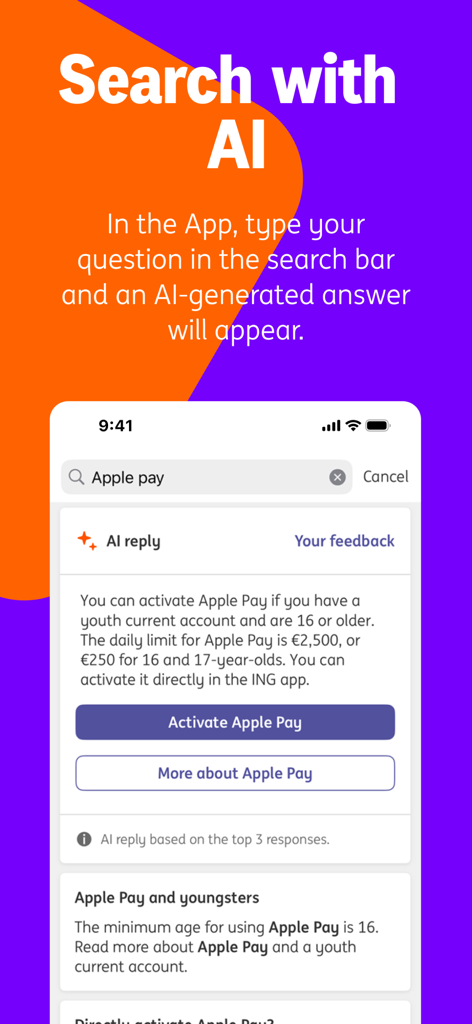
Yes, the ING App integrates an AI search function. Users can type questions into the search bar, and the app provides AI-generated answers to queries, offering quick assistance and information.
Yes, the minimum age for activating Apple Pay within the ING App is 16 years. Users must also possess a youth current account and be at least 16 to utilize this payment method.
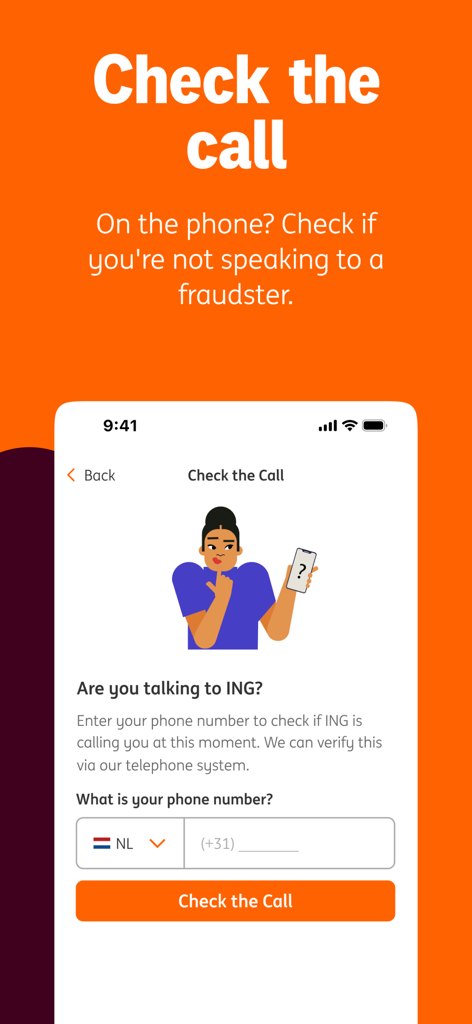
The ING App includes a "Check the call" feature. You enter the caller's phone number to verify if it belongs to ING's telephone system, ensuring you are not speaking to a fraudster.
Apps with similar features and user experience

ZA Bank Limited

ING BANK A S

BANCO DAVIVIENDA SA

STARLING BANK LIMITED

M&T Bank

Accent-Bank, AT

SHANGHAI RURAL COMMERCIAL BANK CO., LTD.

Up Money Pty Ltd
Federation des caisses Desjardins du Quebec
App information, icons, screenshots, and descriptions displayed on this page are sourced from the Apple App Store and are the property of their respective developers. Download estimates and rankings are based on MWM's proprietary models and may not reflect actual figures. This page is provided for informational and analytical purposes only.
Believe this page infringes your intellectual property? File a dispute