
This page is not an official page of the app or its developer, but an independent editorial publication created for informational and commentary purposes. Unless expressly stated otherwise, neither the app nor its developer is affiliated with, endorsed by, sponsored by, authorized by, or otherwise officially connected with MWM, Apple, Google Play, the app publisher, or the app's developer, and nothing on this page implies that the app was developed using MWM's services. Any trademarks, logos, screenshots, and other content remain the property of their respective owners.

JURA Pocket Pilot V2
Experience the ultimate convenience of contactless brewing and mobile payments. Simply scan, customize, and enjoy your perfect cup from any compatible JURA machine.
Downloads
24K+User Rating
Total Ratings
0Publisher
Category
Food & DrinkLocales
24Latest Version
2.05Size
1.5 MBFirst Released
Jan 30, 2023Elevate Your Coffee Experience
JURA Pocket Pilot V2 brings premium Swiss engineering to your smartphone. Enjoy a touchless, high-speed, and personalized way to brew your daily cup in any professional environment.
Total Touchless Brewing
Prioritize hygiene by controlling the coffee machine entirely from your own device—select and brew your favorite drink without ever touching a communal screen.
Instant Mobile Payments
Forget the wallet. Securely pay for your premium specialty coffee in seconds through a seamless, integrated mobile payment interface designed for efficiency.
The following screenshots and description are sourced directly from the app's official store listing and are the property of the app developer.
App Store
Screenshots
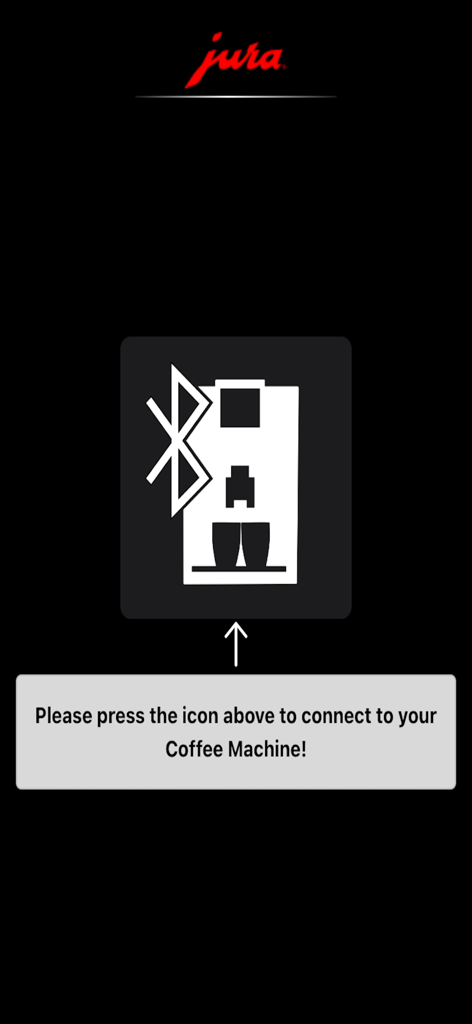
JURA Pocket Pilot V2 app screen with instructions to connect to a coffee machine via Bluetooth
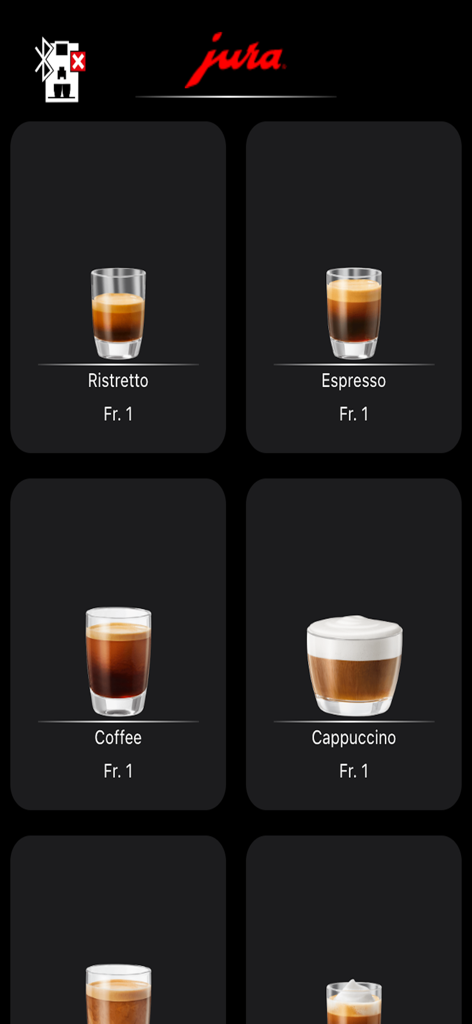
JURA Pocket Pilot V2 app interface showing a menu of coffee drinks including espresso and cappuccino with prices
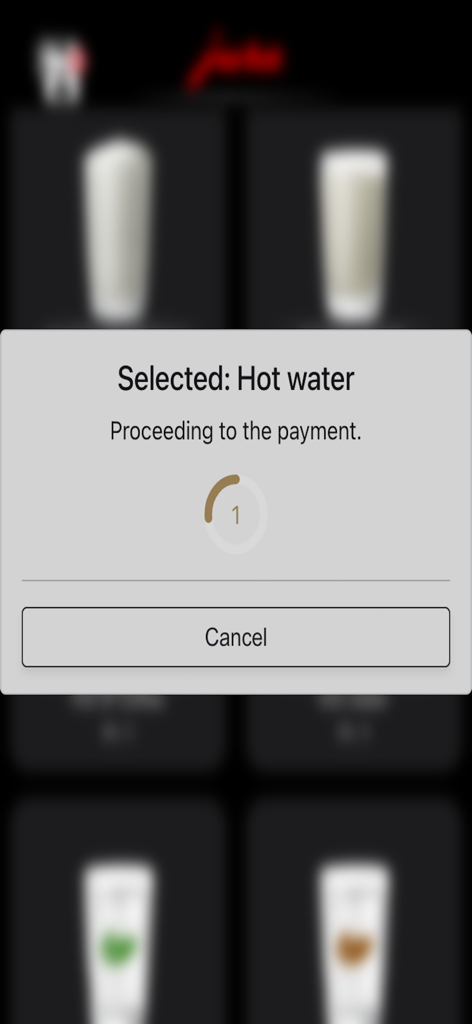
A screenshot of the JURA Pocket Pilot V2 app displaying a modal for hot water selection and a message indicating it is proceeding to payment with a cancel button.
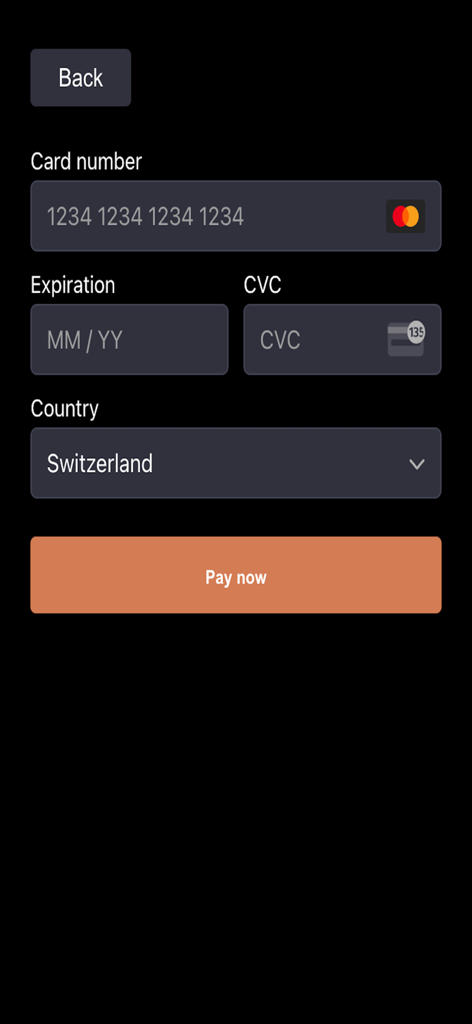
Payment interface of the JURA Pocket Pilot V2 app showing fields for credit card number, expiration, CVC, and a pay now button.
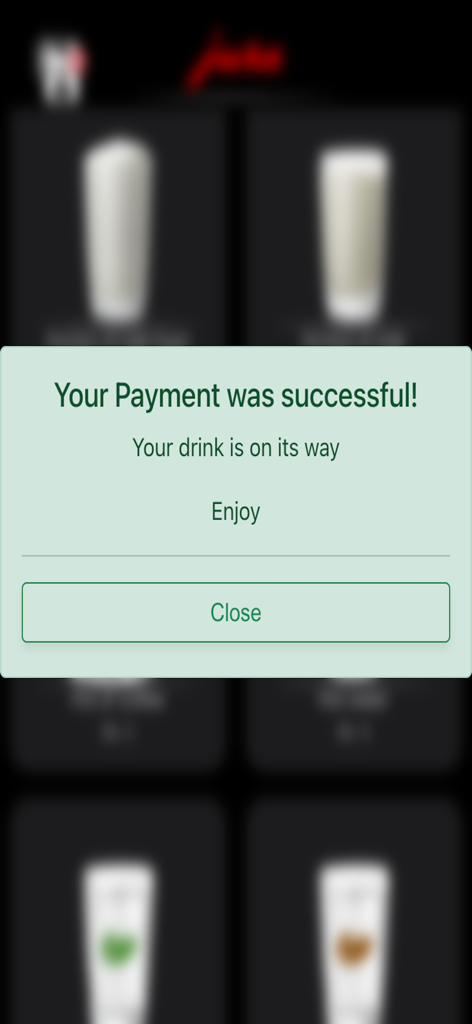
A confirmation message on the JURA Pocket Pilot V2 app indicating a successful payment for a coffee drink.
Description
Download
More Like This
Top-ranked apps in the same category
DoorDash: Food, Grocery, More
DoorDash, Inc.

盒马 - 鲜美生活
Shanghai Heli Network Technical Service Co., Ltd.

Uber Eats: Food & Groceries
Uber Technologies, Inc.

Too Good To Go: End Food Waste
Too Good To Go ApS

Keeta - Food Delivery
Kangaroo Limited

麦当劳McDonald's - 到店取餐 麦咖啡 麦乐送
McDonald's (China) Co., Ltd.

McDonald’s
McDonald's Global Markets LLC

McDonald's
McDonalds USA LLC

美团外卖-外卖订餐,送啥都快
Sankuai Technology Co., Ltd.
This page is not an official page of the app or its developer, but an independent editorial publication created for informational and commentary purposes. Unless expressly stated otherwise, neither the app nor its developer is affiliated with, endorsed by, sponsored by, authorized by, or otherwise officially connected with MWM, Apple, Google Play, the app publisher, or the app's developer, and nothing on this page implies that the app was developed using MWM's services. Any trademarks, logos, screenshots, and other content remain the property of their respective owners.