
This page is not an official page of the app or its developer, but an independent editorial publication created for informational and commentary purposes. Unless expressly stated otherwise, neither the app nor its developer is affiliated with, endorsed by, sponsored by, authorized by, or otherwise officially connected with MWM, Apple, Google Play, the app publisher, or the app's developer, and nothing on this page implies that the app was developed using MWM's services. Any trademarks, logos, screenshots, and other content remain the property of their respective owners.


K365
Stay ahead of your coursework with instant access to virtual classes, assignments, and grades. Designed for the modern learner who needs efficiency and flexibility on the go.
Downloads
273K+User Rating
Total Ratings
600Publisher
Category
EducationLocales
1Latest Version
v1.7..9Size
50.3 MBFirst Released
Feb 28, 2022Everything You Need to Succeed, Right in Your Pocket
K365 brings your entire university experience to your smartphone, allowing you to manage your courses, documents, and live sessions without being tethered to a desk.
Your Entire Campus, Portable
Access all your course materials, from lecture videos to PDFs and assignments, anytime and anywhere, perfect for studying during your commute.
Seamless Virtual Classrooms
Jump directly into live lectures and interactive sessions with one tap, ensuring you never miss a minute of learning even when you are on the move.
The following screenshots and description are sourced directly from the app's official store listing and are the property of the app developer.
App Store
Screenshots
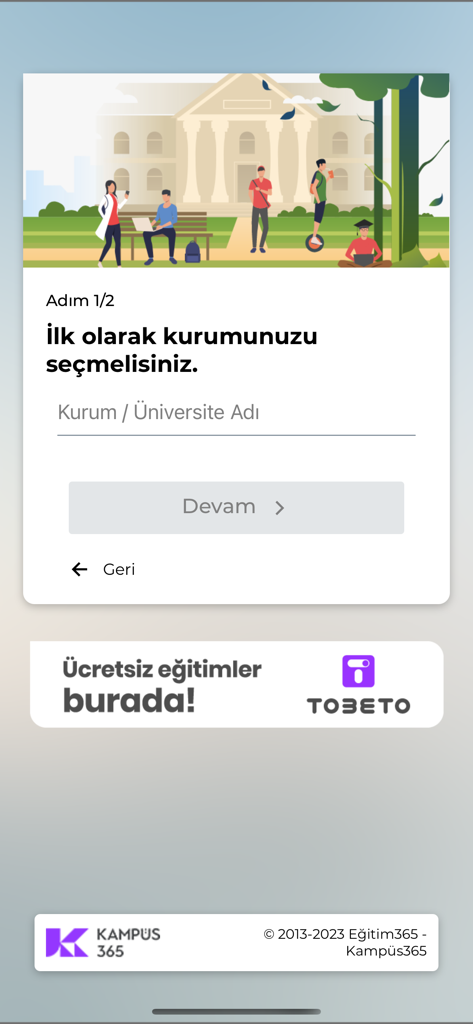
A mobile interface for the K365 app showing the first onboarding step where users enter their university or institution name to access the learning management system.
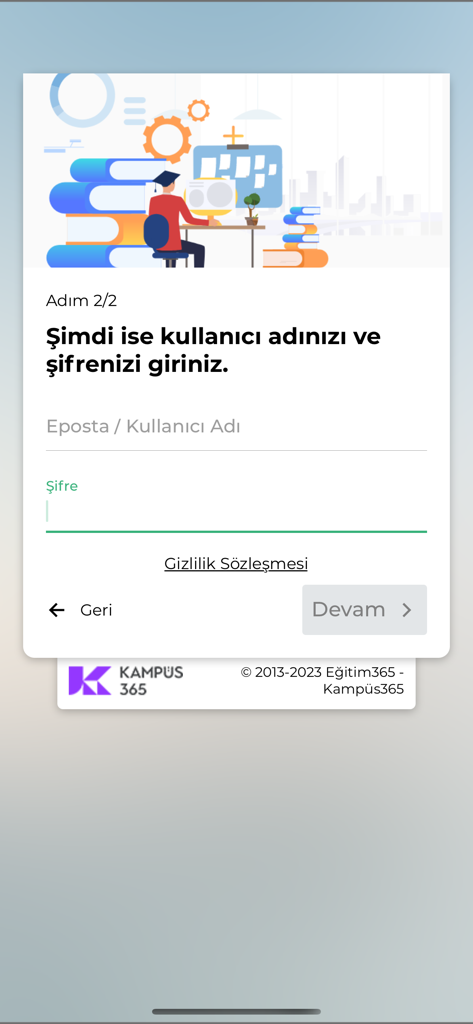
Login screen of the K365 mobile app showing username and password input fields for student access
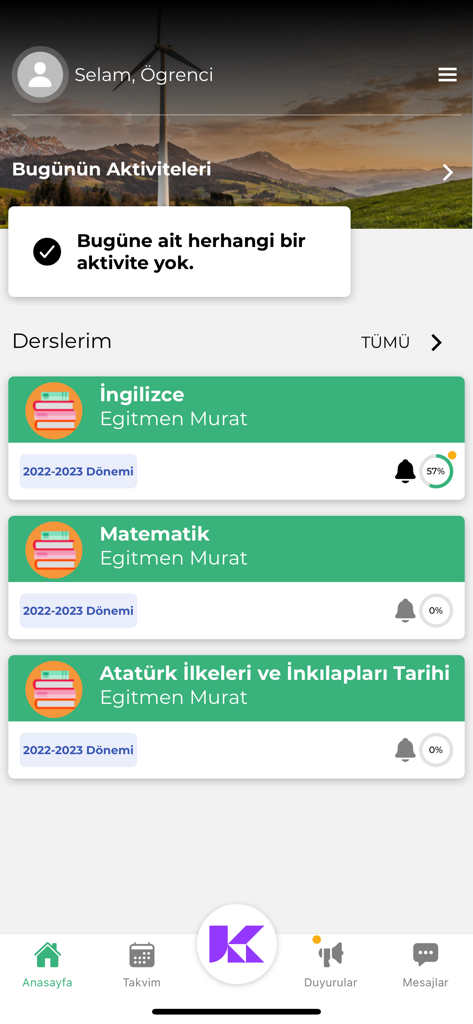
Student dashboard of the K365 app displaying course lists and academic progress
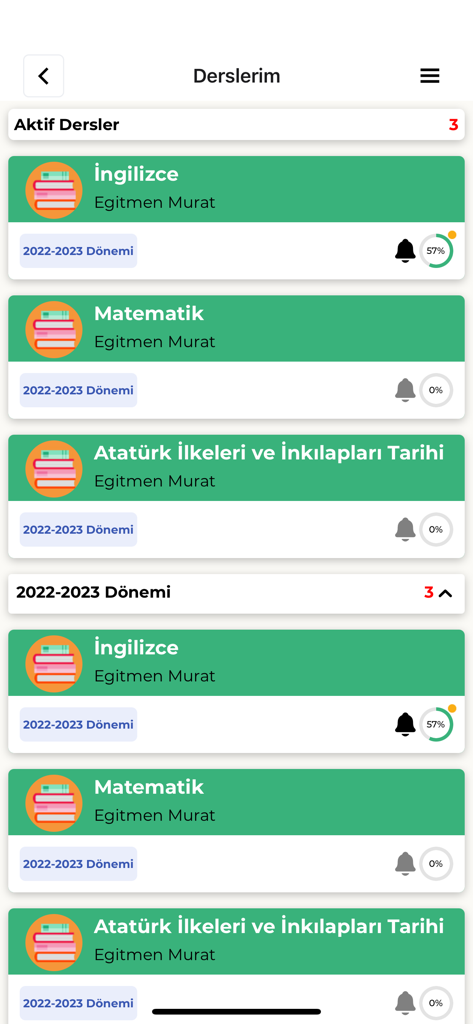
A list of active educational courses and student progress shown on the K365 mobile application.
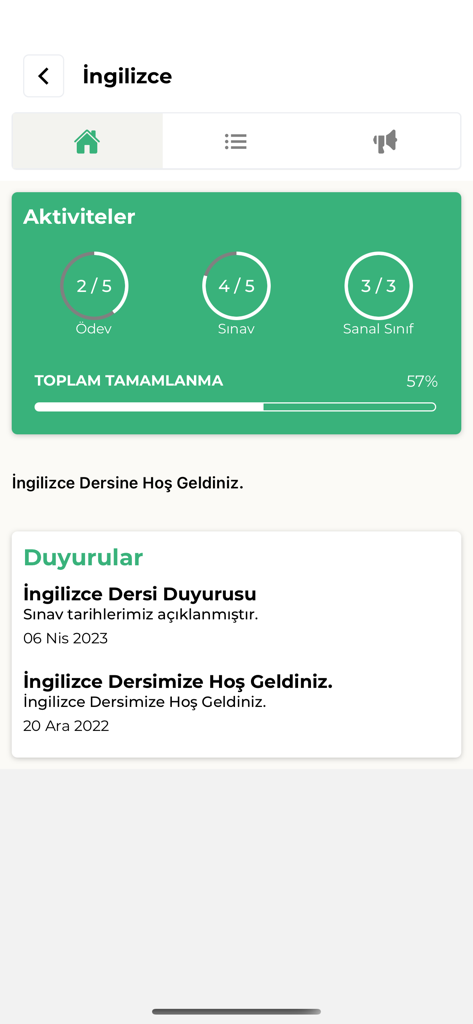
The K365 mobile app dashboard displaying student progress for an English course with activities and announcements
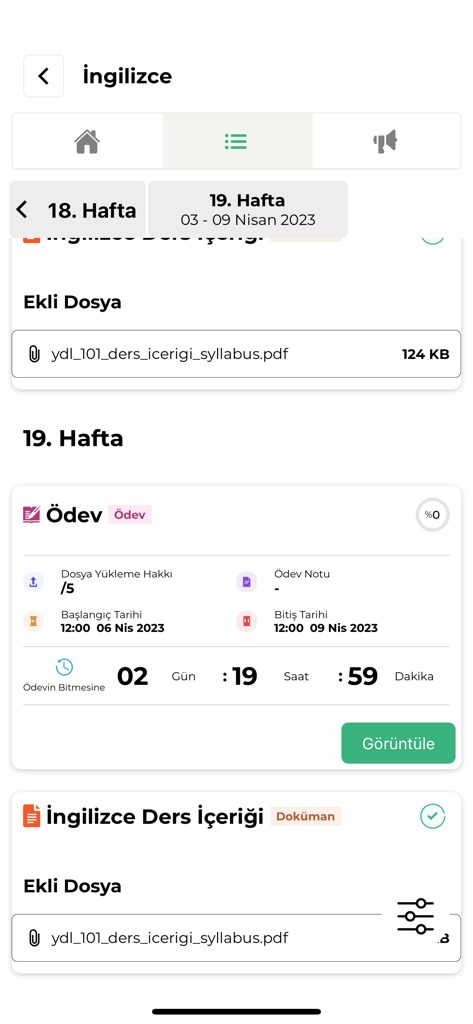
K365 app screen showing English course content and assignment deadline details
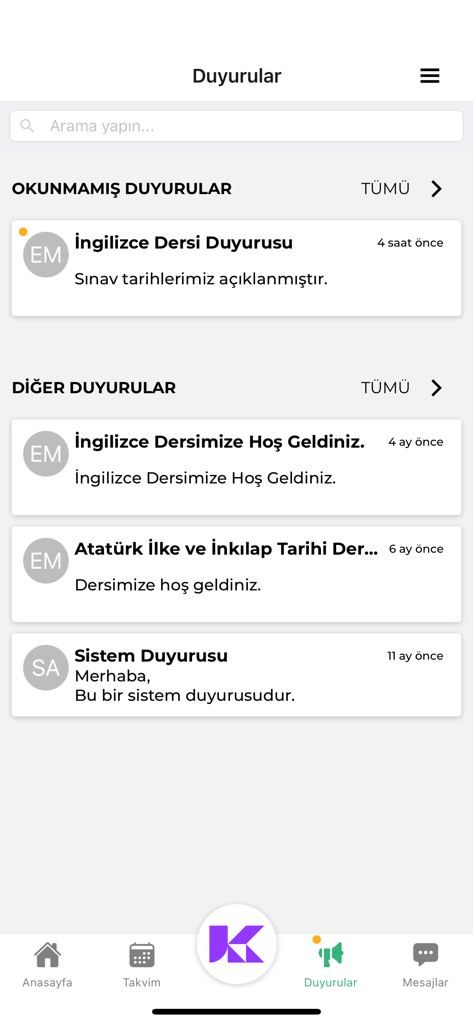
The announcements screen of the K365 education app displaying unread course notifications and system updates for students
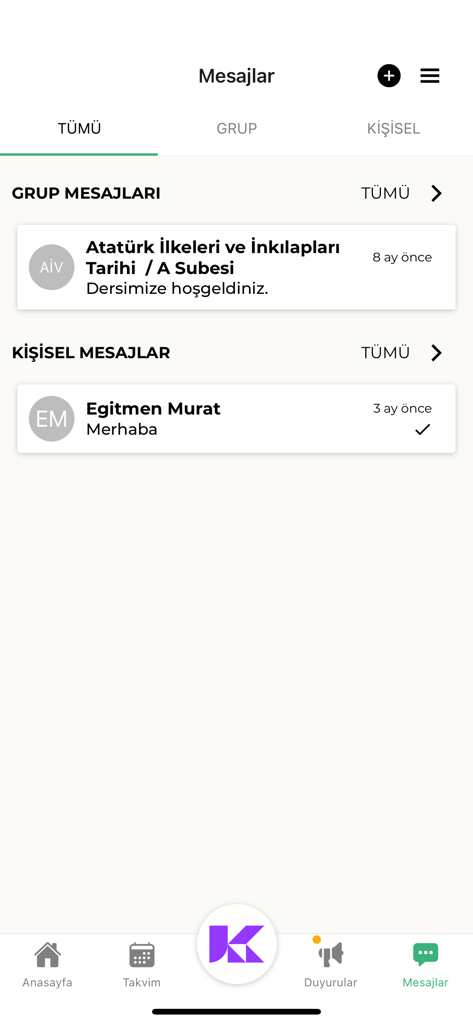
K365 app interface displaying group and personal messages for students
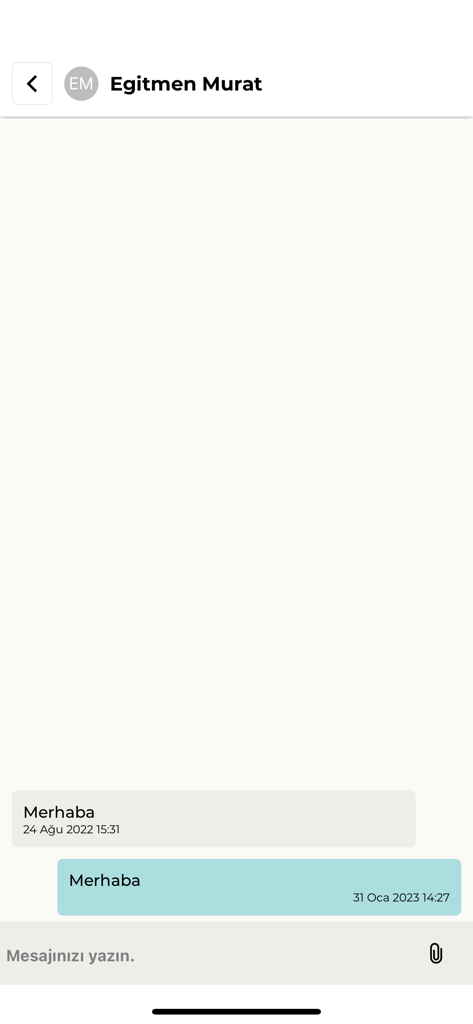
A chat screen within the K365 app showing a message exchange between a student and an instructor named Murat.
Description
Download
More Like This
Apps with similar features and user experience

GetCourse
Timur Karimbaev

CourseKey Student
COURSE KEY

少年得到-知识百科平台
Kude youth (tianjin) culture communication co. LTD

Ulife
GAEC Educacao S/A

知享学堂
Hangzhou Kuozhi Network Technology Co., Ltd.

Tfaseel
QUANTIC TECH SOLUTIONS FZC

Classera
Classera Inc.

JustSchool - English Online
Igor Furmanenko

myWGU Mobile
Western Governors University
This page is not an official page of the app or its developer, but an independent editorial publication created for informational and commentary purposes. Unless expressly stated otherwise, neither the app nor its developer is affiliated with, endorsed by, sponsored by, authorized by, or otherwise officially connected with MWM, Apple, Google Play, the app publisher, or the app's developer, and nothing on this page implies that the app was developed using MWM's services. Any trademarks, logos, screenshots, and other content remain the property of their respective owners.