
This page is not an official page of the app or its developer, but an independent editorial publication created for informational and commentary purposes. Unless expressly stated otherwise, neither the app nor its developer is affiliated with, endorsed by, sponsored by, authorized by, or otherwise officially connected with MWM, Apple, Google Play, the app publisher, or the app's developer, and nothing on this page implies that the app was developed using MWM's services. Any trademarks, logos, screenshots, and other content remain the property of their respective owners.


Kiosk Pro Lite
The secure, flexible solution to lock down web content for trade shows, retail displays, and visitor check-ins. Hide navigation bars and set idle timers for a seamless, branded experience.
Downloads
38K+User Rating
Total Ratings
100Publisher
Category
BusinessLocales
30Latest Version
11.3Size
9.4 MBFirst Released
Dec 21, 2010Secure and Streamline Your Public Displays
Transform your iPad into a dedicated interactive station. Kiosk Pro Lite provides the essential tools to lock down web content and create a professional, branded experience for every visitor.
Bulletproof Security
Whitelist specific domains and block system shortcuts to prevent unauthorized browsing and keep your hardware focused solely on your business.
Smart Idle Reset
Automatically return to your homepage after periods of inactivity, ensuring every new visitor starts with a fresh and consistent presentation.
The following screenshots and description are sourced directly from the app's official store listing and are the property of the app developer.
App Store
Screenshots
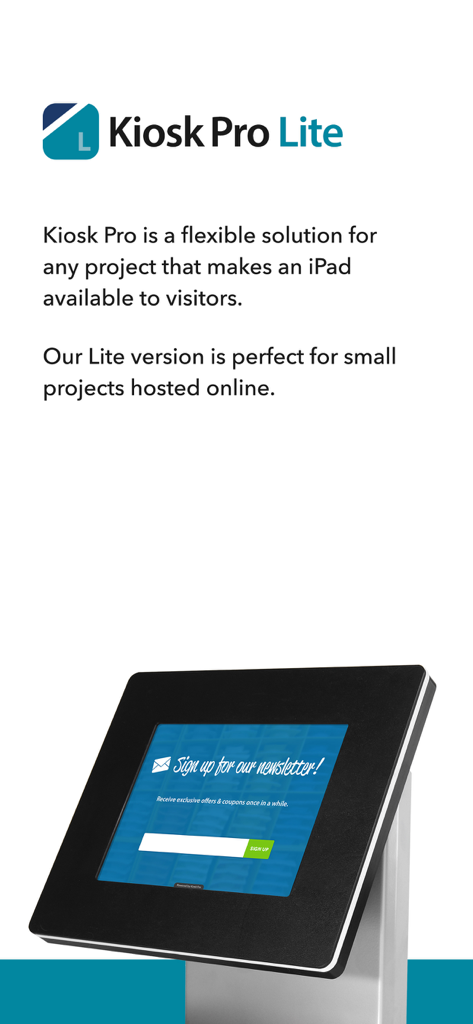
iPad in a professional black kiosk enclosure displaying a newsletter signup form
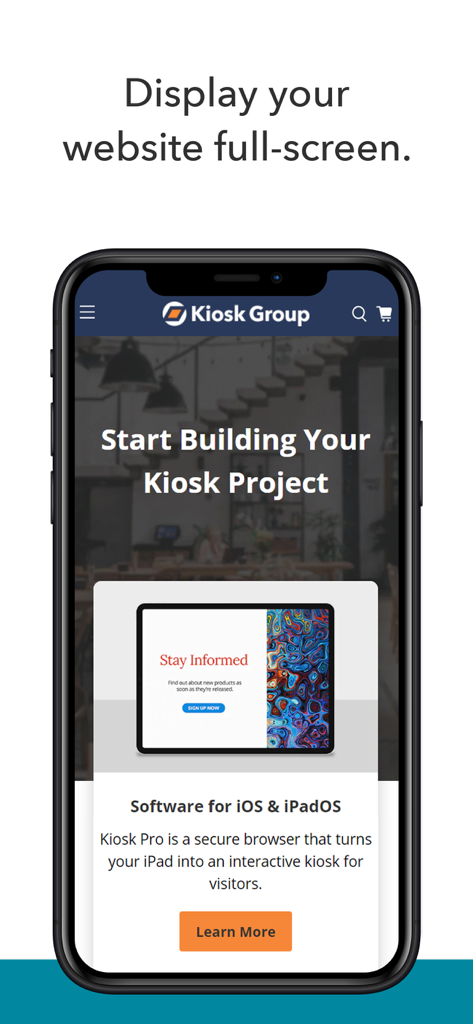
Smartphone screen displaying Kiosk Pro Lite app highlighting its full screen website display capabilities for digital kiosks
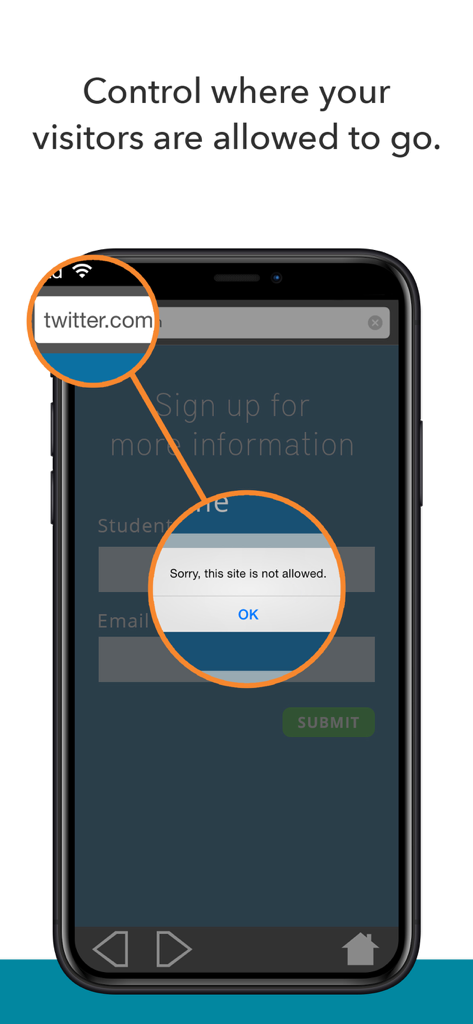
A smartphone screen showing the Kiosk Pro Lite app blocking access to an unauthorized website with an alert message.
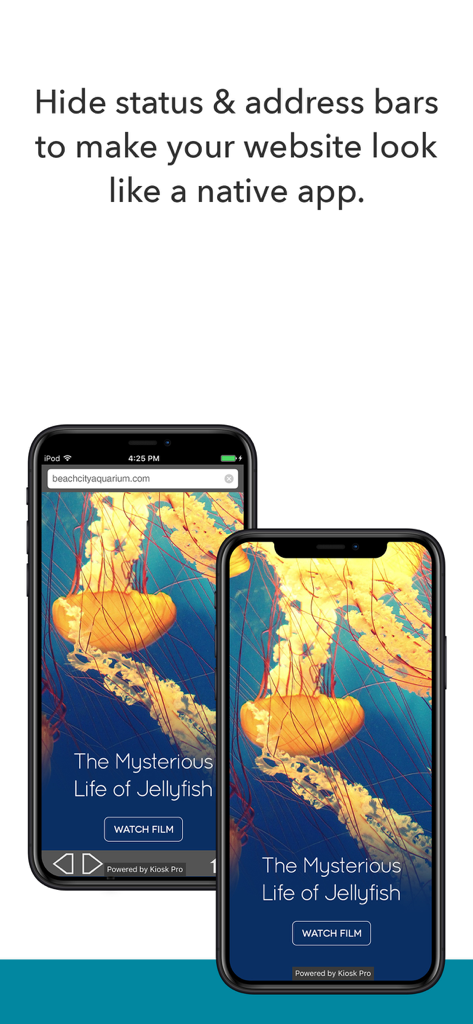
Comparison showing a website in a standard browser versus Kiosk Pro Lite with hidden status and address bars for a native app look.
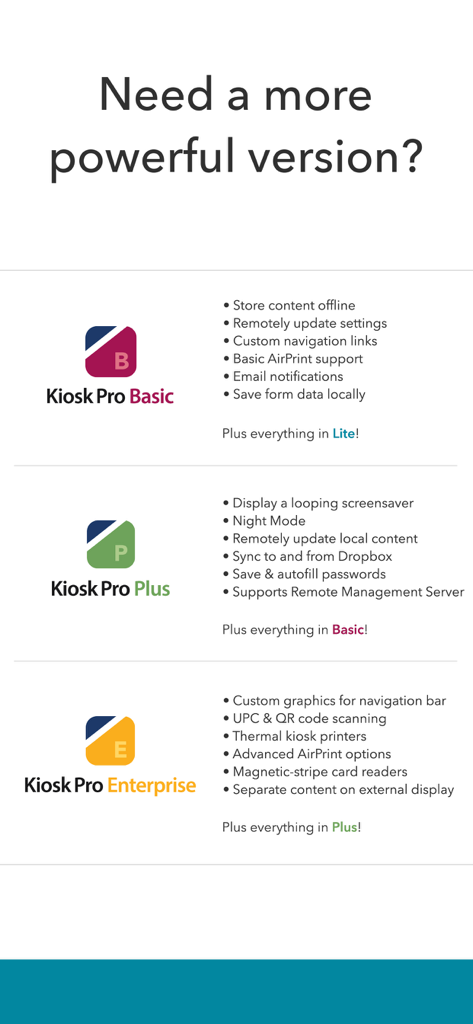
A comparison table showing features of Kiosk Pro Basic Plus and Enterprise versions
Description
Download
More Like This
Top-ranked apps in the same category

Microsoft Teams
Microsoft Corporation

Zoom Workplace
Zoom Communications, Inc.

WhatsApp Business
WhatsApp Inc.

Indeed Job Search
Indeed Inc.

LinkedIn: Network & Job Finder
LinkedIn Corporation

Adobe Acrobat Reader: Sign PDF
Adobe Inc.

WeCom-Work Communication&Tools
Tencent Technology (Shenzhen) Company Limited

BOSS直聘-招聘求职找工作神器
Beijing China Product Bo Farce Network Technology Co., Ltd.

DingDing - Redefine Work in AI
DingTalk Technology Co., Ltd.
This page is not an official page of the app or its developer, but an independent editorial publication created for informational and commentary purposes. Unless expressly stated otherwise, neither the app nor its developer is affiliated with, endorsed by, sponsored by, authorized by, or otherwise officially connected with MWM, Apple, Google Play, the app publisher, or the app's developer, and nothing on this page implies that the app was developed using MWM's services. Any trademarks, logos, screenshots, and other content remain the property of their respective owners.