
This page is not an official page of the app or its developer, but an independent editorial publication created for informational and commentary purposes. Unless expressly stated otherwise, neither the app nor its developer is affiliated with, endorsed by, sponsored by, authorized by, or otherwise officially connected with MWM, Apple, Google Play, the app publisher, or the app's developer, and nothing on this page implies that the app was developed using MWM's services. Any trademarks, logos, screenshots, and other content remain the property of their respective owners.

Koodo Reader
Take command of your library with support for 15+ formats, seamless NAS integration, and AI summarization. Beautifully designed for the tech-savvy reader who values ownership and productivity.
Downloads
14K+User Rating
Total Ratings
0Publisher
Category
BooksLocales
1Latest Version
2.2.5Size
40.6 MBFirst Released
Jul 4, 2025Master Your Digital Library
The ultimate reading hub for power users. Koodo Reader gives you the technical flexibility to own your reading experience, from private NAS integration to AI-powered research tools.
Total Format Freedom
Break free from walled gardens. Support for 20+ formats including EPUB, PDF, Comics (CBR/CBZ), and Markdown means you can read anything you own in one beautiful app.
Your Private Cloud, Integrated
Designed for the self-hosted community. Connect seamlessly via SMB, WebDAV, or S3-Compatible storage to stream your library directly from your personal home server or NAS.
The following screenshots and description are sourced directly from the app's official store listing and are the property of the app developer.
App Store
Screenshots
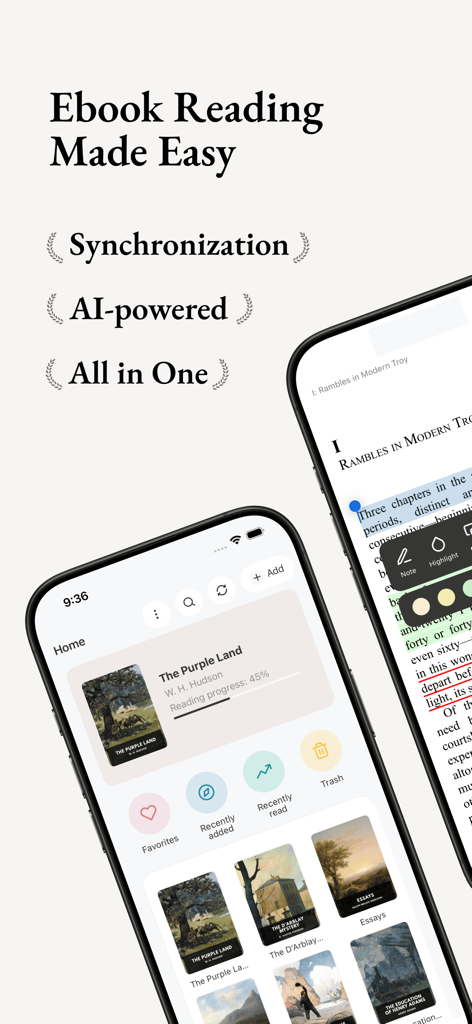
Koodo Reader ebook app interface on iPhone displaying library management and AI-powered synchronization features.
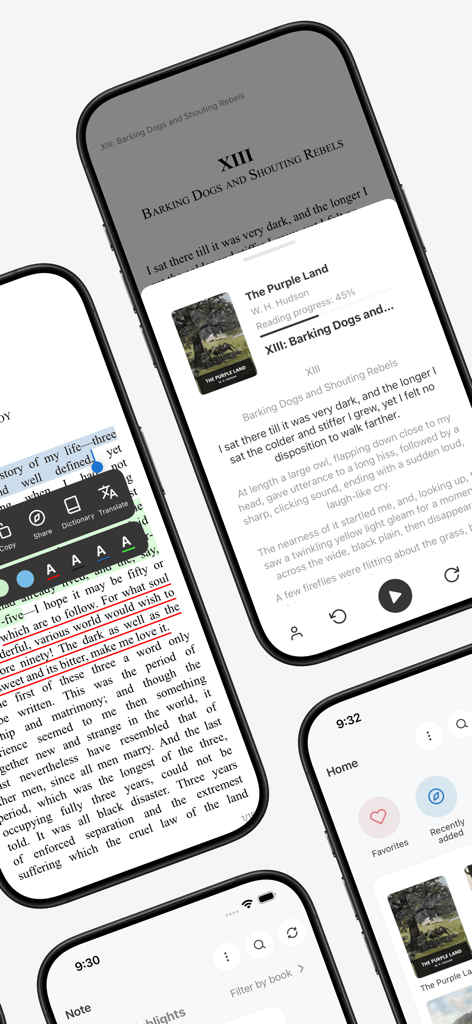
Mobile screens showing the Koodo Reader app reading interface with text selection tools and library management
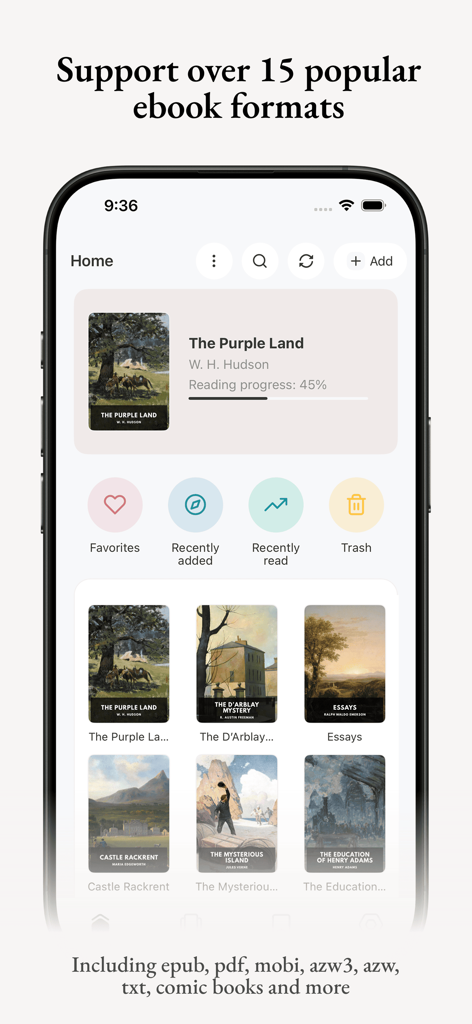
Koodo Reader mobile app home screen showing digital book library and supported ebook formats like EPUB and PDF
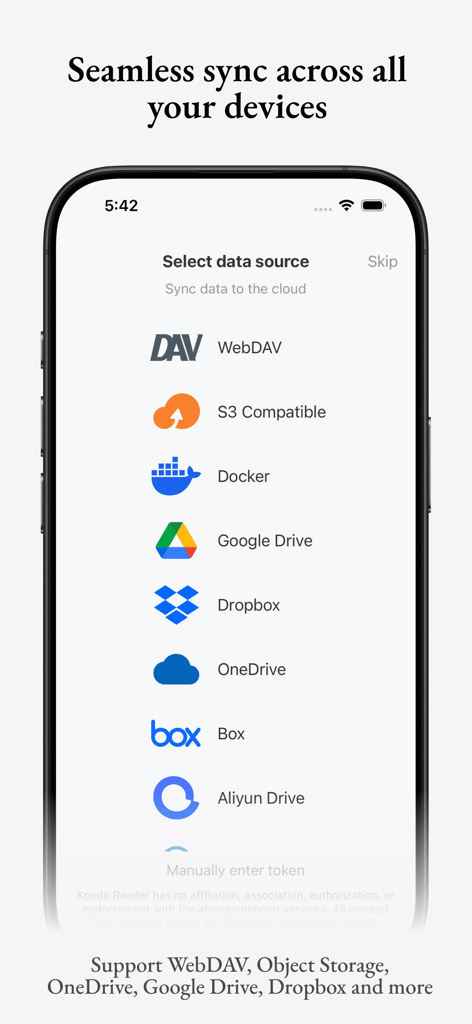
Koodo Reader app interface showing cloud sync options including WebDAV S3 Docker Google Drive and Dropbox
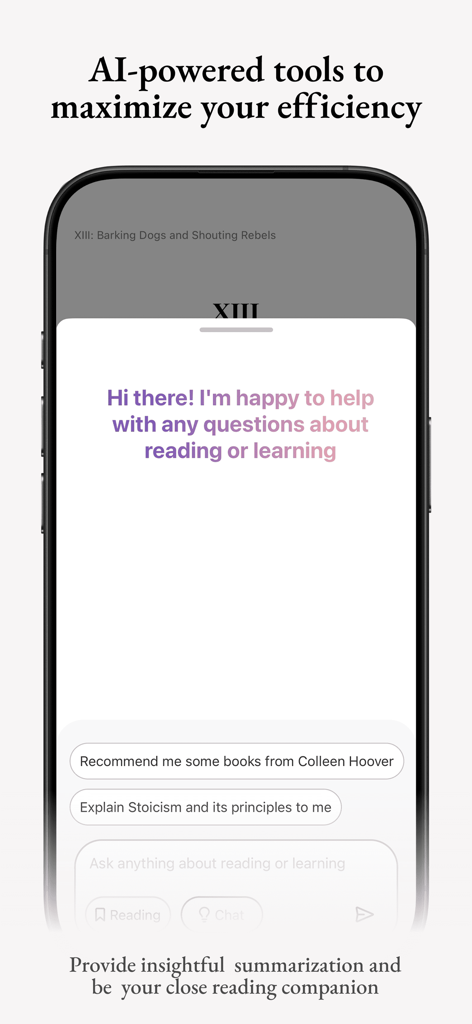
Koodo Reader AI chat interface for book summaries and reading help
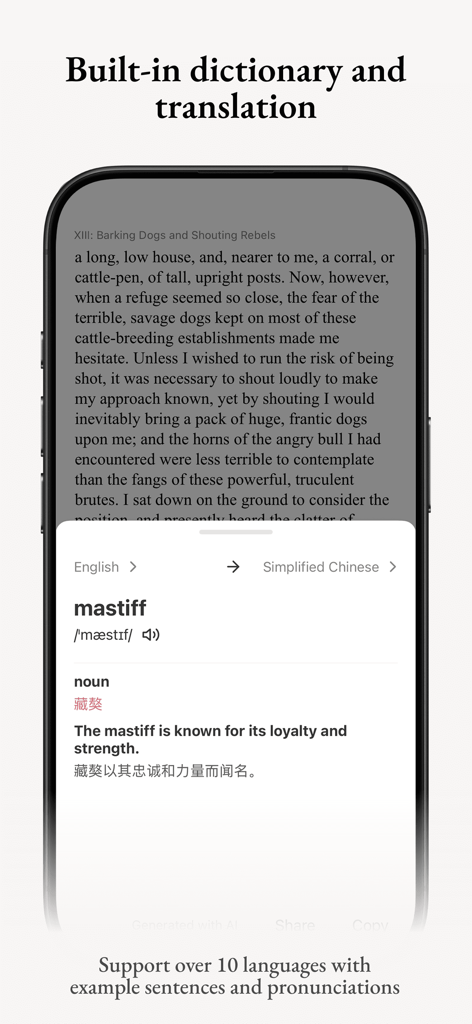
Koodo Reader mobile app showing built in dictionary and translation feature
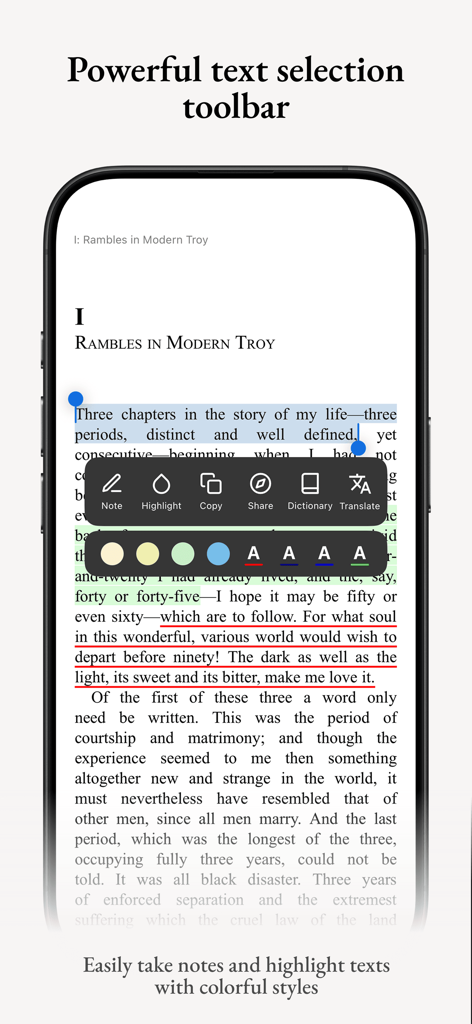
iPhone screenshot of Koodo Reader highlighting its text selection toolbar with note-taking, highlighting, and translation features
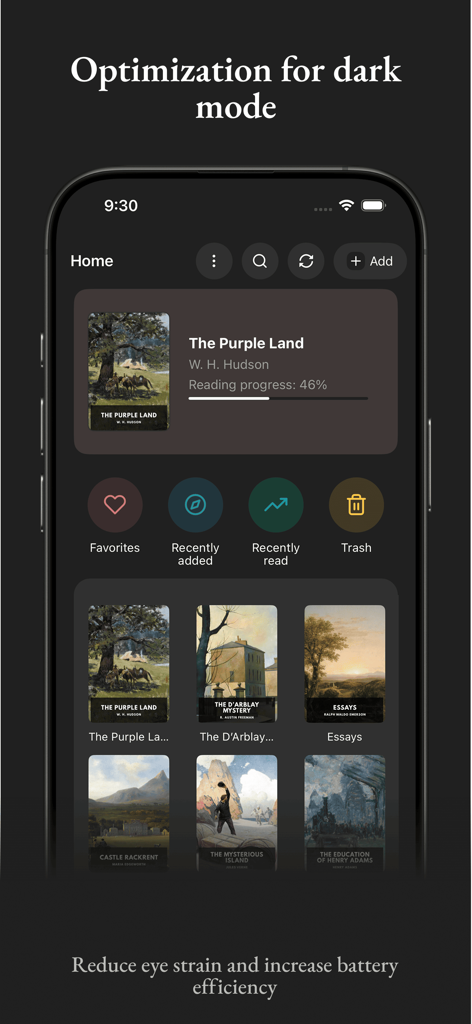
Koodo Reader library home screen in dark mode showing book covers and reading progress
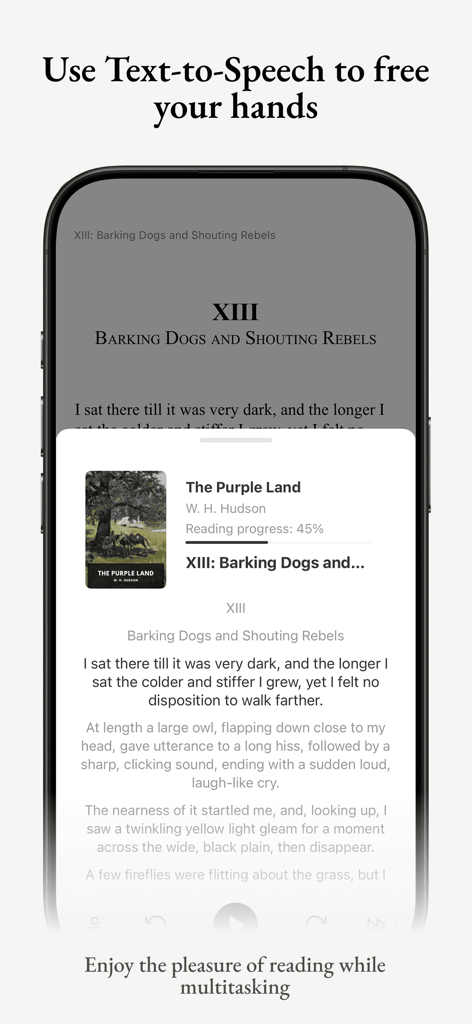
Interface of Koodo Reader app showing the text to speech feature for multitasking.
Description
Download
More Like This
Top-ranked apps in the same category

Amazon Kindle
AMZN Mobile LLC

Audible: Audiobooks & Podcasts
Audible, Inc.

七猫小说-看小说电子书的阅读神器
Shanghai Seven-Cat Culture Media Co.,Ltd.

QQ阅读
Shenzhen Tencent Computer Systems Company Limited

Wattpad - Read & Write Stories
Wattpad Corp

Libby, the library app
OverDrive, Inc.

微信读书
Tencent Technology (Shenzhen) Company Limited

起点读书-看小说听书的阅读神器
Shanghai Xuan Ting Entertainment Information & technology CO.,LTD

Goodreads: Book Reviews
Goodreads, Inc
This page is not an official page of the app or its developer, but an independent editorial publication created for informational and commentary purposes. Unless expressly stated otherwise, neither the app nor its developer is affiliated with, endorsed by, sponsored by, authorized by, or otherwise officially connected with MWM, Apple, Google Play, the app publisher, or the app's developer, and nothing on this page implies that the app was developed using MWM's services. Any trademarks, logos, screenshots, and other content remain the property of their respective owners.