
Korean Air My


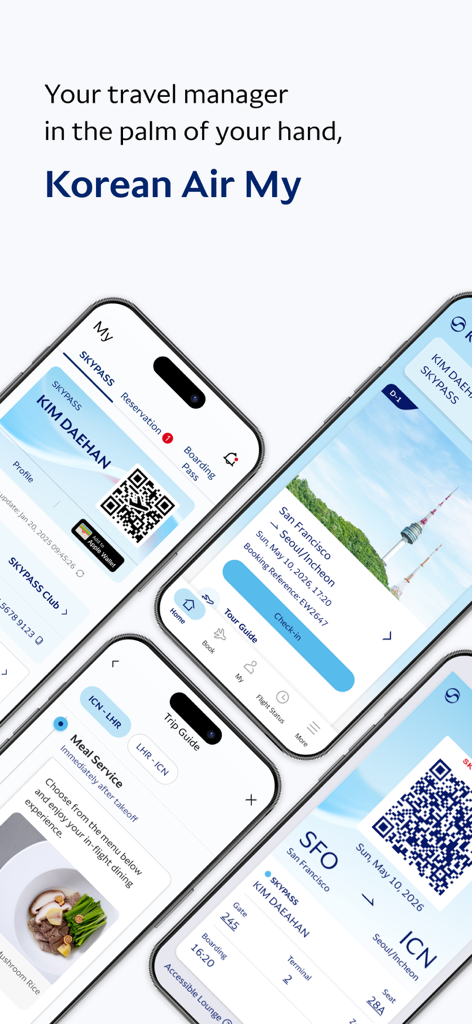
Experience stress-free journeys with real-time baggage tracking, 360° VR cabin previews, and offline boarding passes. Manage your SKYPASS rewards and flight details effortlessly from your iPhone or Apple Watch.
Publisher
Category
TravelDownloads
4M+User Rating
Total Ratings
73K+Locales
13Discover the interface used by 4M+ users.
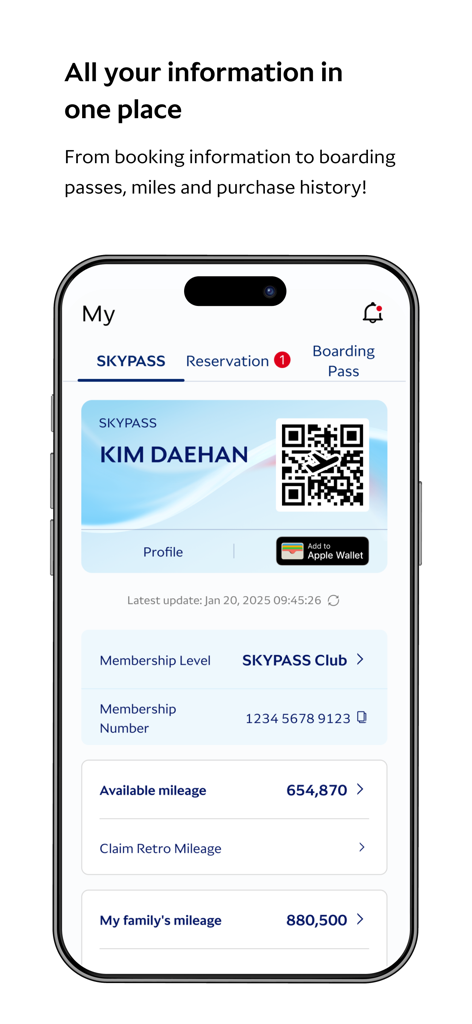
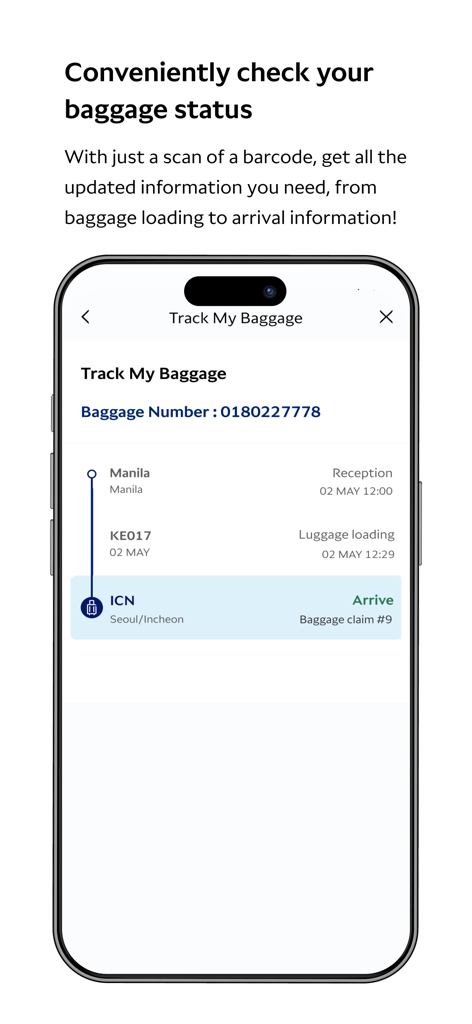
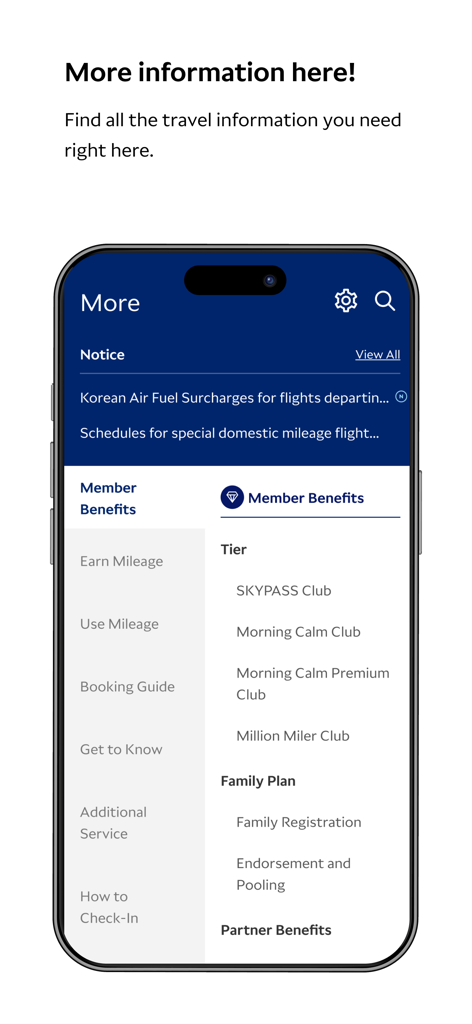
The tools that make this app stand out, trusted by 4M+ users.
Travel with peace of mind. Receive instant push notifications as your luggage is loaded and ready for pickup at your destination.
Skip the friction with biometric login and keep your boarding passes accessible at all times, even without an international data plan.
Choose your comfort with confidence. Explore aircraft interiors in immersive virtual reality to find your perfect seat before you fly.
Everything you need to know about Korean Air My.
Description
Latest Version
3.3.2
Size
329.2 MB
First Released
Jan 6, 2021
Join over 4 million travelers. Download the Korean Air My app for real-time baggage tracking, 360° cabin views, and a seamless journey from booking to landing.
Everything you need to know about Korean Air My
The Korean Air My app offers booking, check-in, ticketing, personalized travel info, a 360° VR cabin experience, real-time flight updates, and baggage load status. Users can also confirm boarding passes and SKYPASS cards offline, and log in with biometric authentication.
Yes, the Korean Air My app allows users to book flights, complete check-in procedures, and manage ticketing directly within the application for their travel needs. This streamlines the travel process.
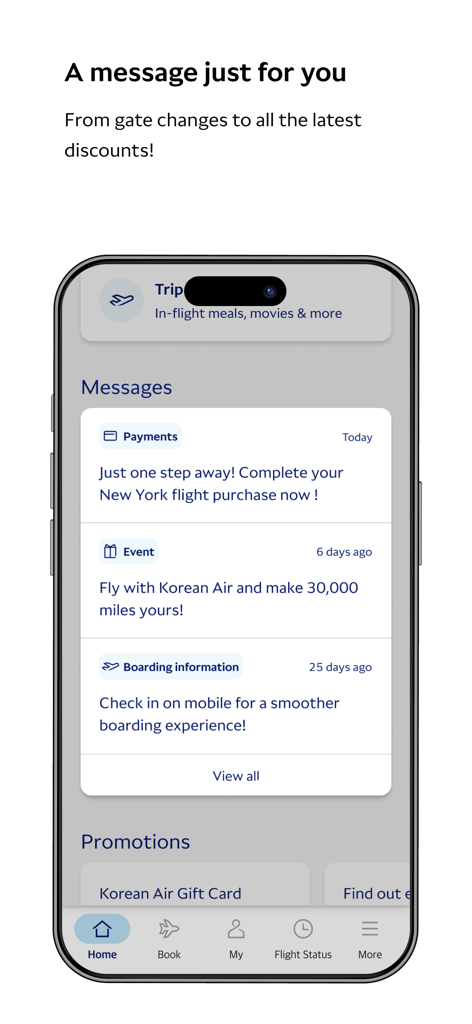
Yes, the Korean Air My app provides real-time flight information to users. It delivers updates and notifications regarding flight status directly via the app's push notification system, ensuring timely awareness.
The Korean Air My app allows users to view their baggage load status. You can track your baggage by scanning a barcode to get updated information, from baggage loading details to final arrival information.
The Korean Air My app requires iOS 16 or later for full compatibility and access to the newest features and fixes. For Apple Watch users, watchOS 5 or later is necessary.
Yes, the Korean Air My app enables users to confirm their boarding pass and SKYPASS card offline. This feature ensures access to essential travel documents even without an active internet connection.
Yes, the Korean Air My app supports biometric authentication for secure and convenient login. Users can choose to log in using a PIN number or their device's integrated biometric security features.
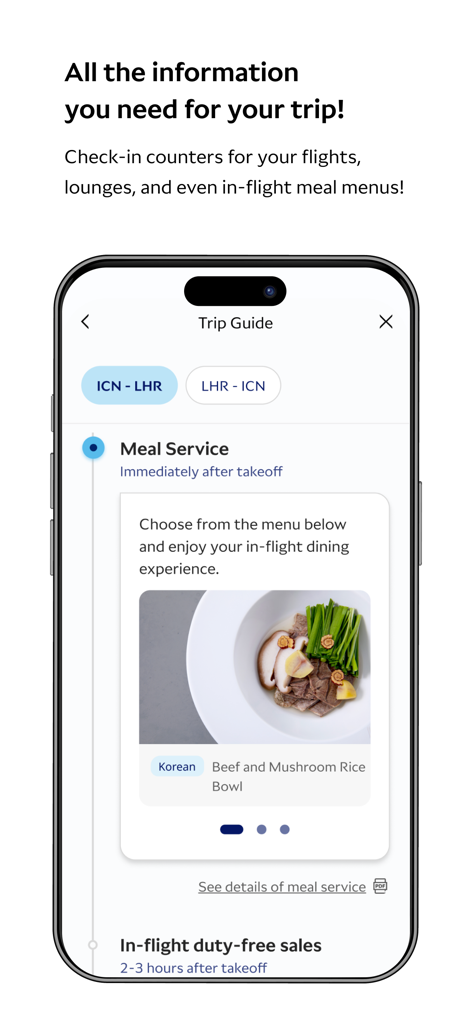
Yes, the Korean Air My app allows users to see in-flight meal options. The 'Trip Guide' section displays meal services, such as the "Korean Beef and Mushroom Rice Bowl," for selection and review during their flight.
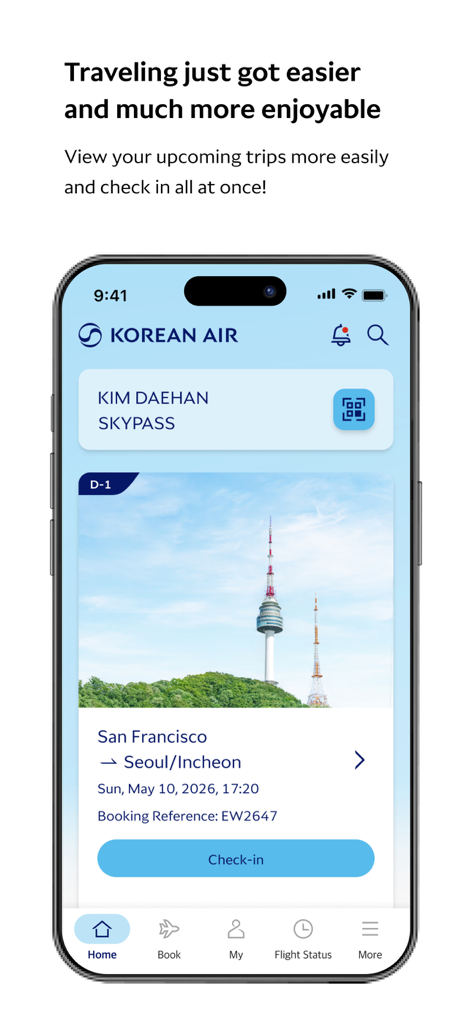
To check in for your flight using the Korean Air My app, navigate to your upcoming trip details on the home screen. A prominent "Check-in" button is available, allowing for mobile check-in for a smoother boarding experience.
The Korean Air My app provides personalized travel information per itinerary, including flight details like origin, destination, dates, and booking references. It functions as a comprehensive travel manager.
Apps with similar features and user experience
China Southern Airlines Company Limited

United Air Lines

Delta Air Lines, Inc

Southwest Airlines

Air China Limited

easyJet Airline Company Limited

Turkish Airlines

Aerovias de Mexico, S.A. de C.V.

LATAM Airlines Group S.A.
App information, icons, screenshots, and descriptions displayed on this page are sourced from the Apple App Store and are the property of their respective developers. Download estimates and rankings are based on MWM's proprietary models and may not reflect actual figures. This page is provided for informational and analytical purposes only.
Believe this page infringes your intellectual property? File a dispute