
This page is not an official page of the app or its developer, but an independent editorial publication created for informational and commentary purposes. Unless expressly stated otherwise, neither the app nor its developer is affiliated with, endorsed by, sponsored by, authorized by, or otherwise officially connected with MWM, Apple, Google Play, the app publisher, or the app's developer, and nothing on this page implies that the app was developed using MWM's services. Any trademarks, logos, screenshots, and other content remain the property of their respective owners.


Kvitto & Resa
Capture receipts instantly, automate mileage tracking, and sync with your financial systems. Reclaim your time and eliminate the stress of manual expense reporting.
Downloads
46K+User Rating
Total Ratings
4K+Publisher
Category
BusinessLocales
1Latest Version
7.13.0Size
56.5 MBFirst Released
Dec 13, 2017Master Your Expenses in Seconds
Stop wasting hours on manual paperwork. Kvitto & Resa automates receipt capture, mileage tracking, and financial reporting so you can focus on your work, not the admin.
One-Tap Receipt Capture
Snap a photo and let our technology extract the details instantly. Go paperless and stay organized without the cognitive load of physical records.
Automated Mileage Tracking
Log business trips and daily allowances with ease. Ensure IRS compliance and guarantee you get every cent of your reimbursement accurately.
The following screenshots and description are sourced directly from the app's official store listing and are the property of the app developer.
App Store
Screenshots
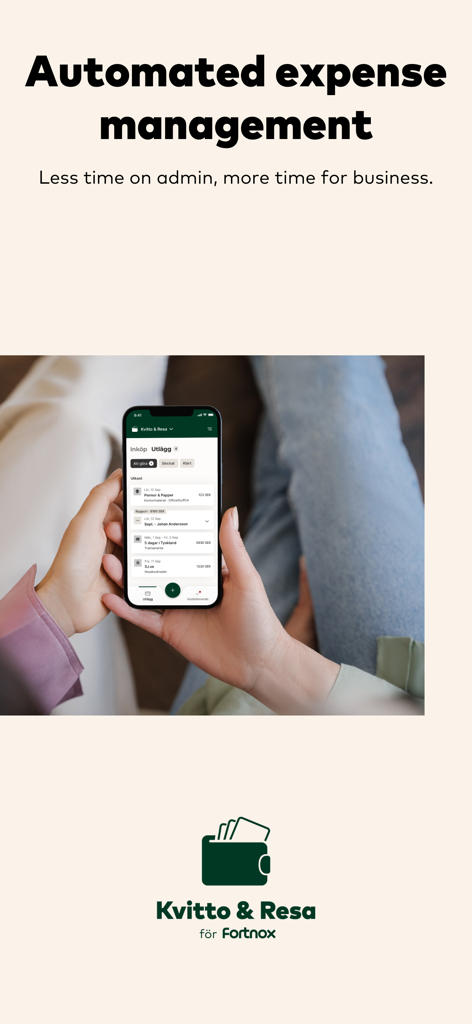
A person holding a smartphone showing the Kvitto and Resa app interface for automated expense management.
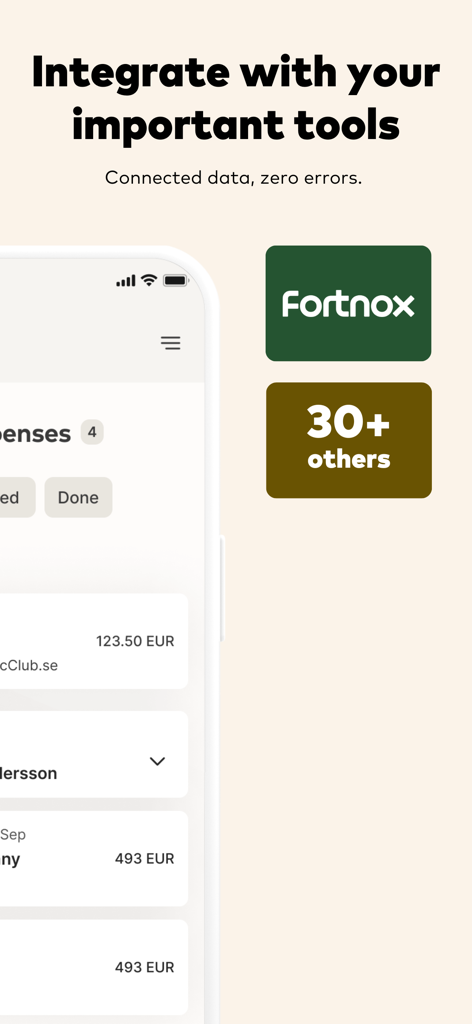
Screenshot of Kvitto and Resa app highlighting integrations with Fortnox and over 30 other business tools for seamless data management.
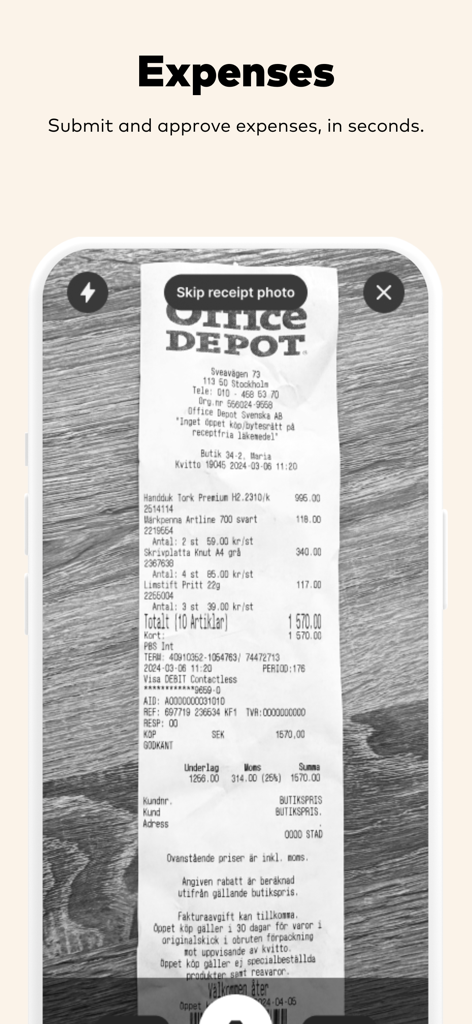
Smartphone camera capturing an Office Depot receipt in the Kvitto and Resa app for expense management
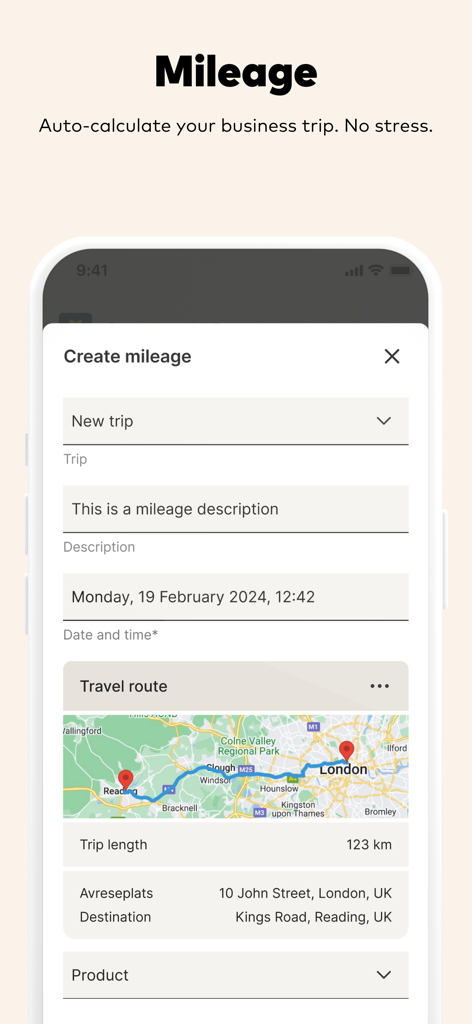
Mobile app interface for business mileage tracking showing a trip map and auto-calculated distance
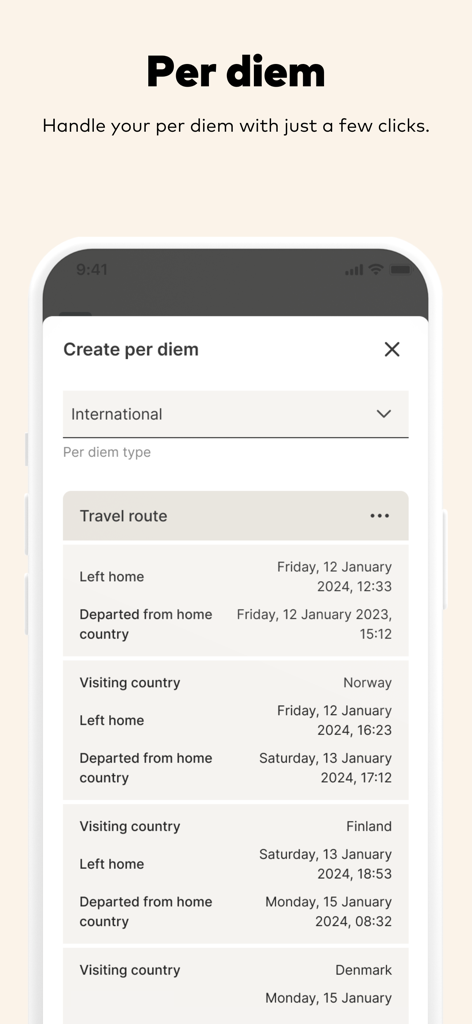
Kvitto and Resa mobile app screen showing international per diem travel route details

A woman smiling while using the Kvitto and Resa expense management mobile app on her phone.
Description
Download
More Like This
Top-ranked apps in the same category

Microsoft Teams
Microsoft Corporation

Zoom Workplace
Zoom Communications, Inc.

WhatsApp Business
WhatsApp Inc.

Indeed Job Search
Indeed Inc.

LinkedIn: Network & Job Finder
LinkedIn Corporation

Adobe Acrobat Reader: Sign PDF
Adobe Inc.

WeCom-Work Communication&Tools
Tencent Technology (Shenzhen) Company Limited

BOSS直聘-招聘求职找工作神器
Beijing China Product Bo Farce Network Technology Co., Ltd.

DingDing - Redefine Work in AI
DingTalk Technology Co., Ltd.
This page is not an official page of the app or its developer, but an independent editorial publication created for informational and commentary purposes. Unless expressly stated otherwise, neither the app nor its developer is affiliated with, endorsed by, sponsored by, authorized by, or otherwise officially connected with MWM, Apple, Google Play, the app publisher, or the app's developer, and nothing on this page implies that the app was developed using MWM's services. Any trademarks, logos, screenshots, and other content remain the property of their respective owners.