
This page is not an official page of the app or its developer, but an independent editorial publication created for informational and commentary purposes. Unless expressly stated otherwise, neither the app nor its developer is affiliated with, endorsed by, sponsored by, authorized by, or otherwise officially connected with MWM, Apple, Google Play, the app publisher, or the app's developer, and nothing on this page implies that the app was developed using MWM's services. Any trademarks, logos, screenshots, and other content remain the property of their respective owners.

LBS Plus
Transform education with a multi-sensory experience designed for inclusion. From audio supports for visual weakness to interactive drawing and note-taking tools, give your child a sustainable, offline-ready pedagogical tool that makes learning truly engaging.
Downloads
45K+User Rating
Total Ratings
900Publisher
Category
BooksLocales
1Latest Version
4.33Size
72.2 MBFirst Released
Sep 8, 2018Transforming How Students Learn
Discover an interactive educational environment designed for inclusion, accessibility, and active engagement—anytime, anywhere.
Inclusive Accessibility
Built-in audio supports and advanced zoom tools ensure that students with visual challenges can navigate and understand complex topics with ease.
Active Study Tools
Empower students to highlight, draw, and type notes directly on the pages, turning passive reading into a dynamic and personalized learning experience.
Frequently Asked Questions
Everything you need to know about LBS Plus
What is the main purpose of the LBS Plus app?
LBS Plus is a contemporary pedagogical mobile tool. It facilitates and improves teaching-learning processes for current generations, particularly supporting children with visual weakness through interactive digital content.
Does LBS Plus offer accessibility features for visually impaired children?
Yes, LBS Plus includes specific features for children with visual weakness. These include audio support and a zoom tool for increasing text size, ensuring better understanding of topics.
Can LBS Plus function offline after downloading content?
Yes, LBS Plus does not require an internet connection for its interactive tools to work. This applies once the app and its interactive books are acquired and downloaded.
What interactive features are available within LBS Plus books?
LBS Plus interactive books offer tools like writing notes, zoom, taking pictures, highlighting text, drawing, and an interactive index. Users can also answer open questions via a virtual keyboard.
Does LBS Plus provide an organizational agenda?
Yes, LBS Plus includes an agenda feature. Users can write notes and set reminders, which the application saves automatically based on their creation date.
What educational content and activities are available in LBS Plus?
LBS Plus offers interactive books, tasks, forum discussions, exams, and various activities. These resources support learning across different subjects and pedagogical needs.
Is avatar customization an option in LBS Plus?
Yes, LBS Plus allows users to choose and customize their avatar. Options include selecting an avatar style and choosing a preferred color.
The following screenshots and description are sourced directly from the app's official store listing and are the property of the app developer.
App Store
Screenshots
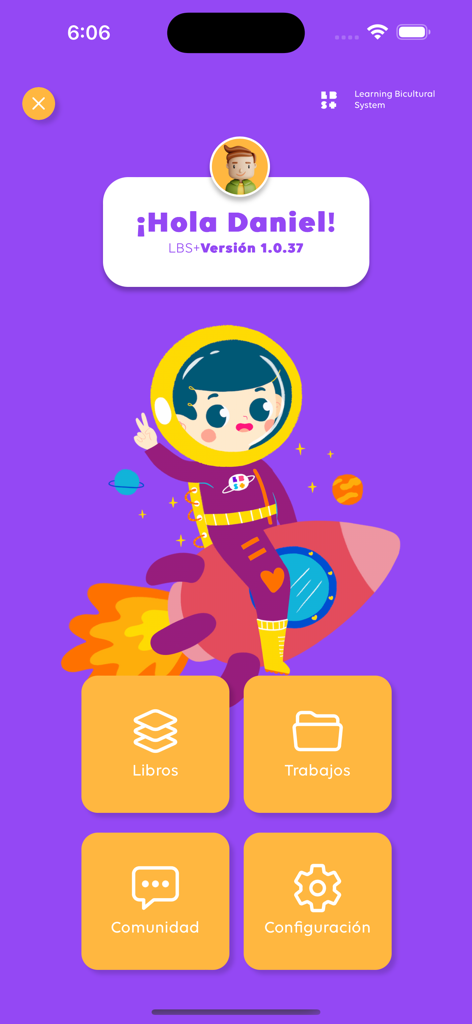
LBS Plus app home screen showing a personalized welcome message for a student with an astronaut illustration and menu icons for books and community.
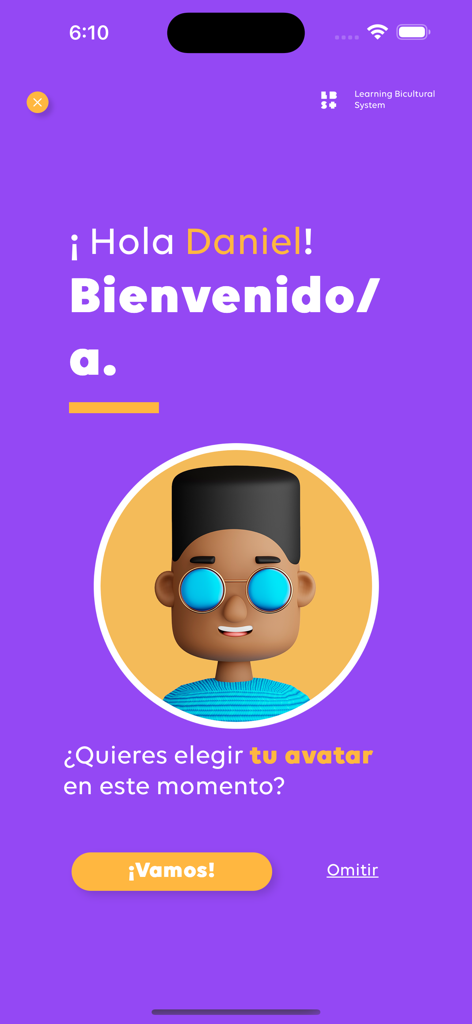
Welcome screen of the LBS Plus app featuring a personalized greeting and a character avatar selection prompt.
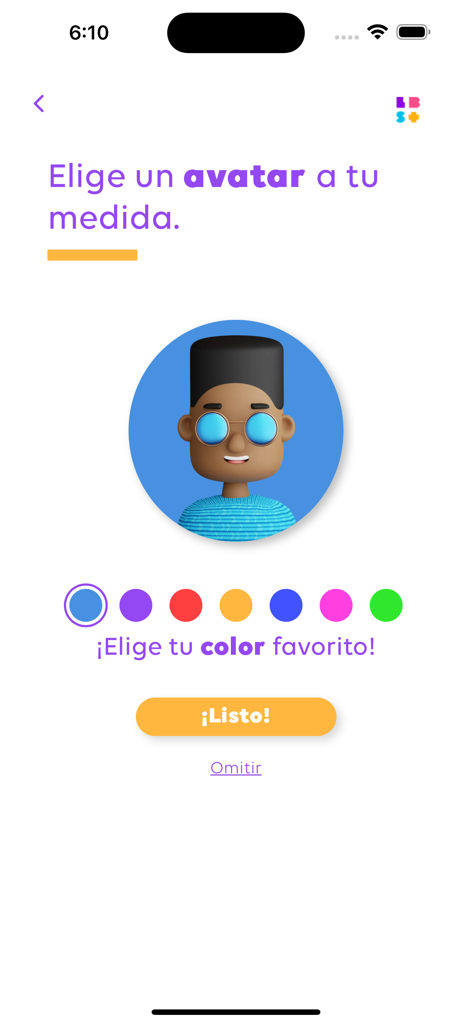
Avatar customization screen in the LBS Plus educational app allowing users to choose a character and favorite color
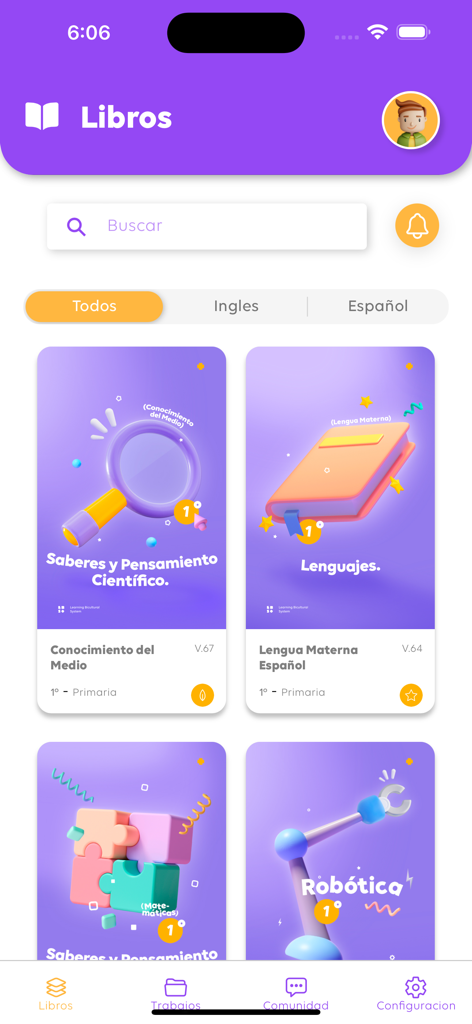
LBS Plus app interface showing a digital library of interactive educational books for kids
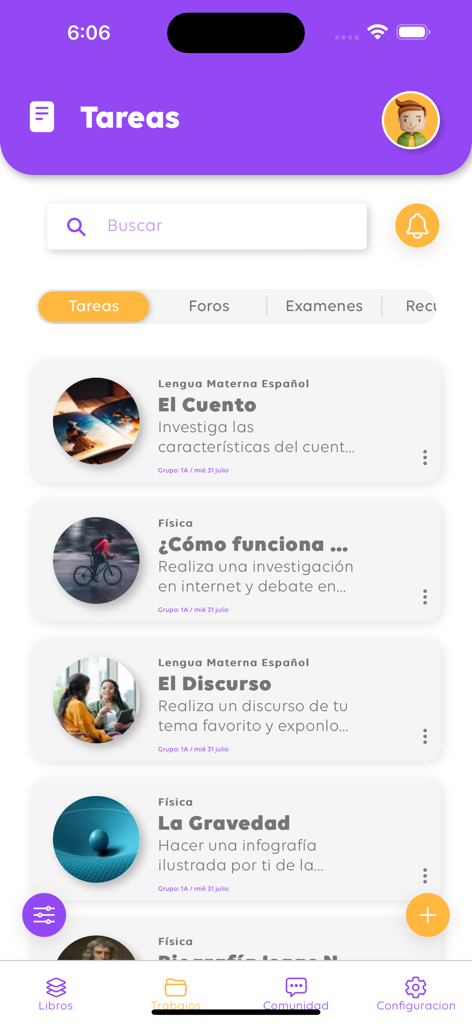
LBS Plus app tasks screen showing a list of school assignments for subjects like Spanish and Physics
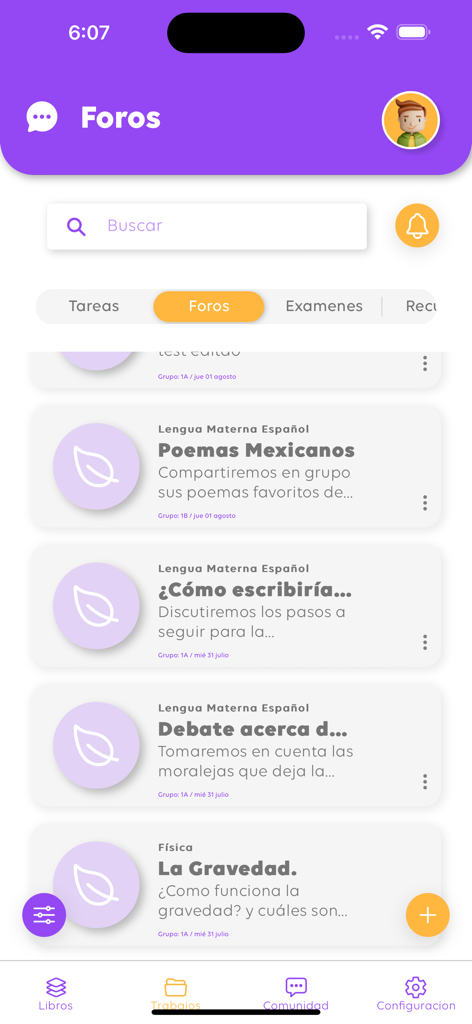
Interface of the LBS Plus app showing the community forums section with educational discussion topics for students.
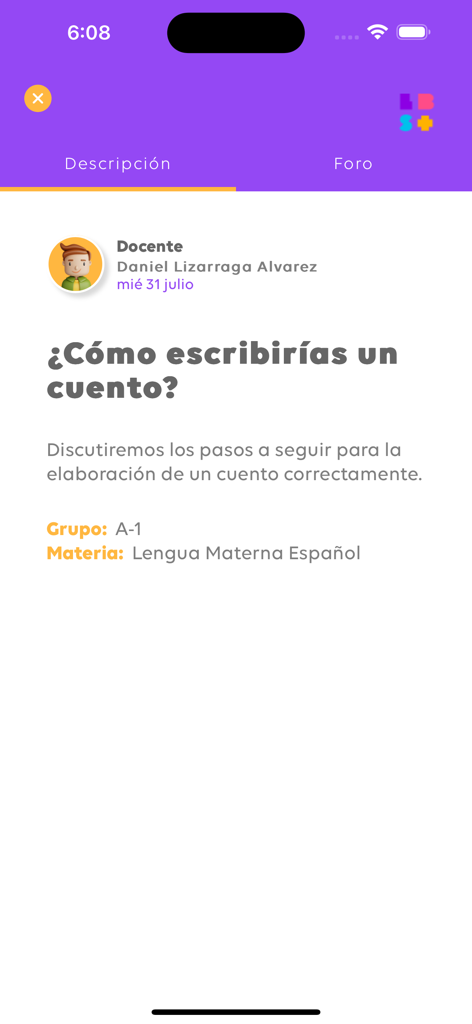
LBS Plus app interface showing a Spanish language lesson overview for writing a story
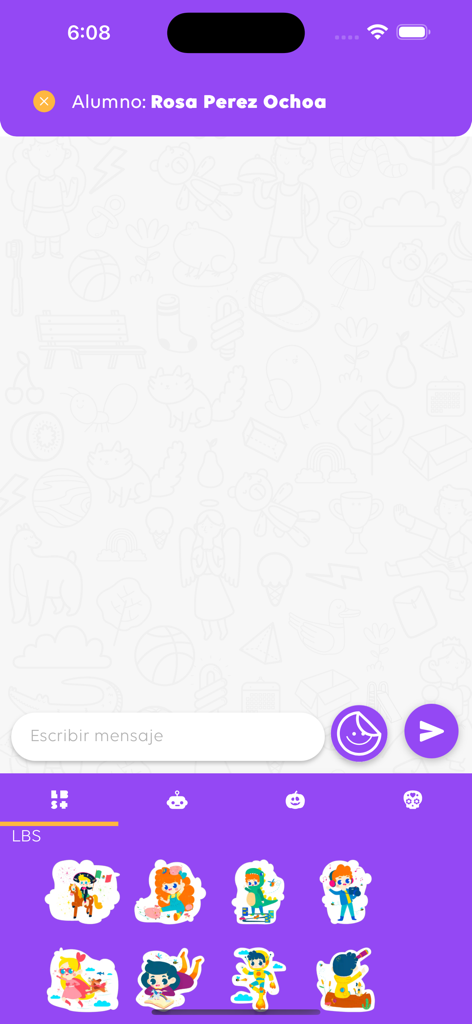
LBS Plus messaging screen with student chat interface and cartoon stickers
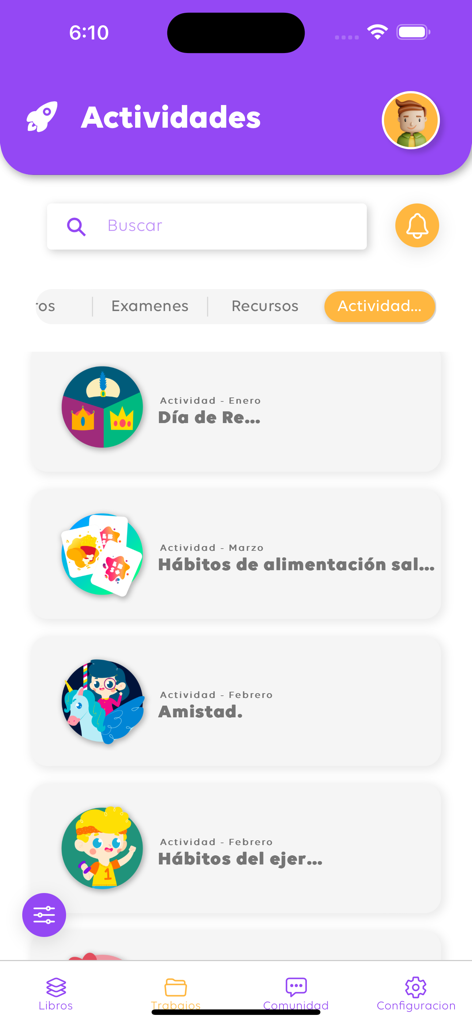
The activities screen of the LBS Plus pedagogical app showing a list of educational topics including healthy habits and friendship.
Description
Download
More Like This
Top-ranked apps in the same category

Amazon Kindle
AMZN Mobile LLC

Audible: Audiobooks & Podcasts
Audible, Inc.

七猫小说-看小说电子书的阅读神器
Shanghai Seven-Cat Culture Media Co.,Ltd.

QQ阅读
Shenzhen Tencent Computer Systems Company Limited

Wattpad - Read & Write Stories
Wattpad Corp

Libby, the library app
OverDrive, Inc.

微信读书
Tencent Technology (Shenzhen) Company Limited

起点读书-看小说听书的阅读神器
Shanghai Xuan Ting Entertainment Information & technology CO.,LTD

Goodreads: Book Reviews
Goodreads, Inc
This page is not an official page of the app or its developer, but an independent editorial publication created for informational and commentary purposes. Unless expressly stated otherwise, neither the app nor its developer is affiliated with, endorsed by, sponsored by, authorized by, or otherwise officially connected with MWM, Apple, Google Play, the app publisher, or the app's developer, and nothing on this page implies that the app was developed using MWM's services. Any trademarks, logos, screenshots, and other content remain the property of their respective owners.