
This page is not an official page of the app or its developer, but an independent editorial publication created for informational and commentary purposes. Unless expressly stated otherwise, neither the app nor its developer is affiliated with, endorsed by, sponsored by, authorized by, or otherwise officially connected with MWM, Apple, Google Play, the app publisher, or the app's developer, and nothing on this page implies that the app was developed using MWM's services. Any trademarks, logos, screenshots, and other content remain the property of their respective owners.


LCT Floating Timer - Stopwatch
Master every millisecond with a persistent floating overlay and Dynamic Island integration. Designed for winning flash sales, tracking sneaker drops, and seamless multitasking across all your favorite apps.
Downloads
202K+User Rating
Total Ratings
1000Publisher
Category
Graphics & DesignLocales
33Latest Version
2.0Size
19.6 MBFirst Released
Jul 6, 2022Timing Designed for the Competitive Edge
Stay ahead with a floating timer that moves with you. Whether you are hunting sneaker drops or multitasking like a pro, precision is always front and center.
Overlay on Any App
Keep your countdown visible on top of games, shopping apps, or social media without ever switching screens or losing focus.
Millisecond-Level Accuracy
Gain a tactical advantage in time-sensitive events like sneaker drops and flash sales with ultra-precise, millisecond tracking.
The following screenshots and description are sourced directly from the app's official store listing and are the property of the app developer.
App Store
Screenshots
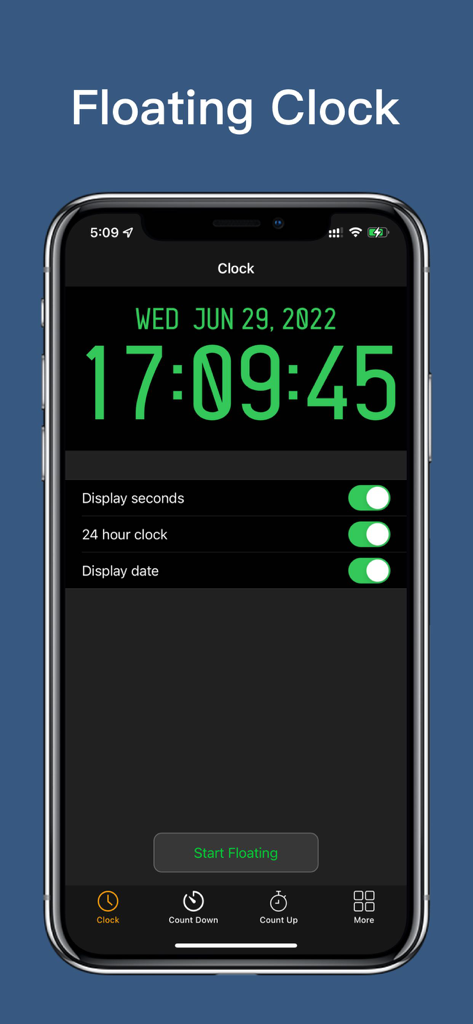
LCT Floating Timer app interface showing a digital clock with green digits and custom settings toggles
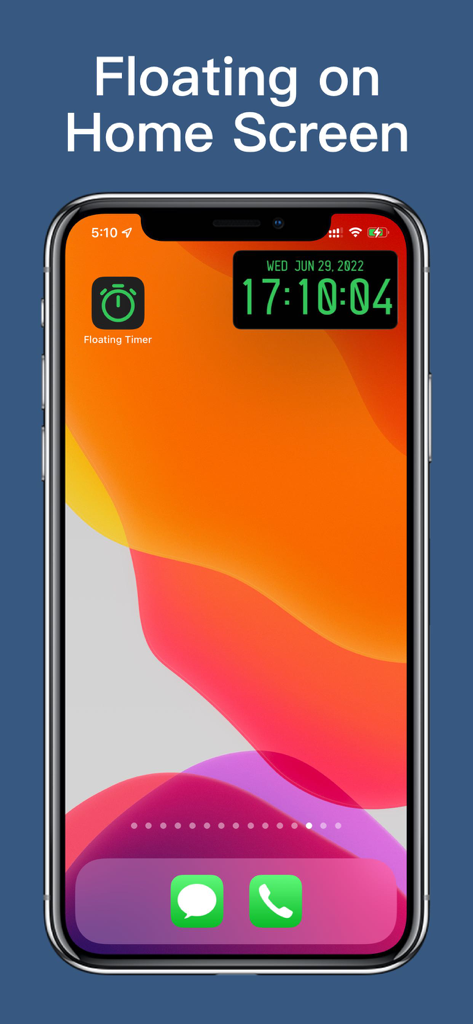
A digital clock widget floating on an iPhone home screen
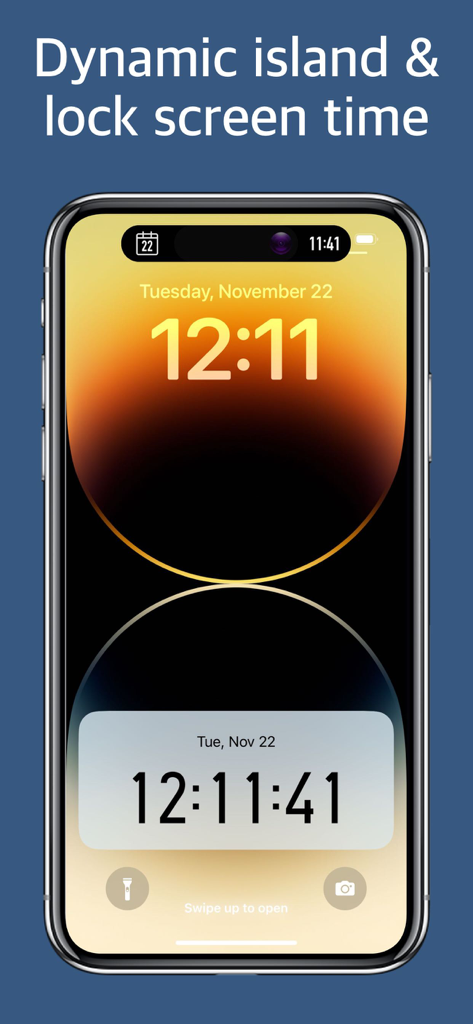
Digital clock with seconds on iPhone lock screen and Dynamic Island
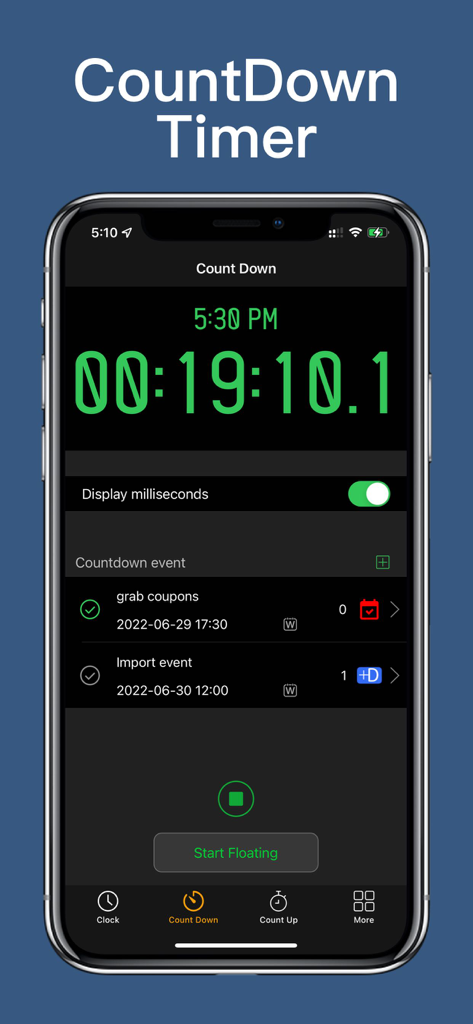
Digital countdown timer interface showing millisecond precision and scheduled events for shopping and tasks.
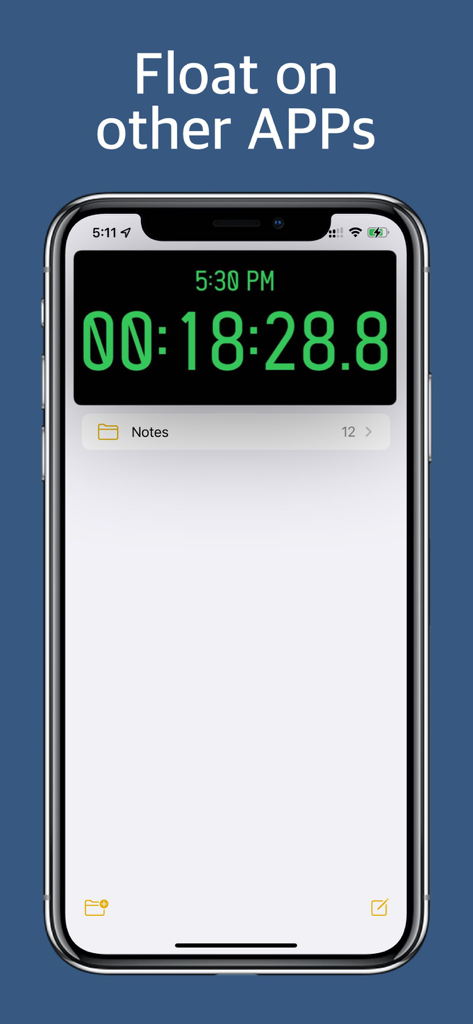
A digital stopwatch floating on top of the Notes app on an iPhone screen for multitasking.
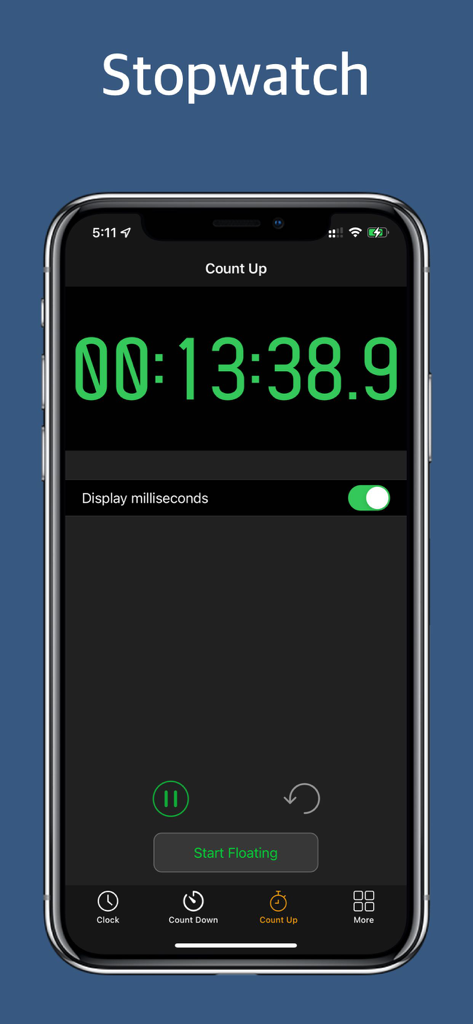
LCT Floating Timer app stopwatch screen with green digital display and millisecond precision
Description
Download
More Like This
Top-ranked apps in the same category

Kling AI: AI Image&Video Maker
LOHAS GAMES PTE. LTD.

iScreen - Widgets & Wallpaper
Xiamen ShenZhuo Information Technology Co., Ltd.

Dreamina AI: Image&Video Maker
BYTEDANCE PTE. LTD.

Home AI - AI Interior Design
HUBX YAZILIM HIZMETLERI ANONIM SIRKETI

ibis Paint X
ibis inc.

ThemeKit: Widget & Icon Themes
Woohoo Tech. Ltd.

Sketchbook®
Sketchbook, Inc.

Colorful Widget- Widget&Themes
Guangzhou ZHIFENG Information Technology Co.,Ltd.

ReRoom AI: Interior Design
GM UniverseApps Limited
This page is not an official page of the app or its developer, but an independent editorial publication created for informational and commentary purposes. Unless expressly stated otherwise, neither the app nor its developer is affiliated with, endorsed by, sponsored by, authorized by, or otherwise officially connected with MWM, Apple, Google Play, the app publisher, or the app's developer, and nothing on this page implies that the app was developed using MWM's services. Any trademarks, logos, screenshots, and other content remain the property of their respective owners.