
This page is not an official page of the app or its developer, but an independent editorial publication created for informational and commentary purposes. Unless expressly stated otherwise, neither the app nor its developer is affiliated with, endorsed by, sponsored by, authorized by, or otherwise officially connected with MWM, Apple, Google Play, the app publisher, or the app's developer, and nothing on this page implies that the app was developed using MWM's services. Any trademarks, logos, screenshots, and other content remain the property of their respective owners.

Learn Python・Ocean-AI Compile
Go from beginner to pro with interactive lessons and a built-in mobile code editor. Join over 123K learners building real-world projects and future-proofing their careers today.
Downloads
123K+User Rating
Total Ratings
6K+Publisher
Category
EducationLocales
14Latest Version
1.4.3Size
69.1 MBFirst Released
Oct 19, 2025Master Python on Your Own Terms
Go from absolute beginner to building real projects with interactive lessons and a powerful mobile code editor designed for your lifestyle.
Bite-Sized Interactive Lessons
Master complex programming concepts in just 10 minutes a day during your commute or lunch break. Perfect for busy professionals and students.
Powerful Built-in Compiler
Write and run Python code directly on your iPhone. No environment setup required—just open the app and start coding instantly.
Frequently Asked Questions
Everything you need to know about Learn Python・Ocean-AI Compile
What is the app "Learn Python・Ocean-AI Compile"?
The Learn Python・Ocean-AI Compile app provides interactive lessons, coding challenges, and quizzes to help users learn Python programming. It includes a built-in code editor for hands-on practice.
Does the "Learn Python・Ocean-AI Compile" app offer a built-in code editor?
Yes, the Learn Python・Ocean-AI Compile app features a built-in code editor for users to practice directly. This allows for hands-on learning and real-time testing of code.
Does the Learn Python・Ocean-AI Compile app offer free access to its features?
Yes, some features of the Learn Python・Ocean-AI Compile app are available for free. Full access to all content requires a subscription.
How many lessons and certificates does "Learn Python・Ocean-AI Compile" offer?
The Learn Python・Ocean-AI Compile app offers over 100 video and text lessons. Users can also earn 3 certificates upon completion.
Is a subscription required for full access to "Learn Python・Ocean-AI Compile"?
Yes, full access to the features within the Learn Python・Ocean-AI Compile app requires a subscription. Some features are available without a subscription.
What types of learning materials are available in the "Learn Python・Ocean-AI Compile" app?
The Learn Python・Ocean-AI Compile app offers step-by-step Python tutorials, interactive coding exercises, quizzes, and video lessons. It includes real-world examples and projects.
Can users manage their subscription for "Learn Python・Ocean-AI Compile" through the App Store?
Yes, users can manage or turn off auto-renewal for their Learn Python・Ocean-AI Compile subscription at any time via their App Store account settings.
Does "Learn Python・Ocean-AI Compile" support learning in multiple languages?
Yes, the Learn Python・Ocean-AI Compile app supports learning in multiple languages, including English, Spanish, and French. Portuguese is listed as coming soon.
Is the "Learn Python・Ocean-AI Compile" app affiliated with the Python Software Foundation?
No, the Learn Python・Ocean-AI Compile app is not affiliated with the Python Software Foundation. "Python" is a registered trademark of the Python Software Foundation.
What kind of exercises does "Learn Python・Ocean-AI Compile" offer?
The Learn Python・Ocean-AI Compile app offers interactive coding exercises, quizzes, and coding challenges. It provides hands-on practice directly within the app.
The following screenshots and description are sourced directly from the app's official store listing and are the property of the app developer.
App Store
Screenshots
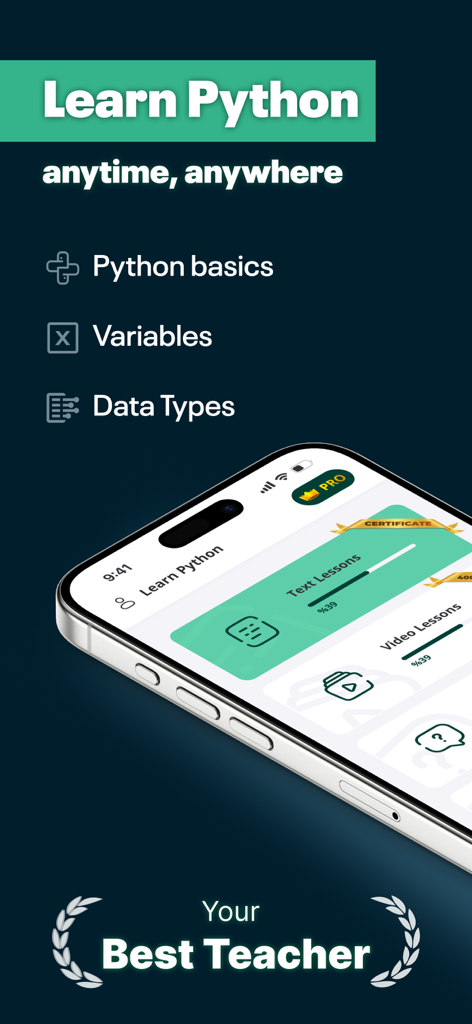
Mobile app interface for learning Python basics with text and video lessons
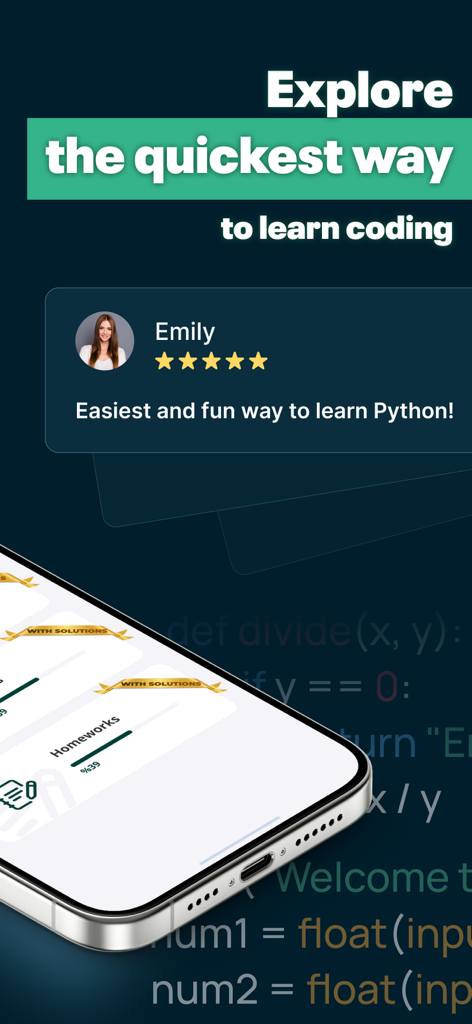
Mobile app screen showing a five star review and a message about the quickest way to learn Python coding.
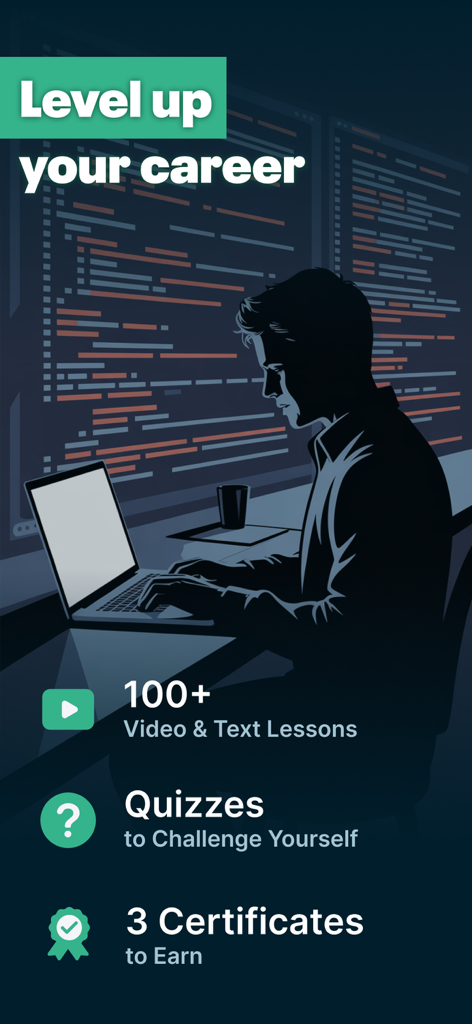
A professional coding on a laptop with text highlighting lessons quizzes and certificates to help level up your career
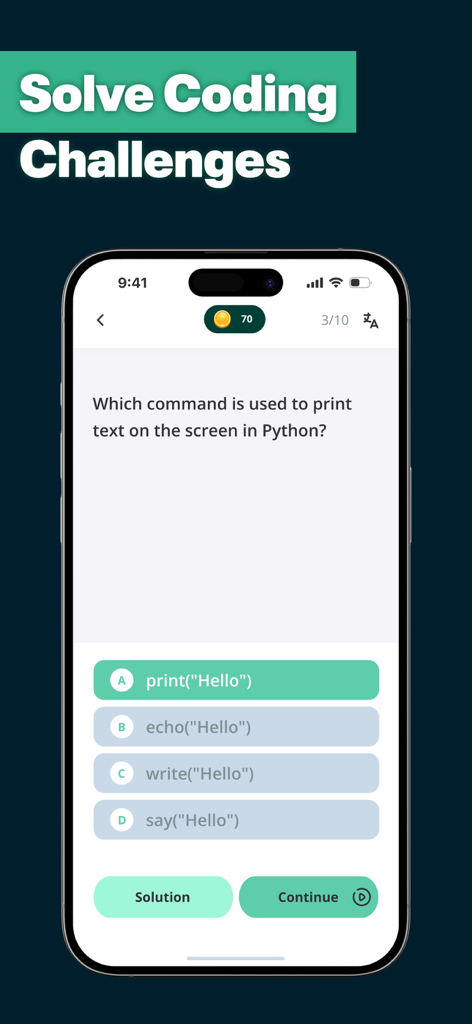
Mobile app interface showing a multiple-choice Python programming challenge about print commands.
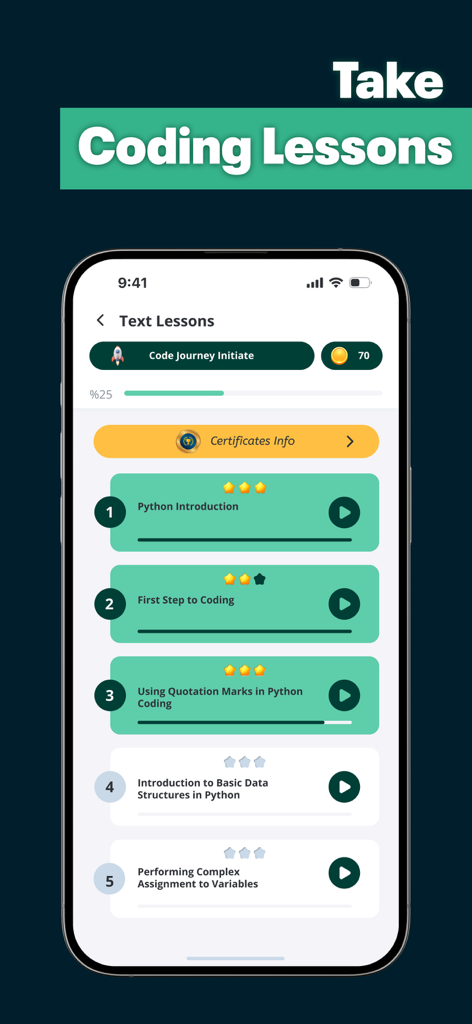
Mobile screen showing a list of Python coding tutorials and lesson progress.
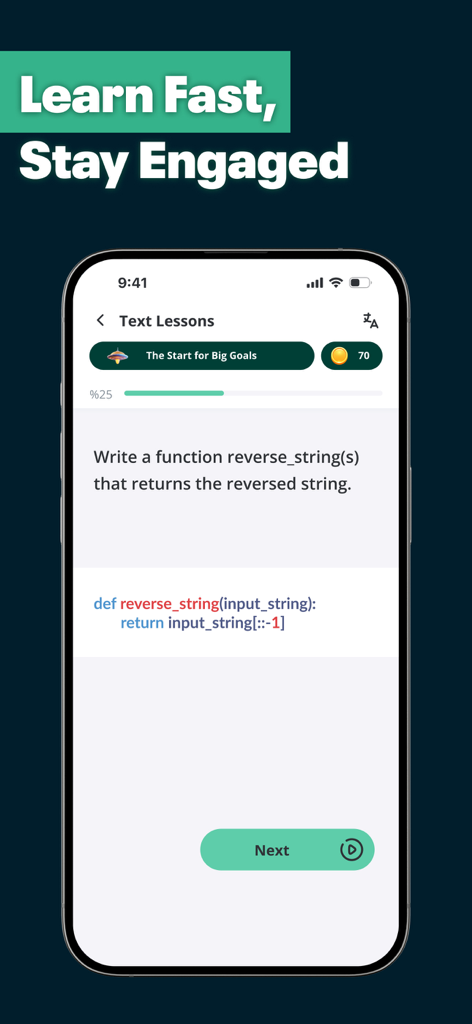
A mobile app screenshot showing an interactive Python coding lesson for writing a string reversal function.
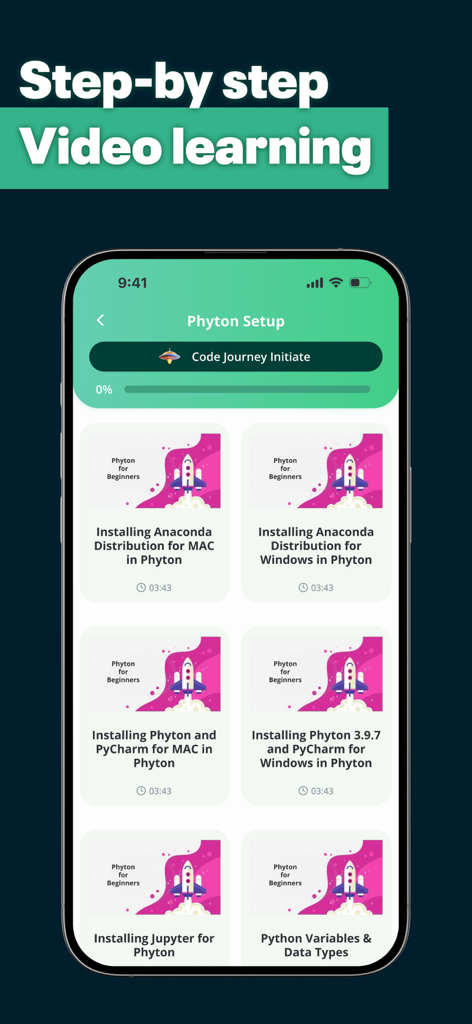
The app interface showing step by step video tutorials for Python setup on Mac and Windows.
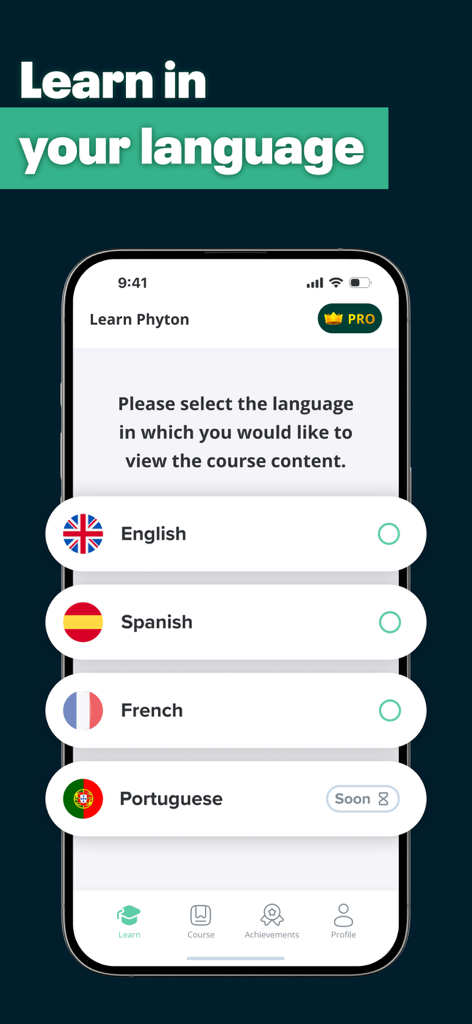
Language selection screen in the Learn Python app with flags for English Spanish and French
Description
Download
More Like This
Apps with similar features and user experience

Sololearn: Learn to Code
SoloLearn Inc.

小鹿AI编程
Guangdong Luxi Online Non-Academic Training School Co., Ltd.

Codecademy Go
Codecademy, LLC
Изучаем Python: CodX
Vyacheslav Shumkov

Learn & Code: CodenQuest
CodenQuest
w3cschool-职业技能培训网校
Xiamen Yidong Network Technology Company Limited
Skill: Code Microlearning
SonderSpot OU
Swift Playground
Apple Inc.

Progate
Progate, Inc.
This page is not an official page of the app or its developer, but an independent editorial publication created for informational and commentary purposes. Unless expressly stated otherwise, neither the app nor its developer is affiliated with, endorsed by, sponsored by, authorized by, or otherwise officially connected with MWM, Apple, Google Play, the app publisher, or the app's developer, and nothing on this page implies that the app was developed using MWM's services. Any trademarks, logos, screenshots, and other content remain the property of their respective owners.