
This page is not an official page of the app or its developer, but an independent editorial publication created for informational and commentary purposes. Unless expressly stated otherwise, neither the app nor its developer is affiliated with, endorsed by, sponsored by, authorized by, or otherwise officially connected with MWM, Apple, Google Play, the app publisher, or the app's developer, and nothing on this page implies that the app was developed using MWM's services. Any trademarks, logos, screenshots, and other content remain the property of their respective owners.


LegitFit
The most user-friendly way to manage your fitness journey. Book sessions, handle memberships, and pay securely with Apple Pay in one interactive app.
Downloads
156K+User Rating
Total Ratings
700Publisher
Category
Health & FitnessLocales
1Latest Version
2.12.1Size
58.5 MBFirst Released
Feb 14, 2022Master Your Workout Routine
Designed for busy professionals, LegitFit eliminates the friction between you and your fitness goals with a seamless, mobile-first experience.
Interactive One-Tap Booking
Claim your spot in seconds with our intuitive calendar interface. Say goodbye to back-and-forth emails and phone calls.
Seamless Apple Pay Integration
Securely purchase memberships, class packs, and supplements with a single touch. Leave your physical wallet at home.
Frequently Asked Questions
Everything you need to know about LegitFit
What is LegitFit?
LegitFit is a user-friendly fitness booking system that allows you to interactively book sessions, manage services, purchase products securely, access classes, and check memberships and bookings.
How do I book fitness sessions with LegitFit?
You can book fitness sessions quickly and easily with LegitFit. The app provides an interactive way to schedule various types of classes and appointments directly from its interface.
Does LegitFit support online payments?
Yes, LegitFit supports online payments. You can pay in 3 taps using Apple Pay, Credit Card, or Debit Card directly within the app for services and products.
Can I join virtual fitness classes through LegitFit?
Yes, you can easily join virtual fitness sessions with LegitFit. The app features a simple Zoom integration, allowing users to access online classes directly from the booking screen.
How do I check into a class or session using LegitFit?
You check into a class or session with LegitFit using a QR code. The app allows you to display your QR code to your local provider to verify your membership status and bookings.
What types of memberships are available on LegitFit?
LegitFit offers various membership plans and packages, including Open Monthly, Unlimited Advance Spinning, Nutrition, Personal Training, and Bronze memberships, providing access to reduced rates and exclusive benefits.
Can I purchase products securely with LegitFit?
Yes, you can securely purchase your products using LegitFit. The app provides a secure payment process, including the option to use Apple Pay for transactions.
The following screenshots and description are sourced directly from the app's official store listing and are the property of the app developer.
App Store
Screenshots
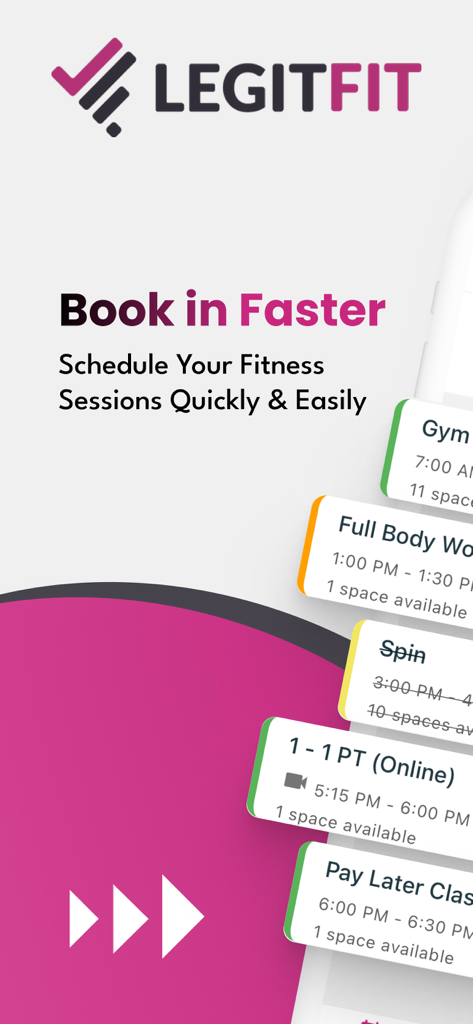
LegitFit app screen for scheduling gym sessions and fitness classes
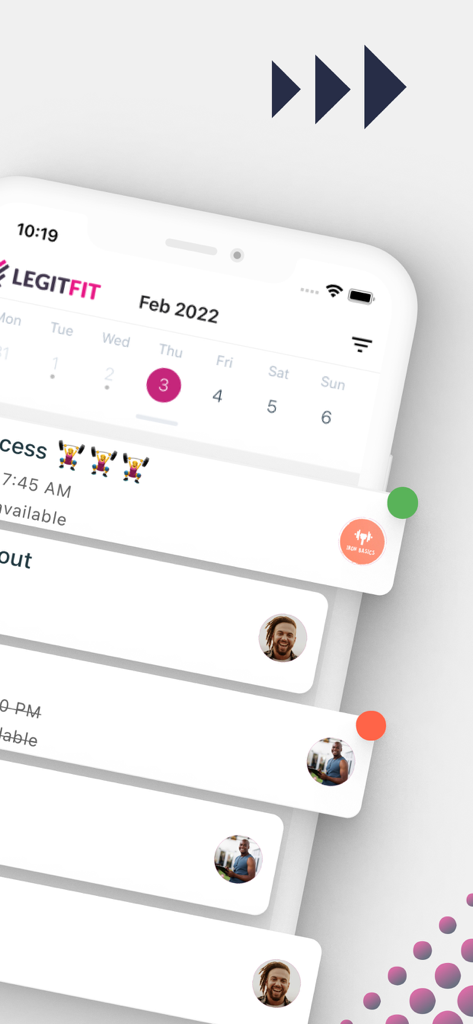
LegitFit fitness booking calendar and class schedule interface
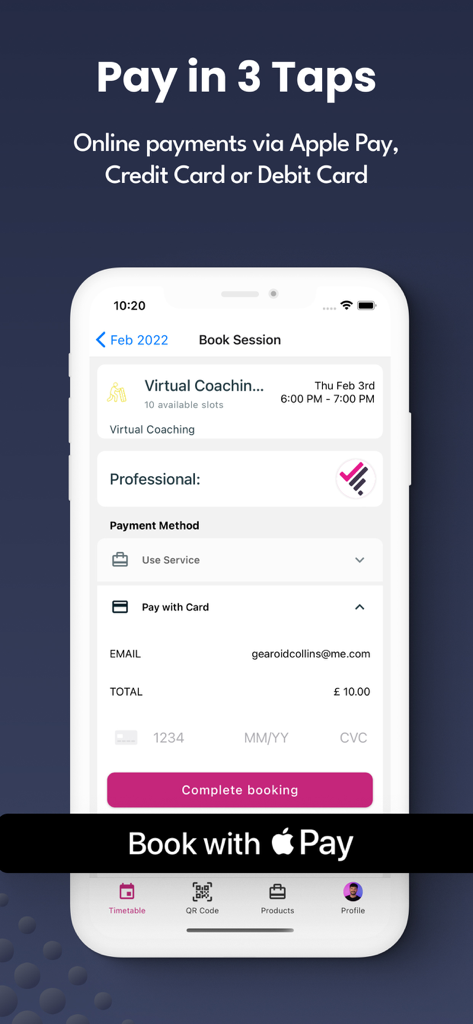
LegitFit app payment screen showing a virtual coaching booking with Apple Pay and credit card options.
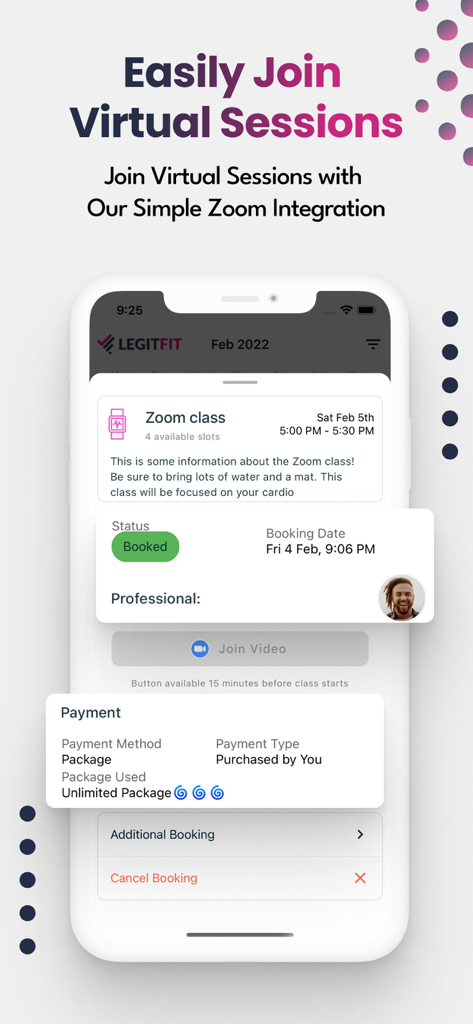
LegitFit app interface for booking and joining virtual fitness classes with Zoom integration
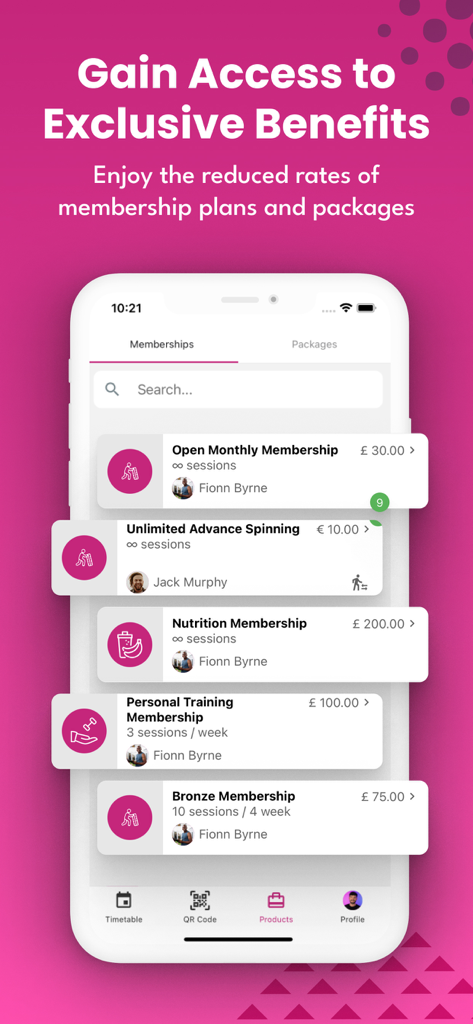
LegitFit app screen displaying various gym membership options and fitness packages
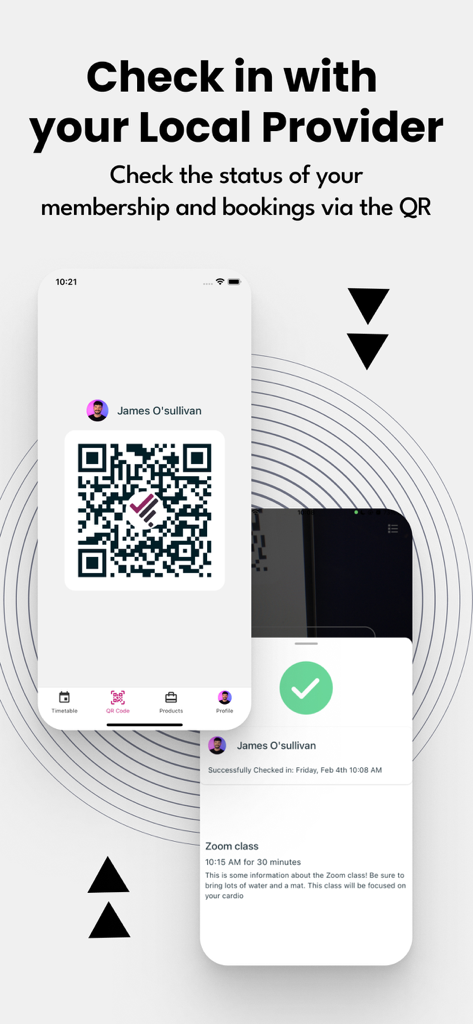
LegitFit app interface showing a QR code for gym check in and membership status
Description
Download
More Like This
Apps with similar features and user experience

Planet Fitness
Planet Fitness Holdings, LLC

Smart Fit App
Smartfit Escola de Ginastica e Danca SA

Next Fit
DLG TECNOLOGIA LTDA

Momence
Momence, Inc.

Panobianco Academia
PANOBIANCO S ACADEMIA DE GINASTICA LTDA

SCA Aluno
Prosistemas Produtos em Software Limitada EPP

Club Pilates
Xponential Fitness LLC

Credencial Sesc SP
Servico Social do Comercio
![[solidcore]](https://fastly.mwm-storage.mwmcdn.com/raw_files/16b6e0b0-adf4-41c5-84f8-e234f4d24f7e?height=160&format=webp)
[solidcore]
Solidcore Holdings, LLC
This page is not an official page of the app or its developer, but an independent editorial publication created for informational and commentary purposes. Unless expressly stated otherwise, neither the app nor its developer is affiliated with, endorsed by, sponsored by, authorized by, or otherwise officially connected with MWM, Apple, Google Play, the app publisher, or the app's developer, and nothing on this page implies that the app was developed using MWM's services. Any trademarks, logos, screenshots, and other content remain the property of their respective owners.