
This page is not an official page of the app or its developer, but an independent editorial publication created for informational and commentary purposes. Unless expressly stated otherwise, neither the app nor its developer is affiliated with, endorsed by, sponsored by, authorized by, or otherwise officially connected with MWM, Apple, Google Play, the app publisher, or the app's developer, and nothing on this page implies that the app was developed using MWM's services. Any trademarks, logos, screenshots, and other content remain the property of their respective owners.


Lens: Reverse Image Search
The all-in-one multi-engine tool for the savvy visual explorer. Discover products, verify sources, and unlock the power of multiple search engines in a single tap.
Downloads
179K+User Rating
Total Ratings
500Publisher
Category
Photo & VideoLocales
1Latest Version
1.4.6Size
48.4 MBFirst Released
Aug 6, 2025Unlock the World Behind Every Photo
Stop guessing and start knowing. Our powerful multi-engine search lets you identify products, verify identities, and find visual inspiration in seconds.
Multi-Engine Intelligence
Don't settle for one result. We aggregate the world's leading image engines to give you the most accurate matches every time.
Instant Visual Shopping
See it, love it, find it. Take a photo of any outfit or home decor to discover exactly where to buy it at the best price.
Frequently Asked Questions
Everything you need to know about Lens: Reverse Image Search
What is Lens: Reverse Image Search?
Lens: Reverse Image Search is an application enhancing image search. It allows users to search for images using multiple reverse image search engines, keyword searches, and direct links to identify visual content.
Does Lens: Reverse Image Search offer a free version?
Yes, Lens: Reverse Image Search offers a free version. This version includes a limit of three searches per day, allowing users to experience its core functionalities.
What are the benefits of the premium version of Lens: Reverse Image Search?
The premium version of Lens: Reverse Image Search unlocks unlimited searches. It also provides access to additional tools, including more advanced reverse image search engines for enhanced content discovery.
How much does Lens: Reverse Image Search premium subscription cost?
Lens: Reverse Image Search offers various premium subscriptions: Weekly for $4.99, Monthly for $12.99, Yearly for $39.99, and a Lifetime option for $59.99.
Can users search images using keywords in Lens: Reverse Image Search?
Yes, users can search images using keywords in Lens: Reverse Image Search. The app supports keyword searches as one of its versatile methods for finding visual content.
Does Lens: Reverse Image Search allow users to manage their search history?
Yes, Lens: Reverse Image Search allows users to manage their search history. Users can view and revisit past scans and identified objects within the app.
Is Lens: Reverse Image Search affiliated with Google?
No, Lens: Reverse Image Search is not affiliated with Google. It is an independently developed product by a third-party developer, as stated in the app's description.
Can I upload images for reverse search in Lens: Reverse Image Search?
Yes, users can upload images for reverse searching in Lens: Reverse Image Search. Options include uploading from files or pasting images from the clipboard.
Does Lens: Reverse Image Search provide object information?
Yes, Lens: Reverse Image Search provides object information. After scanning an image, the app displays detailed information about identified objects, such as car models.
Is photo editing available in Lens: Reverse Image Search?
Yes, photo editing is available in Lens: Reverse Image Search. Users can perform actions like cropping and other adjustments to images before initiating a search.
The following screenshots and description are sourced directly from the app's official store listing and are the property of the app developer.
App Store
Screenshots
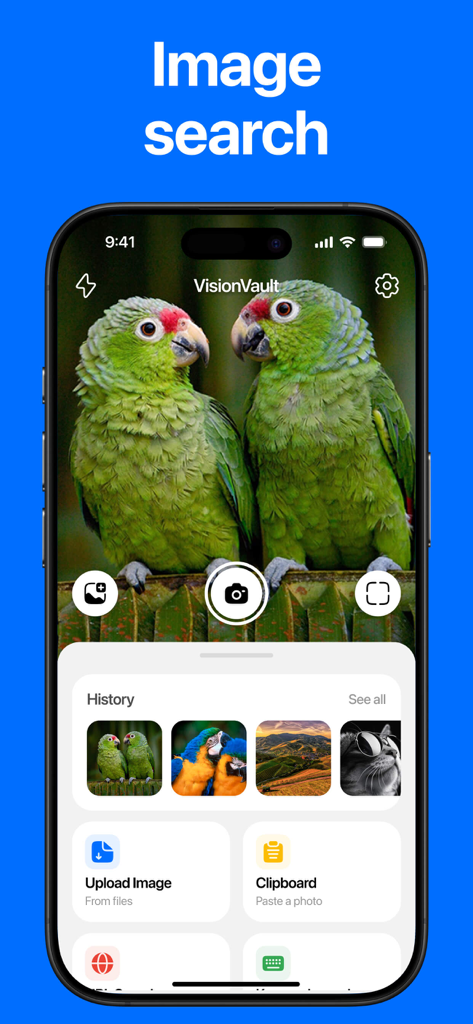
Main interface of the Lens reverse image search app showing search history and upload options
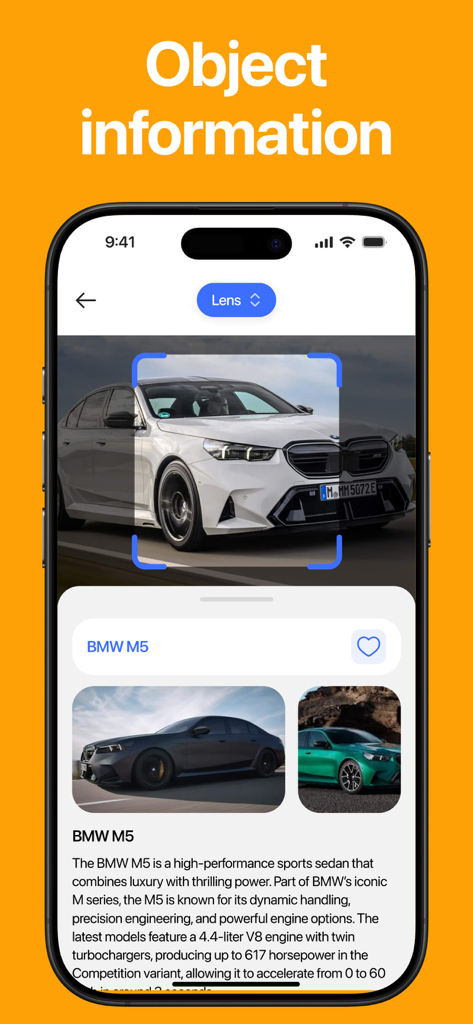
Screenshot of the Lens app identifying a BMW M5 car and providing detailed object information
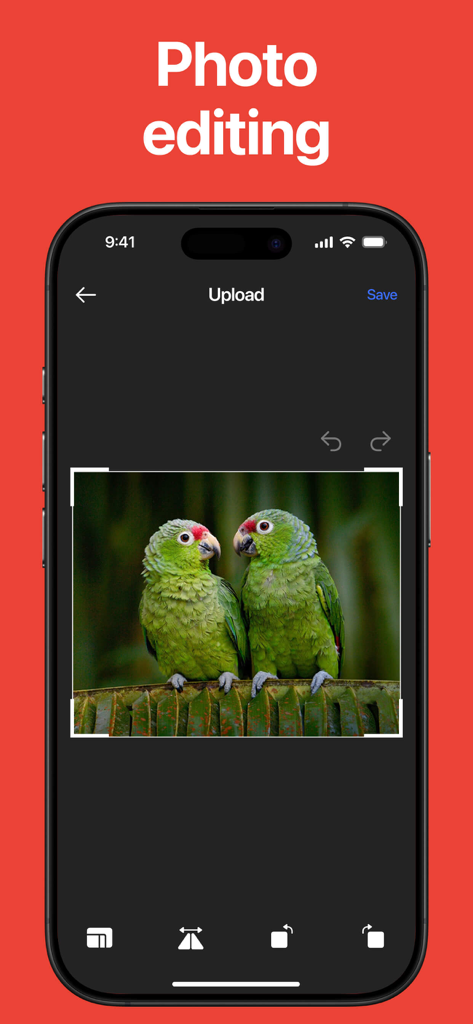
Photo editing screen in the Lens app showing a crop tool over an image of two green parrots
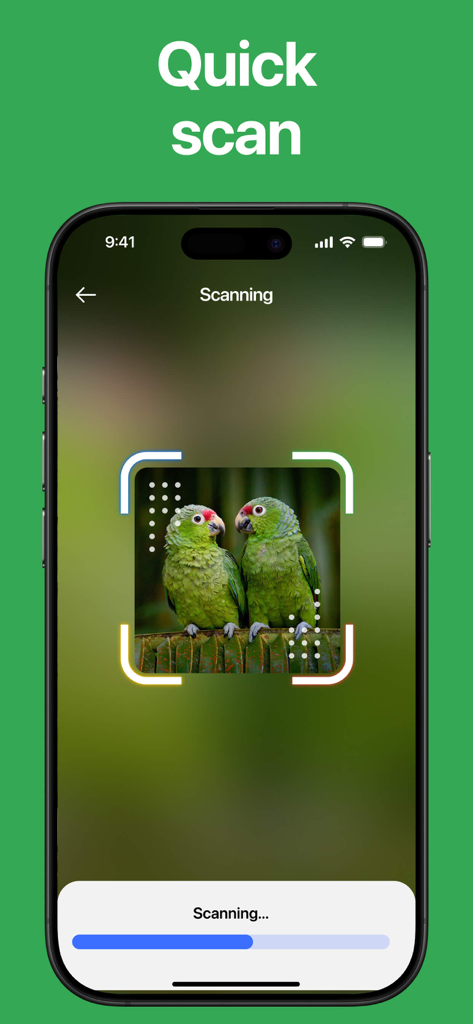
A mobile screen showing the Lens app performing a quick scan on an image of two green parrots
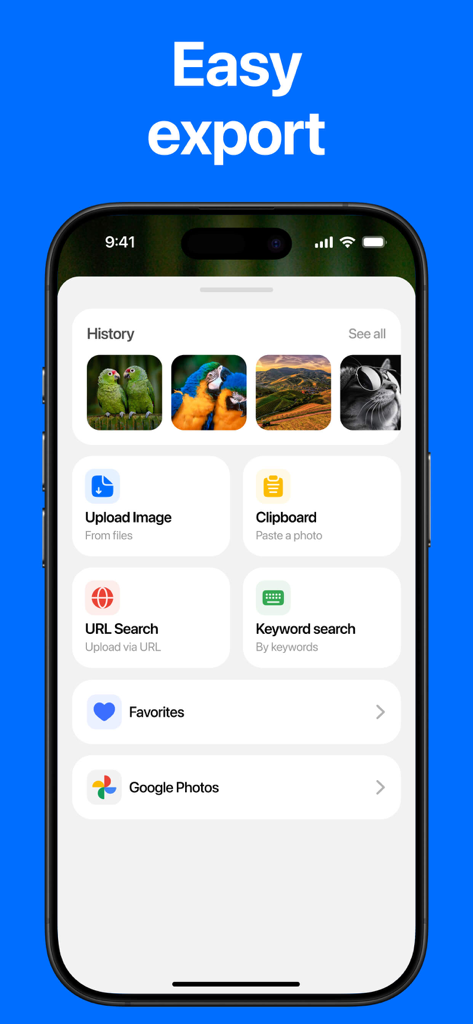
Lens app dashboard showing search history and multiple search input methods including upload clipboard and URL search
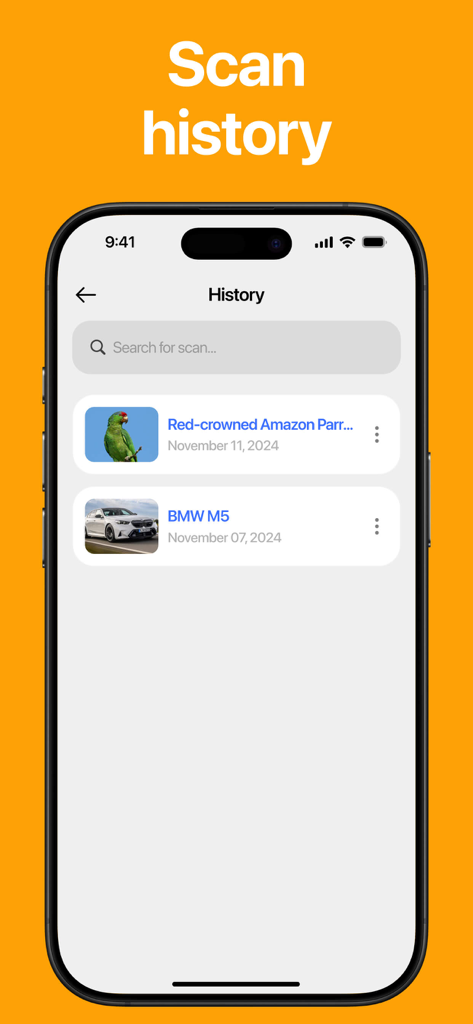
Mobile screen showing the scan history of previously searched images in the Lens app
Description
Download
More Like This
Apps with similar features and user experience



This page is not an official page of the app or its developer, but an independent editorial publication created for informational and commentary purposes. Unless expressly stated otherwise, neither the app nor its developer is affiliated with, endorsed by, sponsored by, authorized by, or otherwise officially connected with MWM, Apple, Google Play, the app publisher, or the app's developer, and nothing on this page implies that the app was developed using MWM's services. Any trademarks, logos, screenshots, and other content remain the property of their respective owners.