
This page is not an official page of the app or its developer, but an independent editorial publication created for informational and commentary purposes. Unless expressly stated otherwise, neither the app nor its developer is affiliated with, endorsed by, sponsored by, authorized by, or otherwise officially connected with MWM, Apple, Google Play, the app publisher, or the app's developer, and nothing on this page implies that the app was developed using MWM's services. Any trademarks, logos, screenshots, and other content remain the property of their respective owners.

LIFELENZ TimeClock
Turn any iPad into a high-performance punch station. Empower your managers with real-time shift visibility and provide your employees with a frictionless, reliable way to clock in.
Downloads
2K+User Rating
Total Ratings
0Publisher
Category
BusinessLocales
-Latest Version
1.71.50Size
67.1 MBFirst Released
Sep 29, 2022Optimize Your Workforce Operations
Transform any iPad into a high-performance time management station that simplifies attendance and maximizes labor efficiency.
Frictionless Punch-In
A sleek, intuitive interface that lets your staff clock in and out in seconds, reducing queue times and focusing energy on the job.
Real-Time Roster Insights
Gain instant visibility into current shift statuses and staff attendance to manage labor costs and staffing levels as they happen.
Frequently Asked Questions
Everything you need to know about LIFELENZ TimeClock
What is LIFELENZ TimeClock?
LIFELENZ TimeClock is an iPad application for employee time management. It allows employees to punch in and out of shifts and provides managers with a real-time view of shift statuses and roster details.
Which devices support the LIFELENZ TimeClock app?
The LIFELENZ TimeClock app supports and installs exclusively on iPad devices. It is specifically designed for the Apple tablet ecosystem to facilitate employee time and attendance tracking.
How do employees record their shifts using LIFELENZ TimeClock?
Employees use LIFELENZ TimeClock to punch in and out of shifts, as well as record meal breaks. The app provides clear "Start Shift", "Meal", and "End Shift" options directly on the iPad interface.
Does LIFELENZ TimeClock offer real-time shift status monitoring?
Yes, LIFELENZ TimeClock offers real-time shift status monitoring. It provides both managers and employees with an immediate view of the current roster, including who is on shift, late, missing, or on break.
Can managers oversee employee attendance with LIFELENZ TimeClock?
Yes, managers oversee employee attendance through LIFELENZ TimeClock. The app displays real-time shift statuses, such as "On Shift", "Late", "Missing", and "On Break", enabling efficient workforce management and oversight.
What type of login process does LIFELENZ TimeClock utilize?
LIFELENZ TimeClock utilizes a speedy login process. Users enter a numerical PIN via a secure keypad interface on the iPad to access their accounts and manage their time clock functions.
Does LIFELENZ TimeClock help ensure compliance for businesses?
Yes, LIFELENZ TimeClock helps ensure compliance. It captures essential time clock events for reporting and features configurable workflows. These workflows are designed to meet specific business rules and legal requirements.
The following screenshots and description are sourced directly from the app's official store listing and are the property of the app developer.
App Store
Screenshots
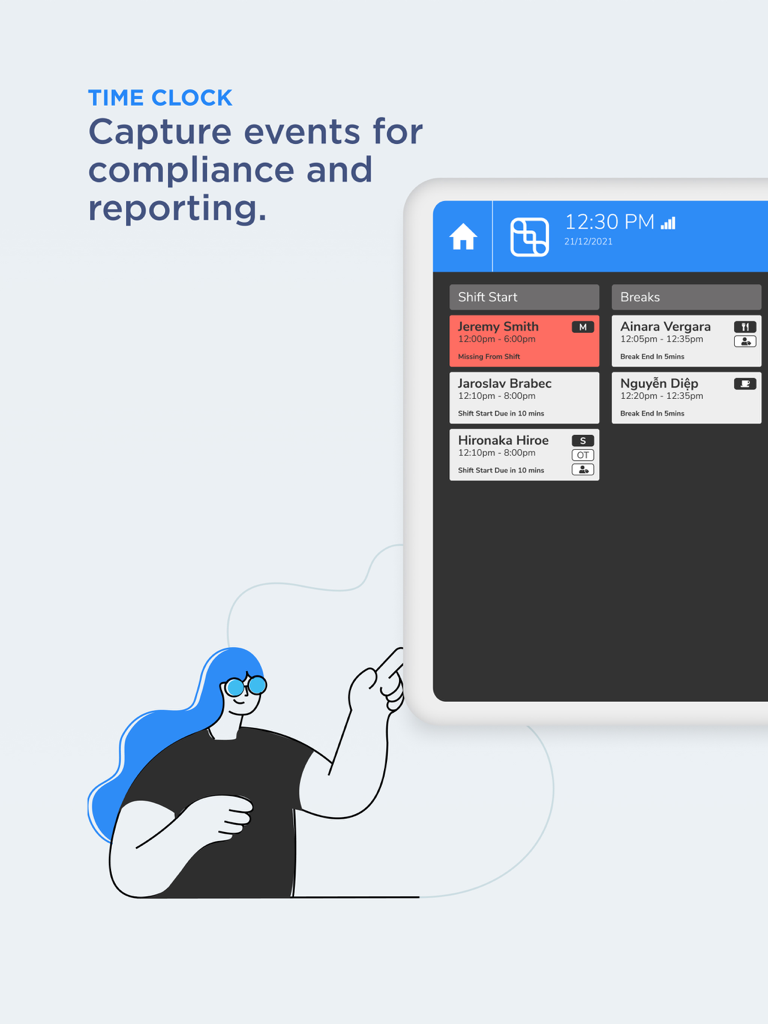
An iPad showing the LIFELENZ TimeClock interface with real-time employee shift starts and breaks for reporting and compliance.
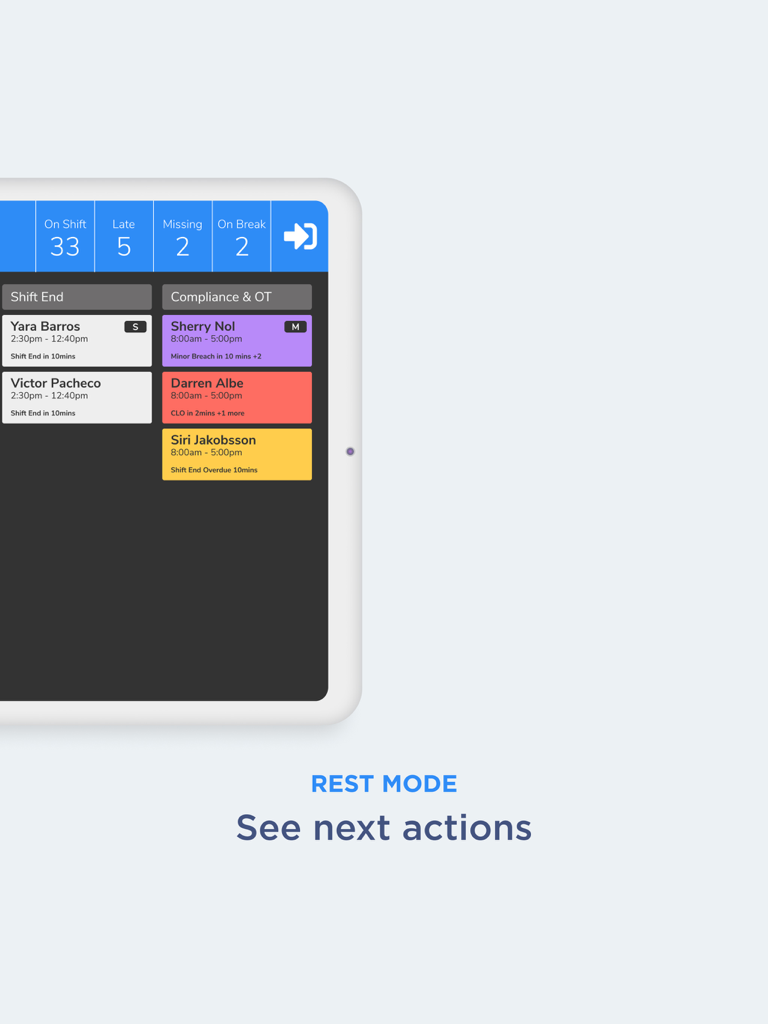
LIFELENZ TimeClock dashboard on iPad showing real time shift status and labor compliance alerts.
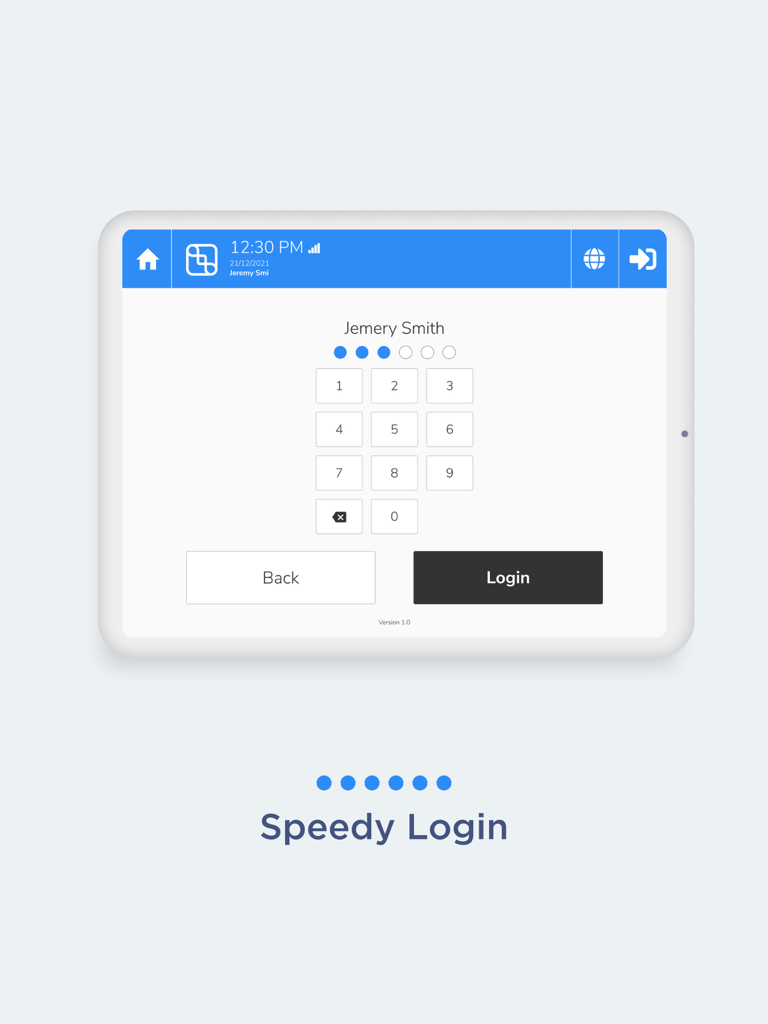
LIFELENZ TimeClock app login screen on an iPad showing a numeric keypad for employee PIN entry.
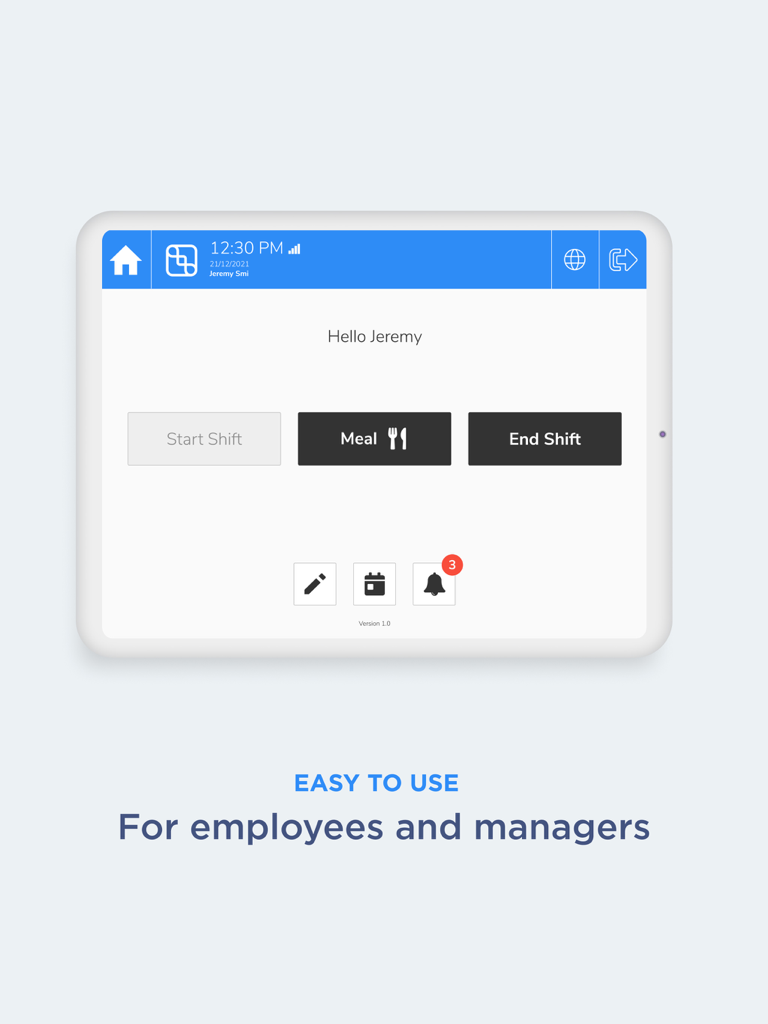
iPad display of the LIFELENZ TimeClock app featuring a simple interface for employees to track meals and end shifts
LIFELENZ TimeClock app interface highlighting configurable workflows and business compliance
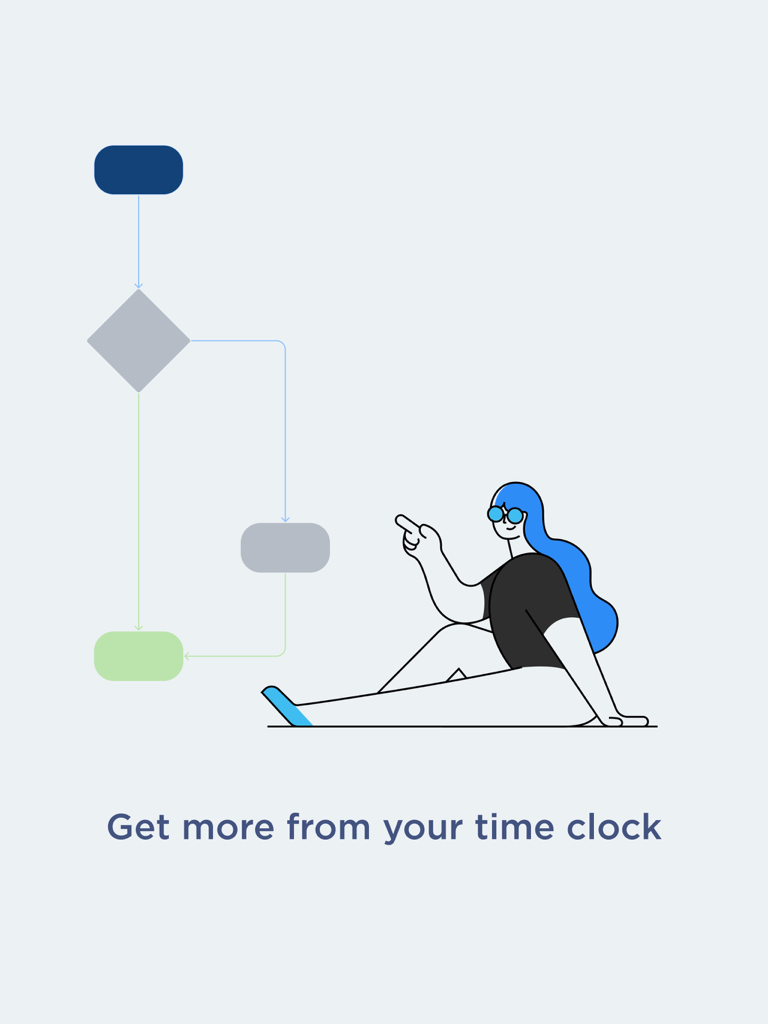
Illustration of a woman pointing at a business flowchart for time clock efficiency
Description
Download
More Like This
Top-ranked apps in the same category

Microsoft Teams
Microsoft Corporation

Zoom Workplace
Zoom Communications, Inc.

WhatsApp Business
WhatsApp Inc.

Indeed Job Search
Indeed Inc.

LinkedIn: Network & Job Finder
LinkedIn Corporation

Adobe Acrobat Reader: Sign PDF
Adobe Inc.

WeCom-Work Communication&Tools
Tencent Technology (Shenzhen) Company Limited

BOSS直聘-招聘求职找工作神器
Beijing China Product Bo Farce Network Technology Co., Ltd.

DingDing - Redefine Work in AI
DingTalk Technology Co., Ltd.
This page is not an official page of the app or its developer, but an independent editorial publication created for informational and commentary purposes. Unless expressly stated otherwise, neither the app nor its developer is affiliated with, endorsed by, sponsored by, authorized by, or otherwise officially connected with MWM, Apple, Google Play, the app publisher, or the app's developer, and nothing on this page implies that the app was developed using MWM's services. Any trademarks, logos, screenshots, and other content remain the property of their respective owners.