Lift Assist – Training Log
Download on App Store

This page is not an official page of the app or its developer, but an independent editorial publication created for informational and commentary purposes. Unless expressly stated otherwise, neither the app nor its developer is affiliated with, endorsed by, sponsored by, authorized by, or otherwise officially connected with MWM, Apple, Google Play, the app publisher, or the app's developer, and nothing on this page implies that the app was developed using MWM's services. Any trademarks, logos, screenshots, and other content remain the property of their respective owners.


Logo of Lift Assist – Training Log
Download on App Store

Lift Assist – Training Log

Ditch the friction and focus on the iron. Track RPE, automate your gym math, and visualize progress with a high-speed log built for serious strength—no account required.

Key Figures

Downloads

1K+

User Rating

5.0/5

Total Ratings

0

Publisher

Fresh Take

Category

Health & Fitness

Locales

1

Latest Version

1.1.1

Size

13.4 MB

First Released

Apr 25, 2023
Features

Built for the Data-Driven Athlete

No fluff, no accounts, and no distractions. Experience a high-performance training log designed to handle your heaviest sessions with surgical precision.

Zero-Friction Logging

Skip the tedious setup. Log sets in seconds with an interface optimized for speed, so you can stay focused on your lift, not your screen.

Professional Gym Math

Eliminate mental fatigue with automated warm-up generators, 1RM calculators, and RPE tracking designed for advanced progressive overload.

The following screenshots and description are sourced directly from the app's official store listing and are the property of the app developer.

App Store

Screenshots
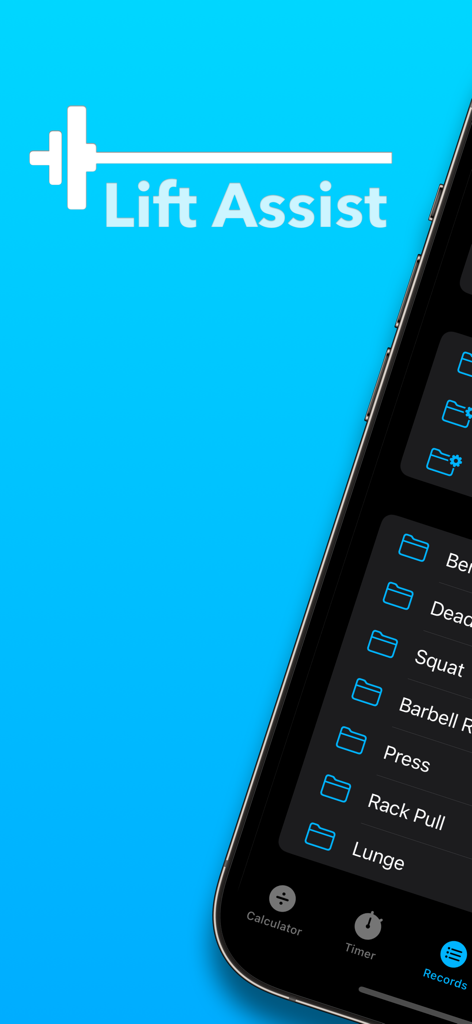
Lift Assist – Training Log - Lift Assist app interface displaying workout records and exercise folders on an iPhone
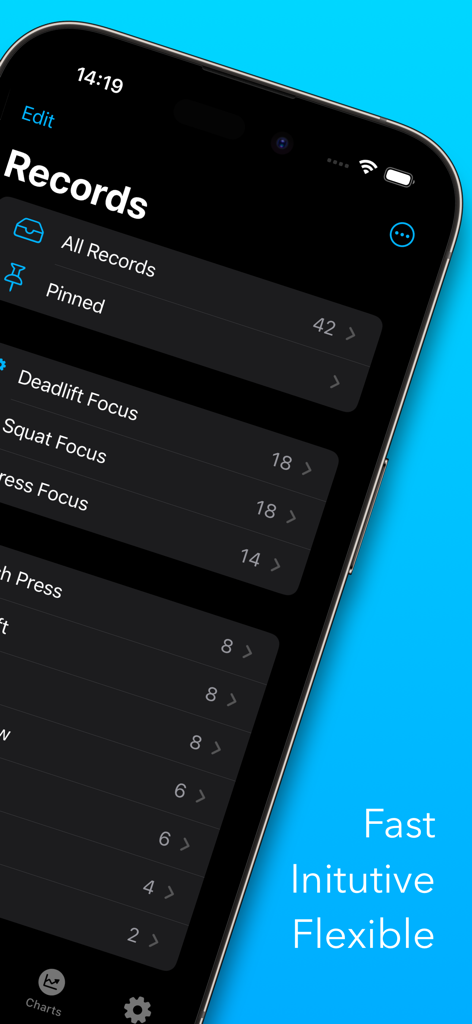
Lift Assist app interface displaying workout records and exercise folders on an iPhone

Lift Assist – Training Log - iPhone screen displaying the records and folders within the Lift Assist training log app in dark mode.
iPhone screen displaying the records and folders within the Lift Assist training log app in dark mode.

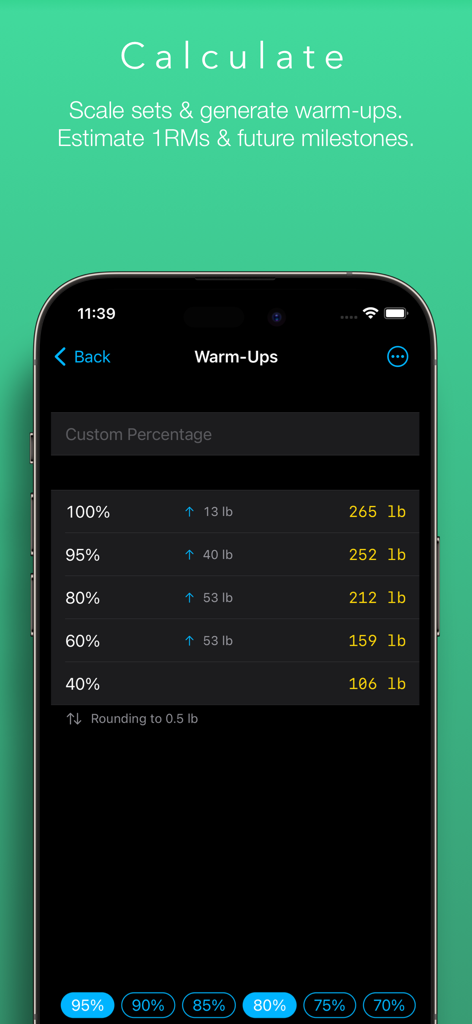
Lift Assist – Training Log - Warm up calculator screen in the Lift Assist app showing weight percentages and calculated weights in pounds.
Warm up calculator screen in the Lift Assist app showing weight percentages and calculated weights in pounds.

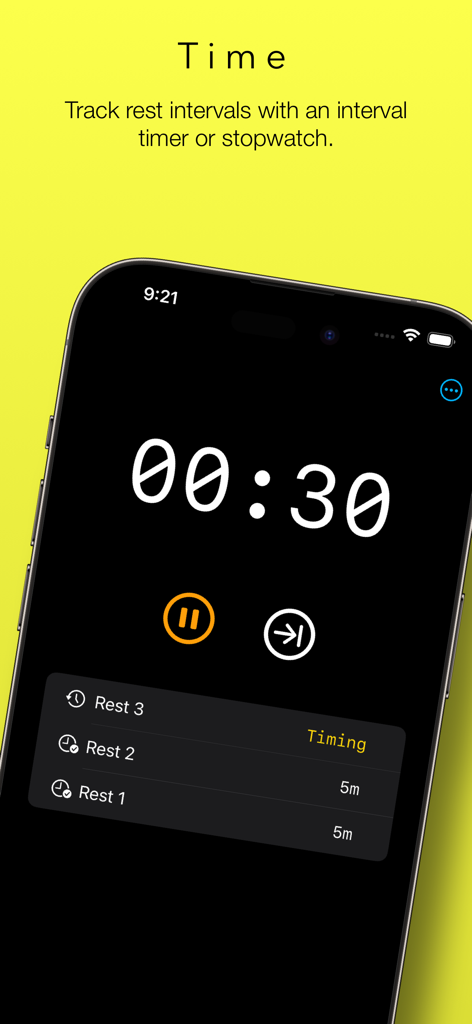
Lift Assist – Training Log - Screenshot of the Lift Assist app showing the workout rest timer with a countdown and a list of previous rest intervals.
Screenshot of the Lift Assist app showing the workout rest timer with a countdown and a list of previous rest intervals.

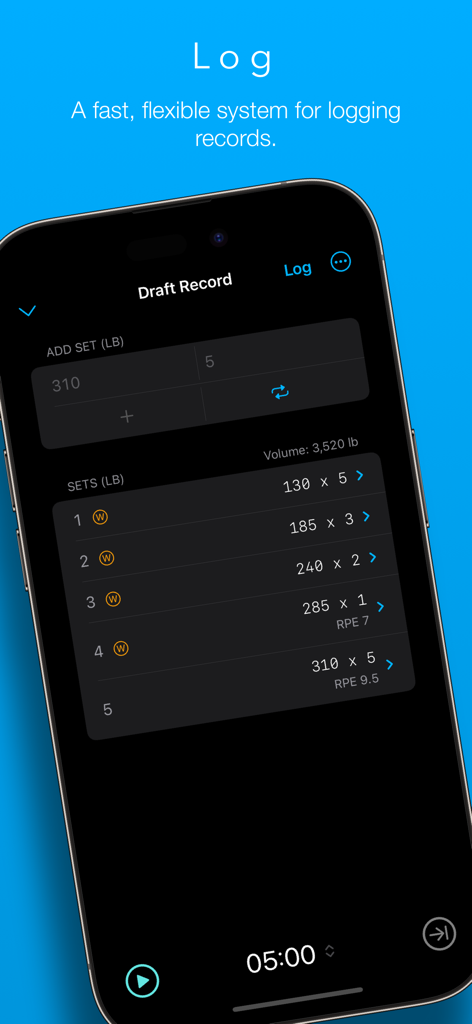
Lift Assist – Training Log - Interface of Lift Assist app showing a workout log with sets, weights, and RPE values on a dark mode screen
Interface of Lift Assist app showing a workout log with sets, weights, and RPE values on a dark mode screen

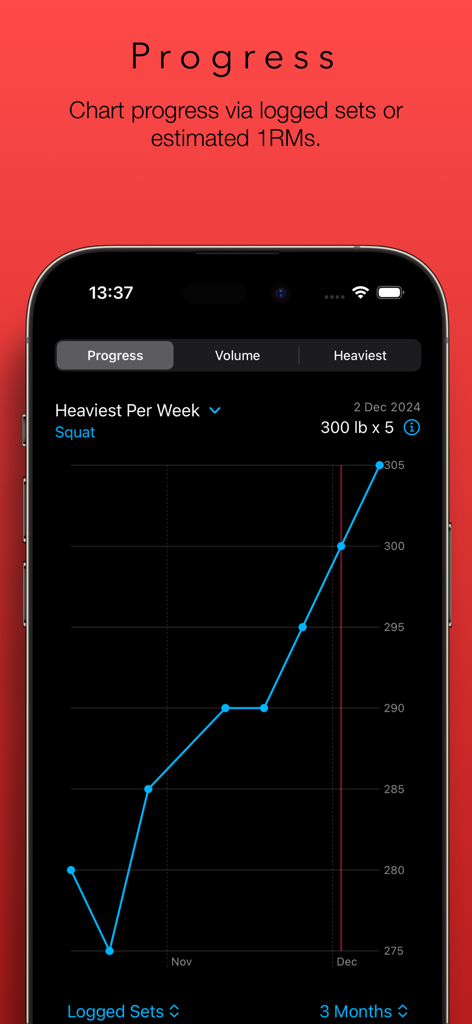
Lift Assist – Training Log - A line graph in the Lift Assist app tracking the heaviest squat weight per week over a three month period.
A line graph in the Lift Assist app tracking the heaviest squat weight per week over a three month period.

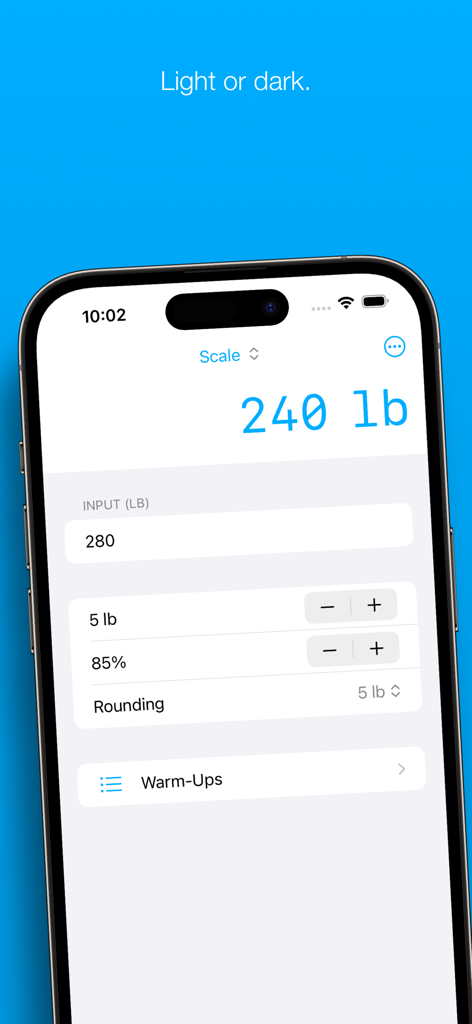
Lift Assist – Training Log - Lift Assist app interface showing the weight scaling calculator tool
Lift Assist app interface showing the weight scaling calculator tool

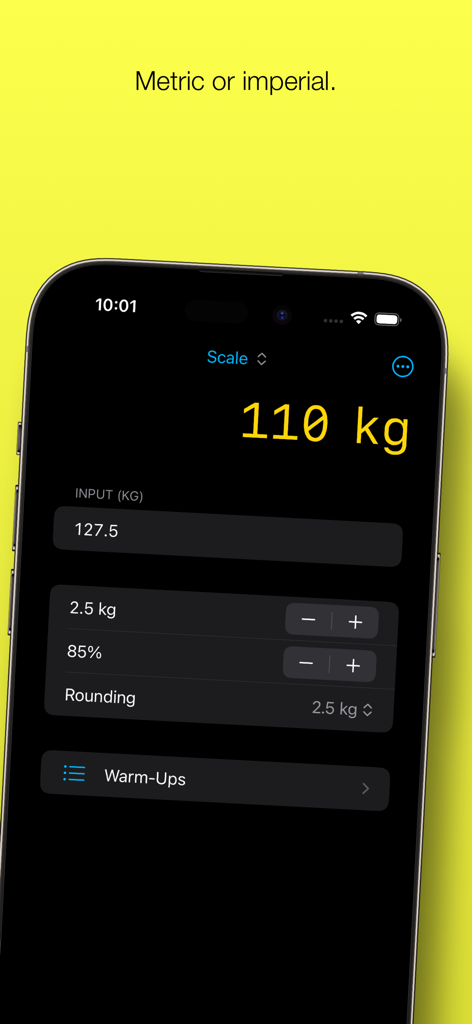
Lift Assist – Training Log - Lift Assist app interface showing a weight scaling calculator in kilograms

Lift Assist app interface showing a weight scaling calculator in kilograms

Description

Lift Assist is a user-friendly weight lifting app that combines a flexible training log with some handy tools, such as a rest timer and calculators for generating warm-ups and estimating 1RMs. Whether you're into Olympic lifting, powerlifting, bodybuilding or simply love lifting weights, Lift Assist can help you get the most out of your workouts. FEATURES – Fast and flexible training log – Scale work sets – Generate warm-ups on the fly – Estimate 1RMs – Forecast future milestones – Rest timer with interval or stopwatch operation – Charts for PRs, volume and progress timelines – Metric and imperial units – Share sheet for exporting top sets – Cloud storage – Light and dark modes TRAINING LOG Lift Assist has been designed with speed and flexibility in mind. There’s no need to waste time creating a user account or building and maintaining complex workout plans. Simply add a folder for the lift you wish to track and start logging immediately. (Hint: Hit the Repeat button to record sets across in a flash.) Want to dig deeper? For each set, you can add a category (e.g. warm-up or back-off) and a Rate of Perceived Effort (RPE). For each record, you can add notes and a URL (e.g. a link to a video). There are even options to include an estimated 1RM and bodyweight ratio calculated from your top set. (Hint: Long-press the + button to quickly select a category for the set.) CHARTS The Progress chart provides a sleek timeline of progress made for each lift. This chart emphasises the trend over time. Reviewing the last three months? You’ll see your heaviest lifts for each week. Reviewing the last year? You’ll see your heaviest lift for each month. Reviewing the last five years? The trend will still be clear. Sometimes you can get a better picture of your progress by comparing estimated 1RMs. You can do that too. This is great when following programs that vary rep ranges and intensities over long periods of time. The Heaviest chart displays PRs for the selected timeframe, either as logged sets or estimated 1RMs. The Volume chart displays the volume of each lift for the selected timeframe, either by reps or weight. This can provide valuable insight when assessing your workout program. CALCULATORS The principal calculator provides a convenient way to scale an input weight by a selected percentage, increment/decrement by small plates and round the output to a selected value. This is ideal for calculating top sets based on previous PRs, but it’s also great for calculating back-off sets and de-loads on the fly. Once you’ve calculated your top set, it’s a cinch to produce a list of warm-ups by selecting from a list of common percentages. Lift Assist displays the weight increments between each warm-up set to help you optimise your routine for your condition on the day. Want to get really precise? You can enter your own custom percentages, too. (Hint: Can’t find any small plates? Swipe the warm-up rows to round up or down to the nearest 5 kg / 10 lb.) The 1RM calculator contains seven different formulas, rounding options and will even provide an estimated body weight ratio if provided with a body weight. (Hint: You can use the output of the 1RM calculator to scale weights based on an estimated 1RM, which is great for programs such as 5/3/1.) The Milestone Calculator helps you to plan for your next PR. Input the number of expected increments between two dates, and it will show you the expected weight you’ll be lifting. Enter in your target weight, and it will display the approximate date of your next PR attempt. REST TIMER Lift Assist’s rest timer helps you time and count rests between lifts. You can use this as an interval timer or stopwatch, or switch between the two. Ever lost count of which set you were on? Let the rest timer keep you on track. FEEDBACK For support and feedback, drop us a line at feedback@freshtake.design. And don’t hesitate to send any requests for new features – this is only version 1.0!

Download

Download on App Store

This page is not an official page of the app or its developer, but an independent editorial publication created for informational and commentary purposes. Unless expressly stated otherwise, neither the app nor its developer is affiliated with, endorsed by, sponsored by, authorized by, or otherwise officially connected with MWM, Apple, Google Play, the app publisher, or the app's developer, and nothing on this page implies that the app was developed using MWM's services. Any trademarks, logos, screenshots, and other content remain the property of their respective owners.








