
This page is not an official page of the app or its developer, but an independent editorial publication created for informational and commentary purposes. Unless expressly stated otherwise, neither the app nor its developer is affiliated with, endorsed by, sponsored by, authorized by, or otherwise officially connected with MWM, Apple, Google Play, the app publisher, or the app's developer, and nothing on this page implies that the app was developed using MWM's services. Any trademarks, logos, screenshots, and other content remain the property of their respective owners.

Little Panda's Candy Shop
Spark creativity with a safe, mess-free, and educational candy-making adventure designed for little hands and big imaginations.
Downloads
5M+User Rating
Total Ratings
19K+Publisher
Category
EducationLocales
17Latest Version
9.89.0010Size
376.9 MBFirst Released
Dec 21, 2015The Ultimate Sweet Shop Adventure
A safe, mess-free, and educational way for preschoolers to explore their creativity through the fun of candy making.
Mix & Match Ingredients
Choose from 11 fresh fruits and crunchy nuts to help your child experiment with flavors and create unique recipes.
Interactive Maker Tools
Operate kid-friendly juicers, grinders, and stoves with simple taps to learn the step-by-step process of creating treats.
Frequently Asked Questions
Everything you need to know about Little Panda's Candy Shop
What can players make in Little Panda's Candy Shop?
Players in Little Panda's Candy Shop make various candies, engaging in every step from melting sugar cubes to flavoring, molding, and packaging. They use diverse ingredients and professional equipment.
What ingredients are available in Little Panda's Candy Shop?
Little Panda's Candy Shop provides various ingredients including 11 types of fruits like watermelon, strawberry, kiwi, orange, and nuts such as walnut and peanut. These are used to create custom candy recipes.
What equipment does Little Panda's Candy Shop feature?
The game features professional candy-making equipment such as a juicer, grinder, and a high-temperature stove. Players operate these machines with simple taps to produce tasty candies.
Can players customize their candies in Little Panda's Candy Shop?
Yes, Little Panda's Candy Shop allows extensive customization. Players choose from 11 kinds of fruits, 10 molds, colorful candy sticks for decoration, and 10 packaging boxes to create unique candies.
Who developed Little Panda's Candy Shop?
Little Panda's Candy Shop is developed by BabyBus. BabyBus creates educational apps, videos, and content for over 400 million fans aged 0-8, focusing on creativity, imagination, and curiosity.
Is Little Panda's Candy Shop easy to play?
Yes, Little Panda's Candy Shop offers simple operation. Players can operate all machines and engage in every candy-making process with just a few taps on the screen, promoting ease of use.
What is the goal of playing Little Panda's Candy Shop?
The goal of Little Panda's Candy Shop is to become a popular candy maker. Players achieve this by creating, selling, and improving their candies based on customer reactions.
The following screenshots and description are sourced directly from the app's official store listing and are the property of the app developer.
App Store
Screenshots
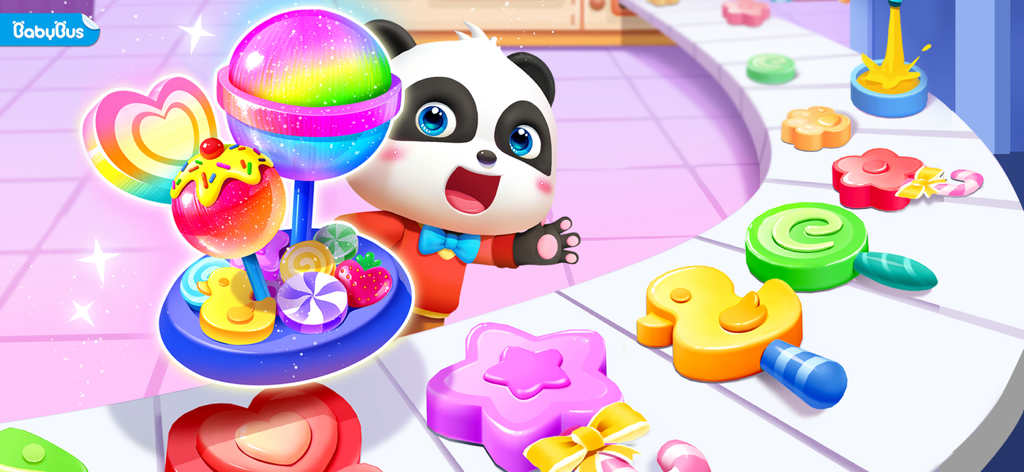
Little Panda with various colorful candies and lollipops
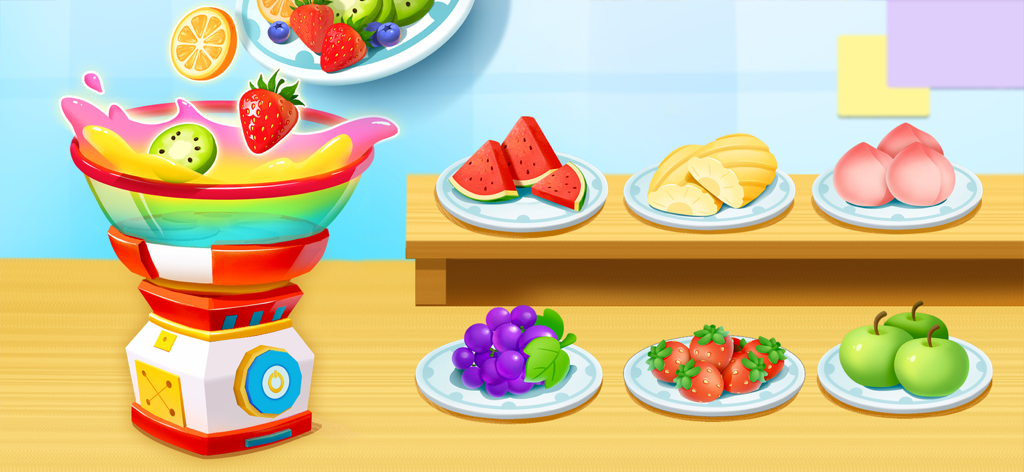
A colorful candy making machine mixing fresh fruits with plates of ingredients in the background
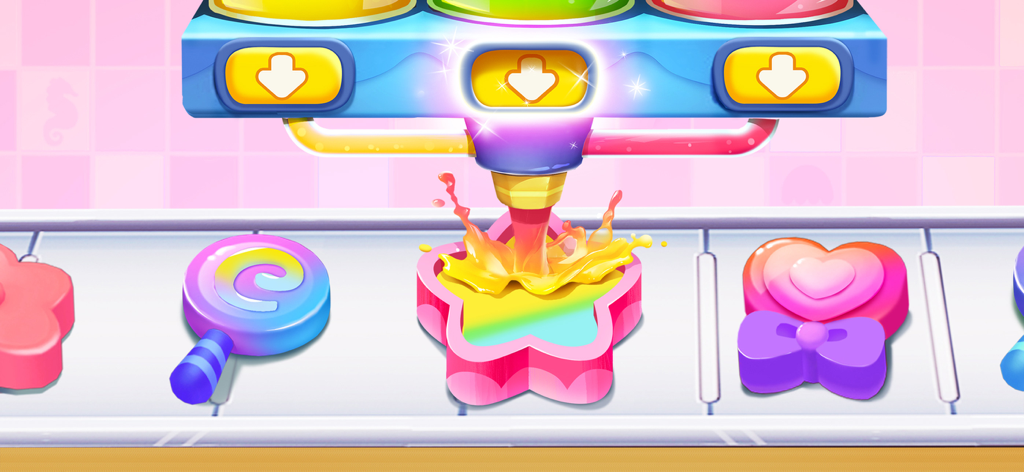
A colorful candy making machine pouring syrup into a star shaped mold on a conveyor belt
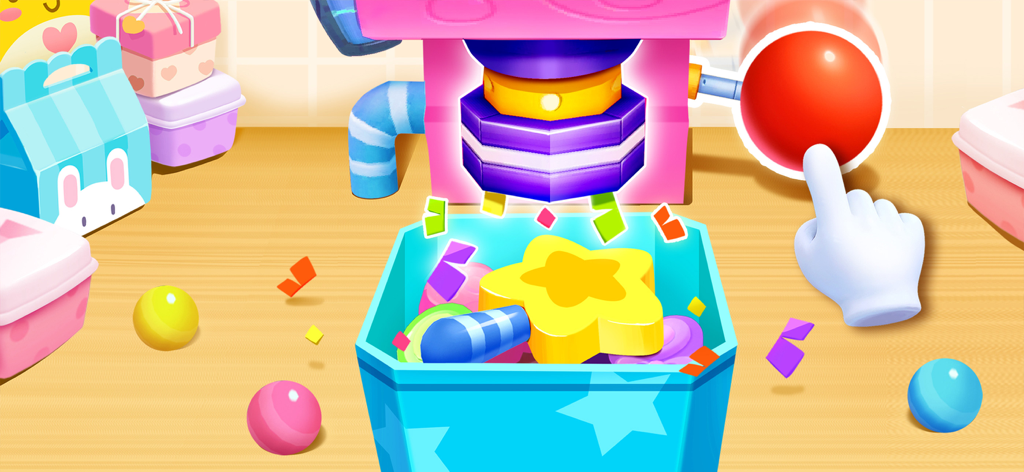
A hand pressing a big red button on a colorful candy machine to dispense star shaped treats
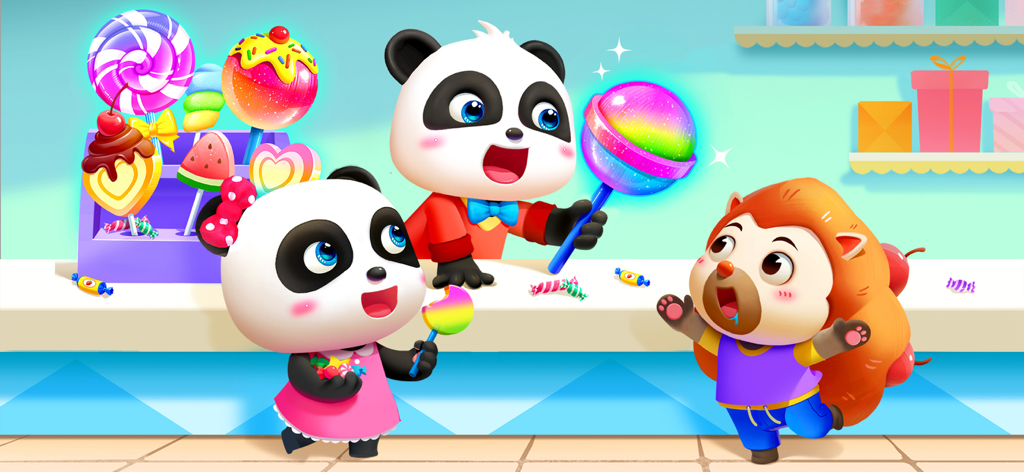
Cartoon pandas and a friend enjoying colorful lollipops in a candy shop
Description
Download
More Like This
Apps with similar features and user experience

Dr. Panda Restaurant 2
Dr. Panda Ltd

Foodabee: Virtual Pet for Kids
Bluebear Technologies Ltd.

Hello Kitty Lunchbox
Budge Studios

Strawberry Shortcake Bake Shop
Budge Studios

Kids Cooking: Toddler Games
Bimi Boo Kids Learning Games for Toddlers FZ LLC

Barbie Magical Fashion
Budge Studios
Little Panda Chinese Food
BABYBUS CO.,LTD
Little Panda's Restaurant
SINGAPORE BABYBUS PTE. LTD.

Pororo Cook Game
KIGLE Inc.
This page is not an official page of the app or its developer, but an independent editorial publication created for informational and commentary purposes. Unless expressly stated otherwise, neither the app nor its developer is affiliated with, endorsed by, sponsored by, authorized by, or otherwise officially connected with MWM, Apple, Google Play, the app publisher, or the app's developer, and nothing on this page implies that the app was developed using MWM's services. Any trademarks, logos, screenshots, and other content remain the property of their respective owners.