
This page is not an official page of the app or its developer, but an independent editorial publication created for informational and commentary purposes. Unless expressly stated otherwise, neither the app nor its developer is affiliated with, endorsed by, sponsored by, authorized by, or otherwise officially connected with MWM, Apple, Google Play, the app publisher, or the app's developer, and nothing on this page implies that the app was developed using MWM's services. Any trademarks, logos, screenshots, and other content remain the property of their respective owners.


Live Multitrack 2
Deliver a flawless performance with unlimited backing tracks, zero loading delays, and professional multi-channel routing—all from your iPad.
Downloads
600User Rating
Total Ratings
0Publisher
Category
MusicLocales
-Latest Version
2.5.4Size
32.0 MBFirst Released
Aug 23, 2024The Ultimate Command Center for Your Live Rig
Engineered for professional gigging musicians and worship leaders who demand bulletproof reliability and studio-quality control on the iPad.
Instant Song Transitions
Eliminate dead air with our lightning-fast engine. Transition between songs instantly with zero loading delay for a seamless, professional performance.
Advanced Multichannel Routing
Take control with 8-bus architecture and up to 128 outputs. Send independent click tracks to your drummer and pristine stems to the front-of-house.
Frequently Asked Questions
Everything you need to know about Live Multitrack 2
What is Live Multitrack 2?
Live Multitrack 2 is a multitrack player designed for live musicians. It enables playing unlimited backing tracks, creating endless setlists, and syncing audio with video for stage performances.
Does Live Multitrack 2 support MIDI files?
Yes, Live Multitrack 2 supports full MIDI and .KAR files. It includes a built-in General MIDI Synthesizer for comprehensive MIDI functionality.
How many audio output buses does Live Multitrack 2 offer?
Live Multitrack 2 features an 8-bus architecture. This configuration supports up to 128 individual outputs for professional mixing and routing.
Can Live Multitrack 2 synchronize video with audio?
Yes, Live Multitrack 2 features a synchronized video player. It supports Apple Silicon External Screen and allows importing SRT files for displaying lyrics and subtitles.
What audio formats does Live Multitrack 2 support?
Live Multitrack 2 supports WAV, AIFF, OGG, FLAC, and MP3 audio formats. WAV and AIFF formats are strongly recommended for optimal performance and stability.
Does Live Multitrack 2 allow for custom setlist creation?
Yes, Live Multitrack 2 allows users to create and customize setlists. It supports ZIP Import/Export functionality for managing setlists with external storage.
How does Live Multitrack 2 handle track mixing and effects?
Live Multitrack 2 provides independent track controls, a 6-Band EQ, Hi-Res Reverb, and per-track Dynamic Processors including Gate, Compressor, and Limiter for mixing and effects.
Can users map MIDI messages to actions in Live Multitrack 2?
Yes, Live Multitrack 2 offers MIDI mapping functionality. Users can assign MIDI messages to various actions for live control during performances.
Does Live Multitrack 2 have fast loading times for songs?
Yes, Live Multitrack 2 features lightning-fast loading times. Its engine ensures instant transitions between songs with low CPU and memory usage.
The following screenshots and description are sourced directly from the app's official store listing and are the property of the app developer.
App Store
Screenshots
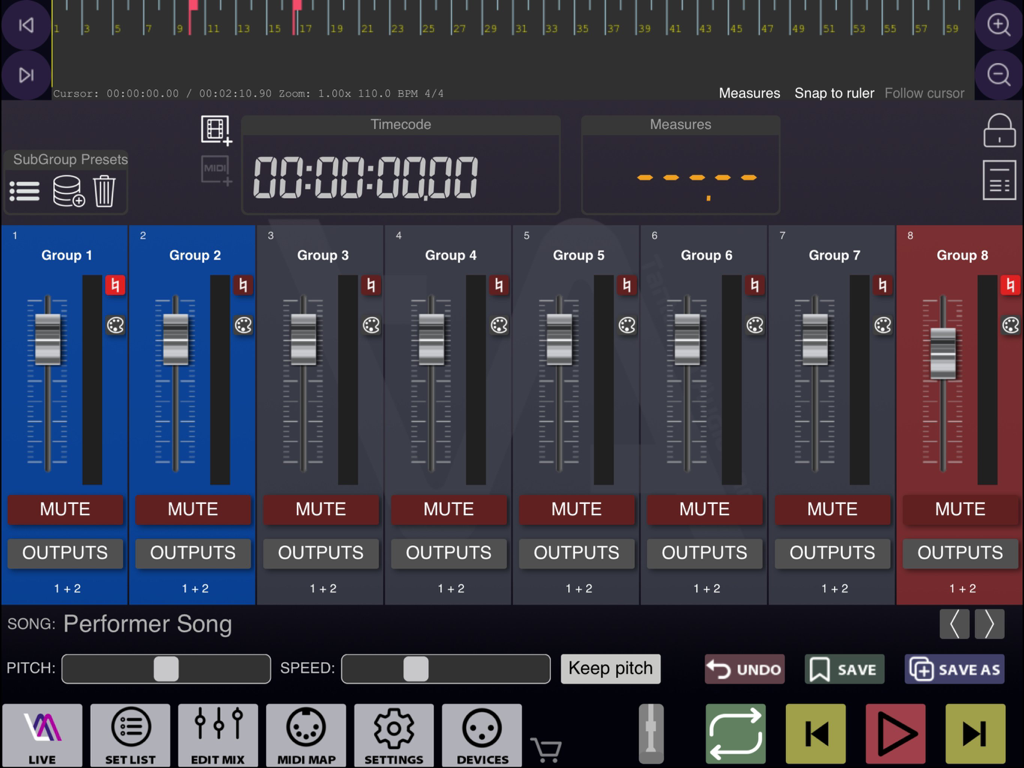
A professional audio mixer interface on iPad showing eight channel groups and playback controls for live backing tracks.
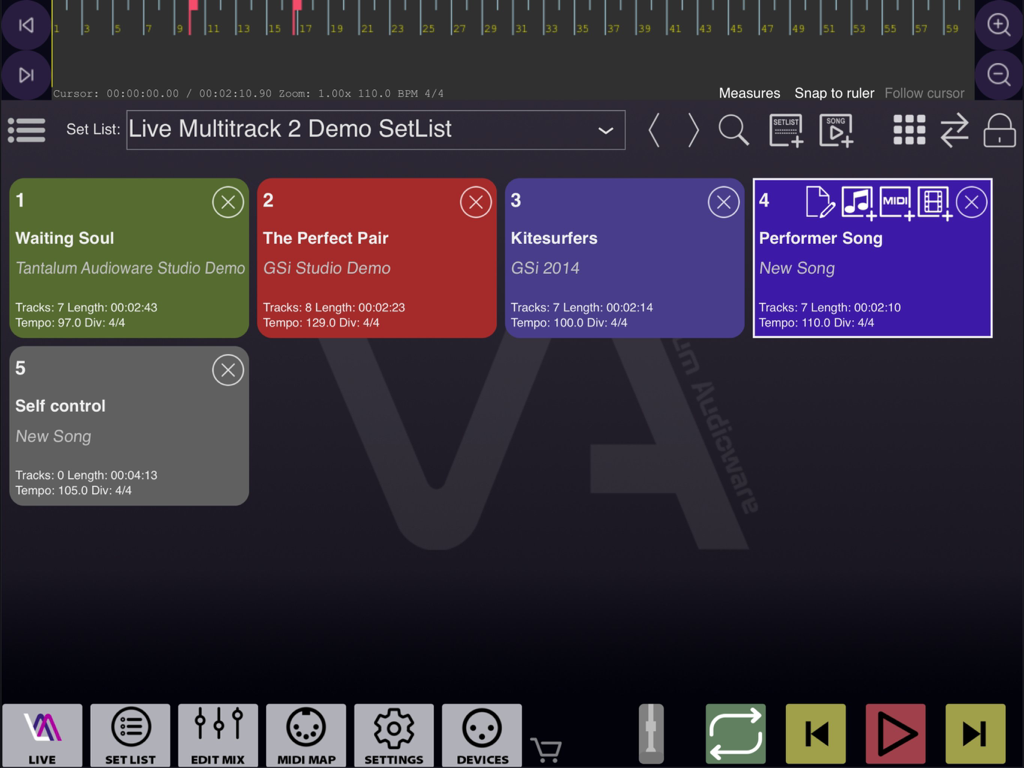
Live Multitrack 2 setlist management interface on iPad showing song cards with tempo and track details
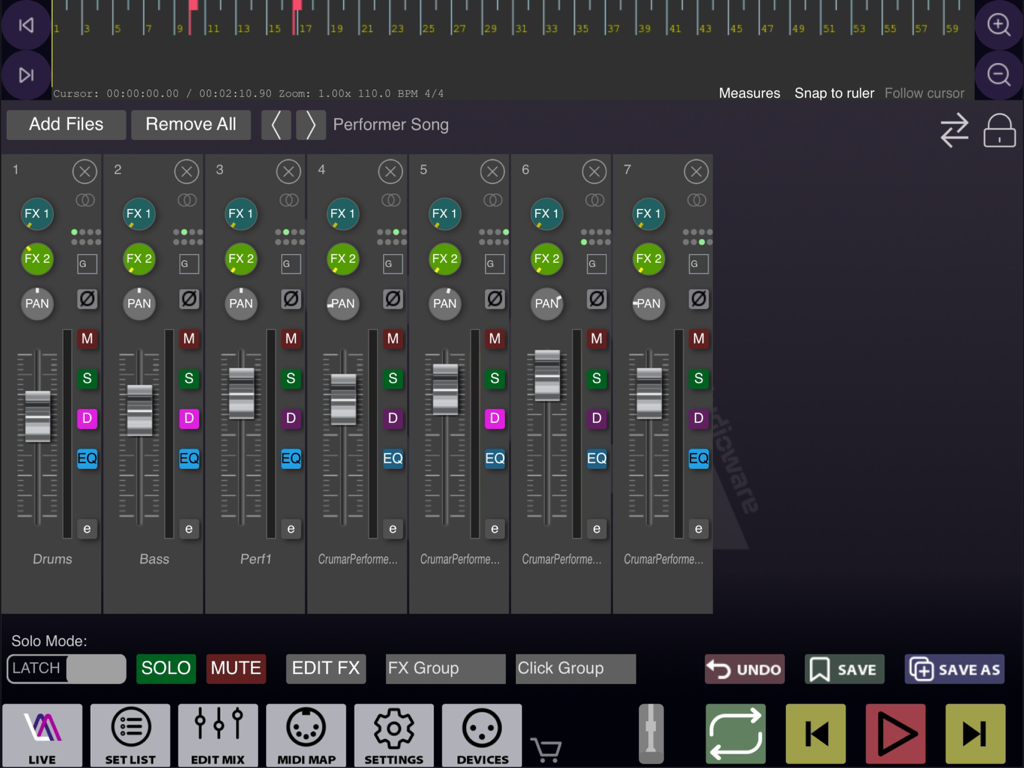
Professional audio mixer interface in the Live Multitrack 2 app for iPad musicians showing multi-channel faders and track controls.
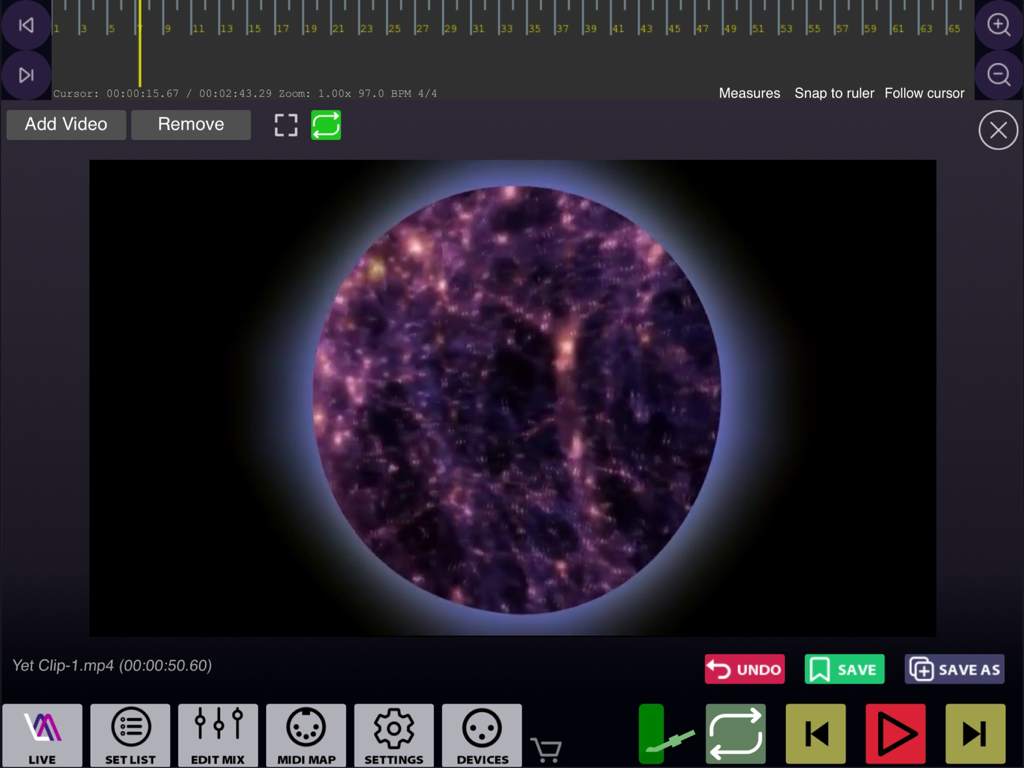
Interface of Live Multitrack 2 showing a synchronized video player with a timeline for live music performances
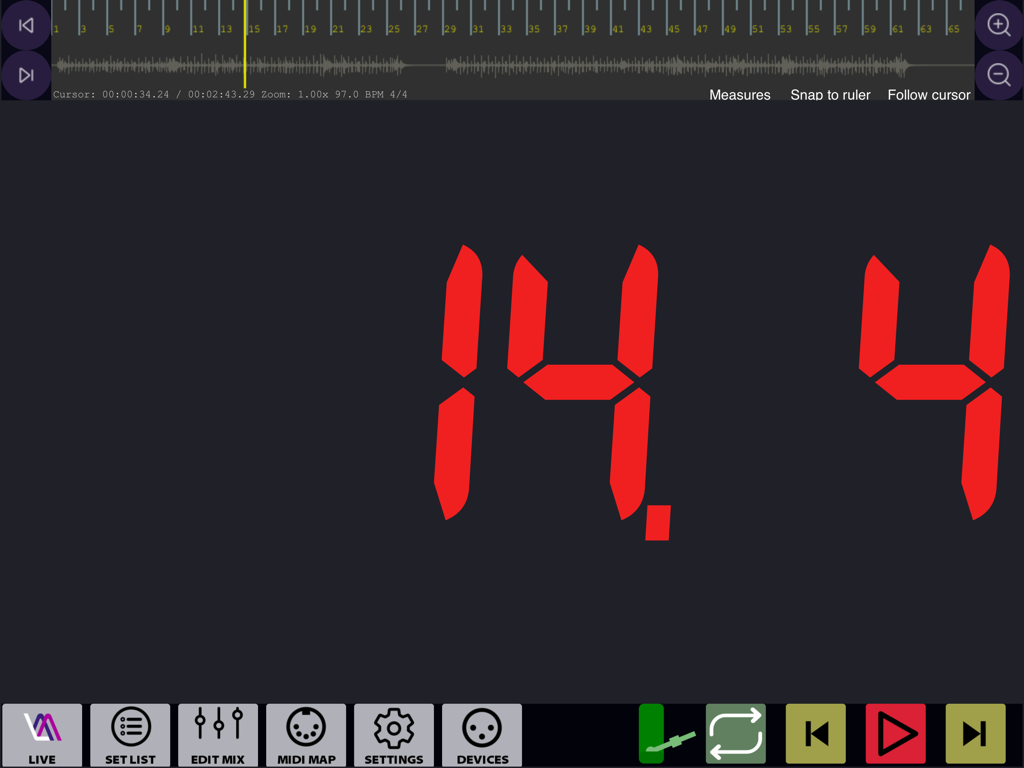
Live Multitrack 2 performance screen showing a large red digital counter and audio waveform
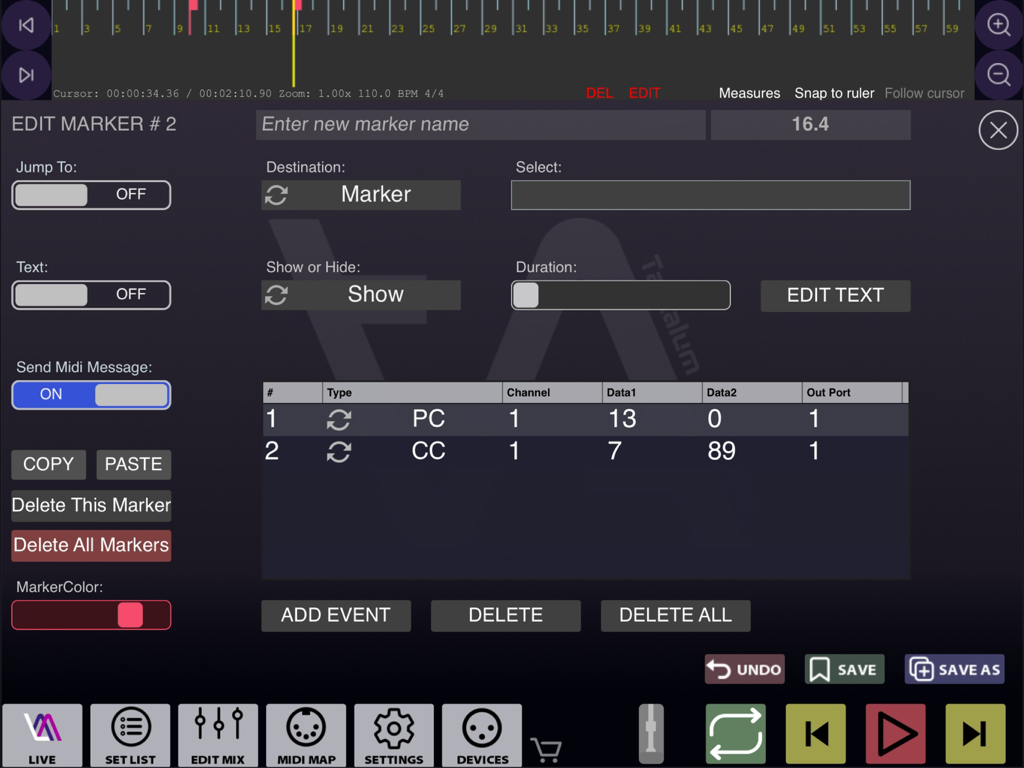
Interface for editing song markers and MIDI events in Live Multitrack 2 on iPad.
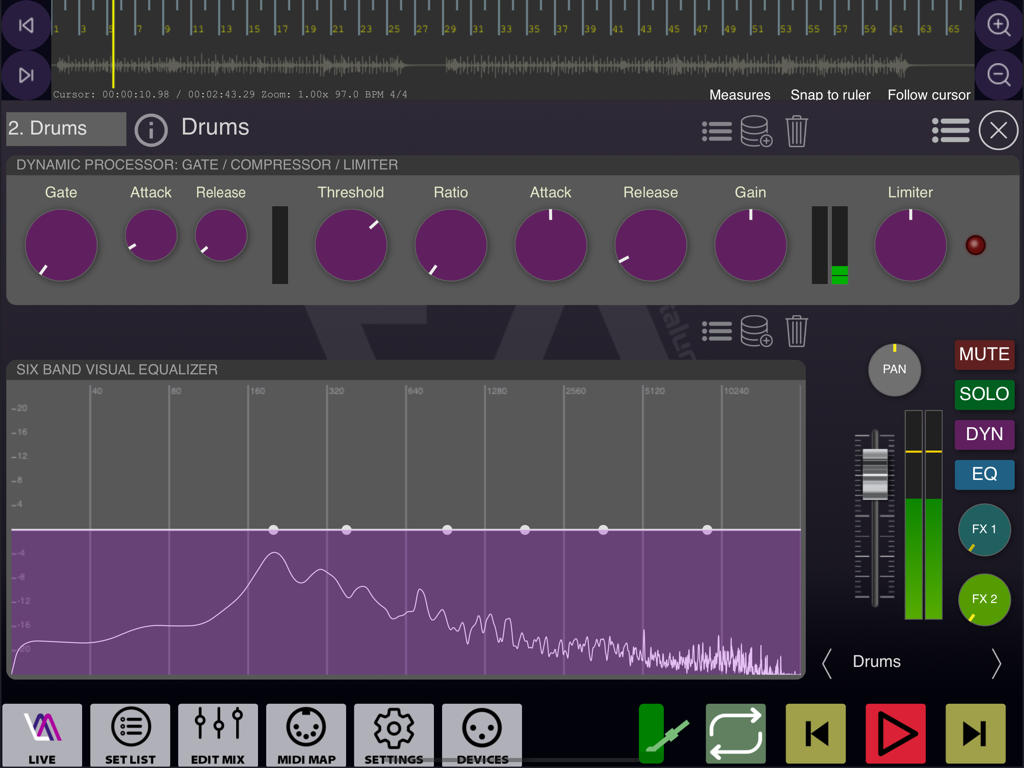
Professional audio mixing interface with dynamic processor and visual equalizer
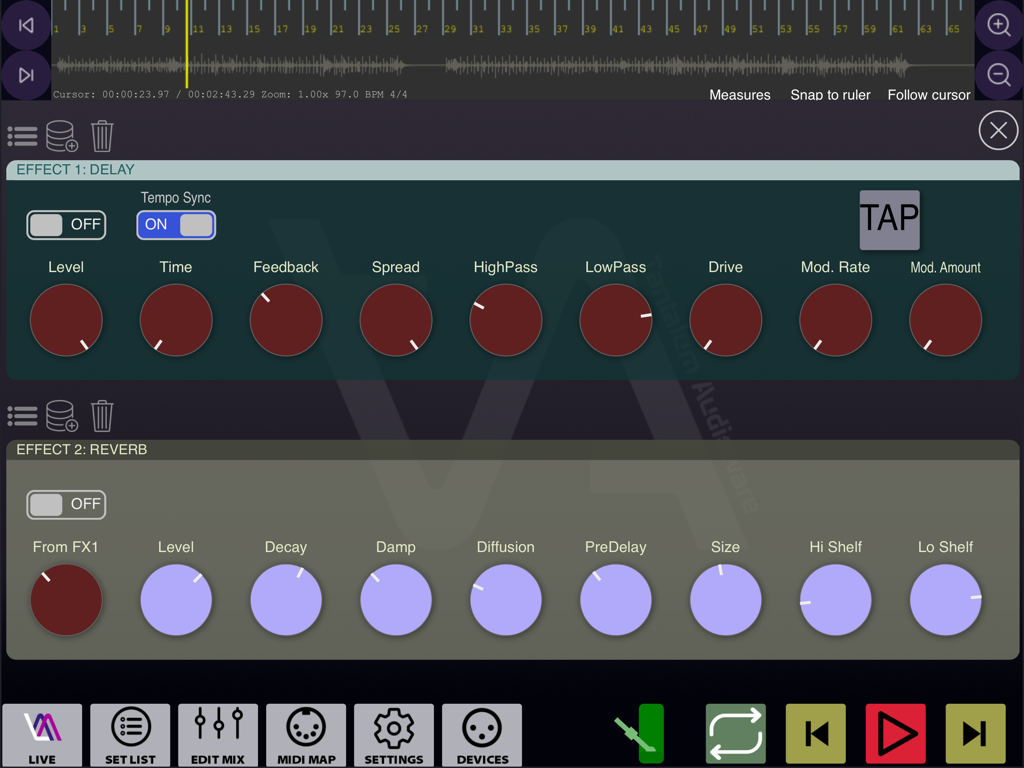
Interface of the Live Multitrack 2 app showing delay and reverb audio effects controls.
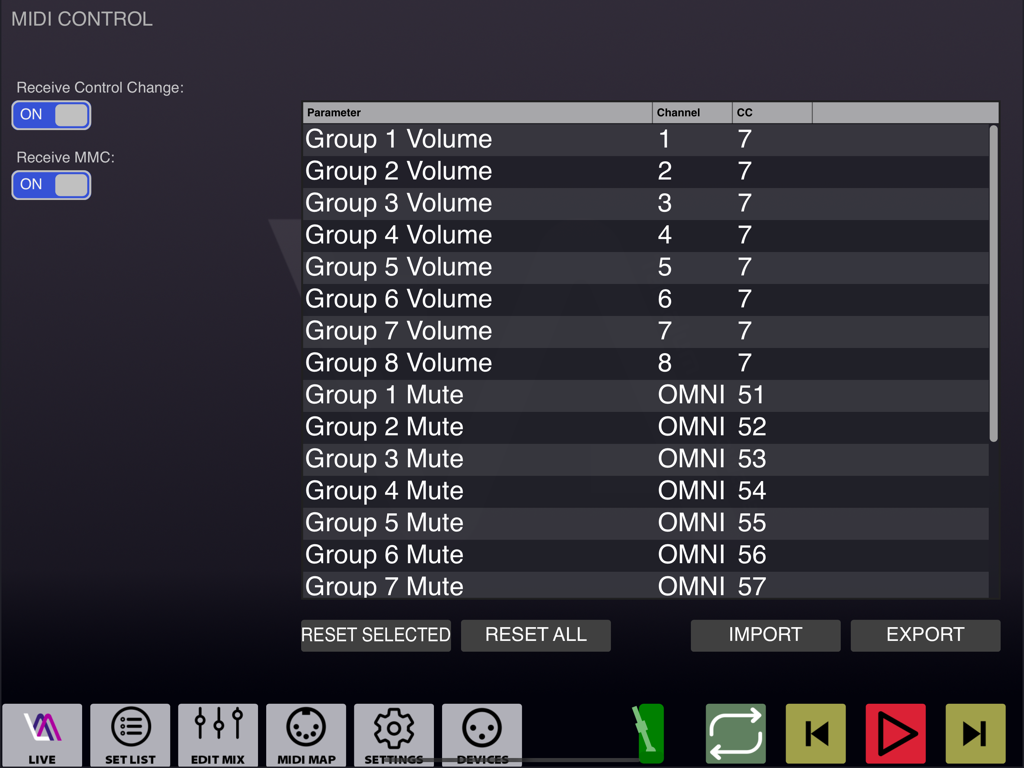
MIDI mapping and control configuration interface for Live Multitrack 2
Description
Download
More Like This
Top-ranked apps in the same category

Spotify: Music and Podcasts
Spotify

YouTube Music
Google LLC

Shazam: Find Music & Concerts
Apple Inc.

SoundCloud: The Music You Love
SoundCloud Global Limited & Co KG

Suno - AI Songs & Music
Suno Inc.

QQ音乐 - 听我想听
Tencent Technology (Shenzhen) Company Limited

Audiomack - Play Music Offline
Audiomack, Inc.

BandLab – Music Maker & Beats
BandLab Singapore Pte Ltd

GuitarTuna: Tune & Play Guitar
Yousician Ltd
This page is not an official page of the app or its developer, but an independent editorial publication created for informational and commentary purposes. Unless expressly stated otherwise, neither the app nor its developer is affiliated with, endorsed by, sponsored by, authorized by, or otherwise officially connected with MWM, Apple, Google Play, the app publisher, or the app's developer, and nothing on this page implies that the app was developed using MWM's services. Any trademarks, logos, screenshots, and other content remain the property of their respective owners.