
This page is not an official page of the app or its developer, but an independent editorial publication created for informational and commentary purposes. Unless expressly stated otherwise, neither the app nor its developer is affiliated with, endorsed by, sponsored by, authorized by, or otherwise officially connected with MWM, Apple, Google Play, the app publisher, or the app's developer, and nothing on this page implies that the app was developed using MWM's services. Any trademarks, logos, screenshots, and other content remain the property of their respective owners.


Loomerly: Loom, peyote & brick
The ultimate tool for beaders. Turn your photos into custom loom, peyote, and brick stitch designs with Miyuki & Toho palettes. Export printable PDFs and word charts with a one-time purchase—no subscriptions, ever.
Downloads
27K+User Rating
Total Ratings
1K+Publisher
Category
LifestyleLocales
33Latest Version
3.8.2Size
40.4 MBFirst Released
Jul 15, 2022Design Your Next Masterpiece
The ultimate digital studio for seed bead artists. Create intricate loom, peyote, and brick stitch patterns with professional tools designed for your creative workflow.
Photo-to-Pattern Magic
Instantly transform photos of pets, landscapes, or loved ones into bead-ready charts with our intelligent conversion wizard.
Professional Bead Palettes
Design with precision using official color libraries from Miyuki, Toho, and Preciosa to ensure your digital art matches your physical beads.
The following screenshots and description are sourced directly from the app's official store listing and are the property of the app developer.
App Store
Screenshots
Intro screen for Loomerly app showing a colorful beaded feather pattern and text about creating seed bead designs
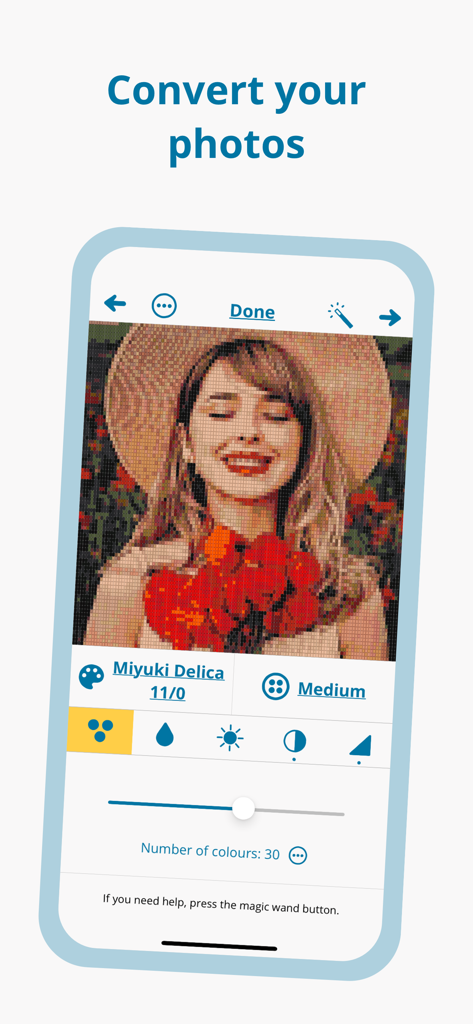
Loomerly app interface showing a portrait photo converted into a bead pattern with Miyuki Delica color settings
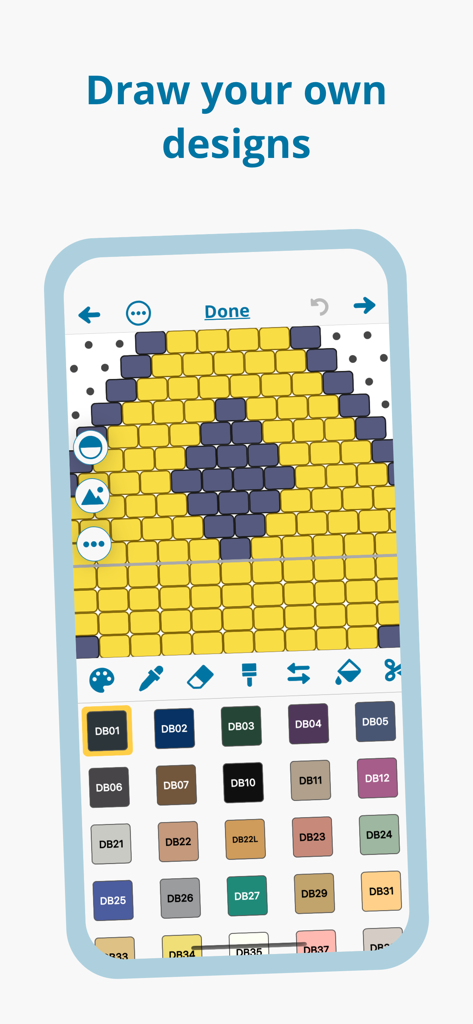
A screenshot of the Loomerly app showing a bead pattern design interface with a color palette and a grid of yellow and purple beads.
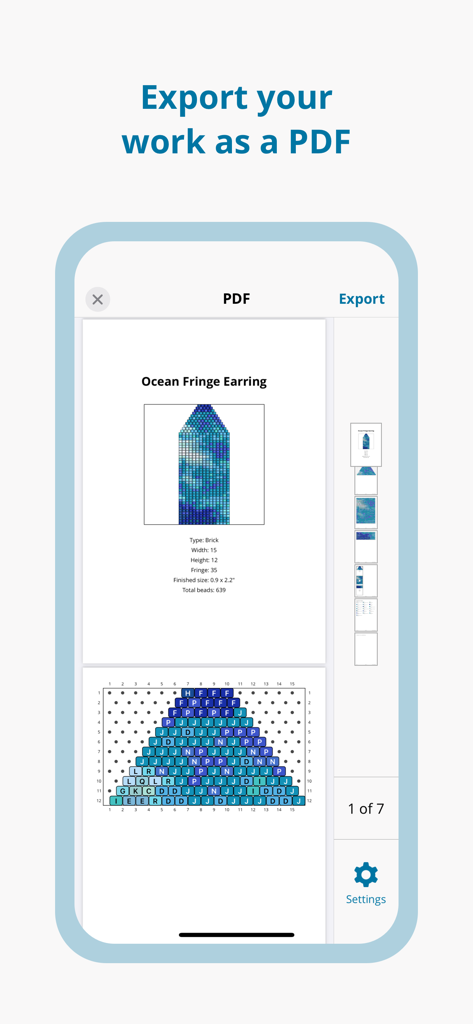
A preview of an earring beading pattern being exported as a PDF in the Loomerly app
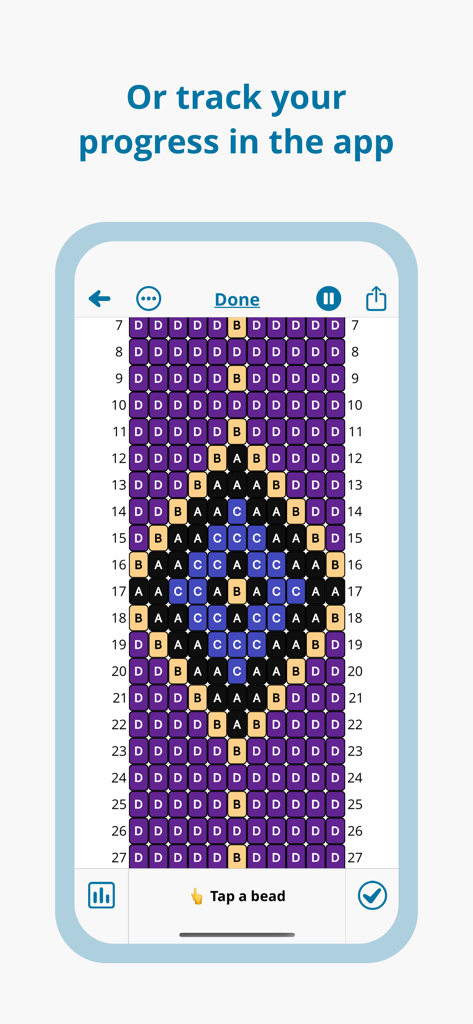
A mobile interface of the Loomerly app displaying a digital bead pattern with labeled colors to track crafting progress.
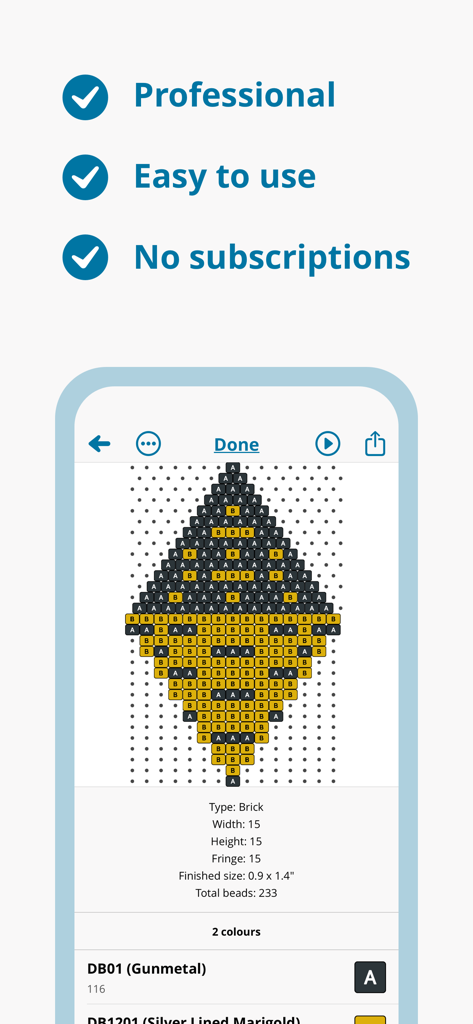
Loomerly app interface showing a brick stitch bead pattern and professional features.
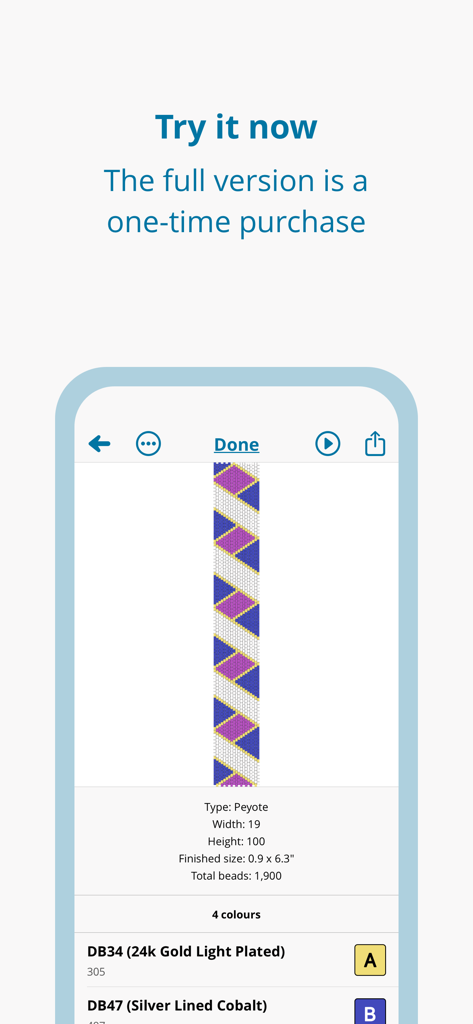
Loomerly mobile app interface displaying a geometric peyote stitch bead pattern with material list and one-time purchase promotion.
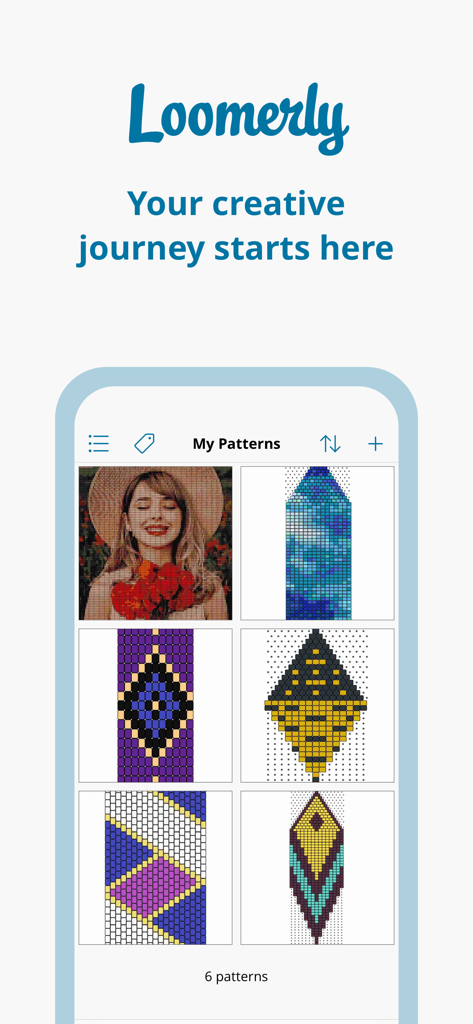
Loomerly app gallery showing various seed bead pattern designs for loom and peyote stitching

A welcoming message from the Loomerly app creators Harry and Charlotte.

A menu screen showcasing related craft apps including Stitchly for cross stitch, Perlypop for fuse beads, and Dotterly for diamond art
Description
Download
More Like This
Apps with similar features and user experience

Loopsy - Crochet & Knitting
Springtown Labs Inc.

GamFa: Notes, Games & Perks
Mayyada Mubaraka Arain

My Row Counter, Knit & Crochet
AnnapurnApp Technologies UG haftungsbeschrankt

Board Game Stats
Eerko Vissering

knitCompanion knitting & more
Create2Thrive Inc.

Markup R-XP
KewinLawsonSmith Limited

Brewfather
Warpkode AS

Stash Hub
Douglas Todd

LoopCraft: Crochet & Knitting
Scala technology limited
This page is not an official page of the app or its developer, but an independent editorial publication created for informational and commentary purposes. Unless expressly stated otherwise, neither the app nor its developer is affiliated with, endorsed by, sponsored by, authorized by, or otherwise officially connected with MWM, Apple, Google Play, the app publisher, or the app's developer, and nothing on this page implies that the app was developed using MWM's services. Any trademarks, logos, screenshots, and other content remain the property of their respective owners.