
This page is not an official page of the app or its developer, but an independent editorial publication created for informational and commentary purposes. Unless expressly stated otherwise, neither the app nor its developer is affiliated with, endorsed by, sponsored by, authorized by, or otherwise officially connected with MWM, Apple, Google Play, the app publisher, or the app's developer, and nothing on this page implies that the app was developed using MWM's services. Any trademarks, logos, screenshots, and other content remain the property of their respective owners.


Lumbernatics - Wood Drawings
The simple 3D tool for DIYers and woodworkers. Visualize your ideas, customize dimensions, and get instant lumber lists for your next weekend project without the complexity of CAD software.
Downloads
7K+User Rating
Total Ratings
100Publisher
Category
BusinessLocales
13Latest Version
2.9Size
4.1 MBFirst Released
Aug 29, 2024From Vision to Workbench
Designed for DIYers who want professional results without the learning curve of complex CAD software. Plan your projects in minutes, not hours.
Intuitive 3D & 2D Design
Visualize your project from every angle or sketch quick ideas in 2D. Perfect for weekend warriors who want to see the end result before making the first cut.
Automatic Lumber Lists
Export precise material lists to take to the hardware store. Save money by buying exactly what you need and eliminate those extra trips to Home Depot or Lowe’s.
The following screenshots and description are sourced directly from the app's official store listing and are the property of the app developer.
App Store
Screenshots
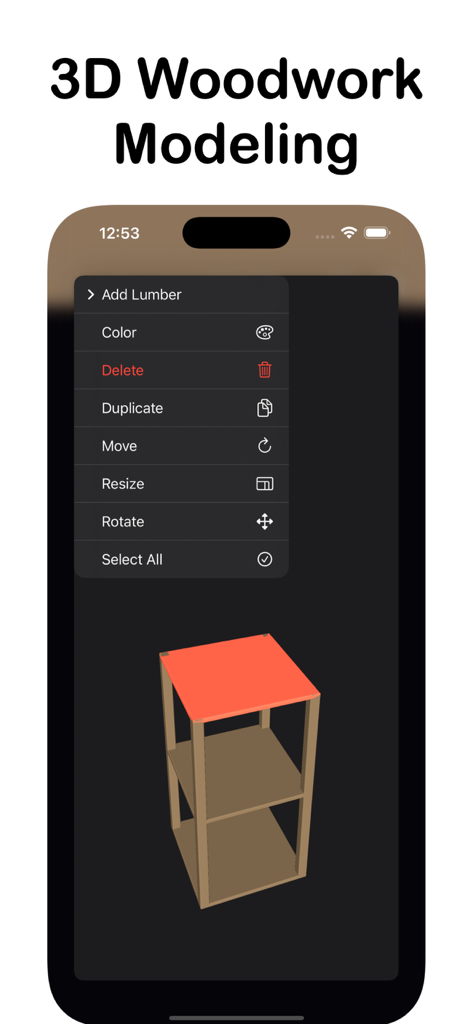
iPhone screen displaying the Lumbernatics 3D woodwork modeling tool with a furniture design and editing menu
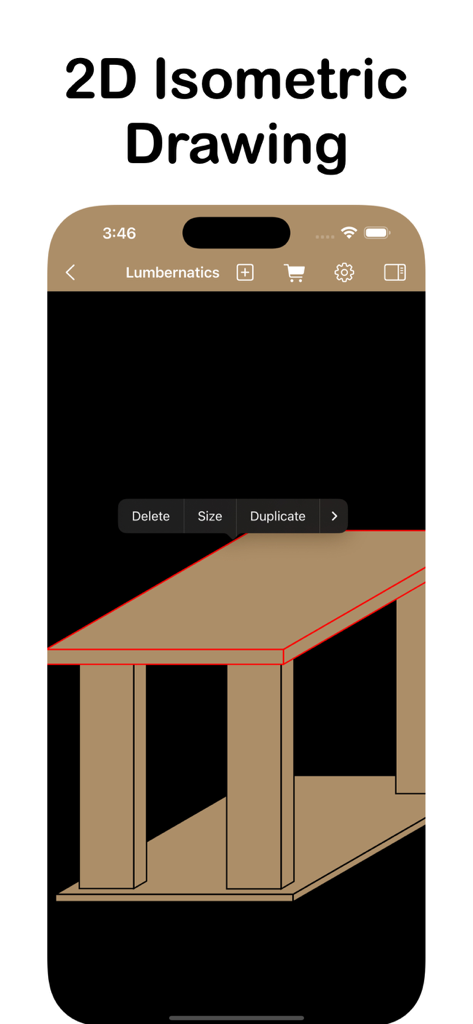
2D isometric wood project drawing in the Lumbernatics app interface
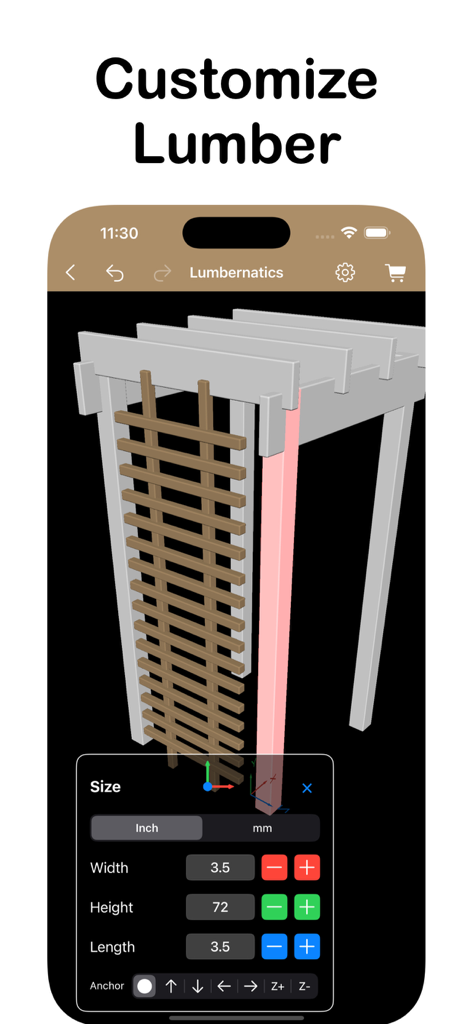
Lumbernatics app interface showing 3D wood structure and lumber size adjustment tools
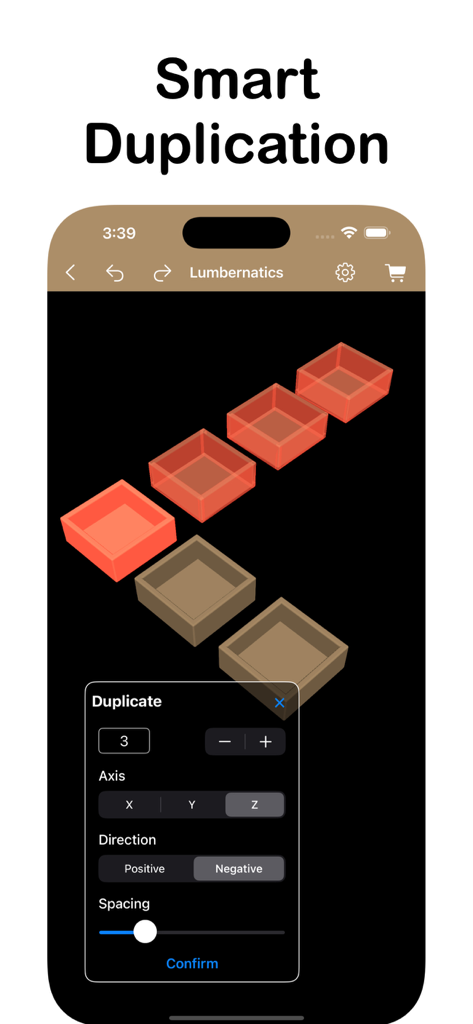
Smart duplication tool interface in the Lumbernatics woodworking app showing 3D model replication
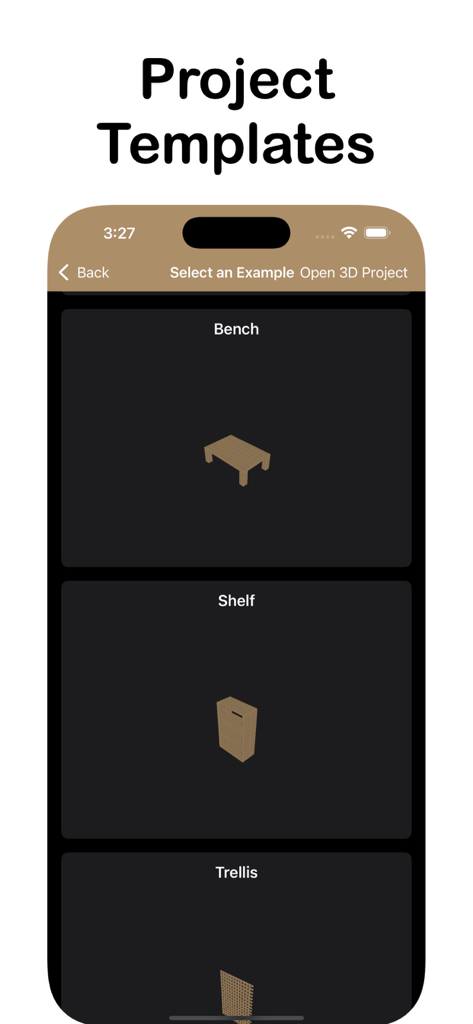
Woodworking project templates for benches and shelves in the Lumbernatics app
Description
Download
More Like This
Top-ranked apps in the same category

Microsoft Teams
Microsoft Corporation

Zoom Workplace
Zoom Communications, Inc.

WhatsApp Business
WhatsApp Inc.

Indeed Job Search
Indeed Inc.

LinkedIn: Network & Job Finder
LinkedIn Corporation

Adobe Acrobat Reader: Sign PDF
Adobe Inc.

WeCom-Work Communication&Tools
Tencent Technology (Shenzhen) Company Limited

BOSS直聘-招聘求职找工作神器
Beijing China Product Bo Farce Network Technology Co., Ltd.

DingDing - Redefine Work in AI
DingTalk Technology Co., Ltd.
This page is not an official page of the app or its developer, but an independent editorial publication created for informational and commentary purposes. Unless expressly stated otherwise, neither the app nor its developer is affiliated with, endorsed by, sponsored by, authorized by, or otherwise officially connected with MWM, Apple, Google Play, the app publisher, or the app's developer, and nothing on this page implies that the app was developed using MWM's services. Any trademarks, logos, screenshots, and other content remain the property of their respective owners.